

Employee Cost Calculator
Calculate employee costs beyond wages, including payroll taxes, benefits, workers' compensation, paid time off, and overhead. See total annual, monthly, and fully loaded hourly costs.
HR advisory, assessments, and operating tools for U.S. businesses
TrueStep HR tools
Find practical tools for hiring, pay, employee relations, workforce planning, and everyday HR work. Browse by situation, format, or industry. Each product shows what is included and what it costs.
Answer four questions to find a tool that fits your situation. See its price and how it can help with the work ahead.
What you receive See the price and included files on each product page. Every purchase includes a full refund within 30 days. Request a refund at support@truestephr.com. What we cover
Calculate employee costs beyond wages, including payroll taxes, benefits, workers' compensation, paid time off, and overhead. See total annual, monthly, and fully loaded hourly costs.
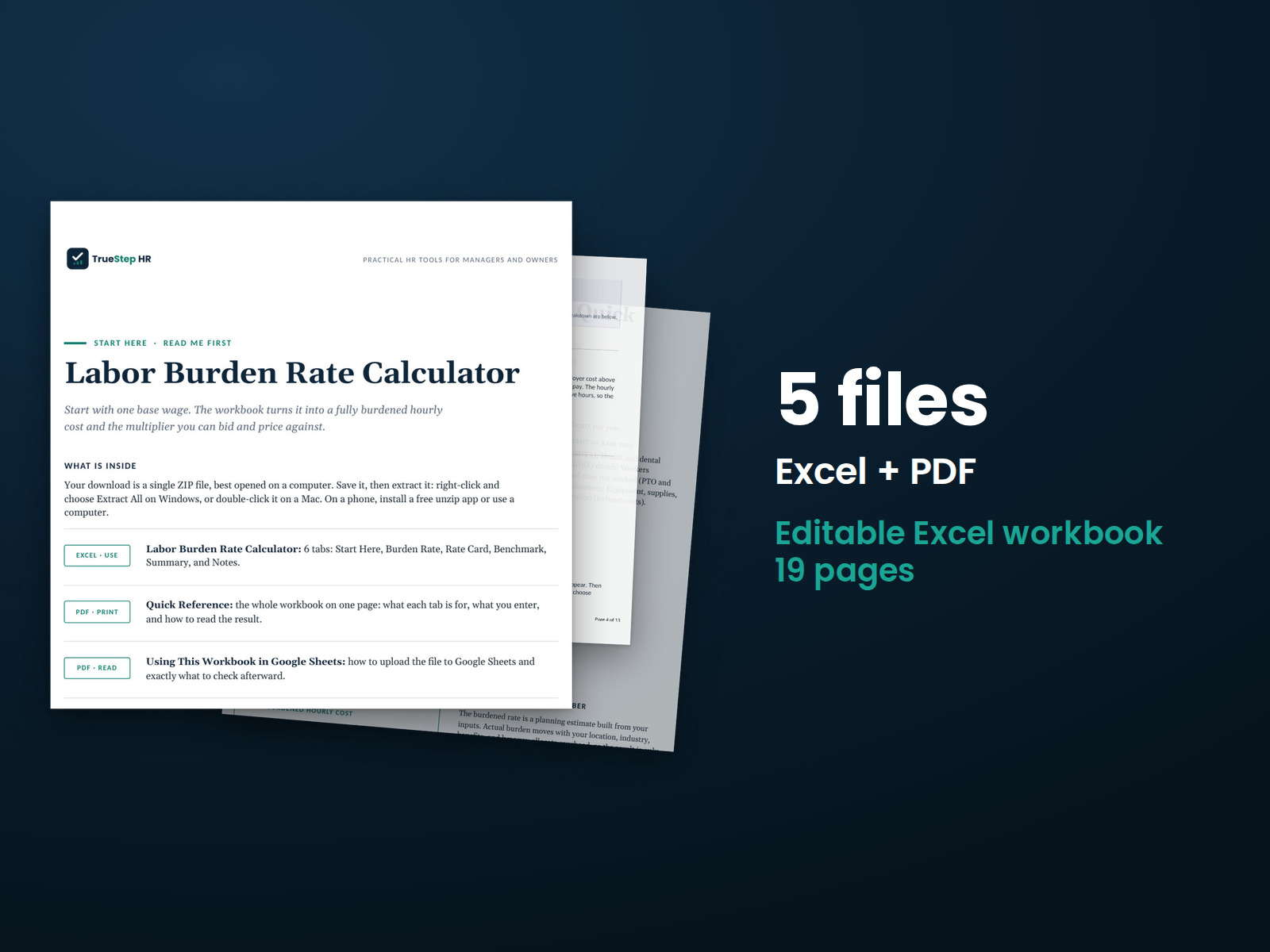
Price jobs and prepare bids using your fully burdened hourly labor rate. Calculate total hourly labor cost and the multiplier on base pay from employer costs and productive hours.
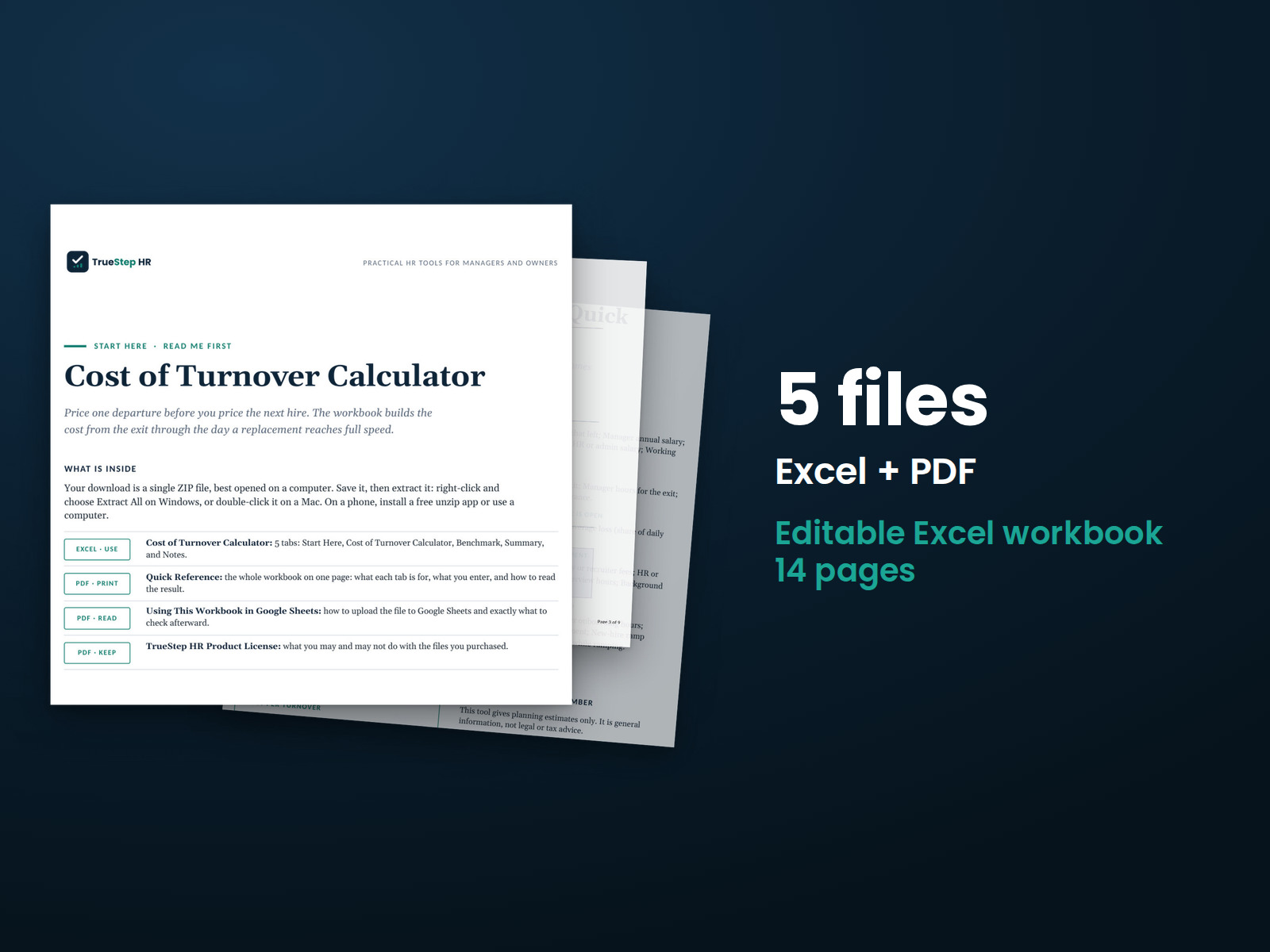
Calculate the cost of replacing an employee using the salaries of the people involved, the time they spend, and other replacement expenses.
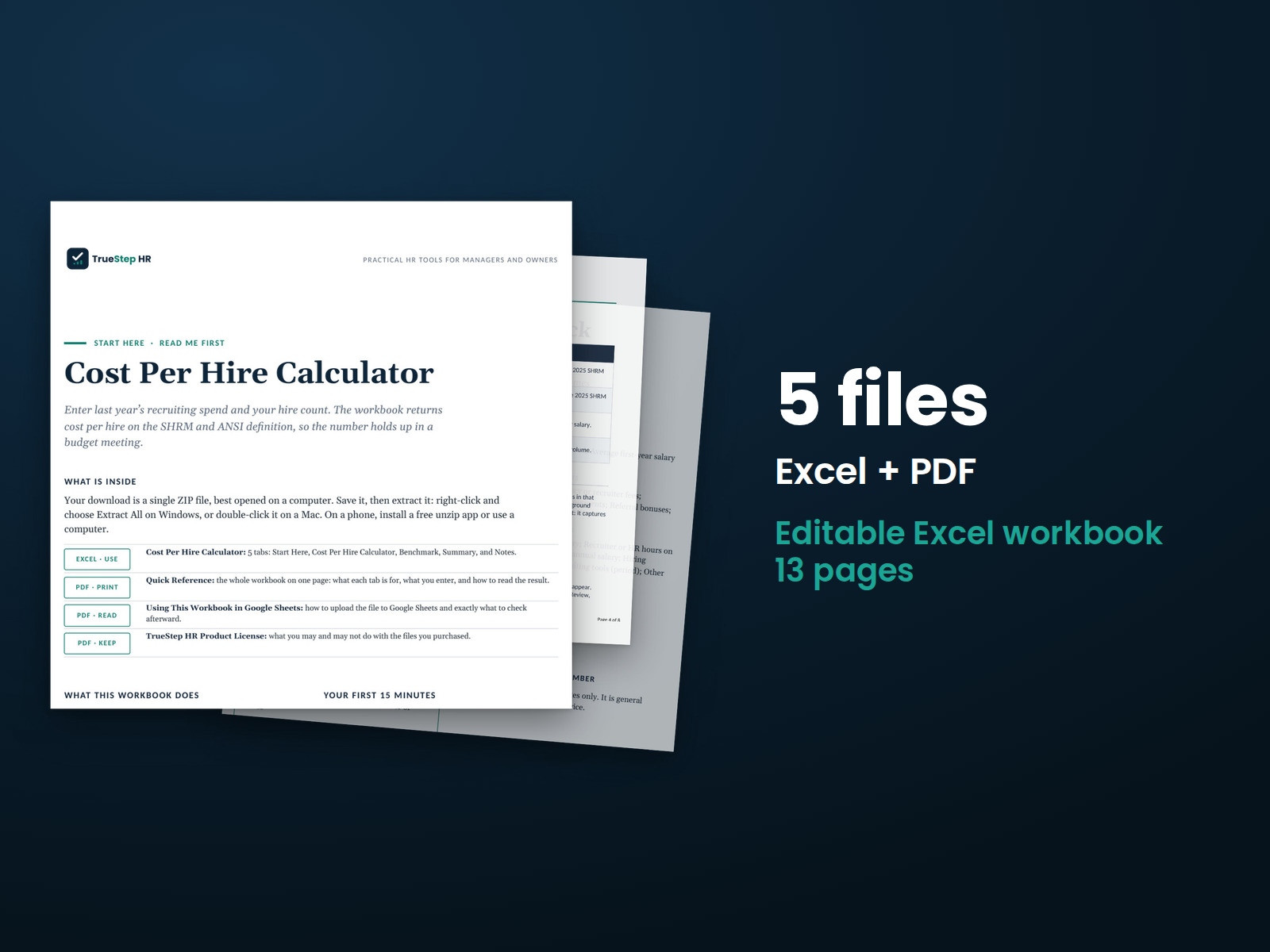
See your recruiting costs using the SHRM and ANSI cost-per-hire method, including external recruiting expenses and the cost of recruiter and hiring manager time.
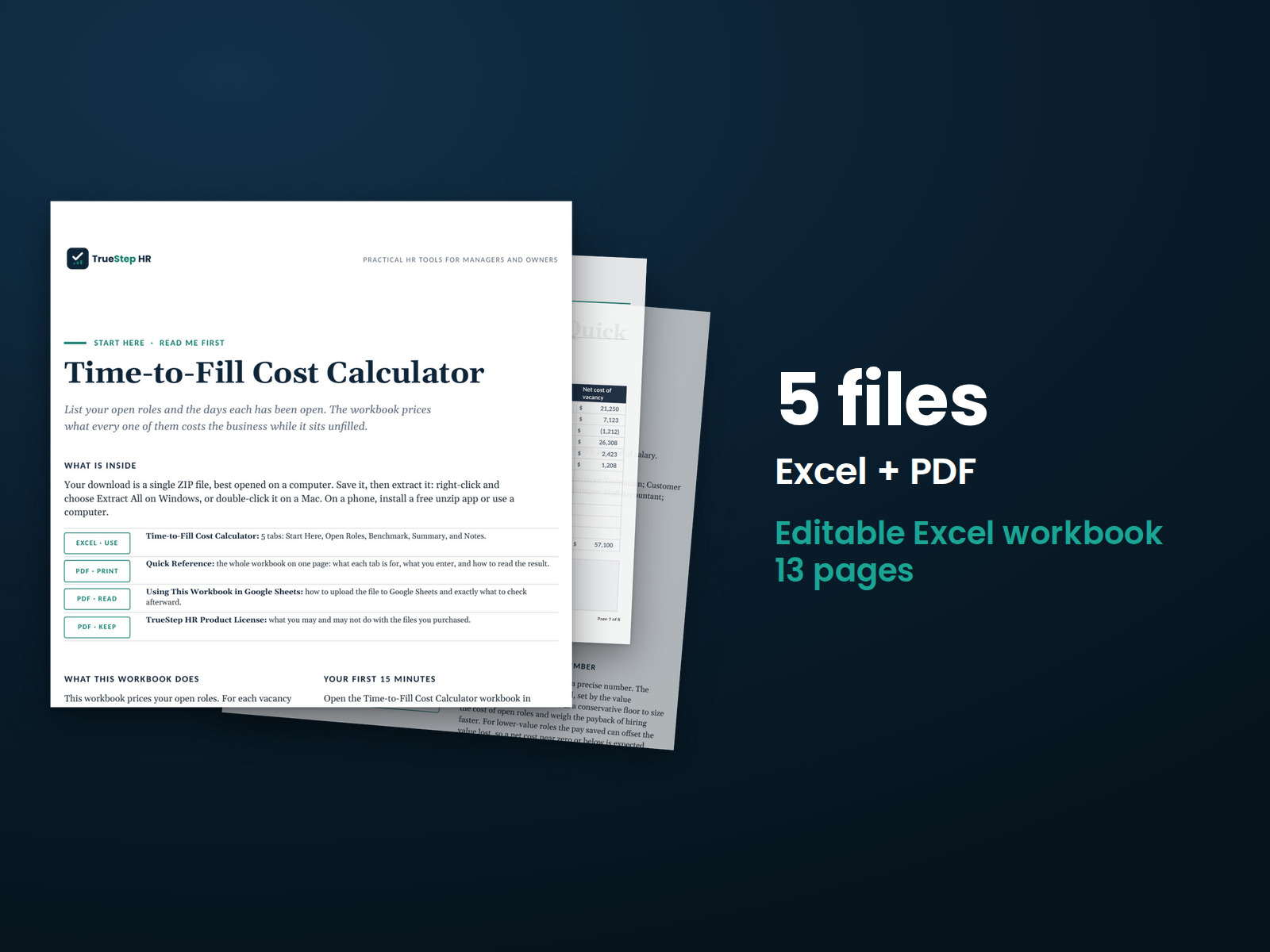
See what an open position costs using salary, the value the role produces, and days vacant. Get the net cost for each vacancy, the total across open roles, and potential savings from faster hiring.
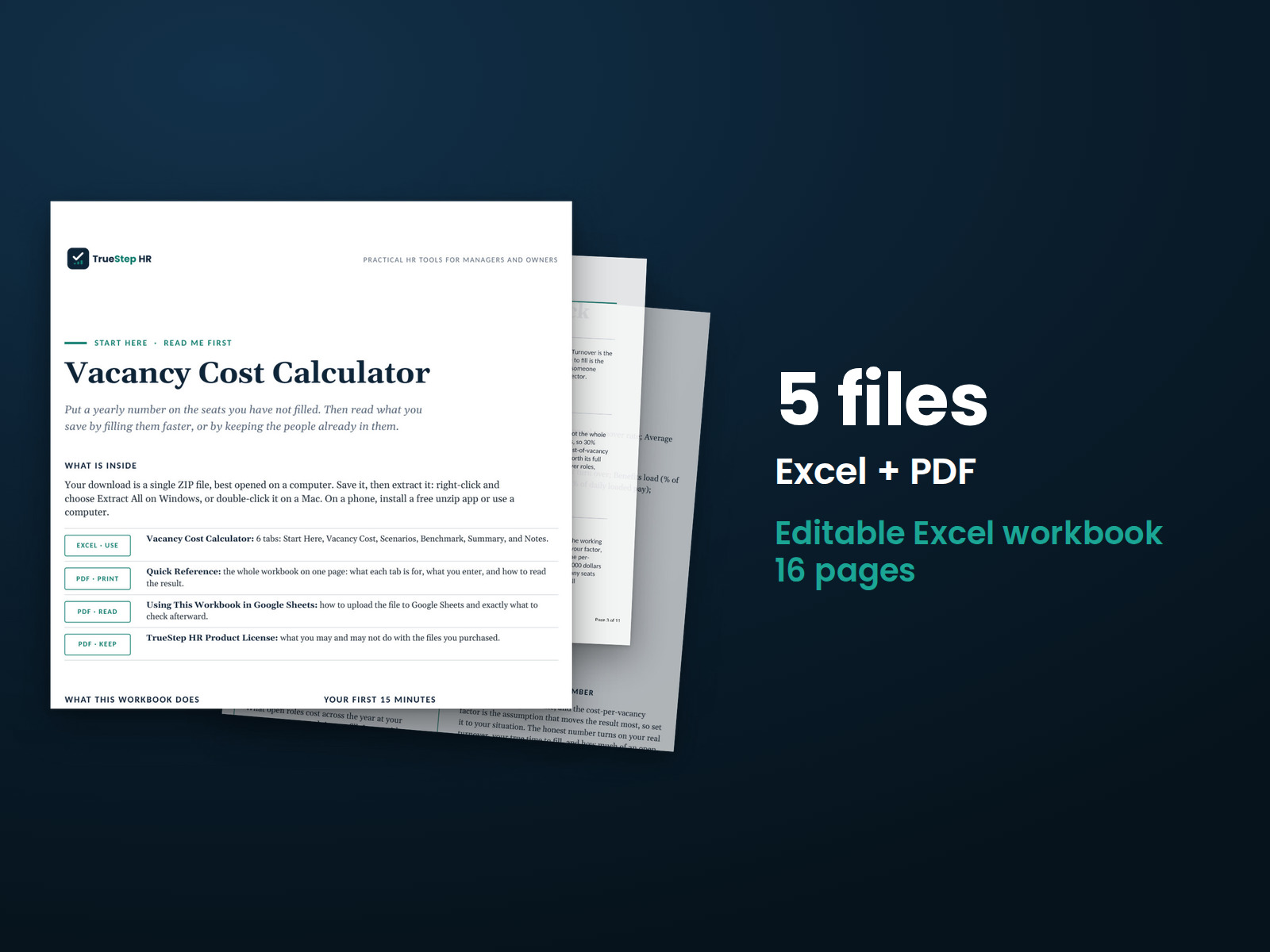
See what vacancies cost over a year using your headcount, turnover, and time to fill. The workbook calculates annual costs, the average number of unfilled positions, and potential savings from faster hiring or improved retention.
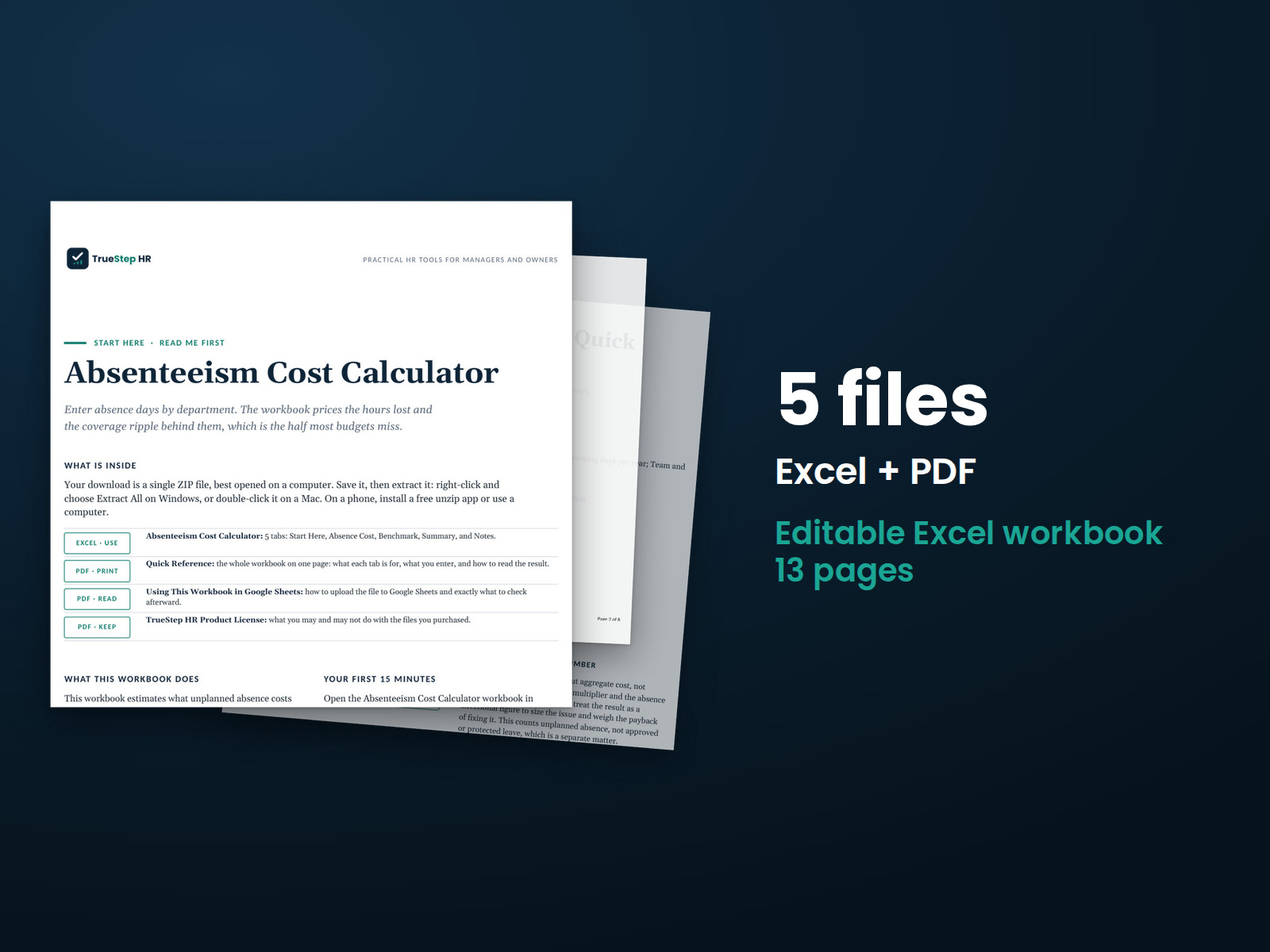
Estimate the cost of unplanned employee absences. Enter each department’s headcount, pay, and absence days.
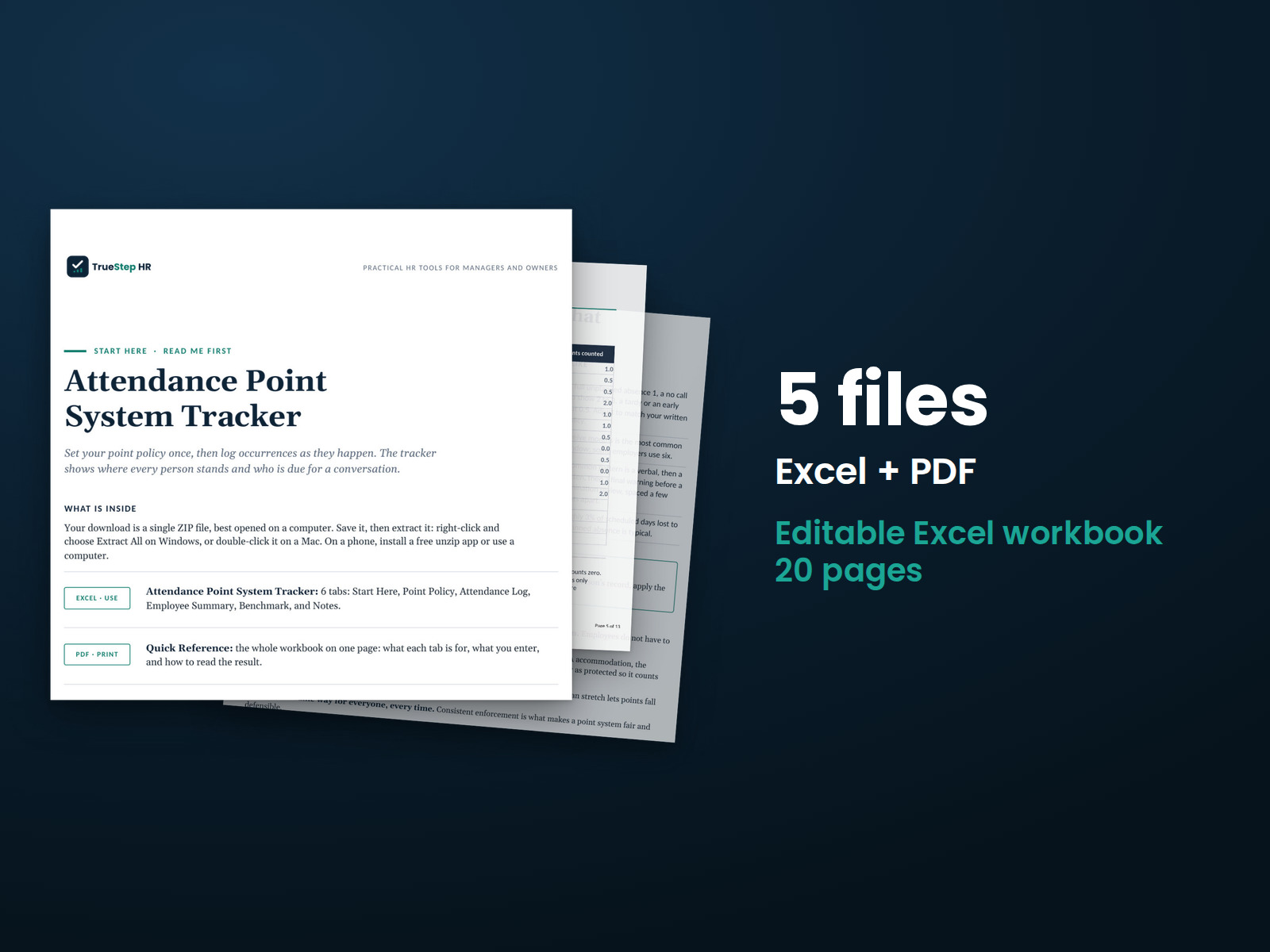
Manage no-fault attendance points for your team in one workbook, with protected absences excluded from point calculations. Set the policy once and log each occurrence.
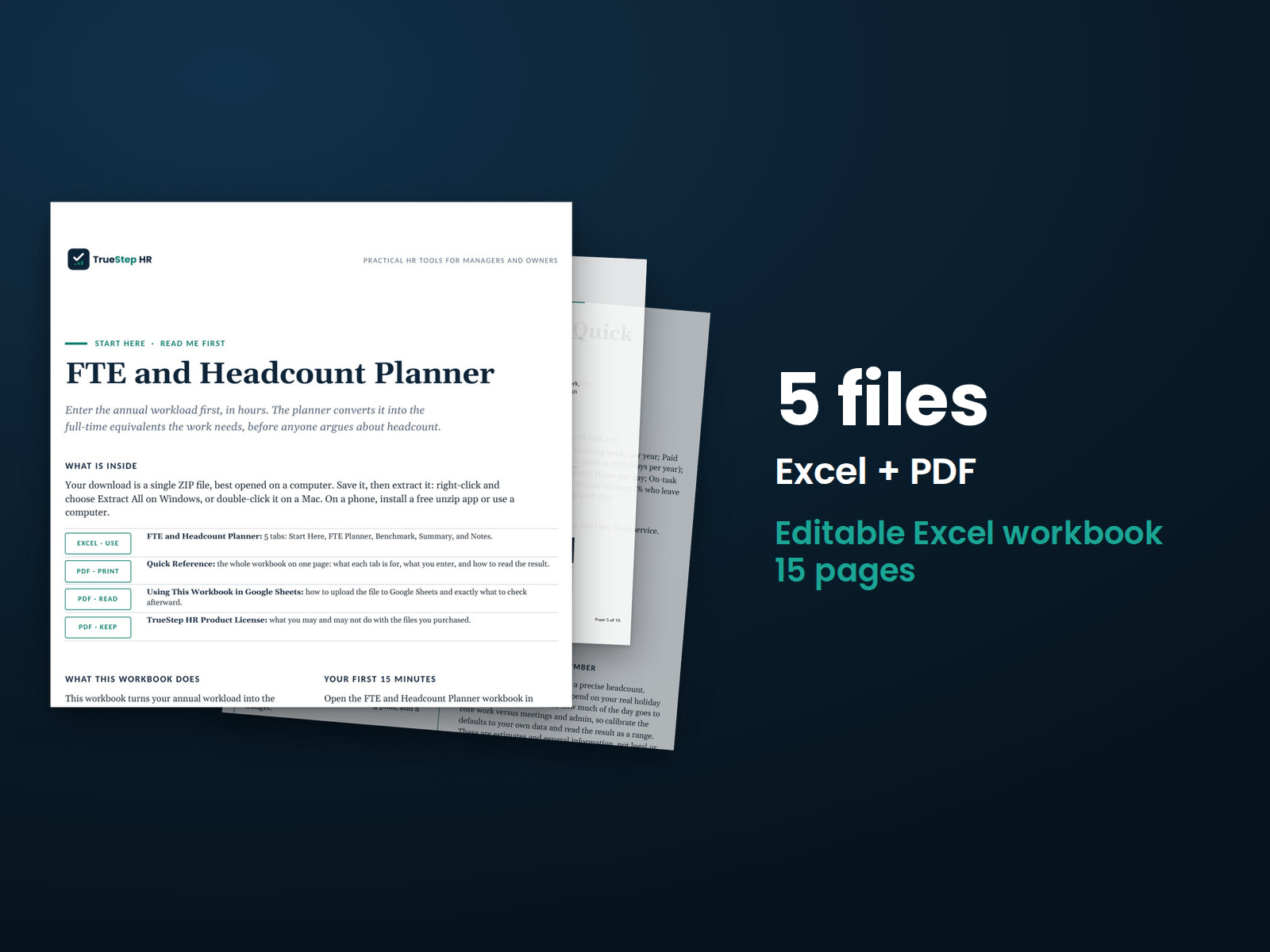
Use annual volume and current staffing to estimate each team's staffing needs.
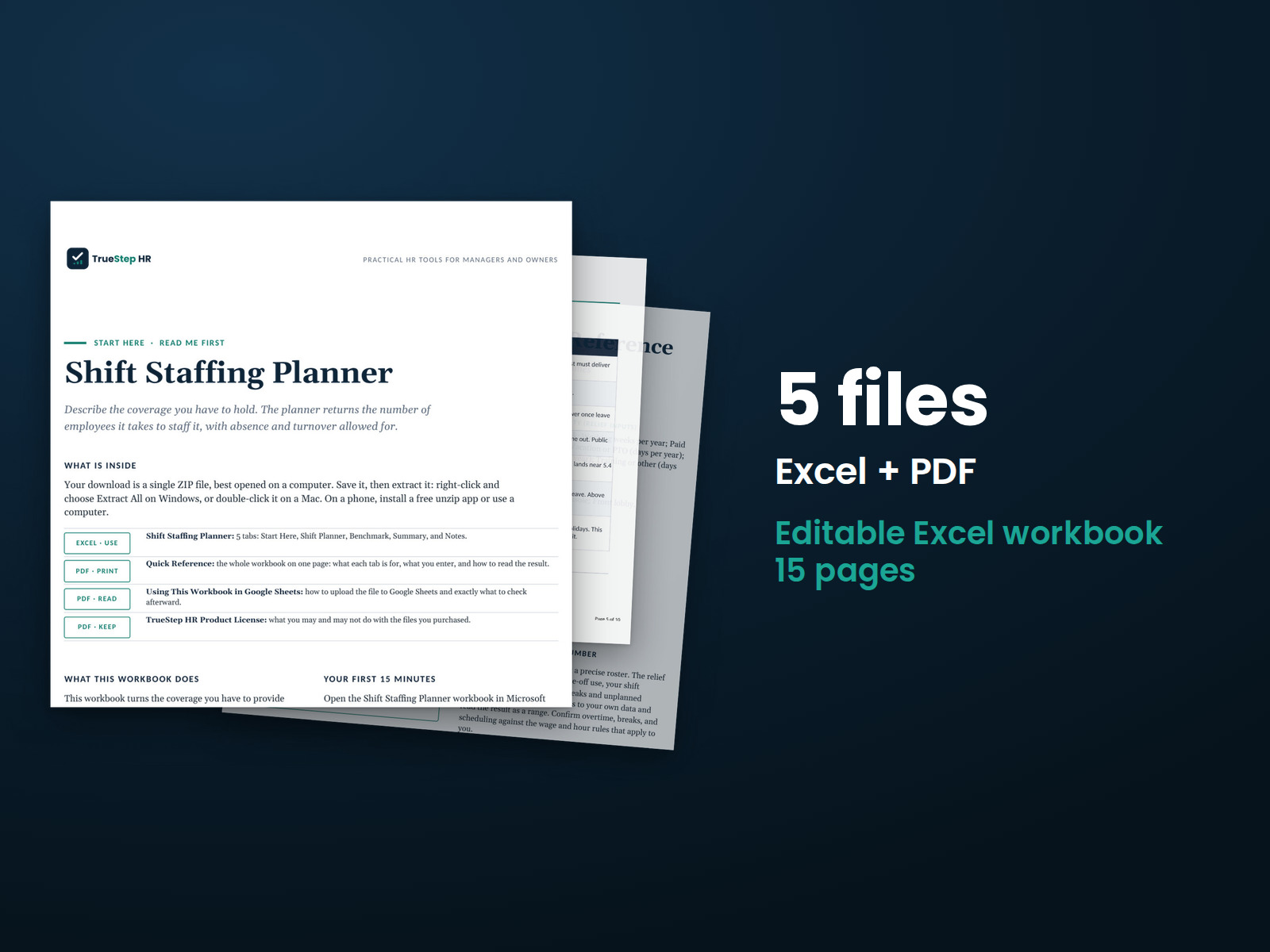
Calculate how many employees you need to cover each shift. Set your time-off assumptions once, then list the posts that need coverage.
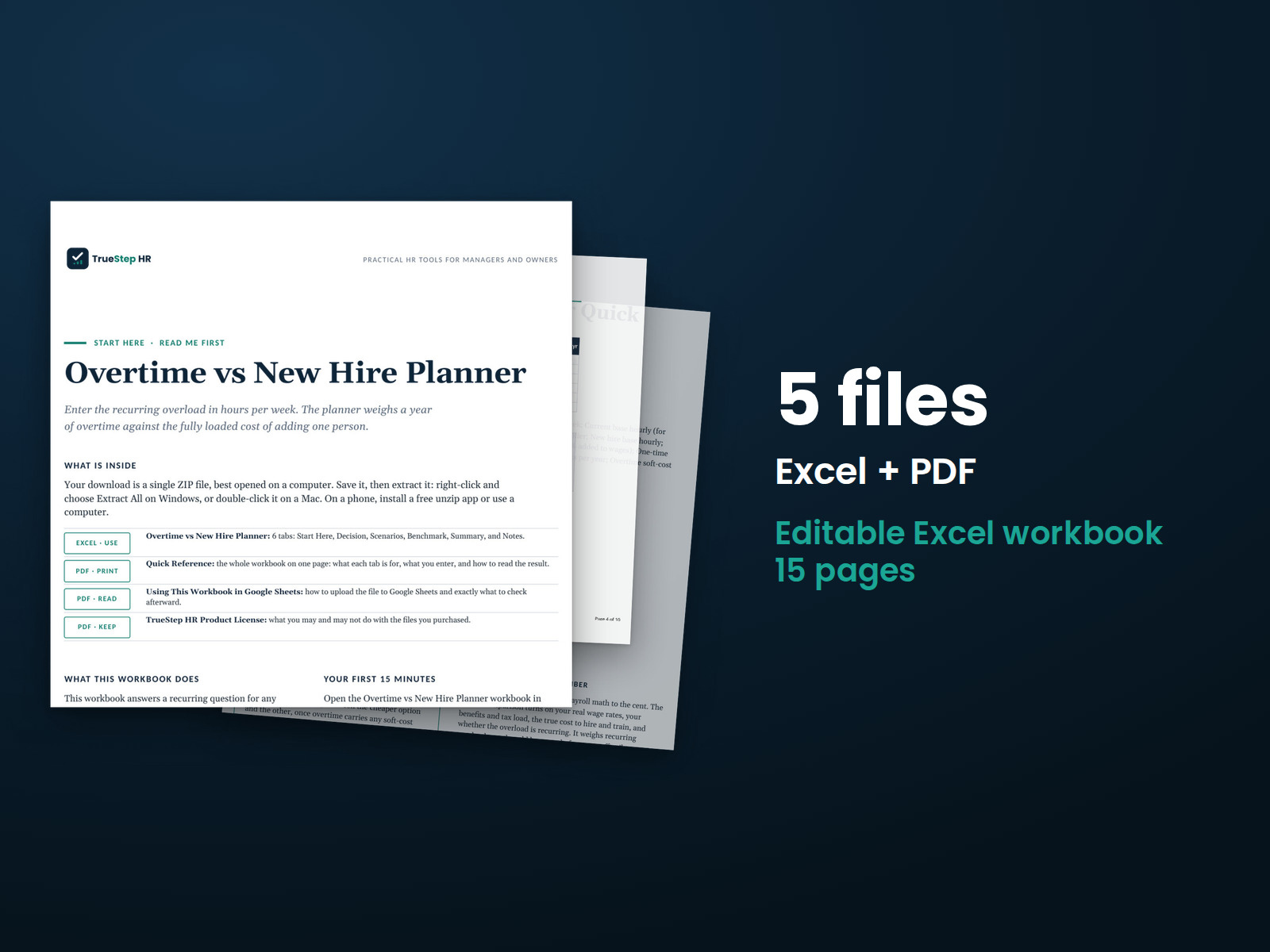
Compare recurring overtime with the fully loaded cost of hiring another employee. Enter the extra hours per week, pay rates, benefits load, and one-time hiring cost to see how the options compare.
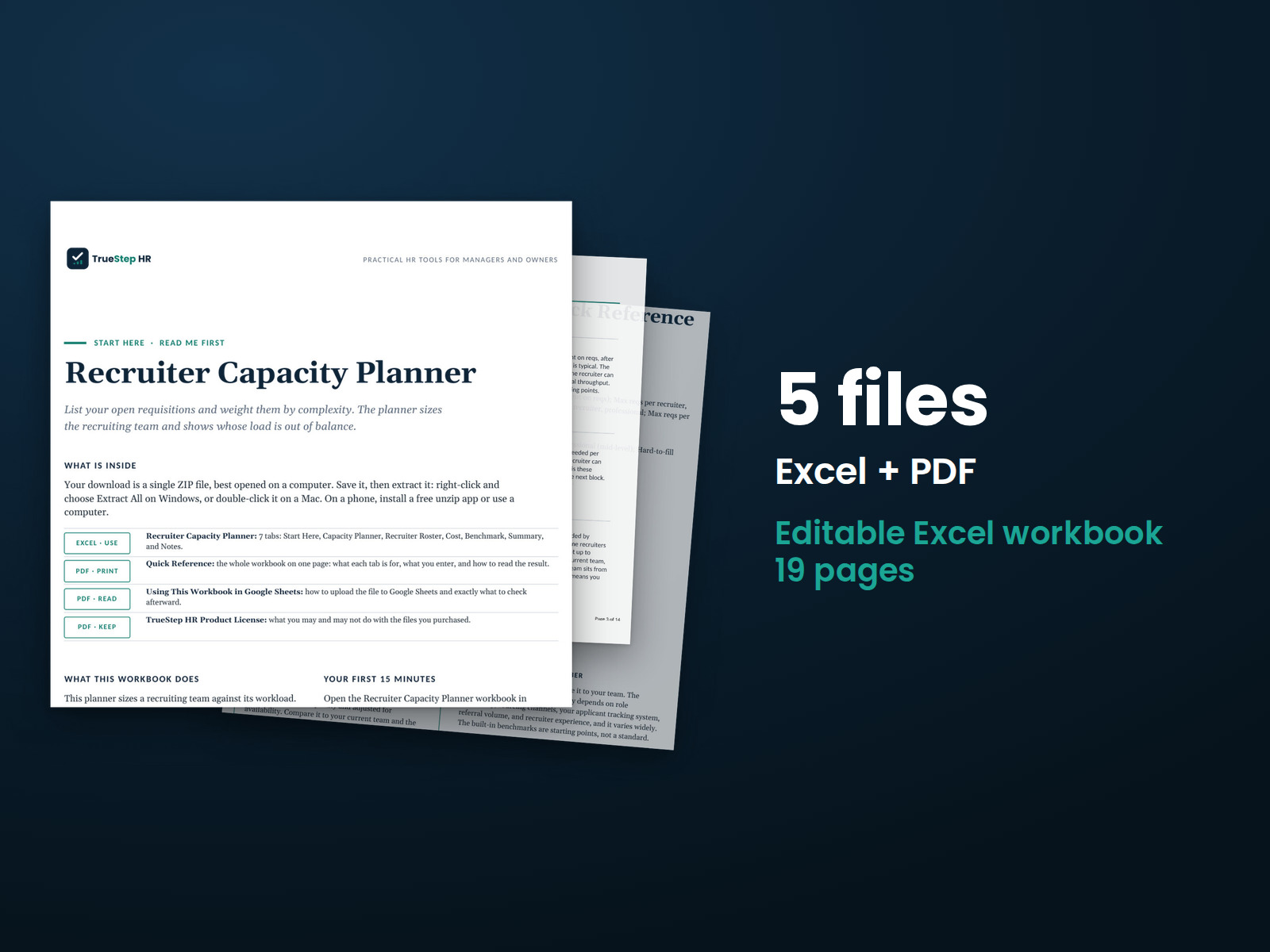
See how many recruiters your hiring workload requires and how the work could be distributed. The estimate accounts for open positions, hiring complexity, and current staffing.
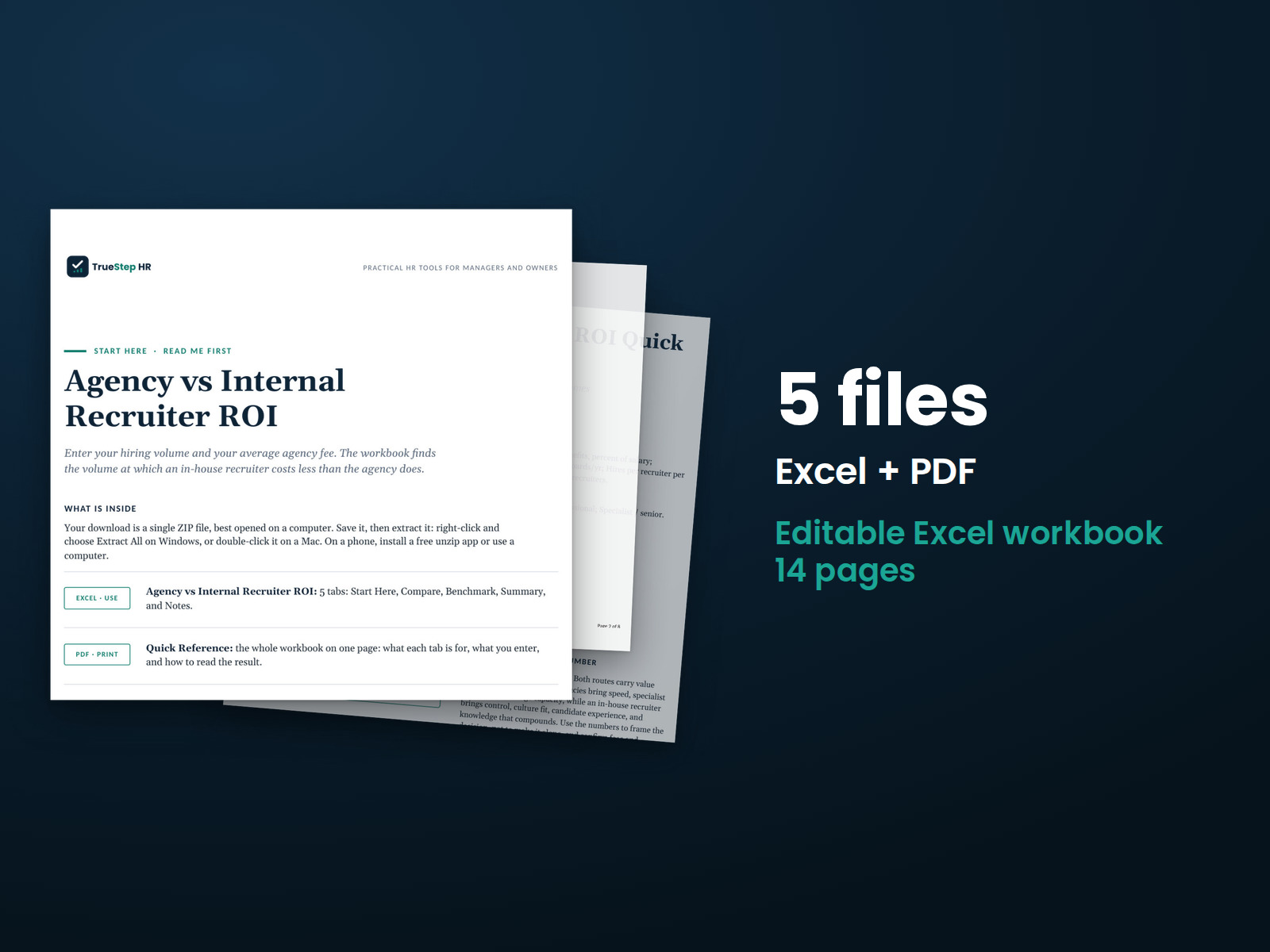
Compare annual agency fees with the cost of an internal recruiter. Factor in recruiter compensation, capacity, hiring volume, and agency rates to see which approach costs less and how much you could save.
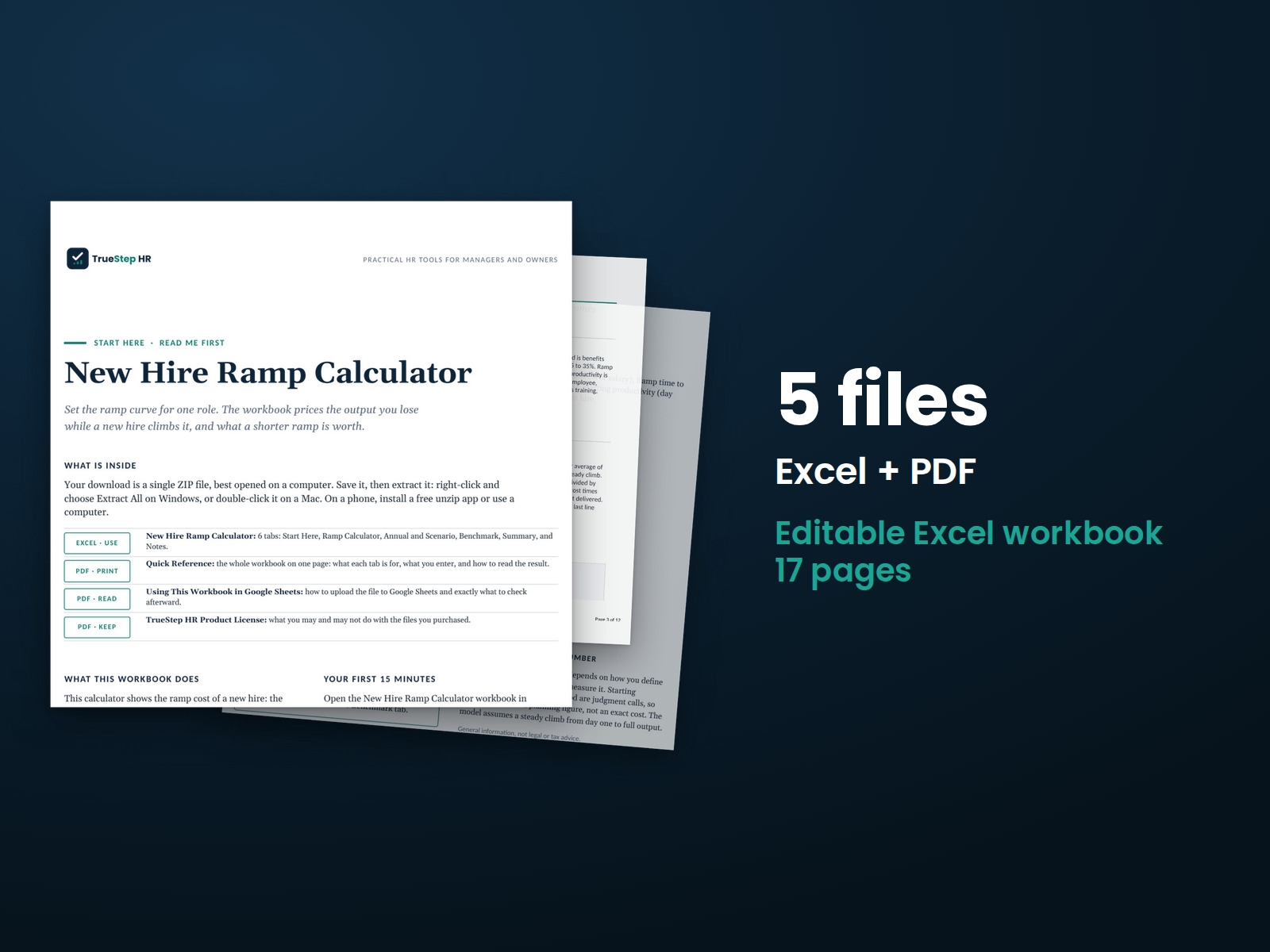
Estimate the cost of bringing a new hire to full productivity. Use salary, ramp time, and starting productivity to calculate ramp costs and potential savings from a faster ramp.
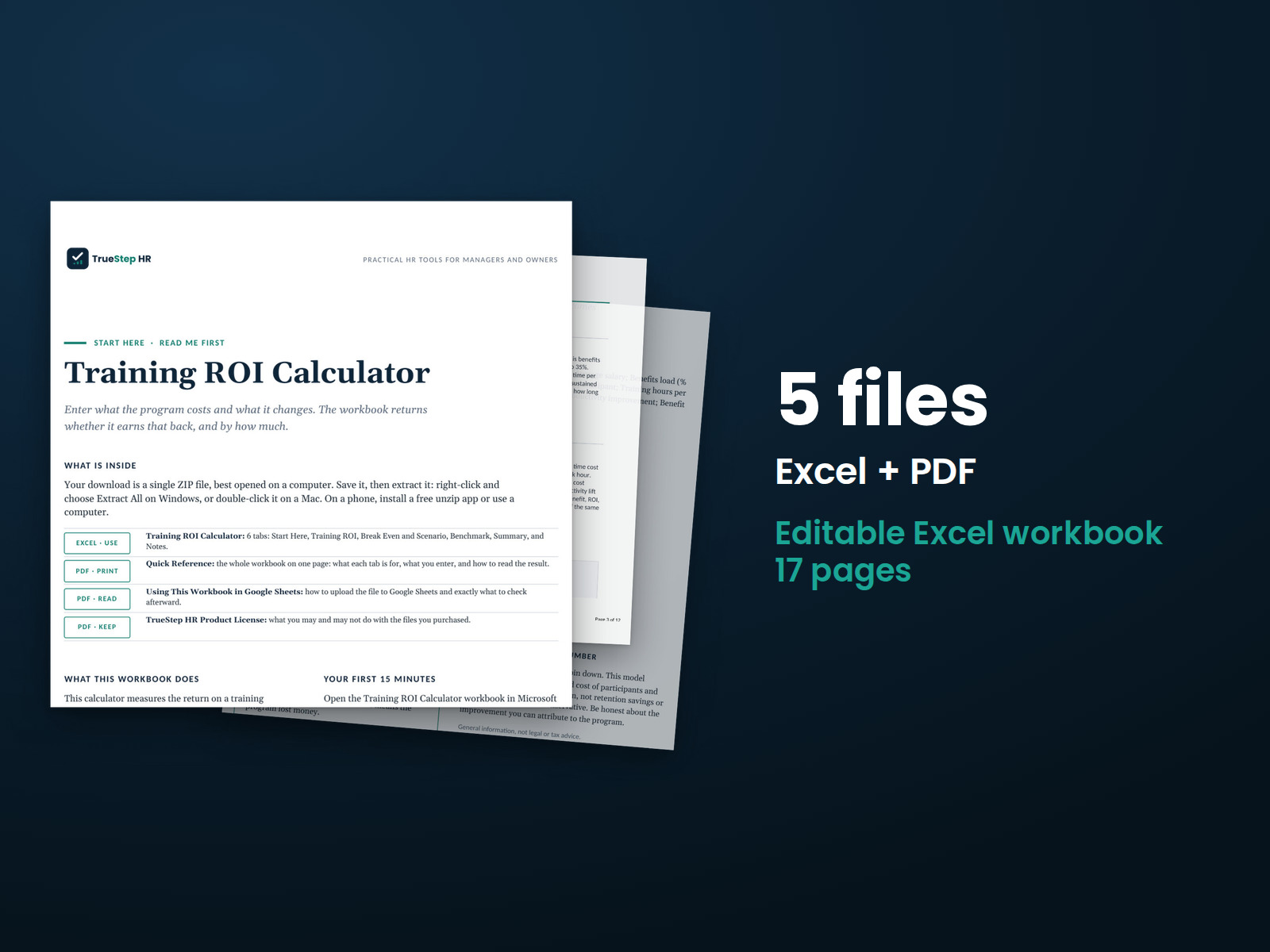
Estimate the financial return on a training program. Enter program costs, employee time, and expected productivity improvements to compare the investment with its potential benefits.
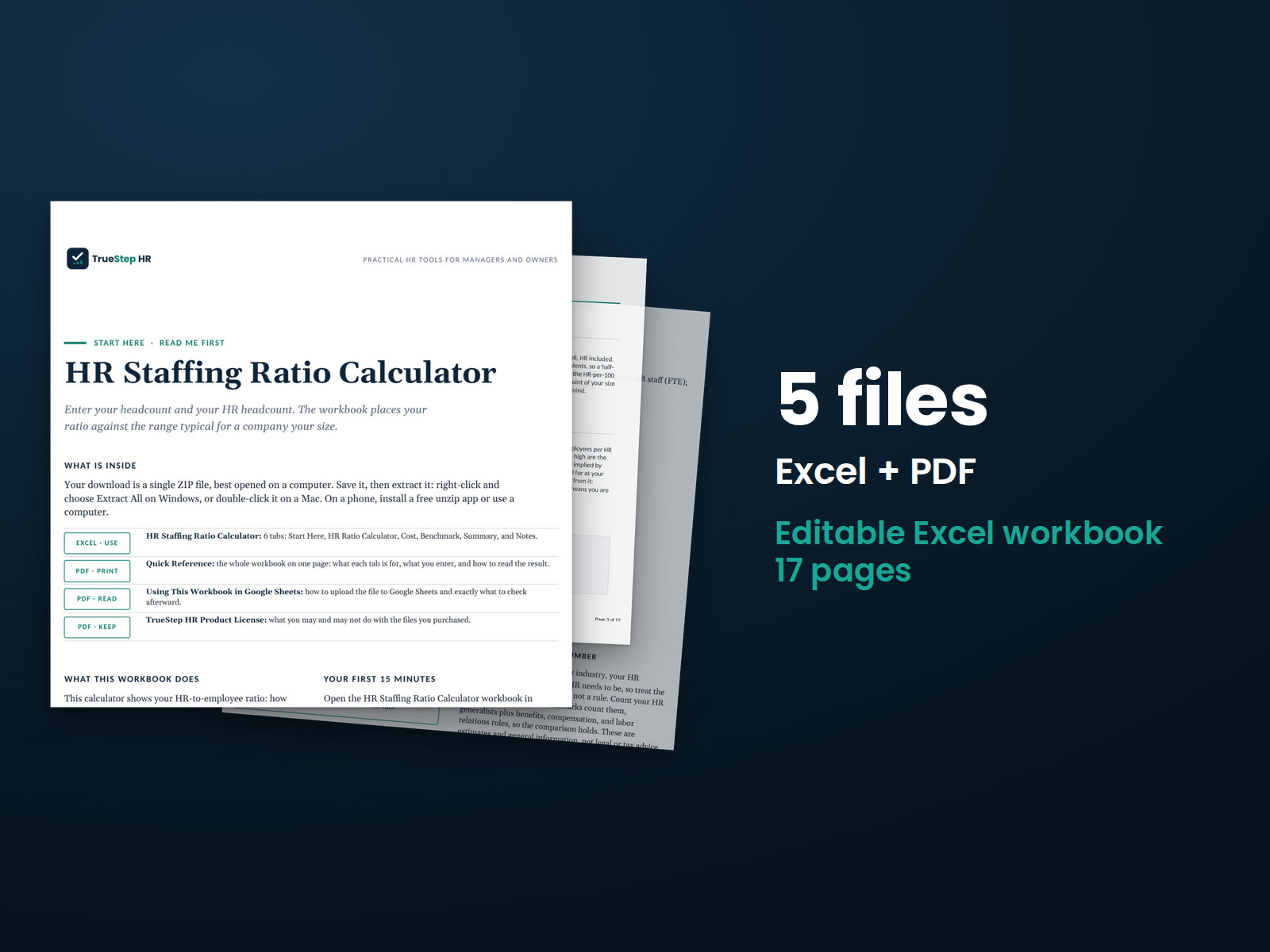
Compare your HR staffing ratio with a benchmark for organizations of similar size. Enter employee headcount and HR staffing to calculate your ratio, the difference from your chosen target, and HR cost per employee.
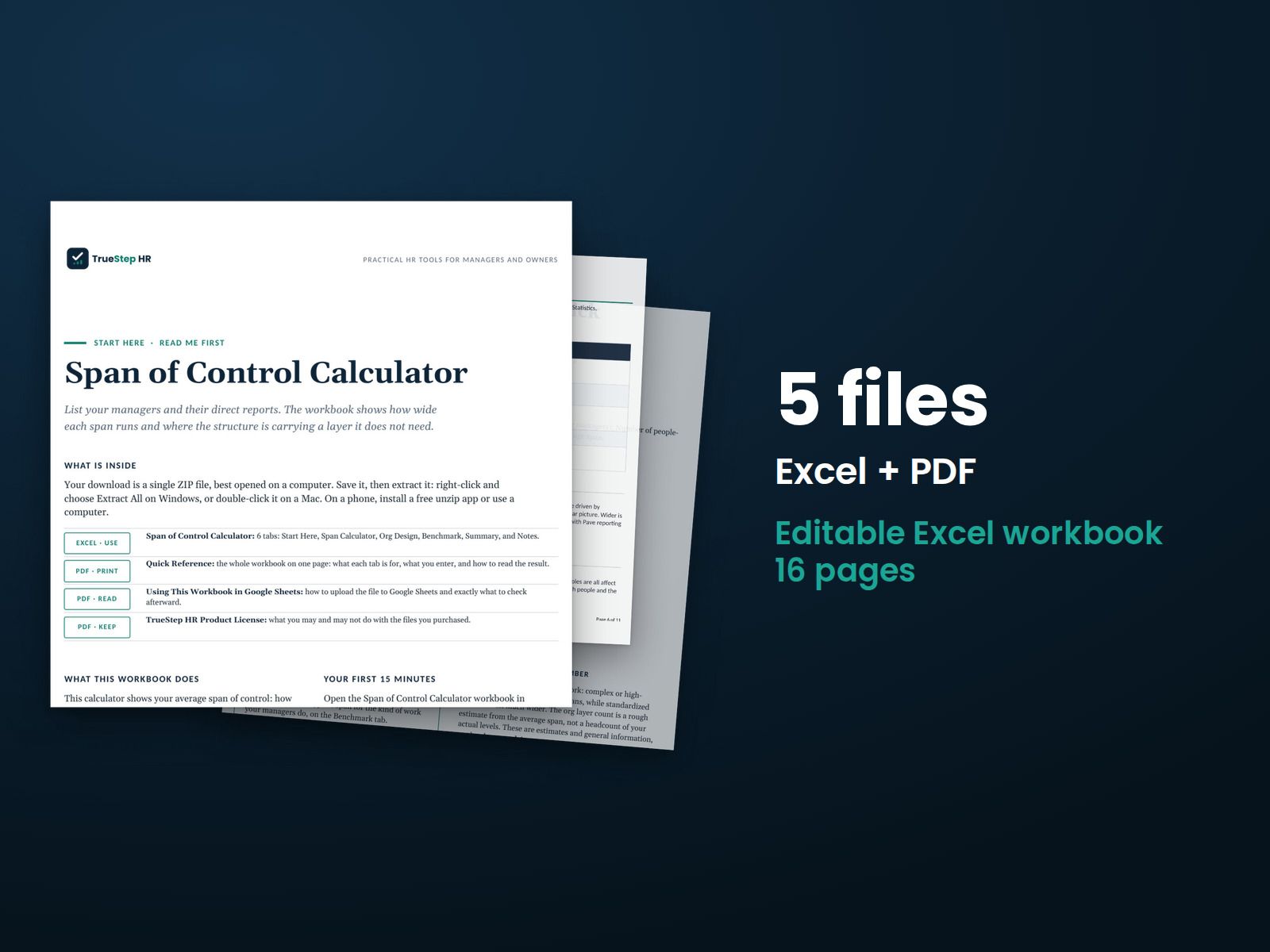
Calculate the average number of direct reports per manager using employee and manager counts. Then model how changes to your management structure affect costs.
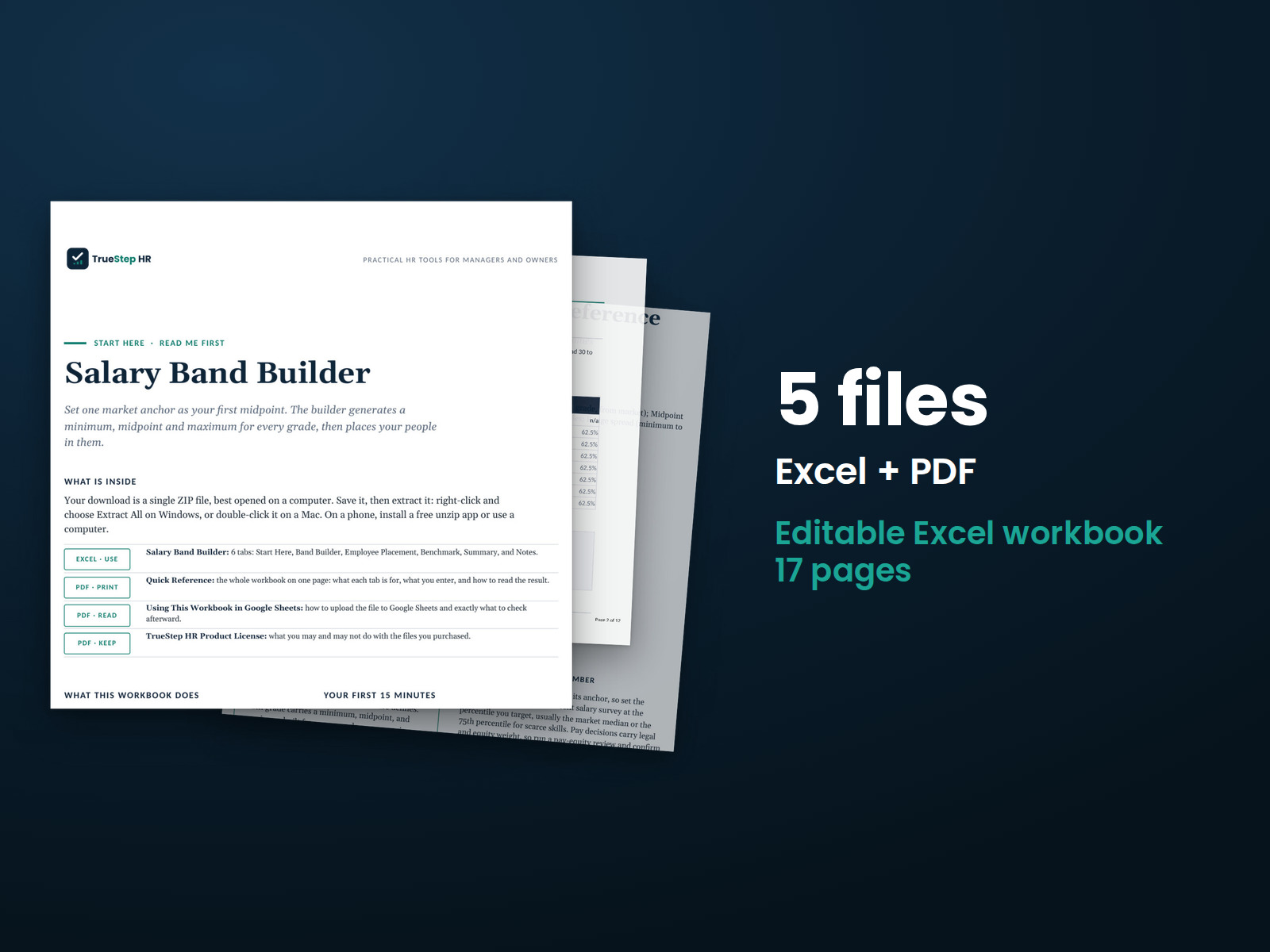
Build salary ranges from market pay data. Enter a market pay anchor, grade progression, and range spread. The workbook creates minimums, midpoints, and maximums for each grade and shows where employees fall within their ranges.
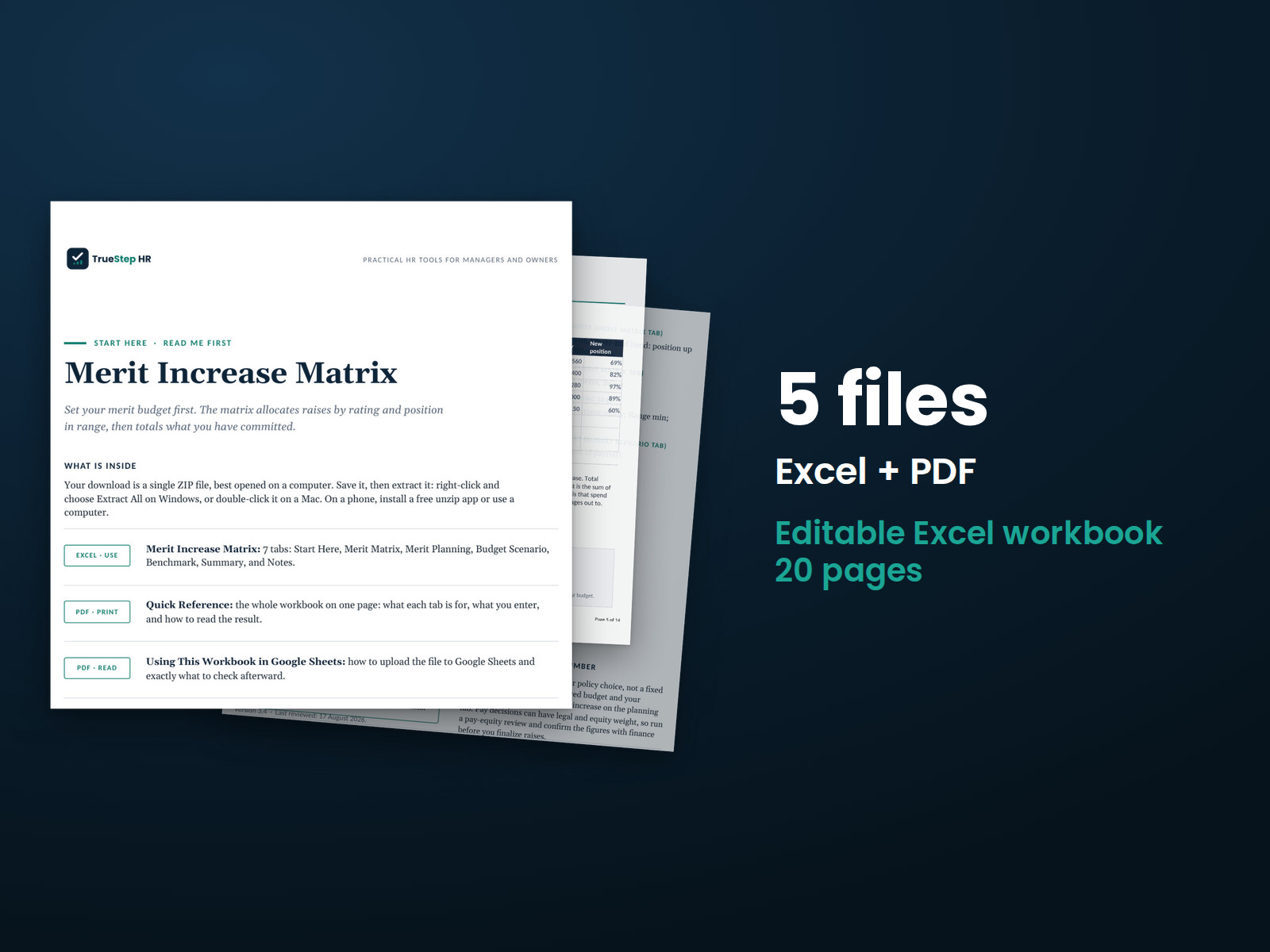
Plan merit increases using performance ratings and employees' positions within their salary ranges. Set your matrix and enter employee information to calculate proposed increases, total costs, and how the plan fits your budget.
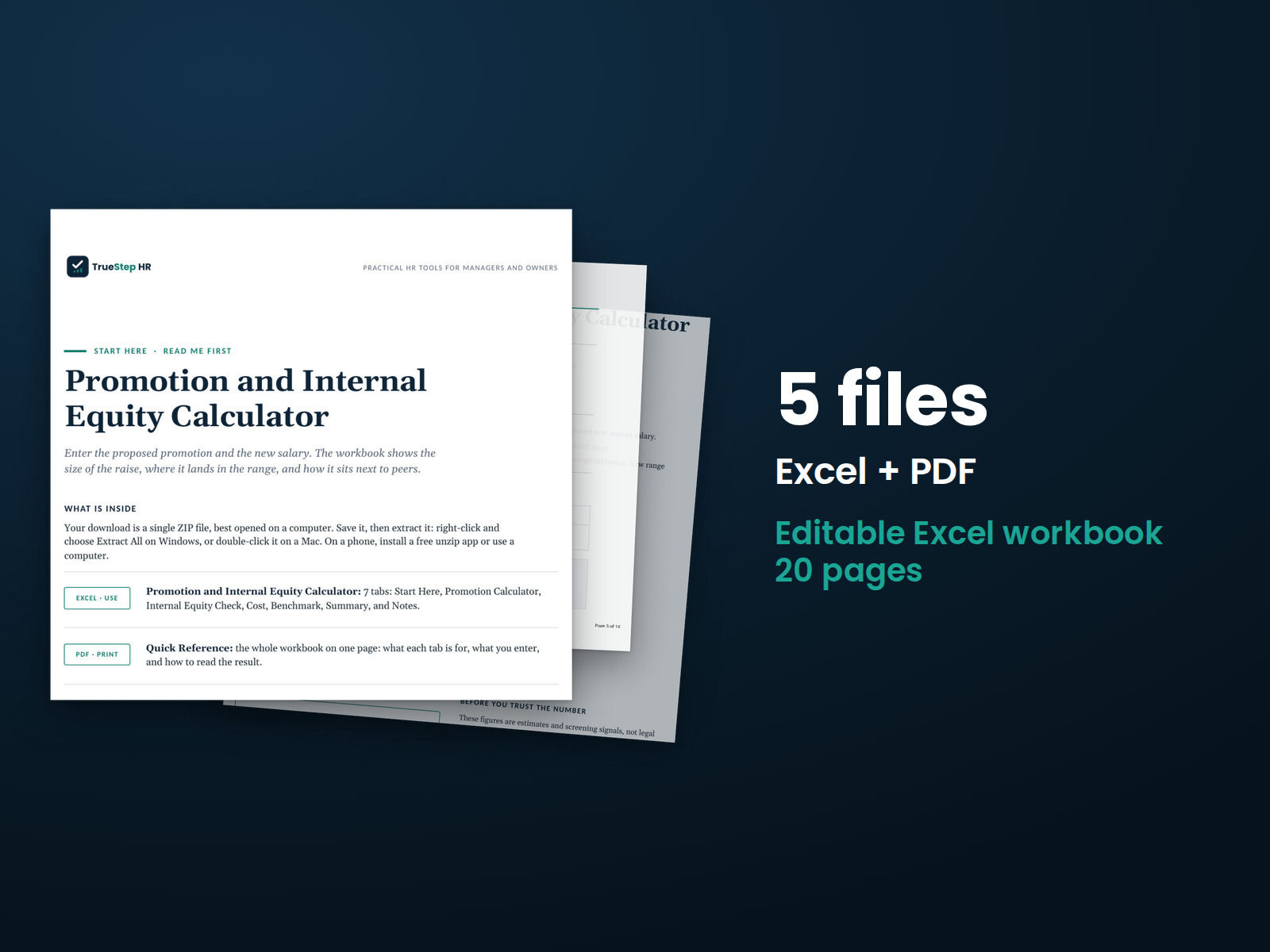
Review a proposed promotion before finalizing pay. Enter the employee's current salary, new grade and range, proposed pay, and peer salaries. See the increase, position within the new range, comparison with peers, and first-year cost.
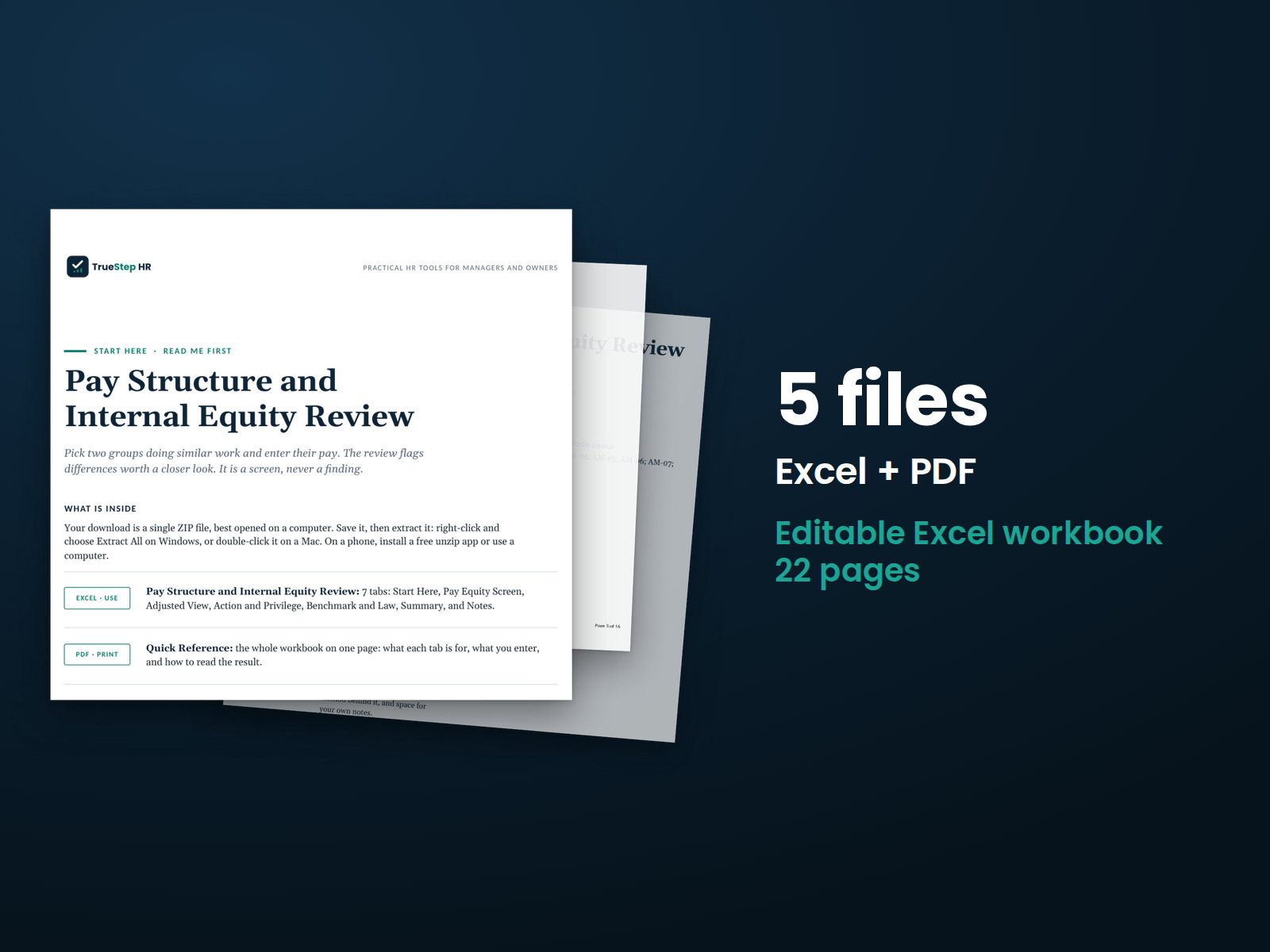
Compare pay between two employee groups using a three-step review. Enter your pay data in Excel and use the accompanying PDF guide to document the comparison and explain the method.
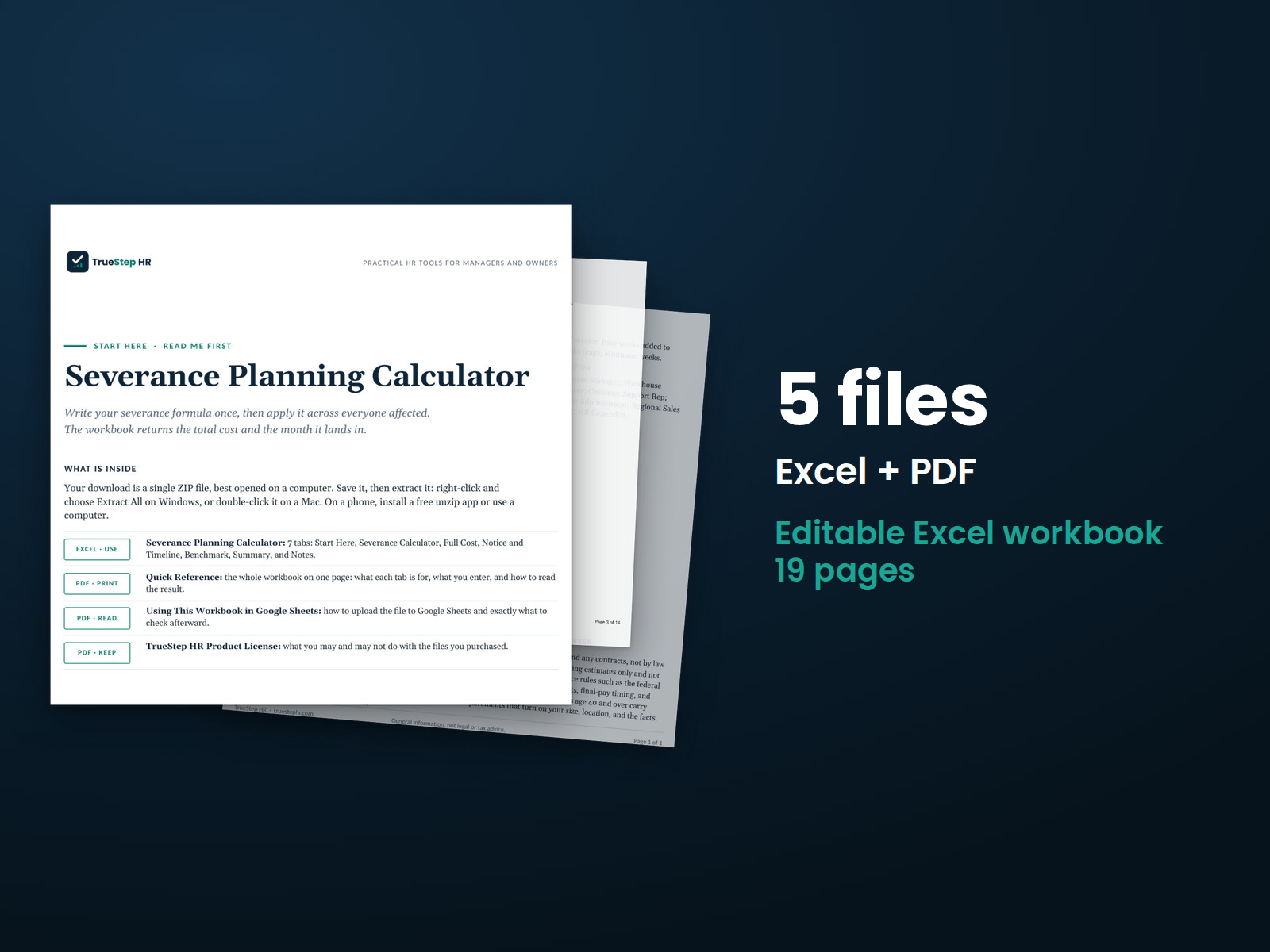
Estimate severance costs for a workforce reduction in one workbook. Set your weeks-per-year policy, enter affected employees, and calculate individual packages and total costs, including accrued time off, benefits, and outplacement.
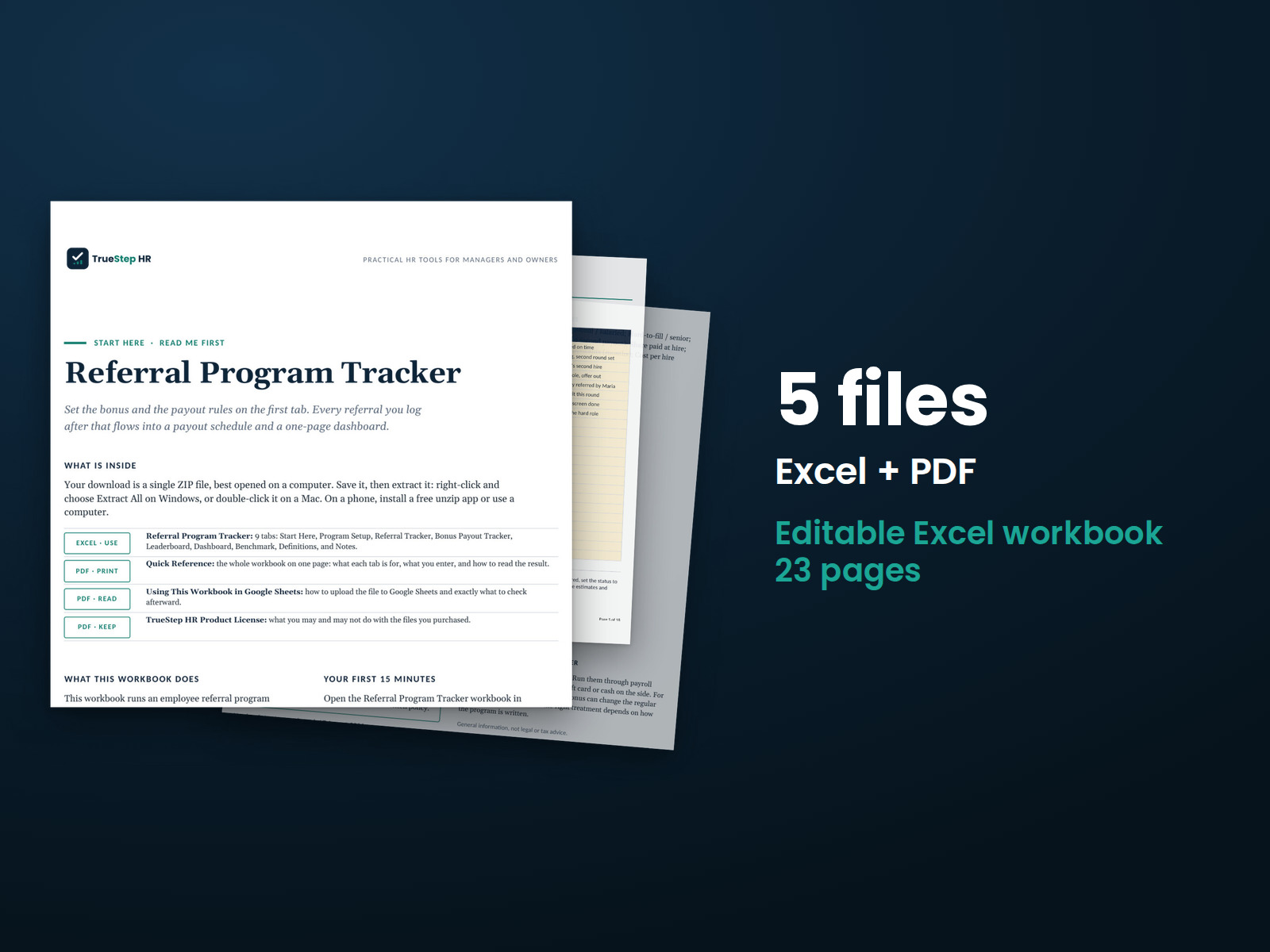
Track employee referrals from submission through hiring and bonus payment. Set your bonus rules, record each referral's progress, and monitor payout dates in one spreadsheet.
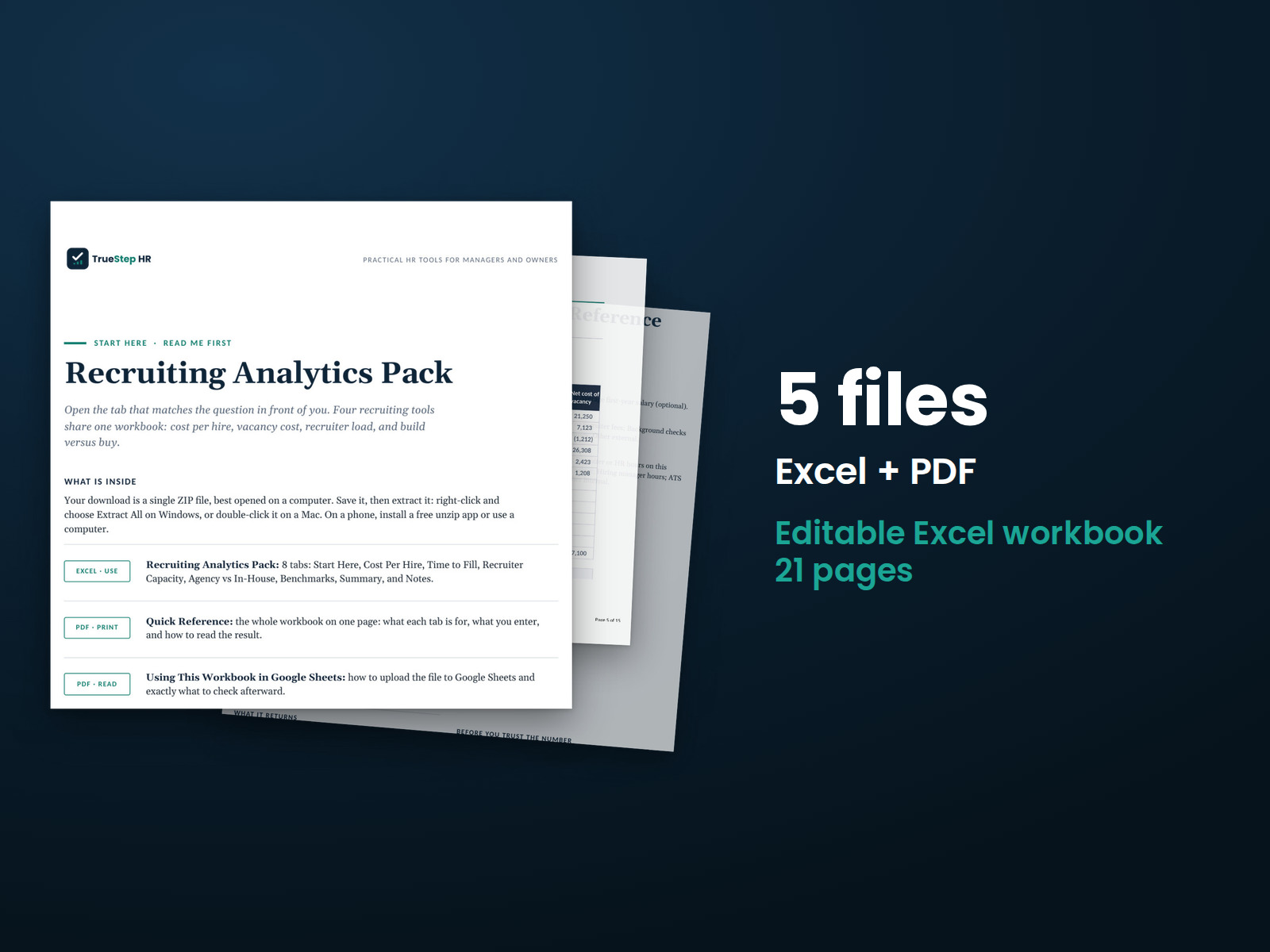
See your recruiting costs and capacity together. Compare cost per hire, vacancy cost, recruiter capacity, and agency versus internal recruiting costs in one workbook.
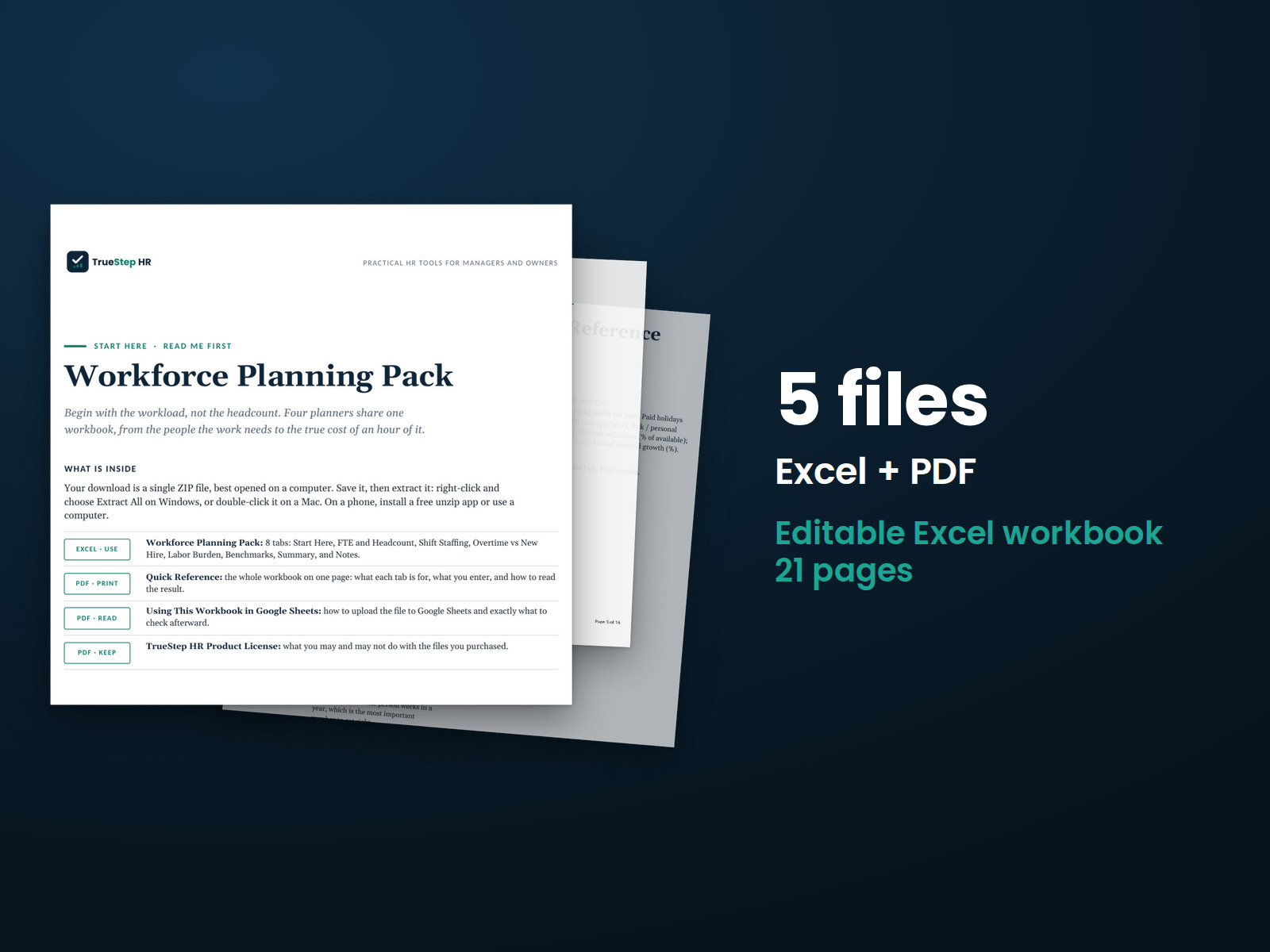
Build a staffing plan using workload and cost assumptions. Calculate headcount needs, plan shift coverage, compare overtime with hiring, and estimate fully burdened hourly labor costs.
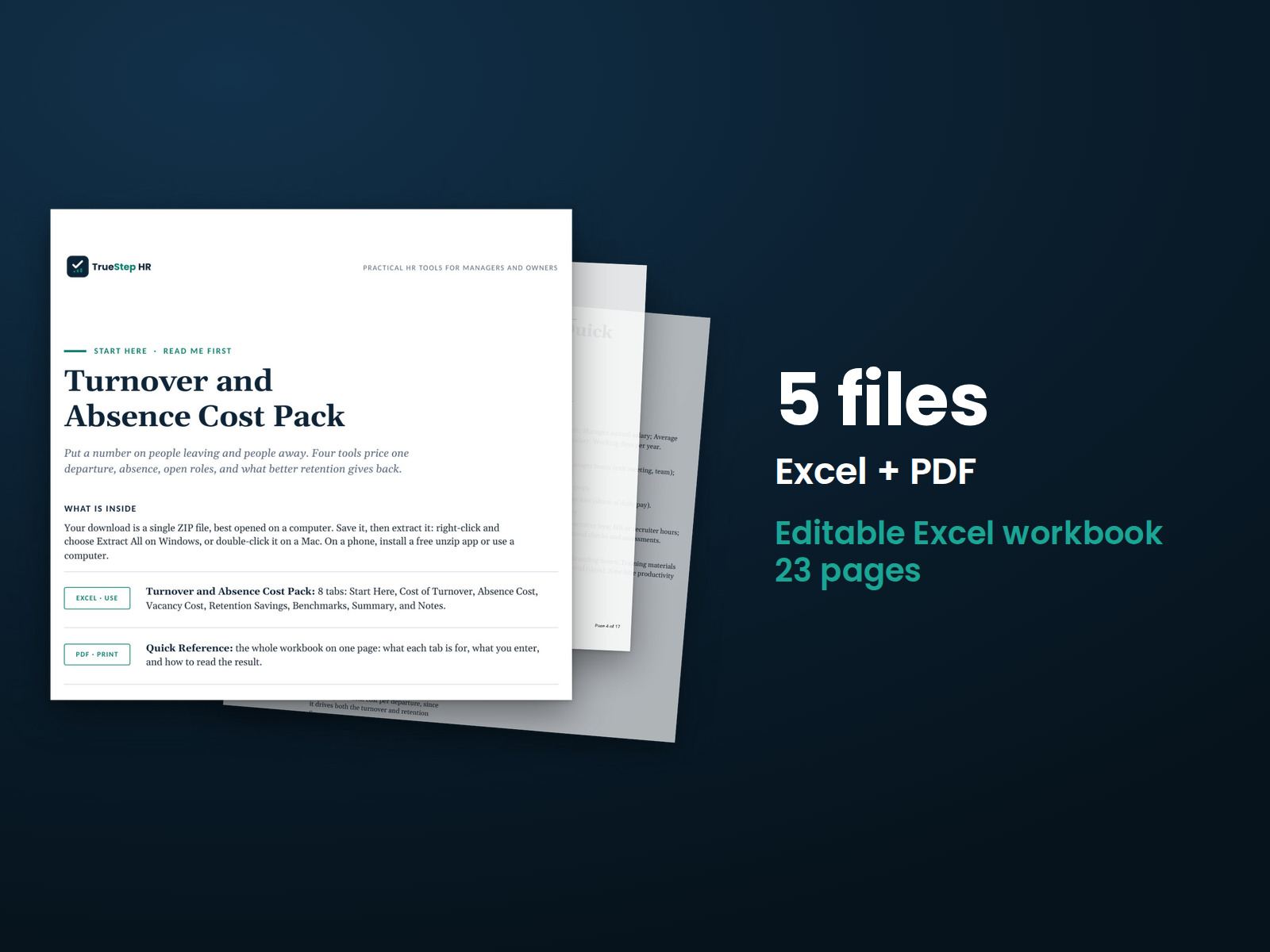
Calculate the combined cost of turnover, vacant positions, and unplanned absences, including replacement and coverage expenses. Then estimate the savings from better retention.
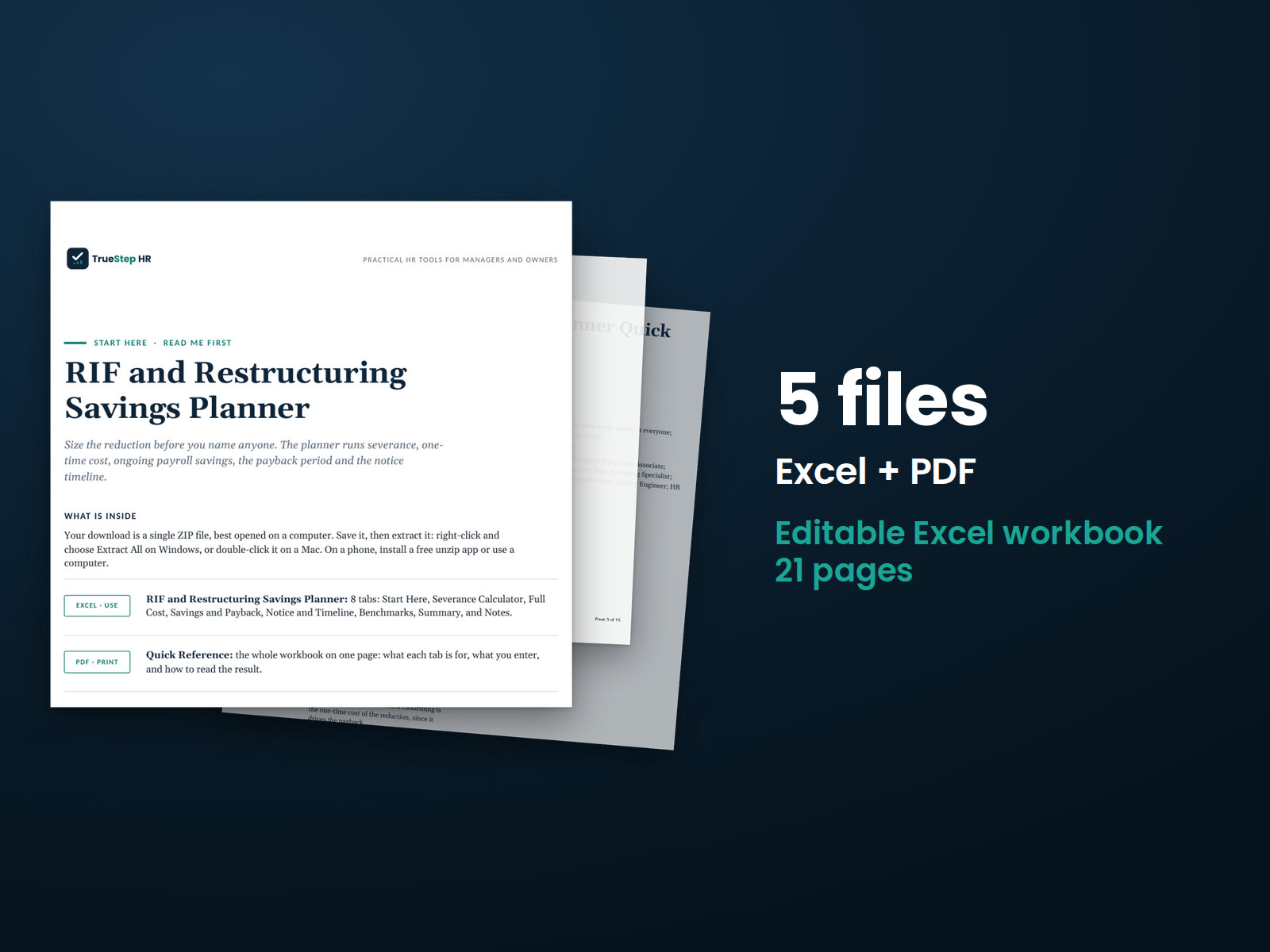
Model the financial impact of a proposed workforce reduction. Estimate severance and other one-time expenses, calculate ongoing savings, and identify the payback period. Document the assumptions behind your estimates.
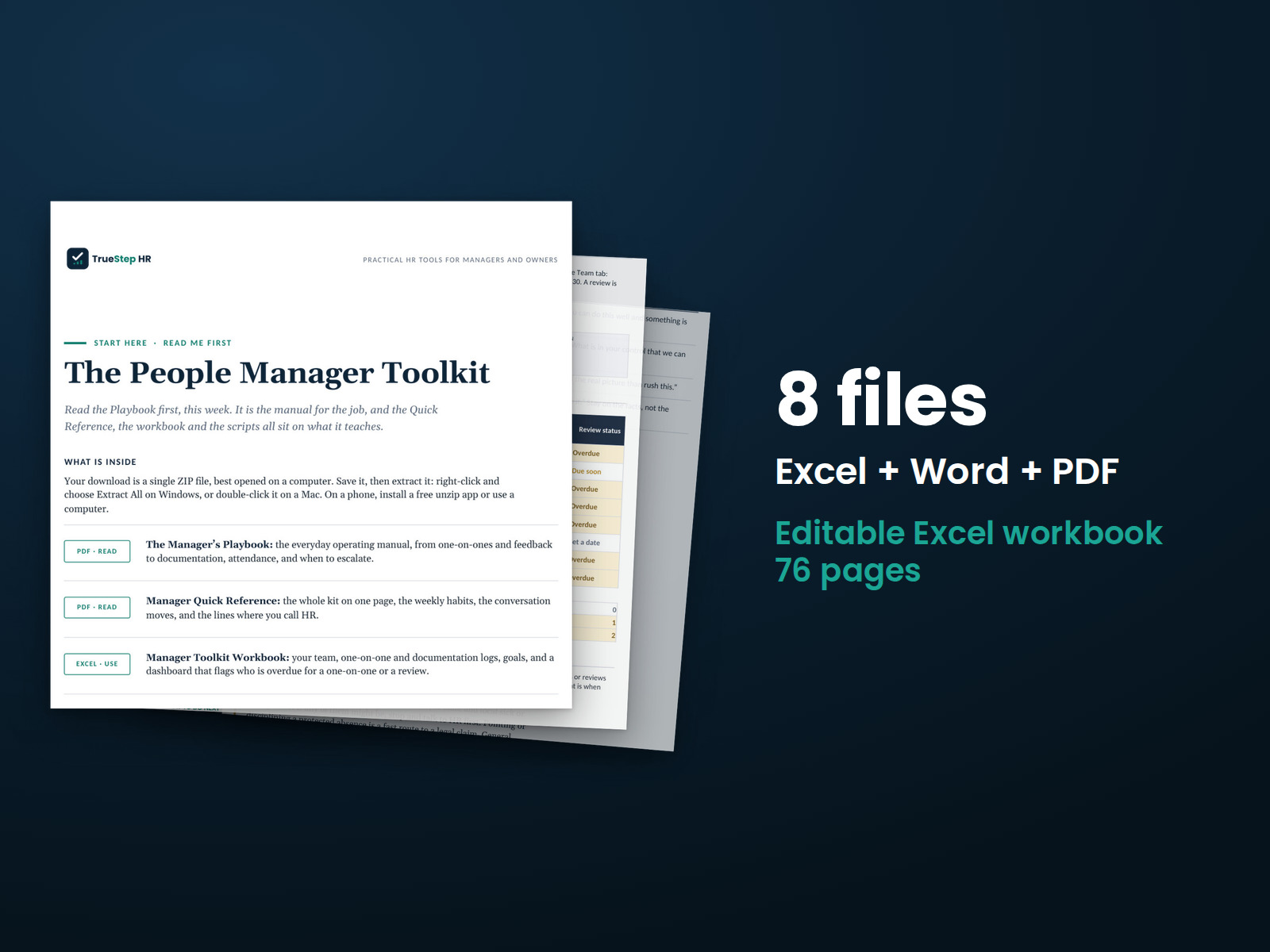
Help managers handle one-on-ones, feedback, employee conversations, and documentation with ready-to-use guidance and forms. Give them a consistent approach to everyday team management.
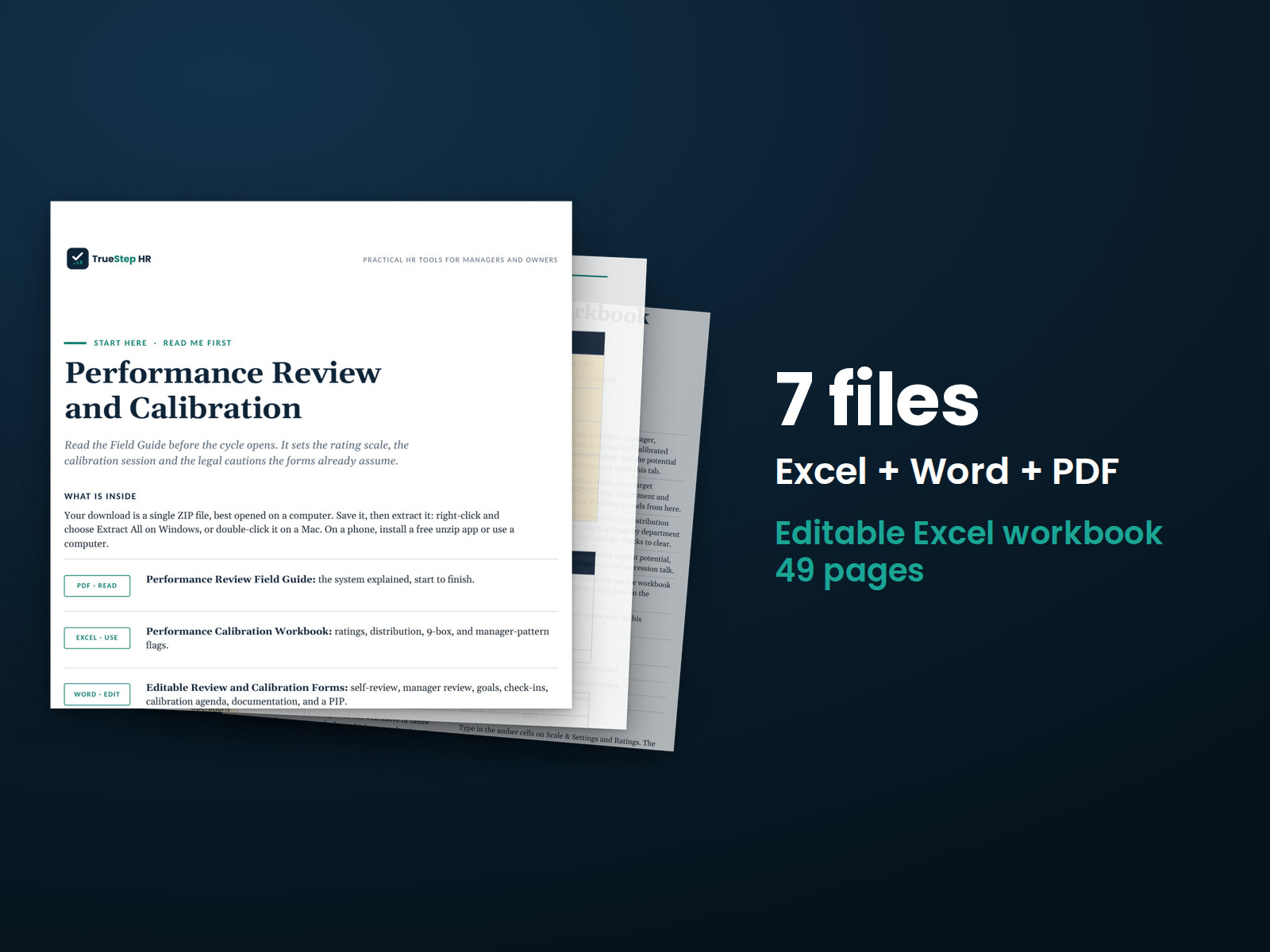
Run a consistent performance review process with editable review forms, goal templates, a rating scale, and feedback guidance. Use the calibration process to compare ratings before final decisions.
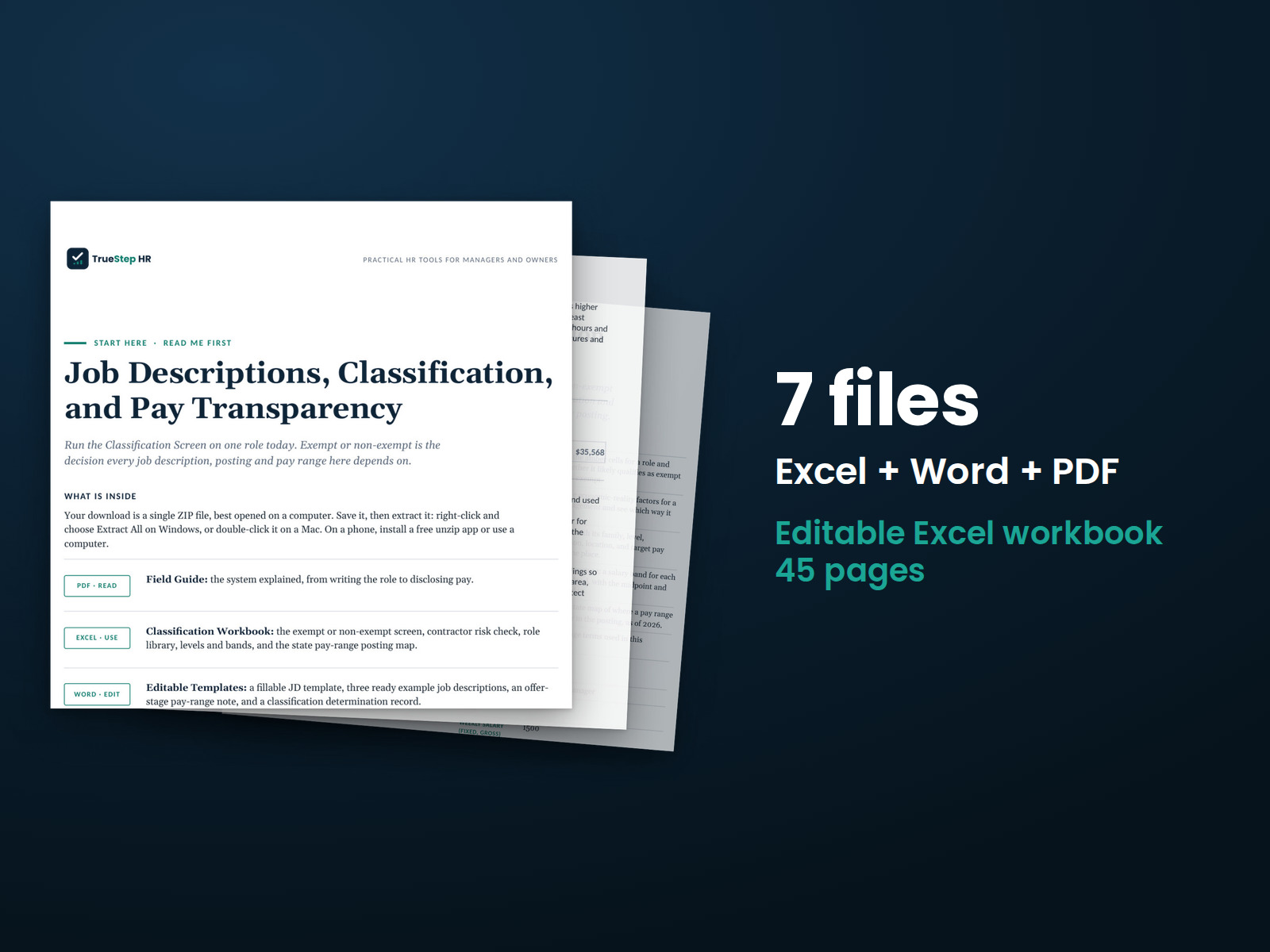
Create a job description, review the exemption tests, and use consistent role information for hiring, pay, and job postings.
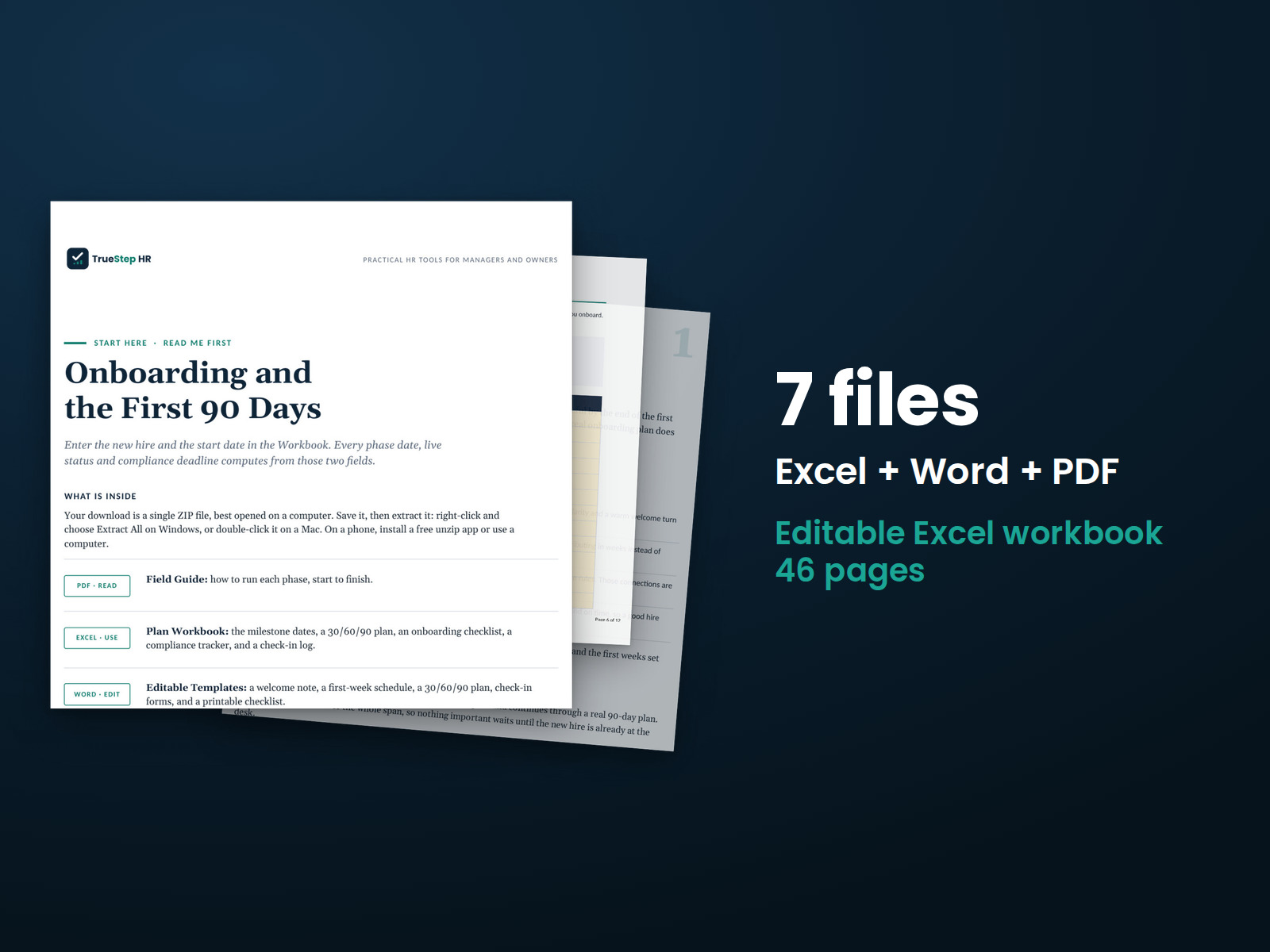
Plan a new employee's first 90 days, from accepted offer through early performance check-ins. Enter the start date to calculate review dates and applicable compliance deadlines.
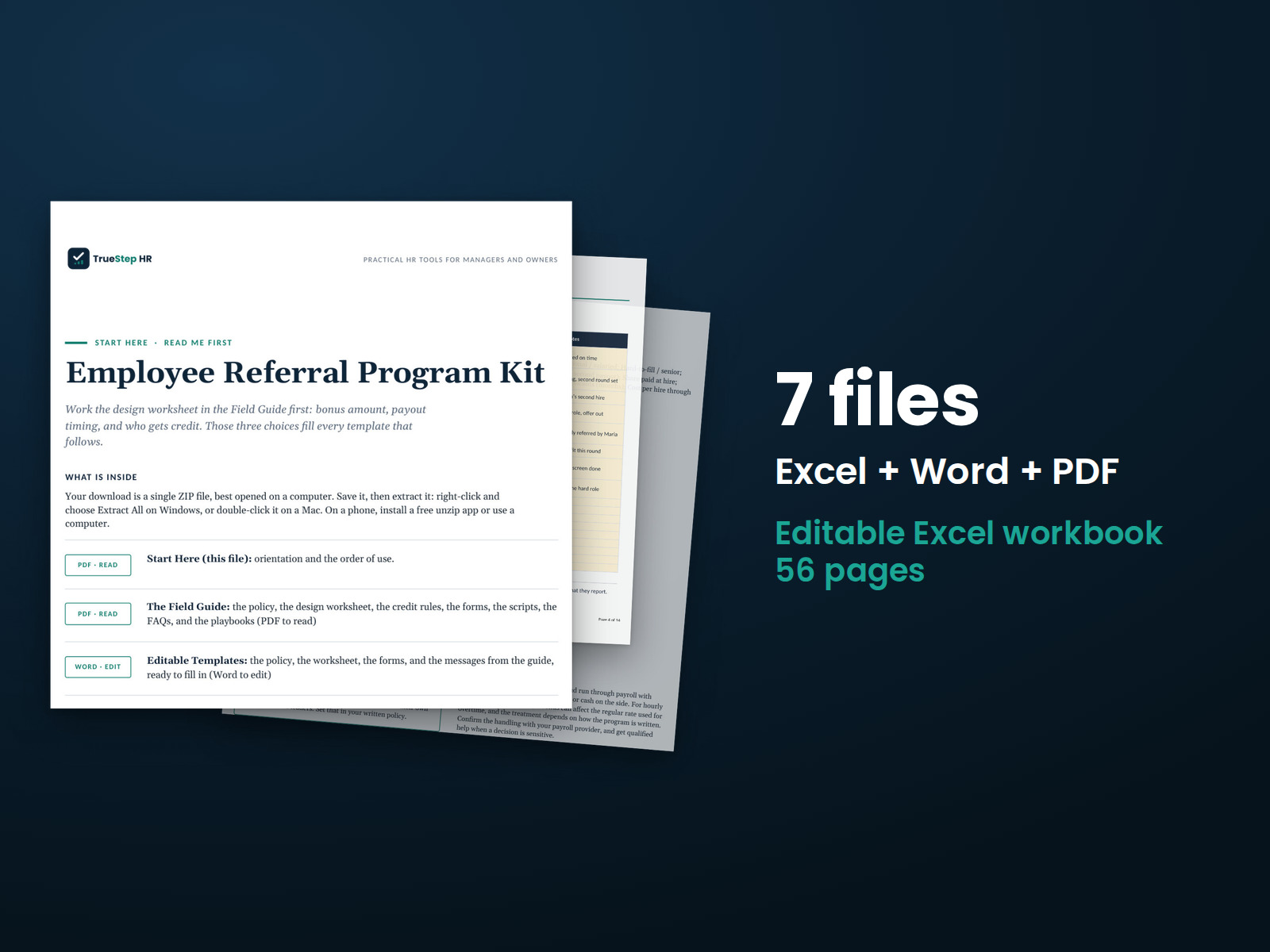
Set up an employee referral program with clear bonus and referral credit rules. The kit includes an editable policy, launch communications, and a tracker for referrals, payouts, costs, and estimated savings.
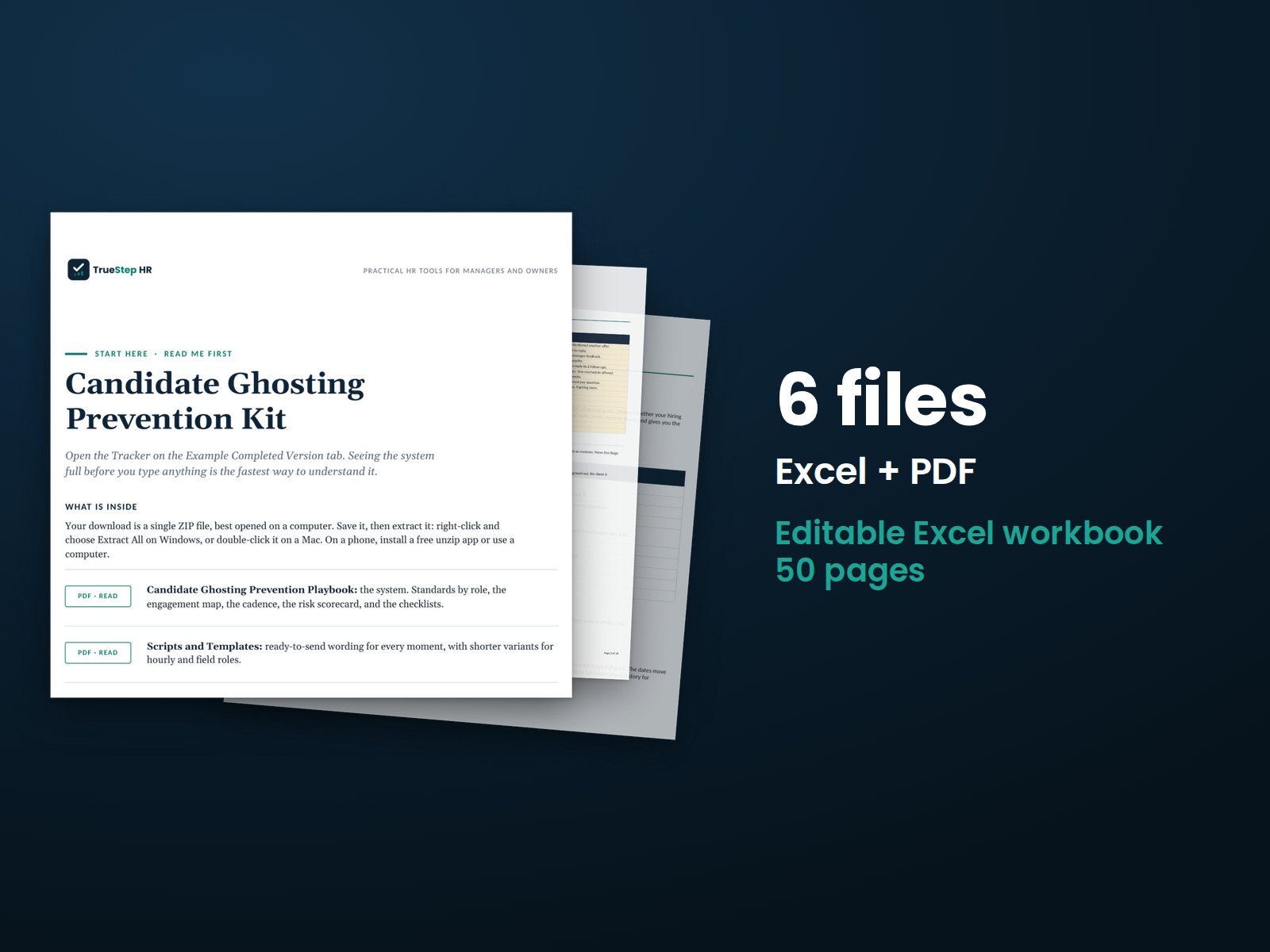
Keep interviews, manager feedback, and offers on schedule. Use the candidate risk score to spot delays, ready-to-send messages to stay in touch, and a stage-by-stage timeline to guide hiring.
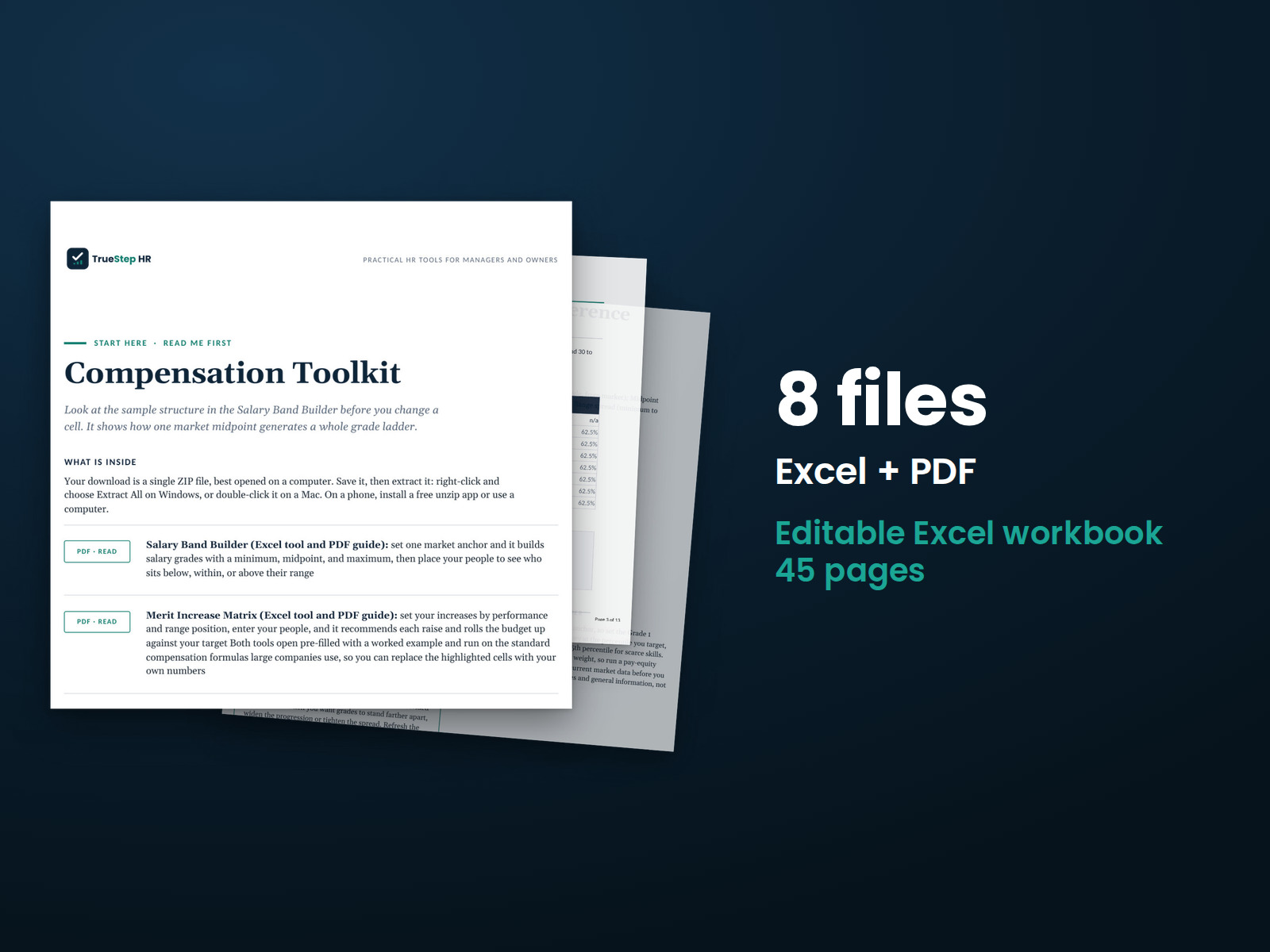
Build salary ranges and plan merit increases using documented assumptions. The Salary Band Builder creates pay grades from market data and shows employee placement within ranges. The Merit Increase Matrix compares proposed increases with your budget.
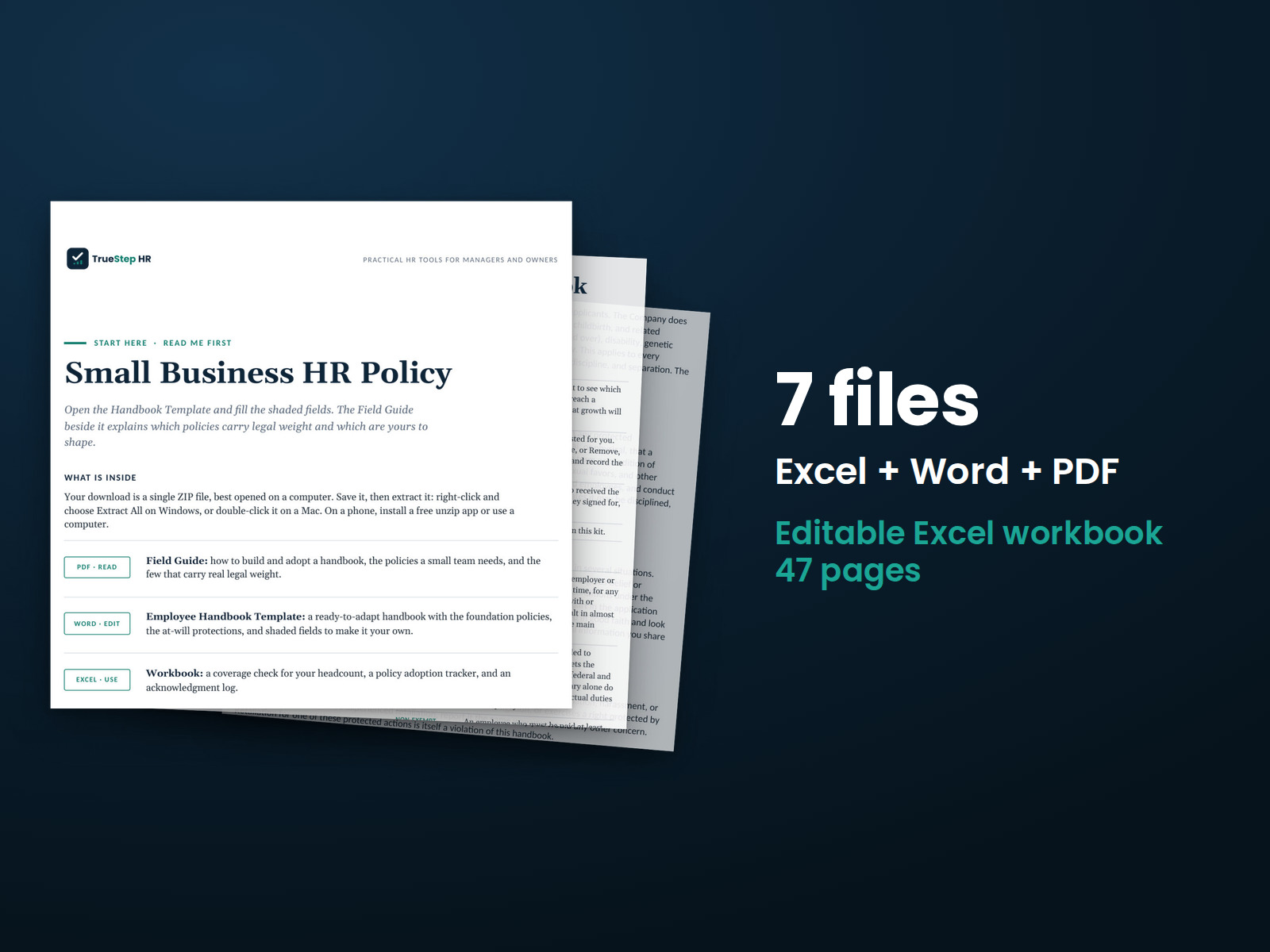
Build an employee handbook for a small team with foundational policies and an at-will statement. The Field Guide explains which provisions carry legal significance.
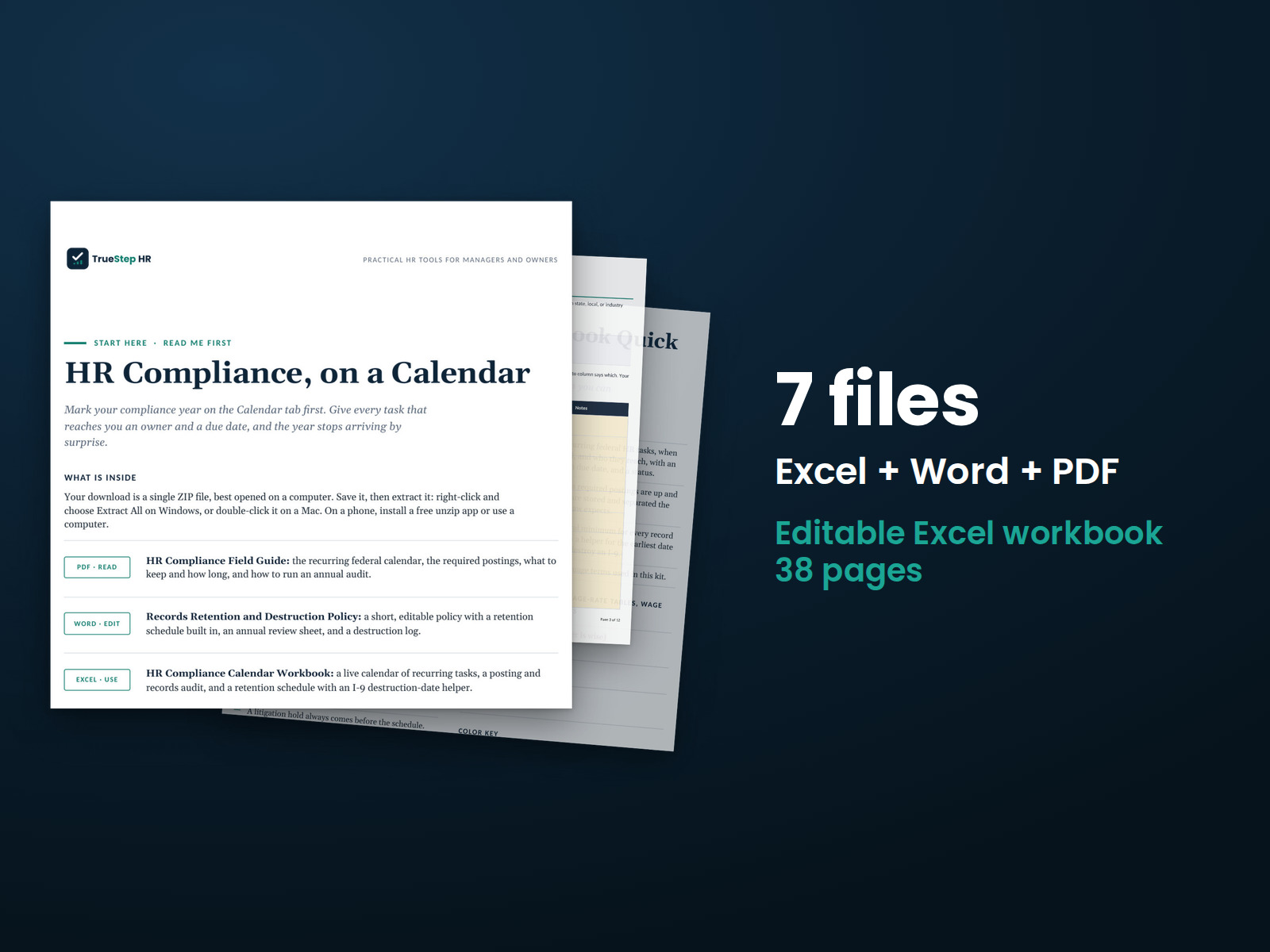
Bring recurring federal HR deadlines, posting requirements, and recordkeeping tasks into one calendar. Assign owners, complete an annual document audit, and track applicable retention periods.
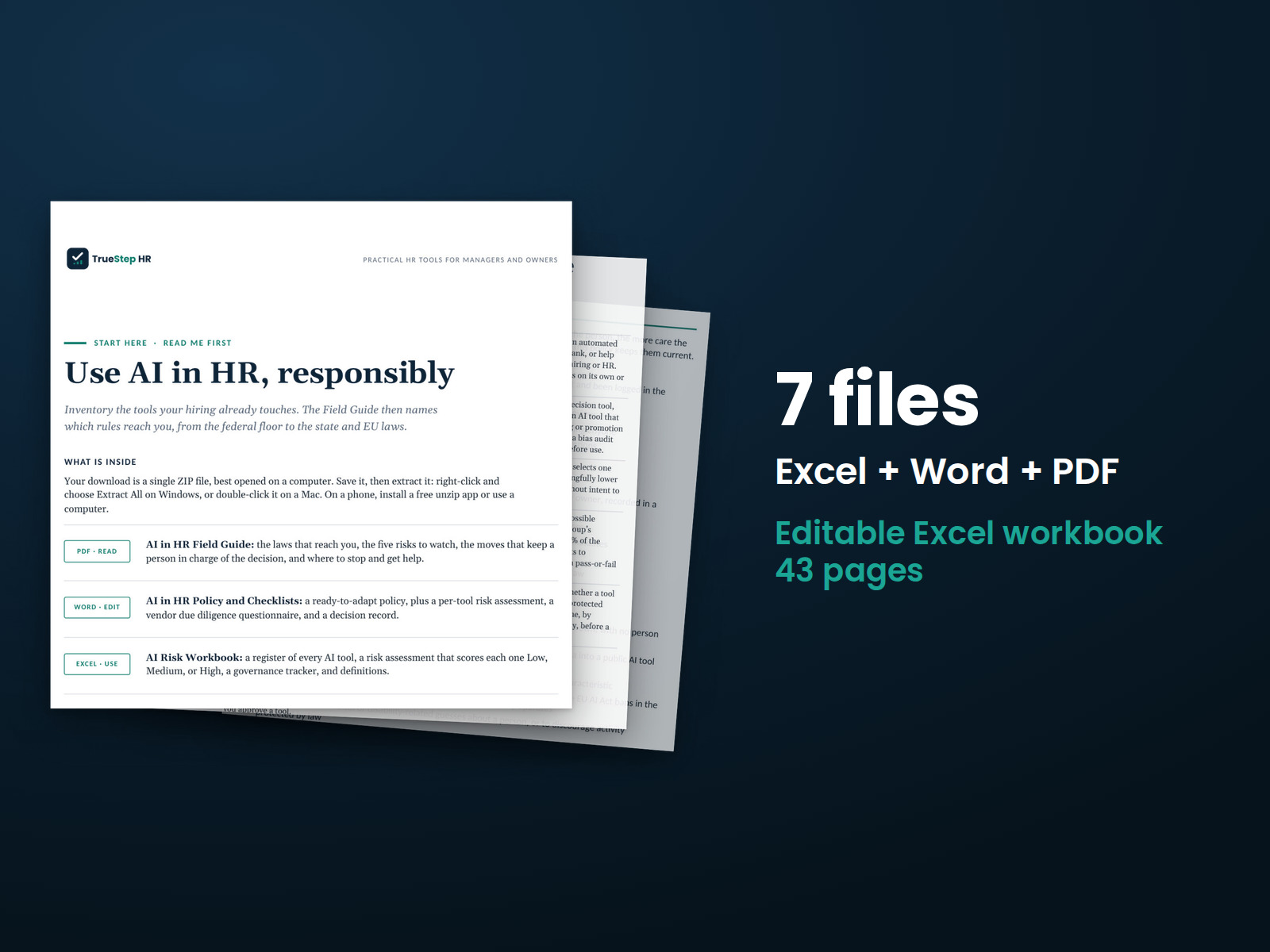
Set a written policy for AI tools used in hiring and HR decisions. Inventory your tools and answer five questions to assign Low, Medium, or High risk ratings.
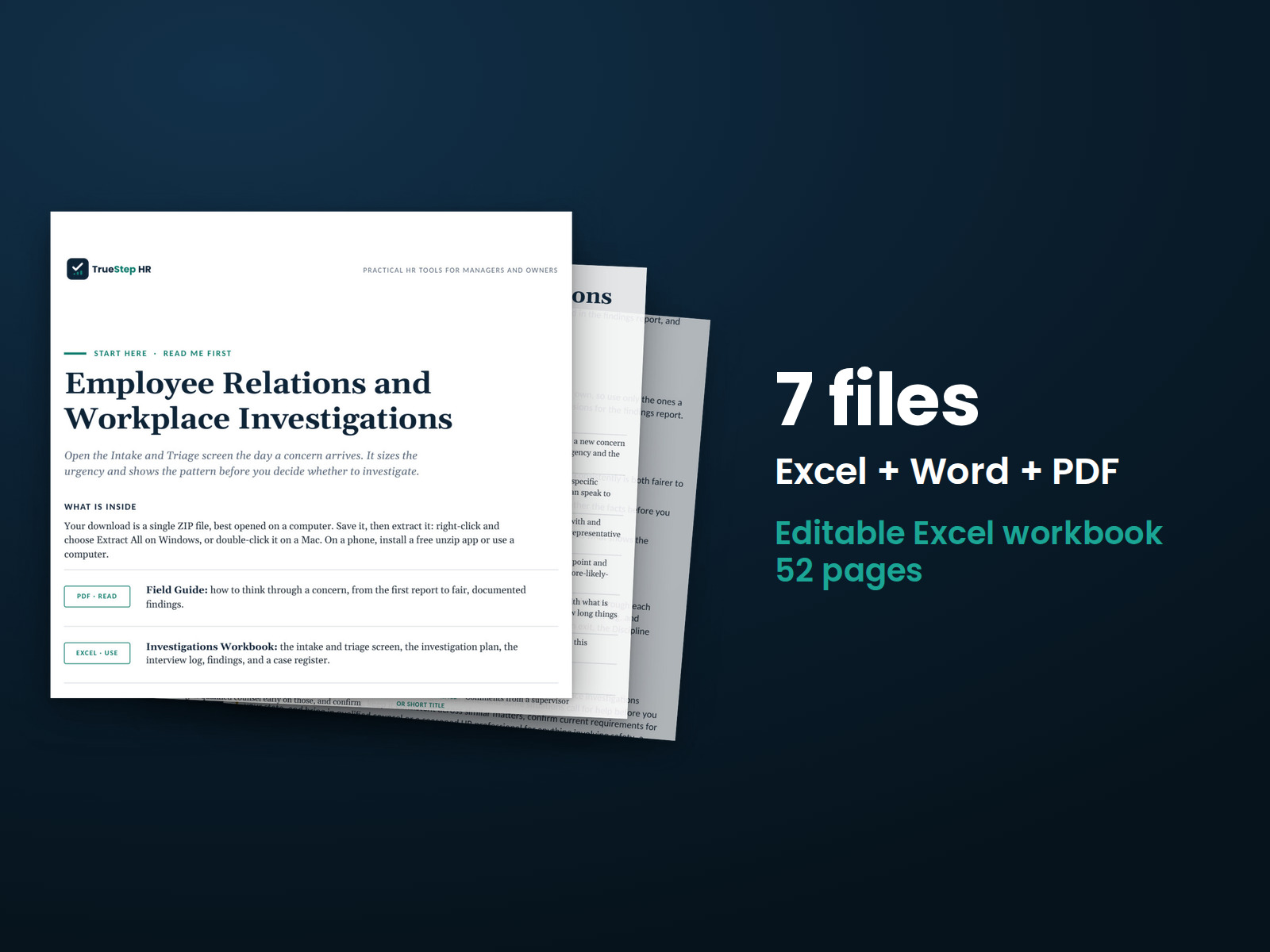
Keep workplace investigations organized from the initial report through interviews, findings, and final documentation.
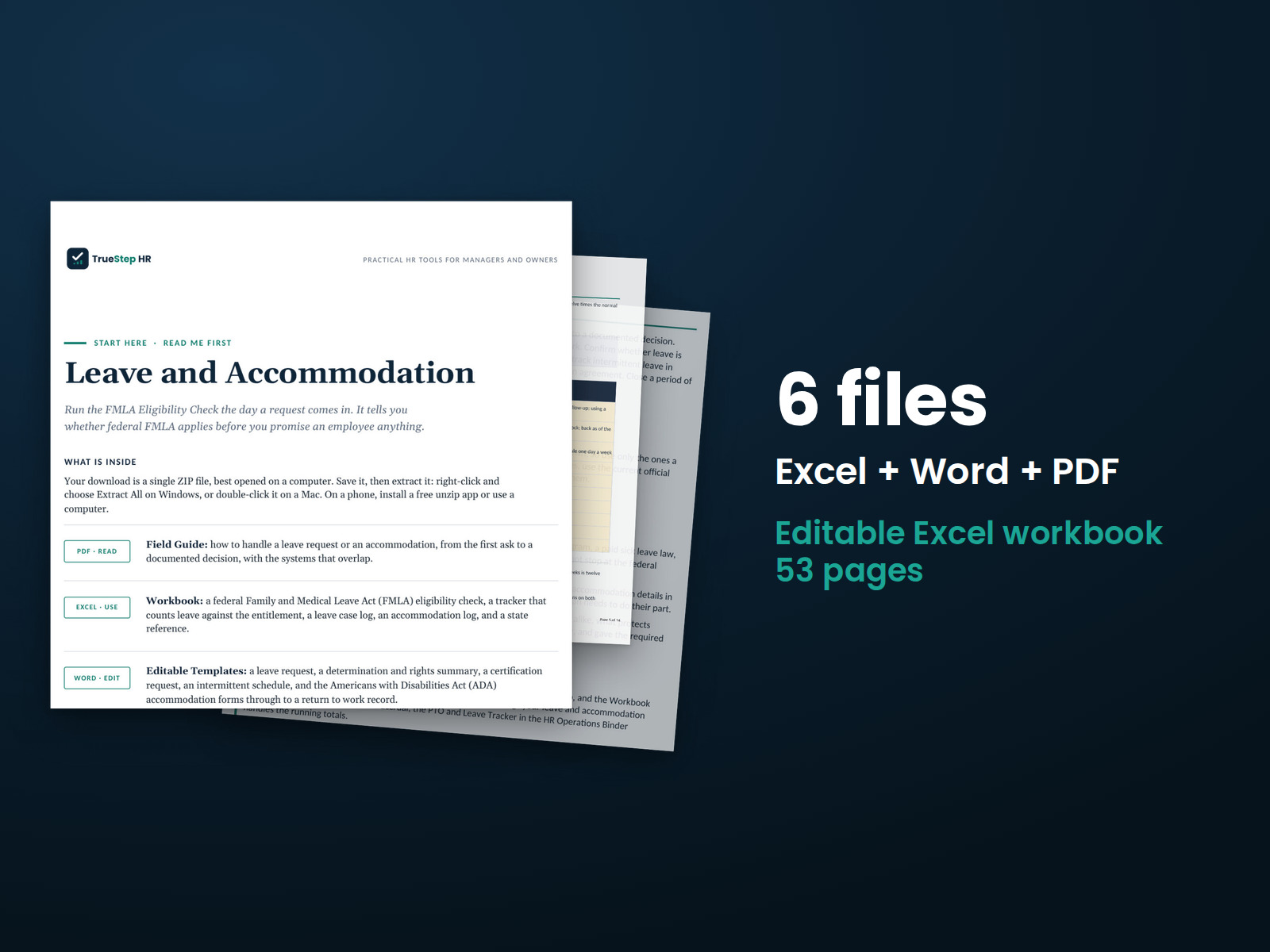
Handle employee leave and accommodation requests from the first conversation through a documented decision. The kit includes guidance and forms to record requests, discussions, and outcomes.

Evaluate disciplinary and termination decisions, document the reasons, and prepare employee communications.

Build a retention plan around your team's priorities. Conduct stay interviews to understand employee concerns, then turn the findings into actions with assigned owners and dates.
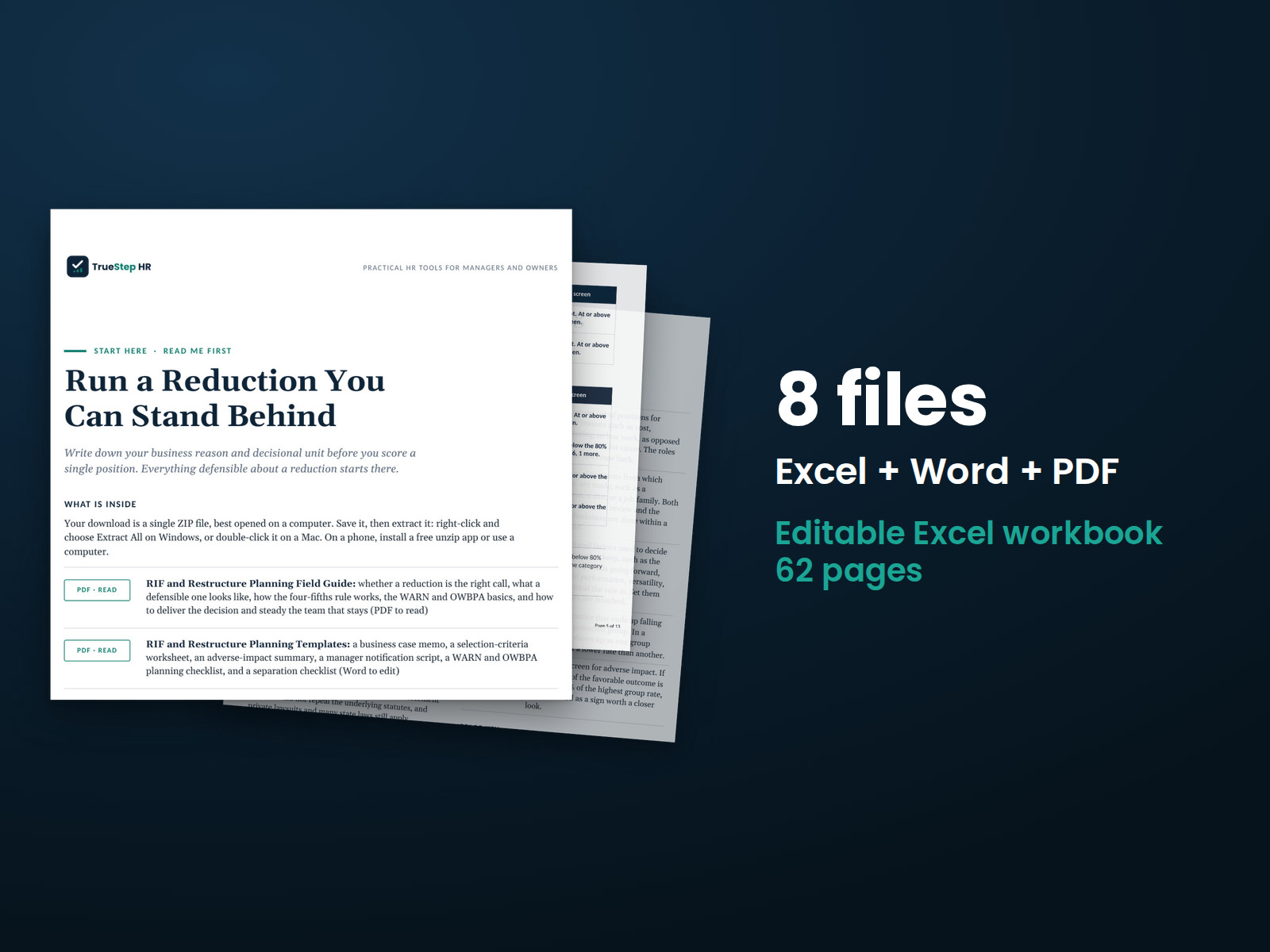
Plan a workforce reduction with documented selection criteria, an adverse impact review, notice requirements, employee communication tools, and guidance on when to involve counsel.
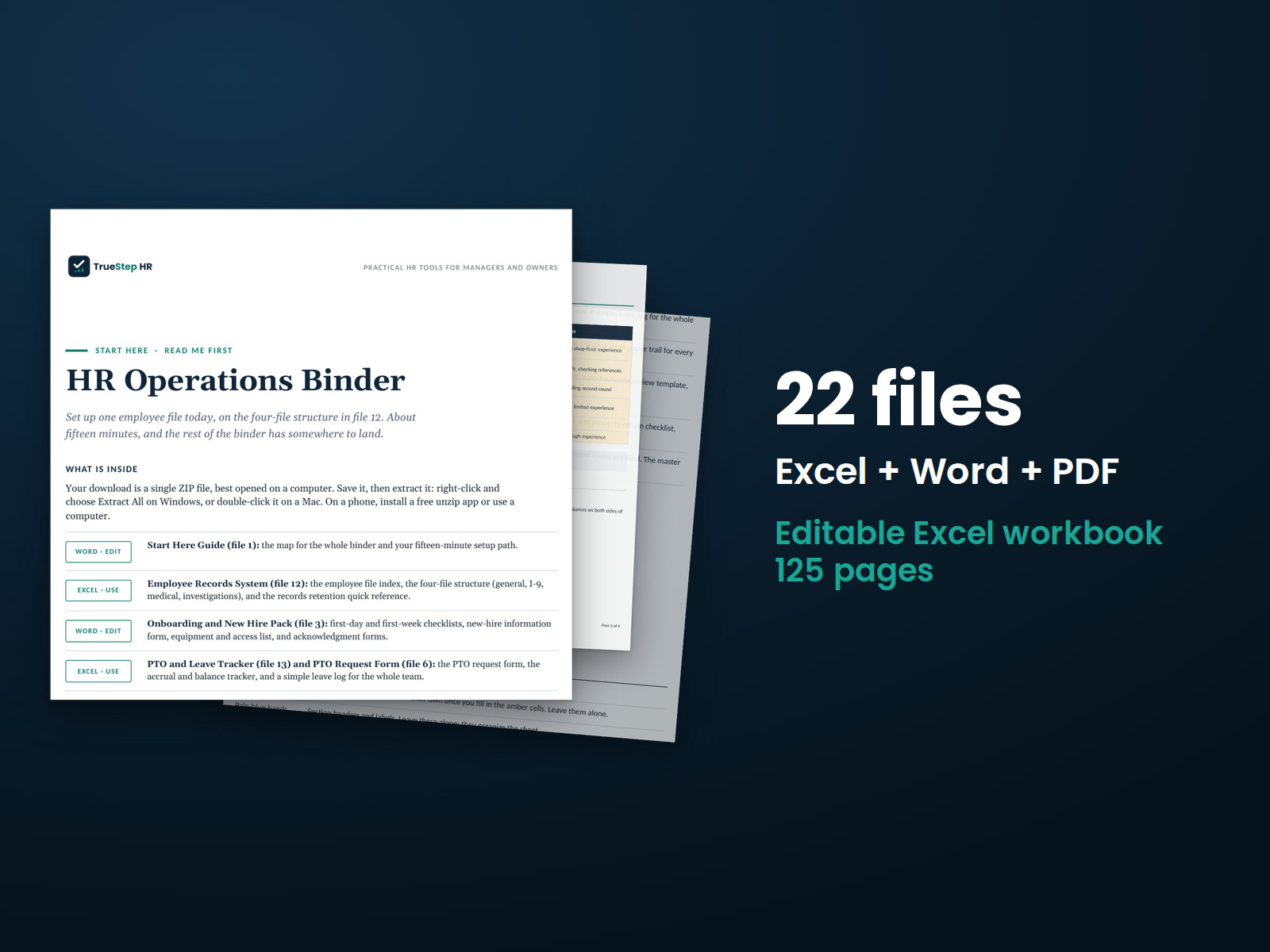
Keep core HR work organized from hiring through employee exits. The binder contains 22 files, including 11 editable Word and Excel tools for recurring HR processes.
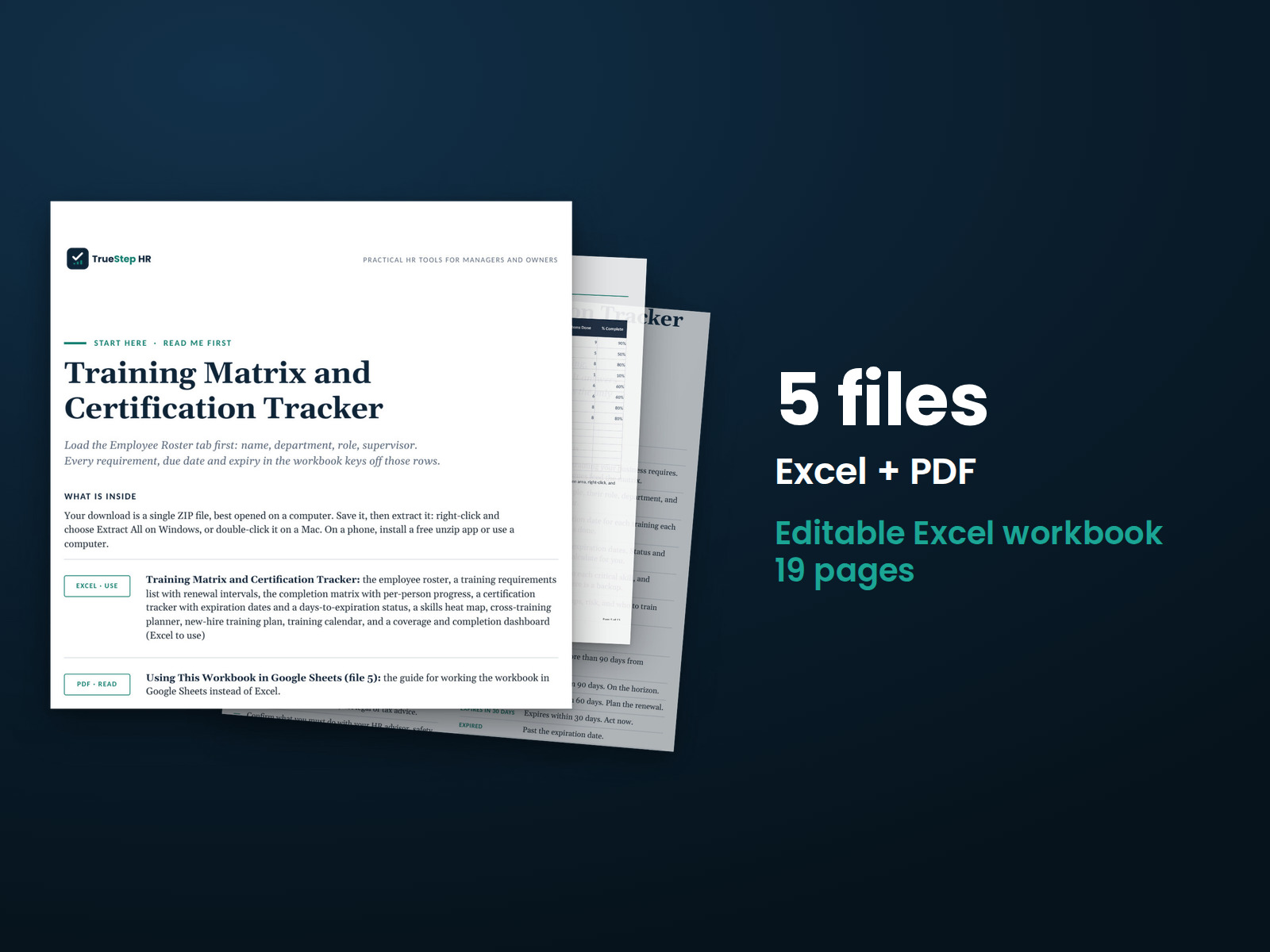
Track employee training, certifications, expiration dates, and skills coverage in Excel. Status indicators and a dashboard highlight upcoming renewals and positions that depend on one employee's qualifications.
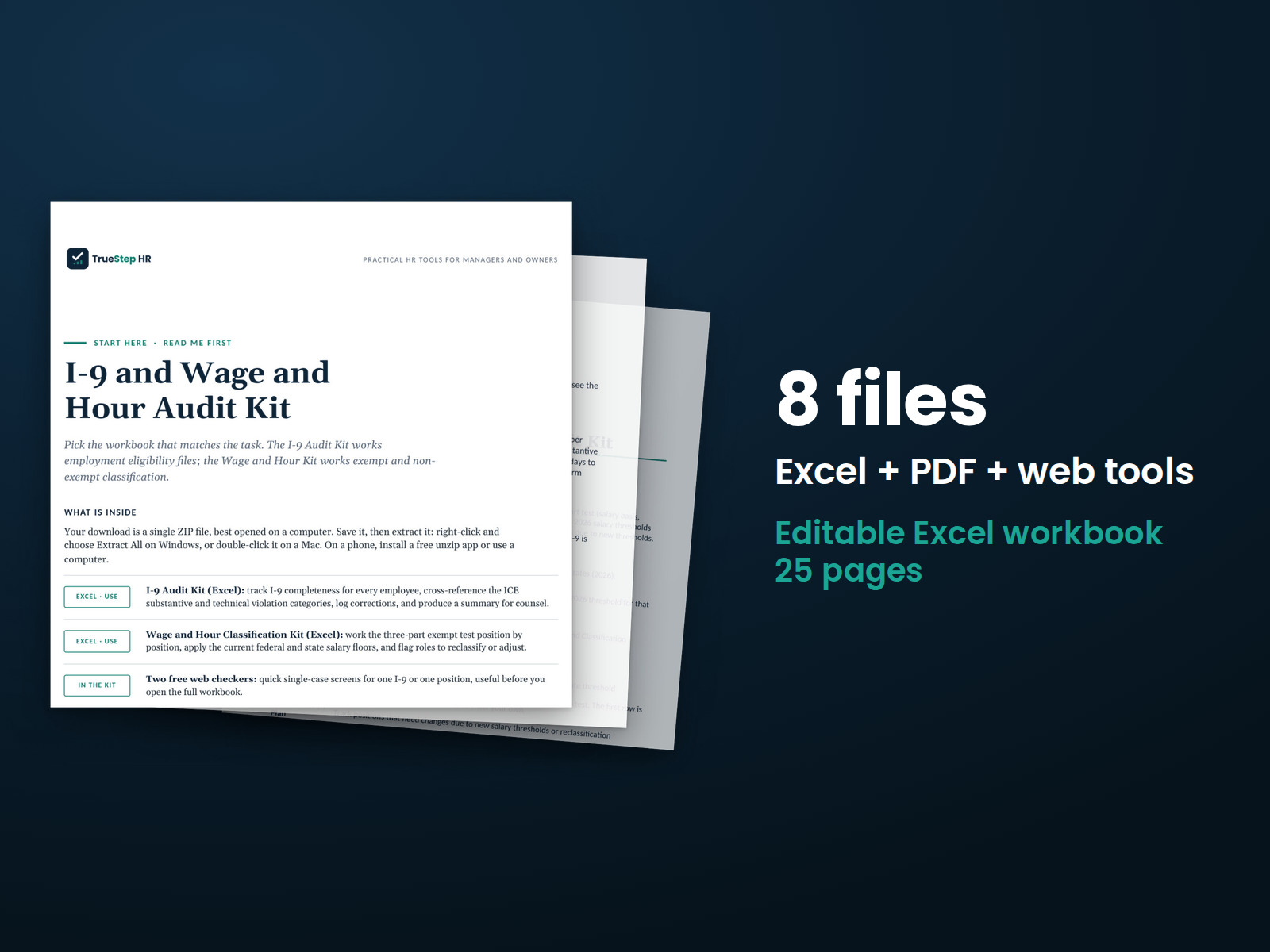
Review I-9 documentation and exempt employee classifications. Check each I-9 using ICE inspection categories, review classifications against salary and duties criteria, and identify findings that warrant legal review.
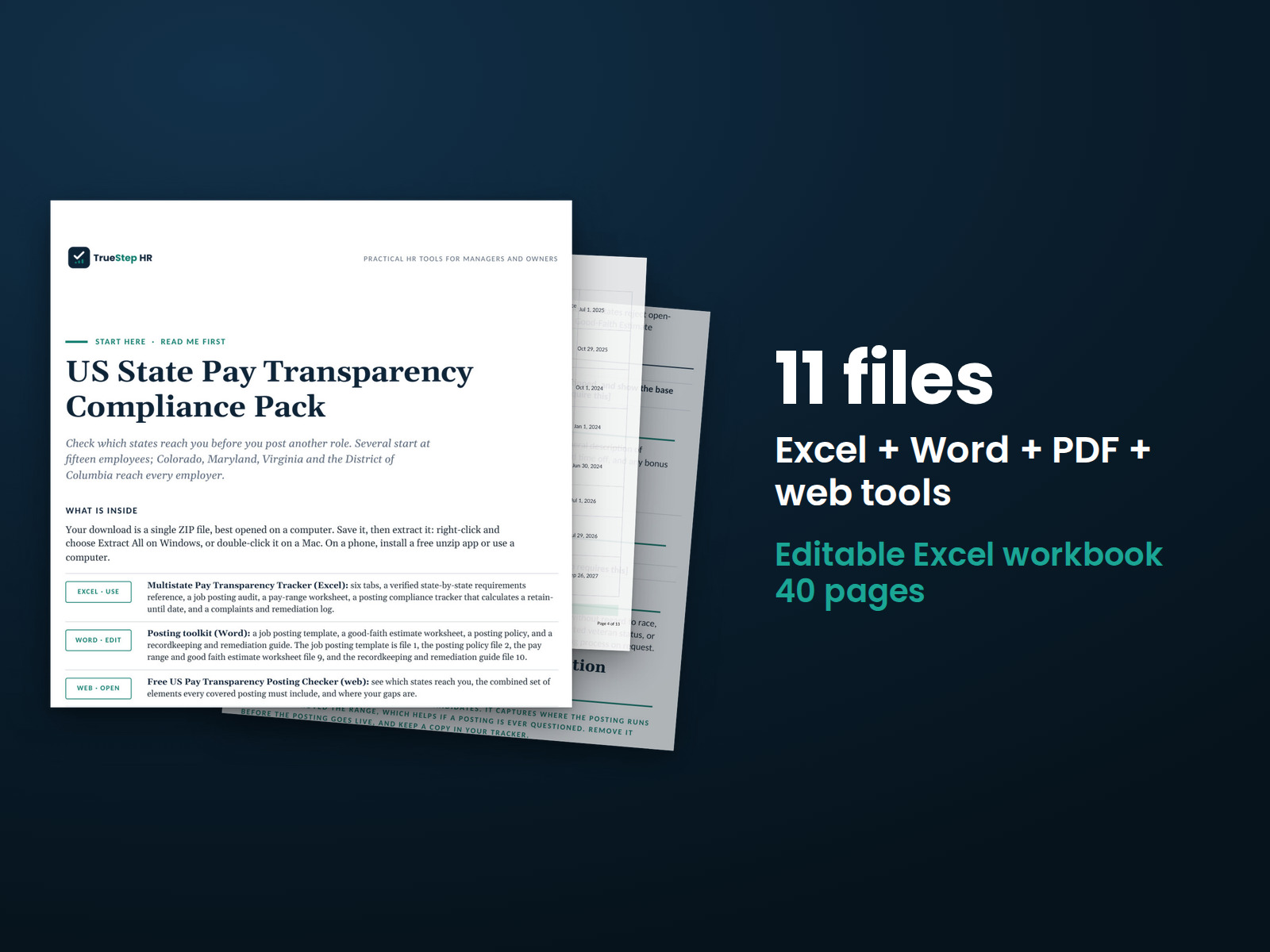
Review job postings against the state requirements covered in the pack's dated reference list. Build documented good-faith pay ranges, prepare posting language, organize records, and track complaints.
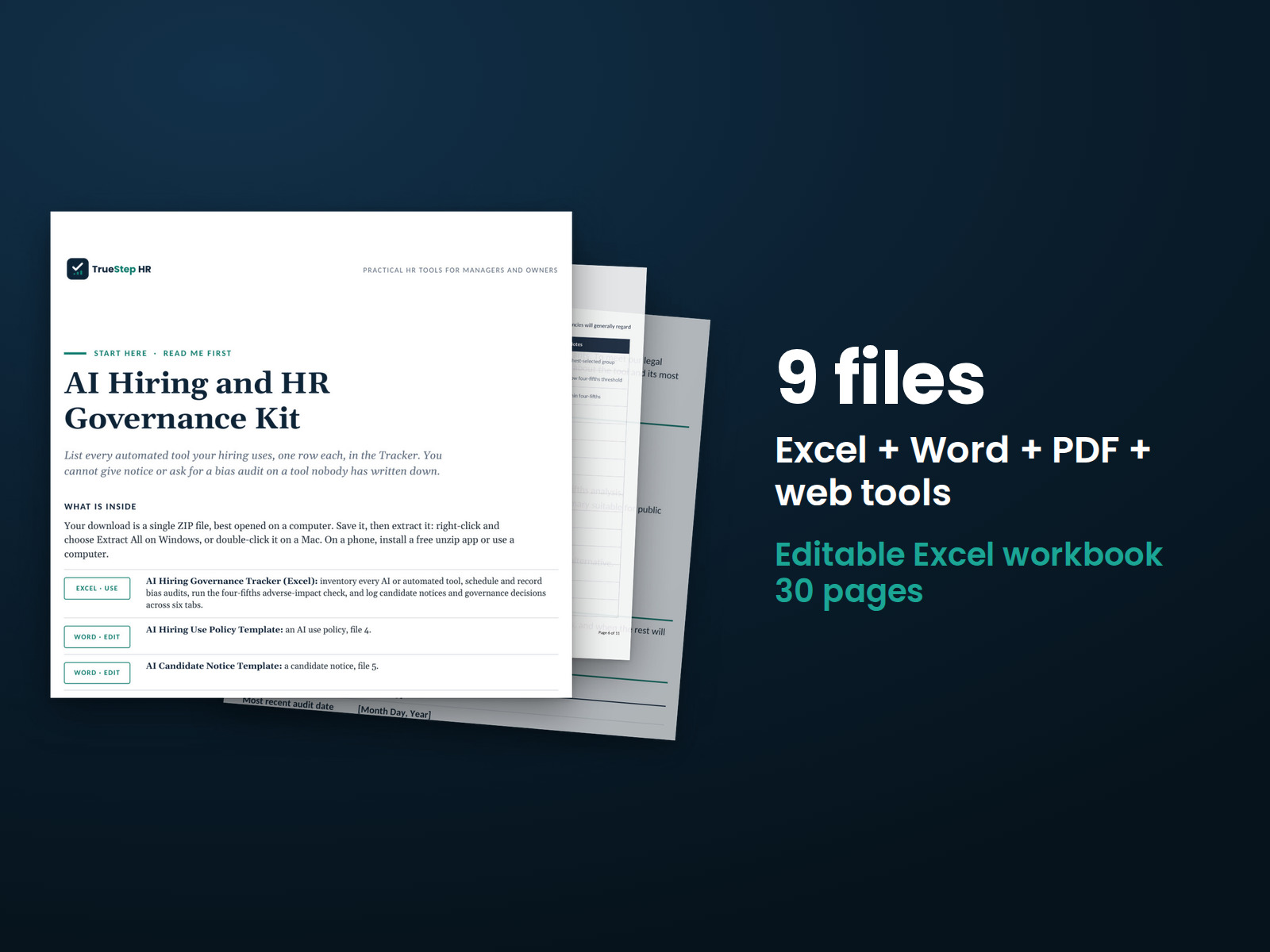
Organize oversight of AI tools used in hiring and HR decisions. The kit includes an editable policy, candidate notice materials, vendor audit documentation, and a four-fifths rule analysis using your hiring data.
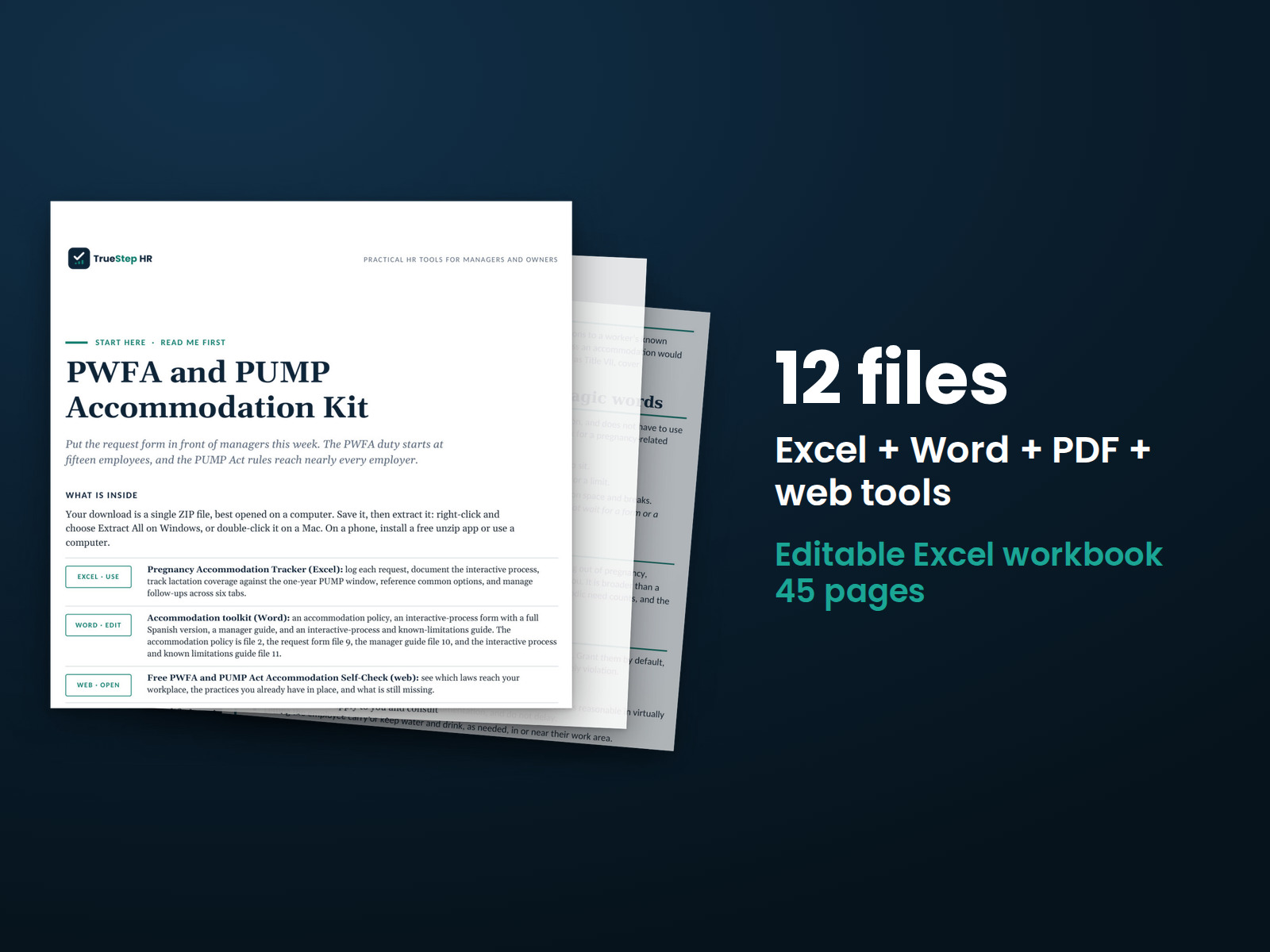
Handle pregnancy and nursing accommodation requests from the first conversation through a documented decision. Includes an editable policy and bilingual form for recording requests and outcomes.
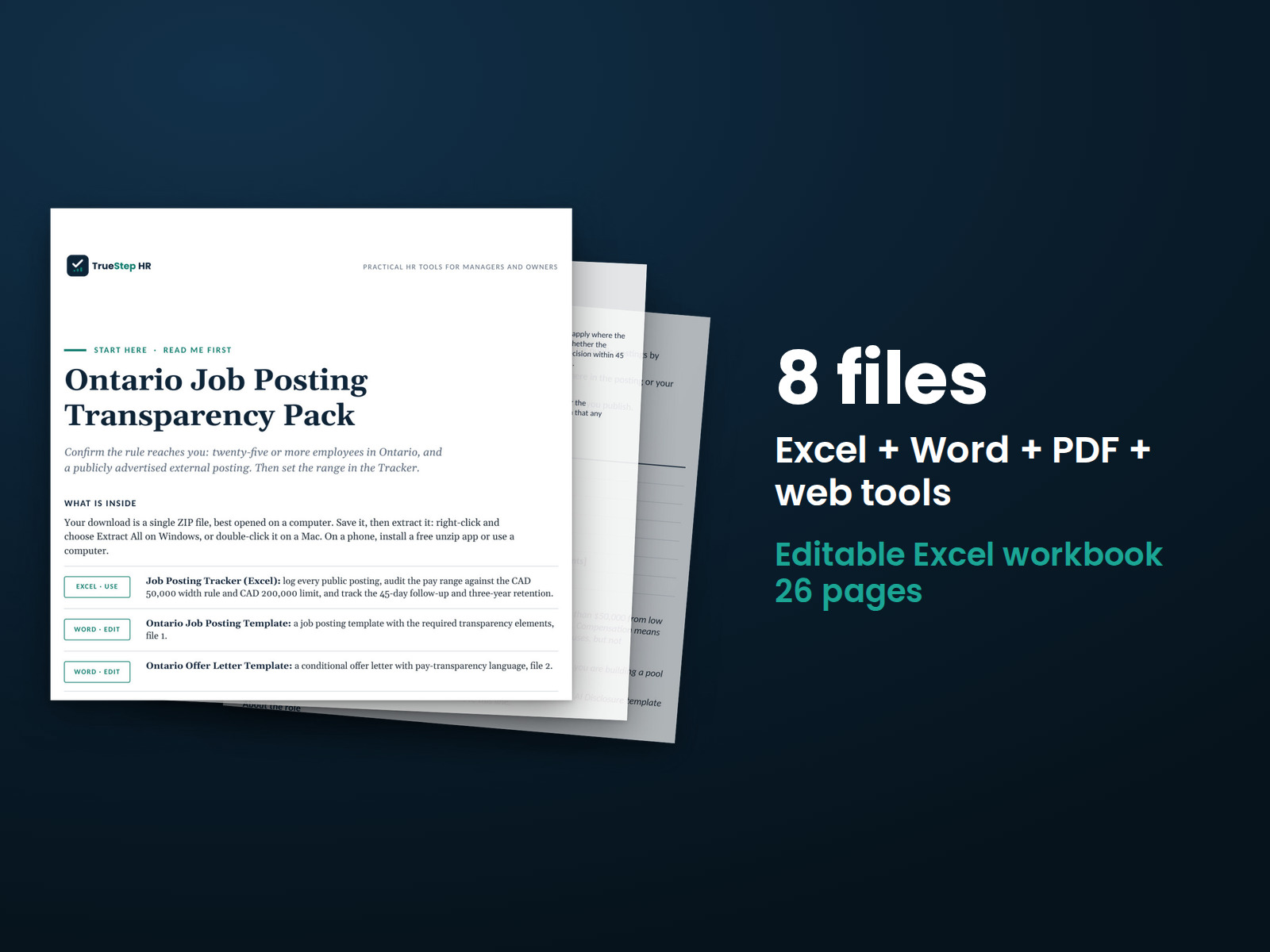
Prepare Ontario job postings using the 2026 requirements. You receive a posting template, ready-to-use AI disclosure language, and a tracker for pay ranges, 45-day deadlines, and three-year recordkeeping periods.
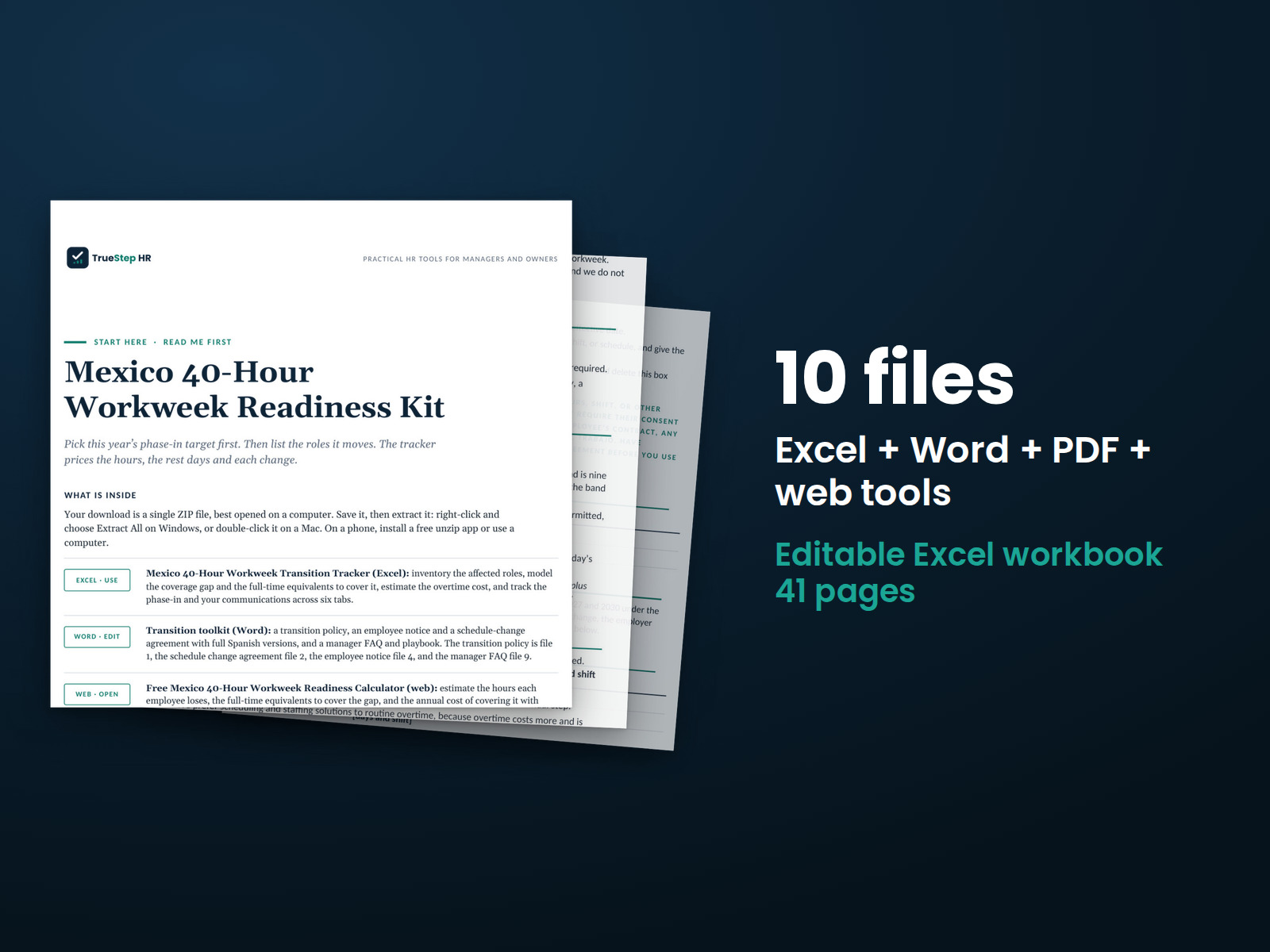
Model the transition from a 48-hour to a 40-hour workweek while maintaining pay. Estimate the staffing needed to cover the change and calculate overtime costs.
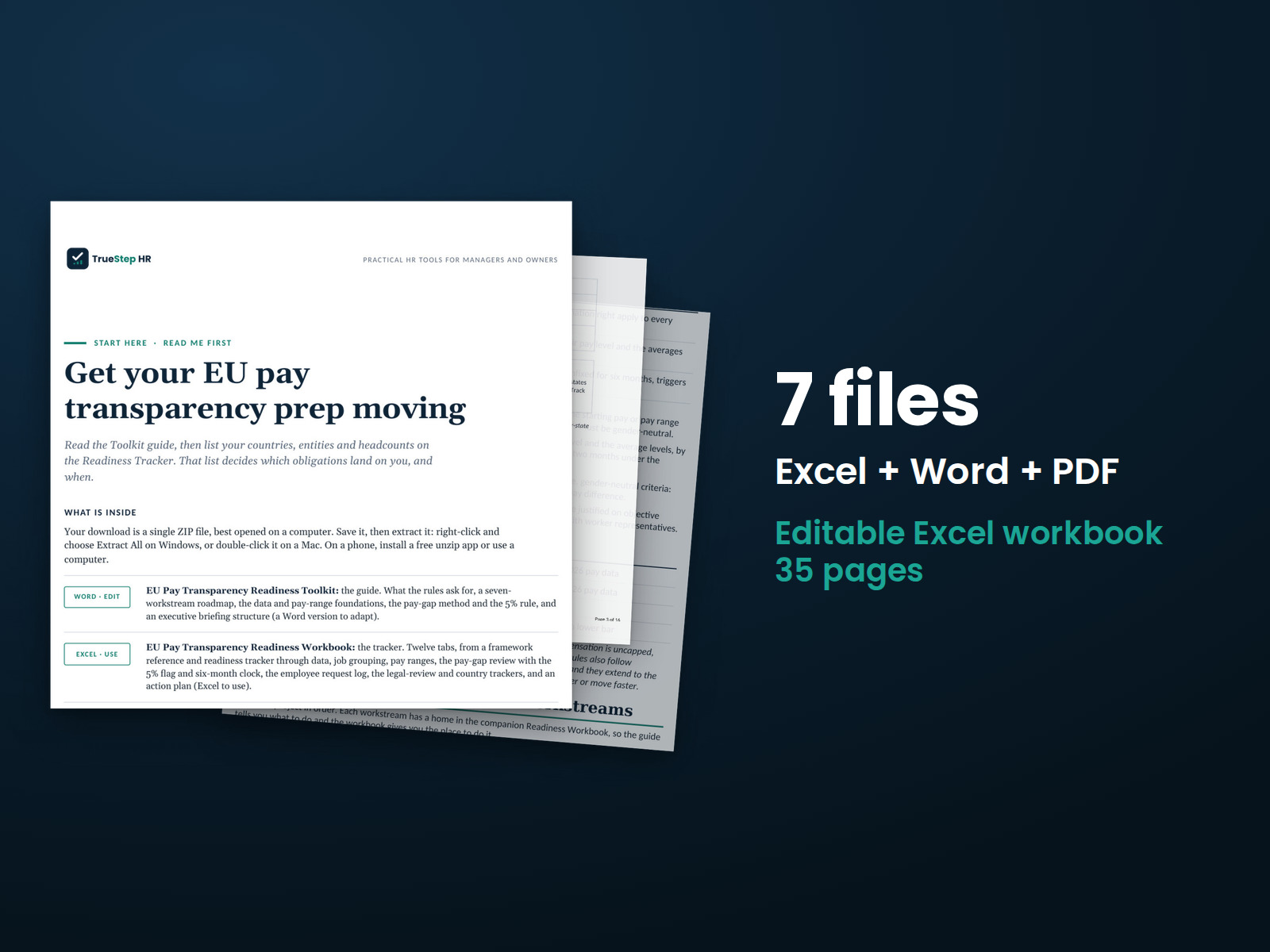
Prepare for the EU Pay Transparency Directive by identifying requirements, organizing pay data, and reviewing differences against the directive's 5% threshold. Use the country-specific and legal review trackers to manage the work.
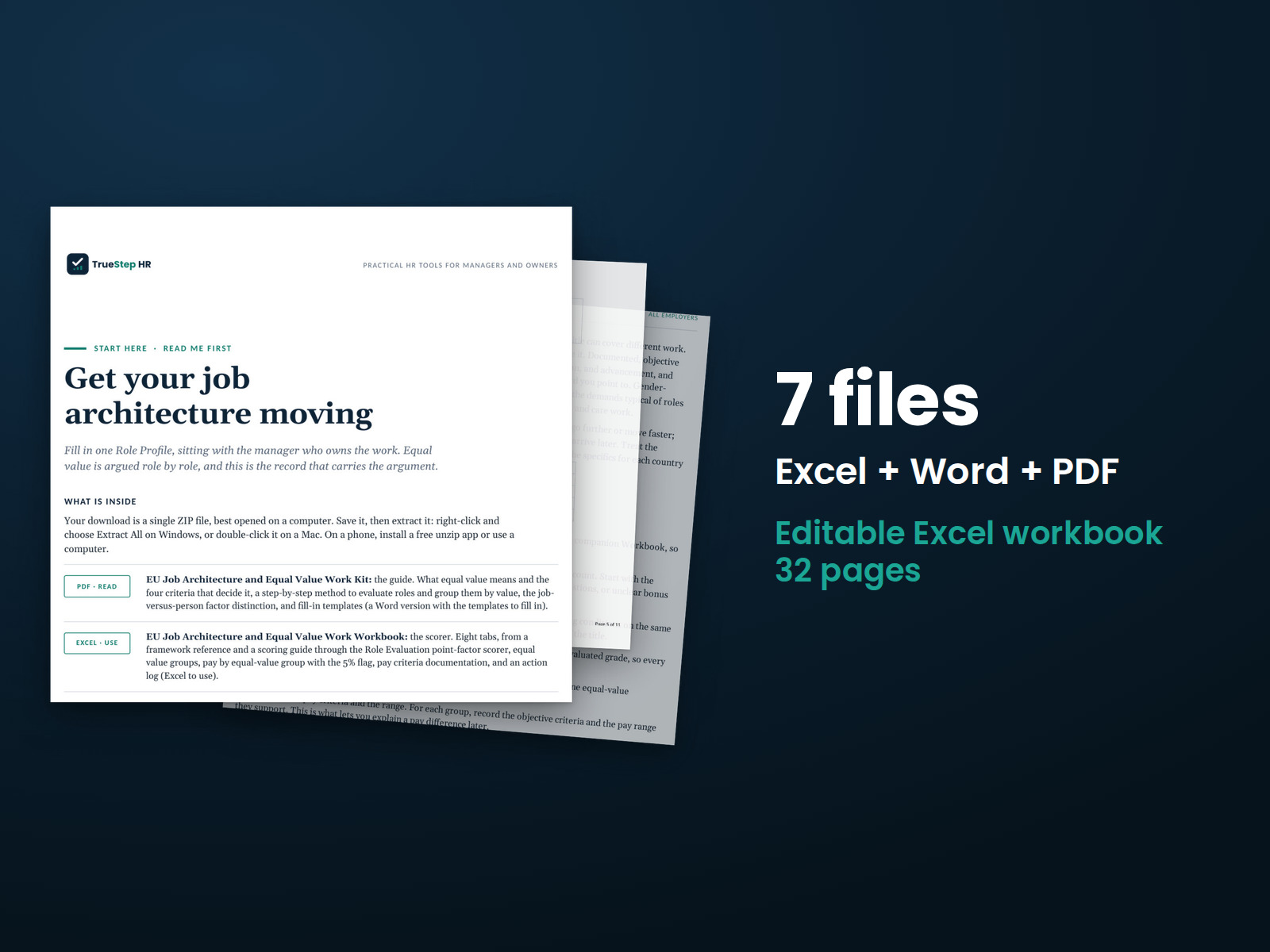
Build a job structure using objective criteria for equal work and work of equal value. Evaluate roles across four factors, group comparable positions, and review pay differences to support documented compensation decisions.
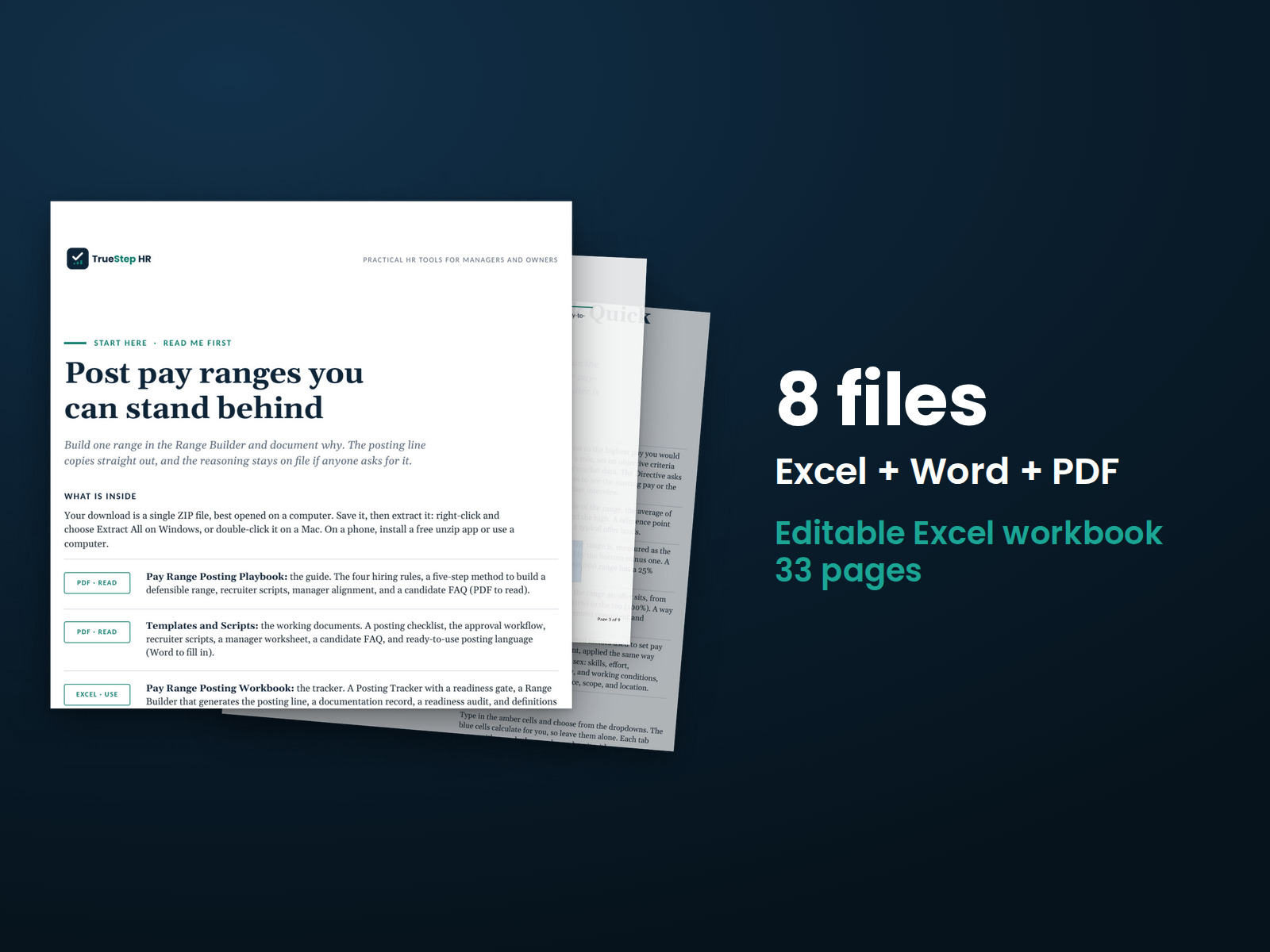
Build documented pay ranges for EU job postings using objective criteria. Prepare posting language, brief recruiters, and track each position through review and publication.
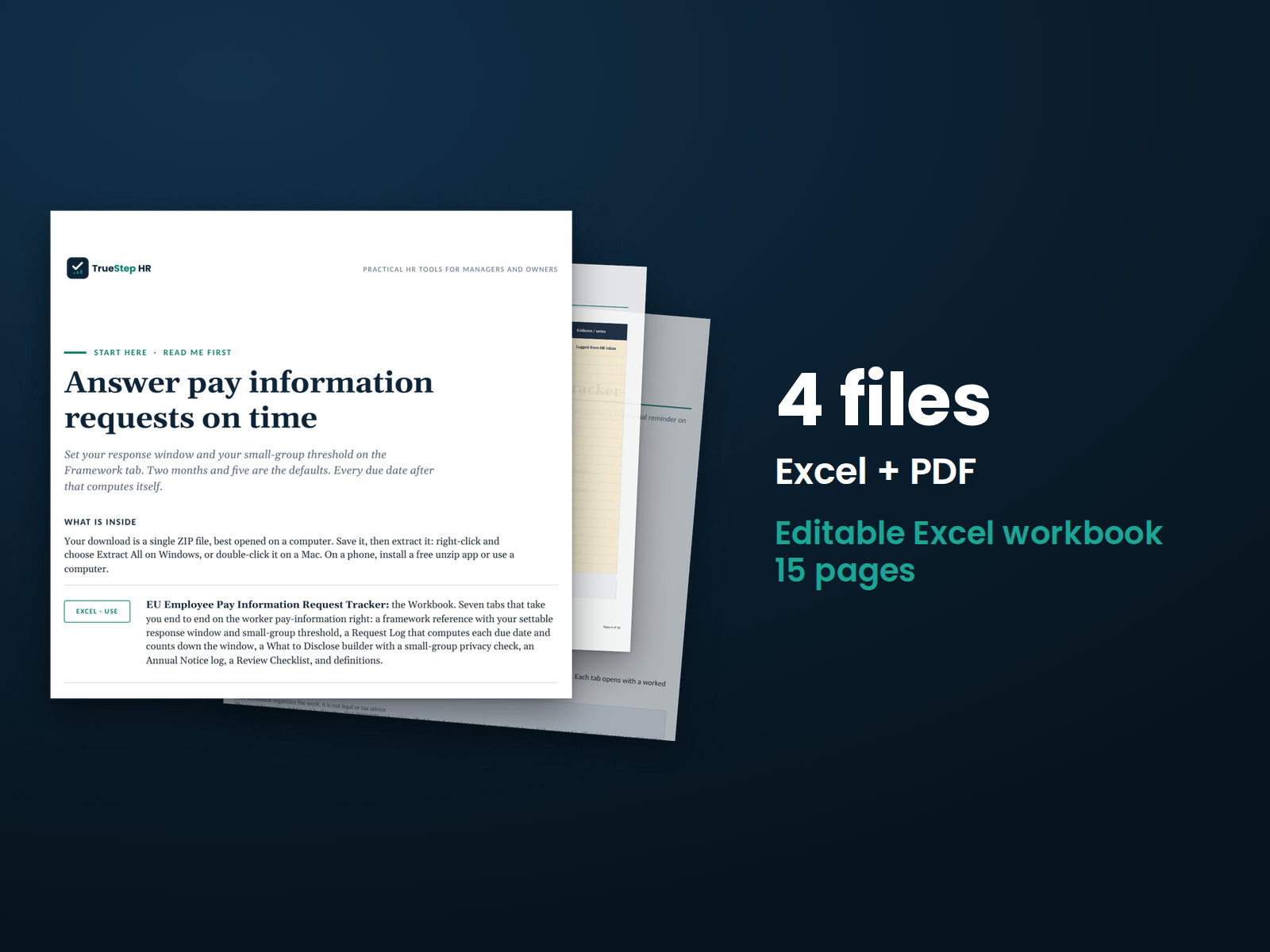
Manage employee pay information requests in one tracker. Record requests, monitor the two-month response deadline, prepare responses with privacy considerations, and schedule annual employee reminders.
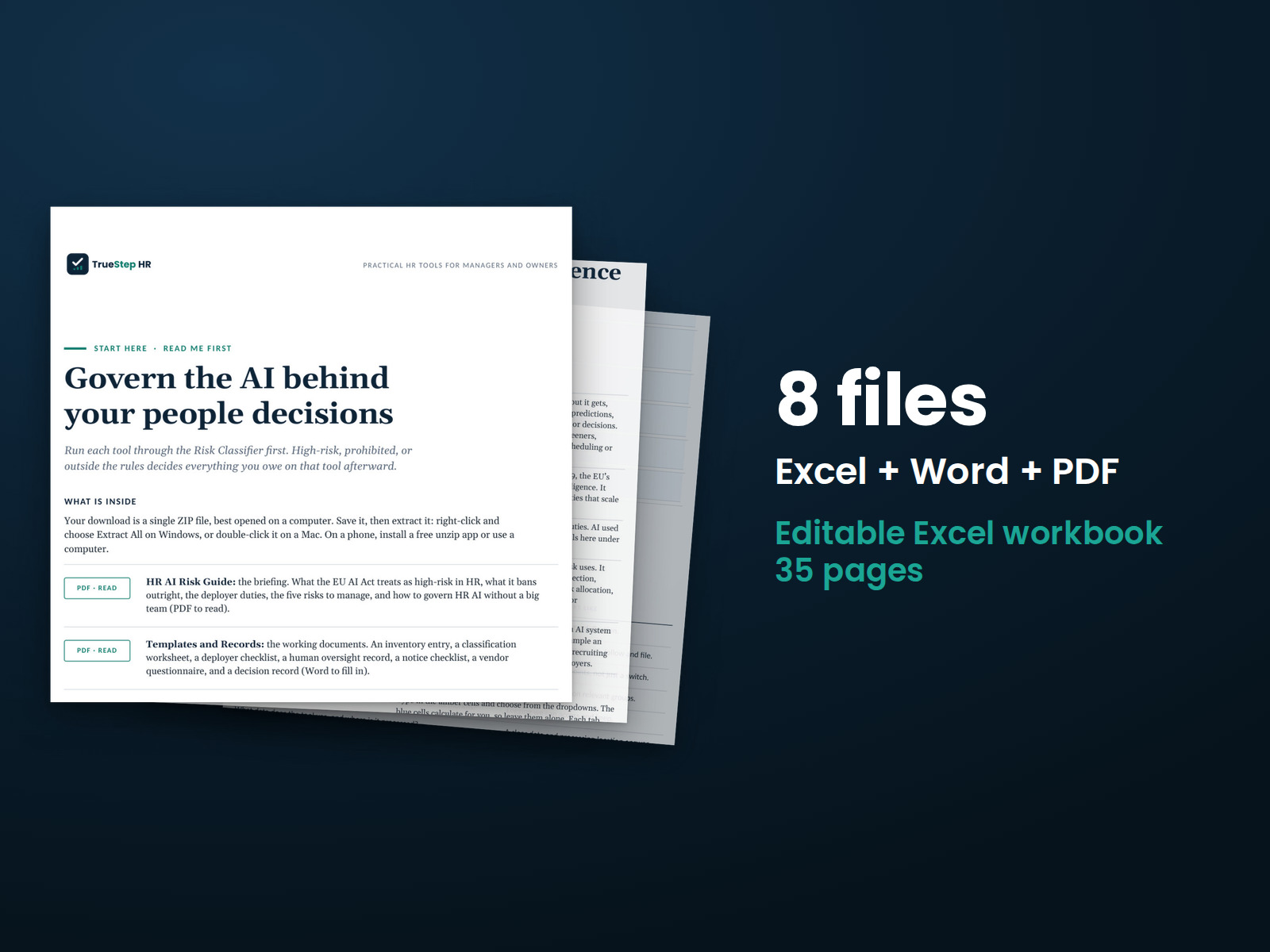
Review the AI used in hiring and employee decisions against EU AI Act risk categories. Organize oversight responsibilities, employee notices, and supporting records.
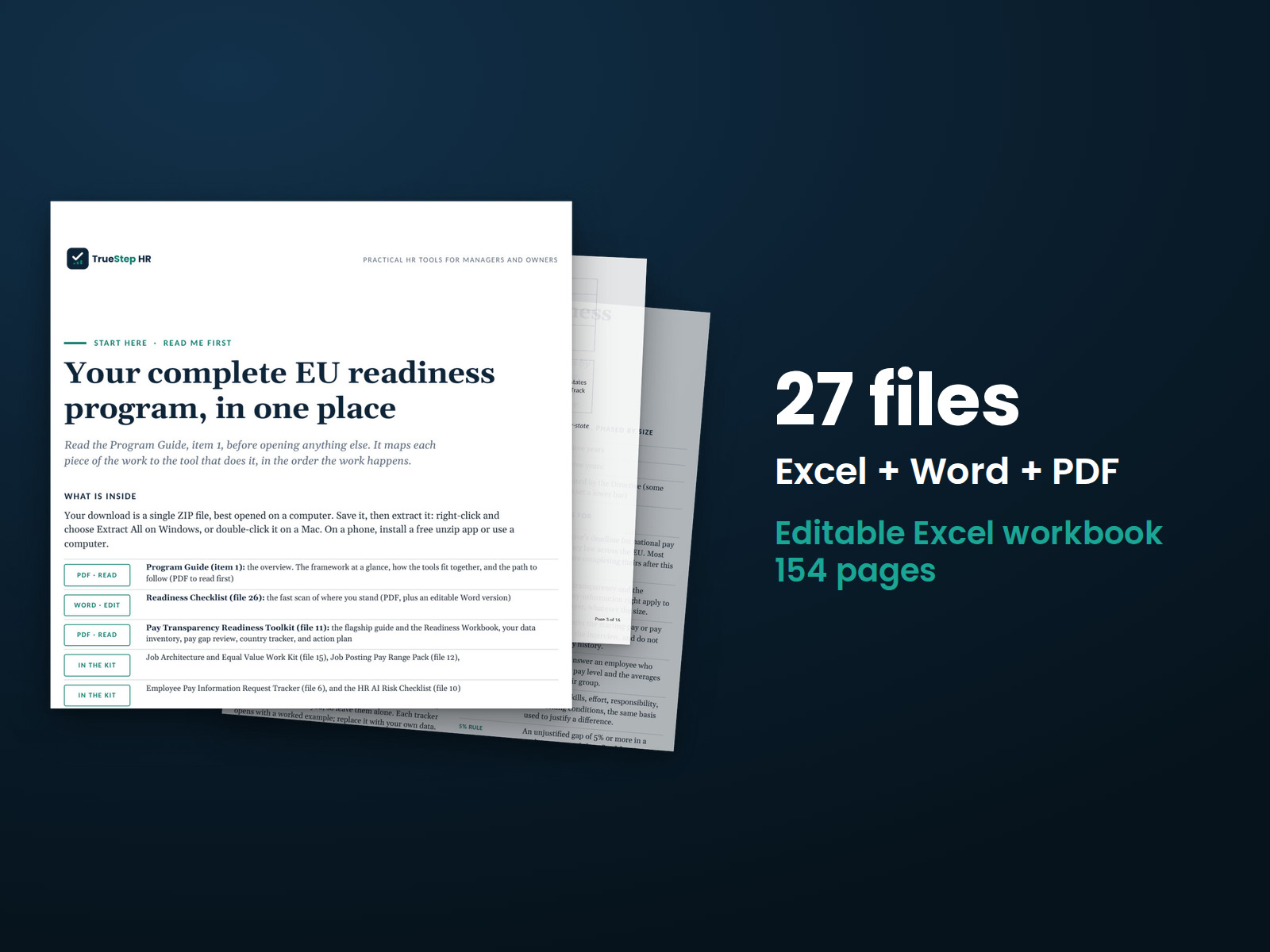
Prepare for the EU Pay Transparency Directive and EU AI Act requirements with a coordinated set of tools. The suggested sequence takes you through reviewing requirements, evaluating risks, documenting decisions, and preparing materials for legal review.

Bring hiring, onboarding, pay, performance, employee relations, and exits together with 17 kits and four analytics packs.
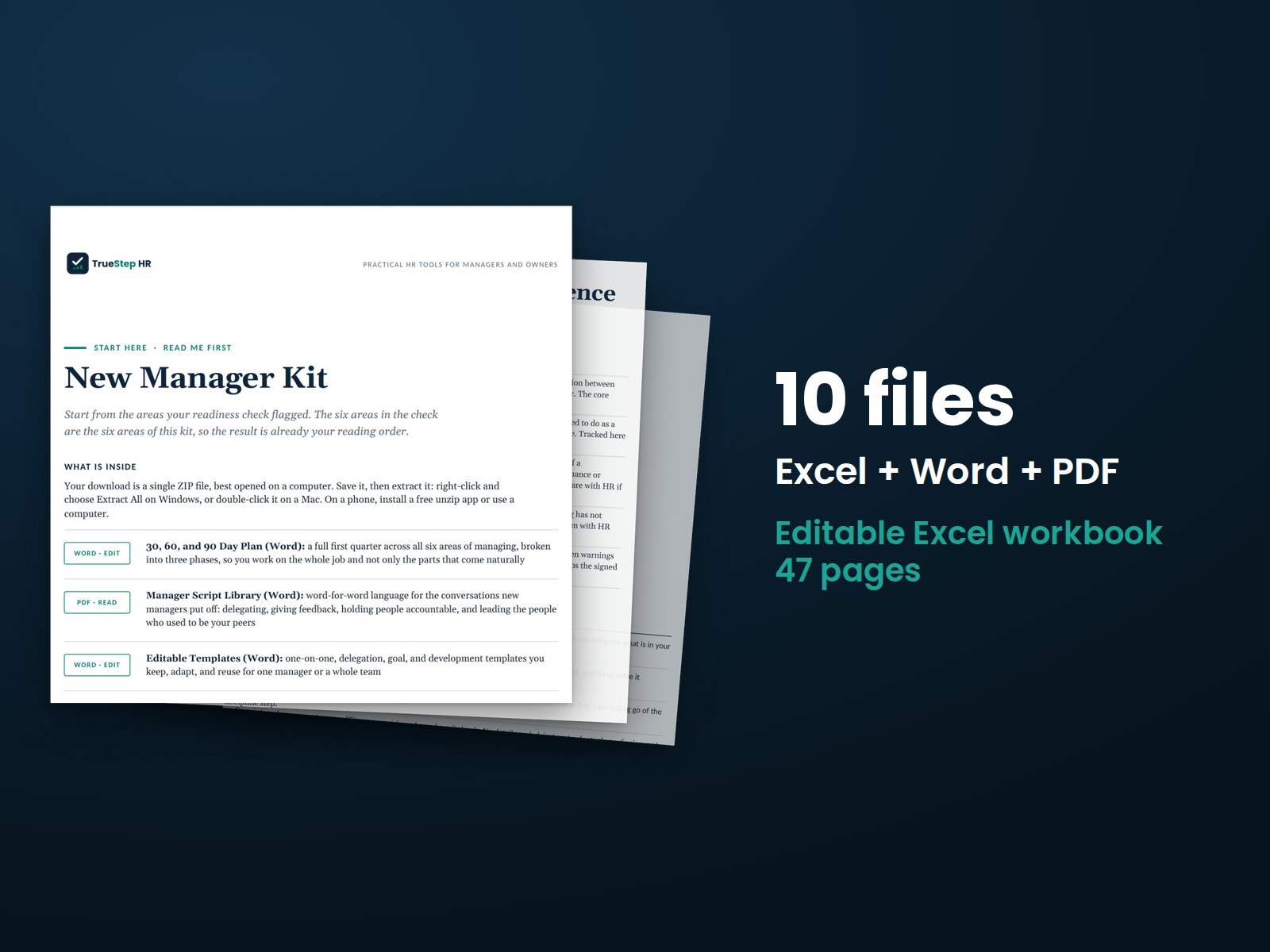
Give new managers a practical plan for their first 90 days. The kit includes templates and conversation guides for common leadership responsibilities, employee discussions, and team decisions.
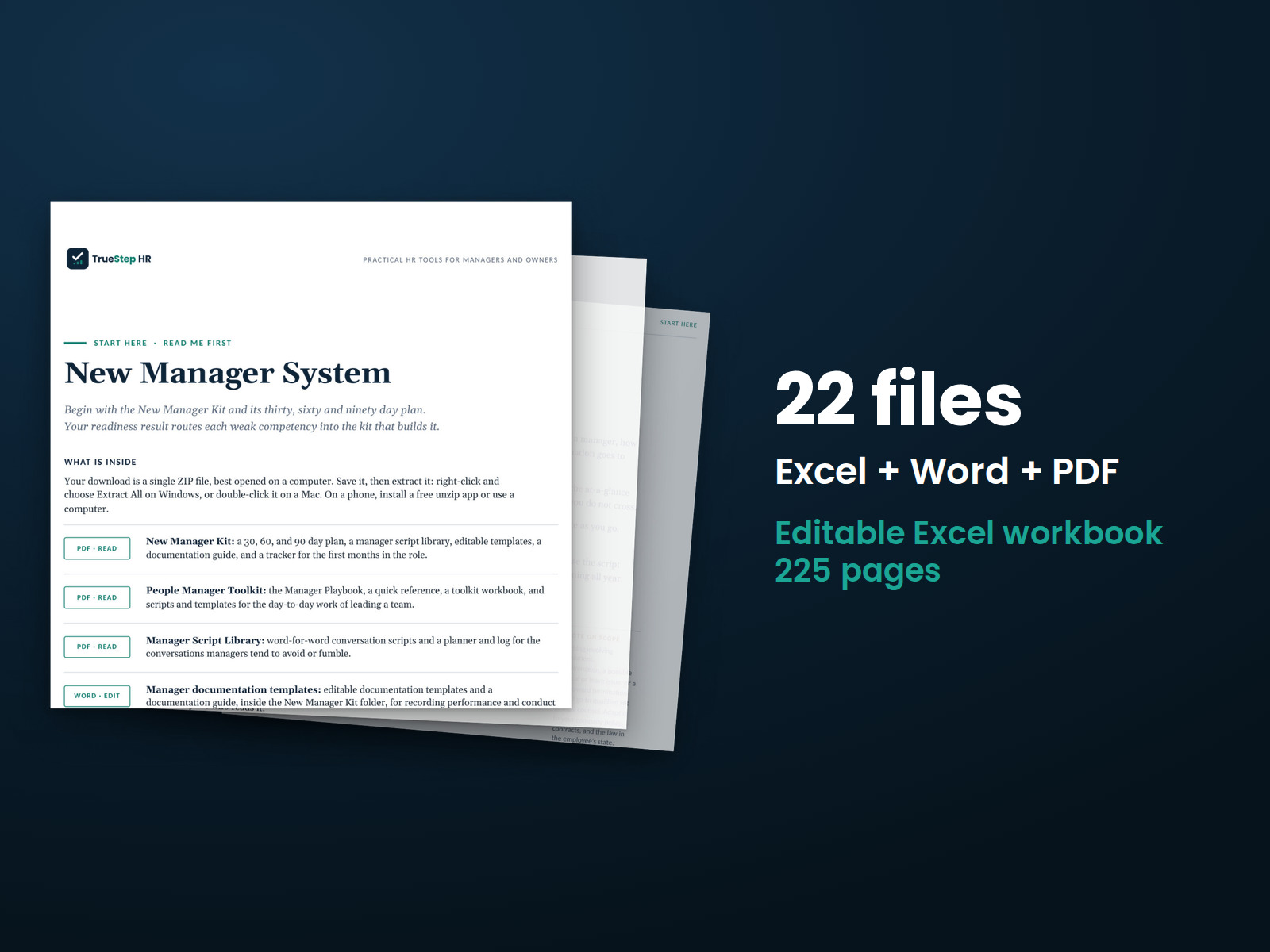
Help new managers build leadership skills with a development assessment to identify priorities, plus practical kits, conversation scripts, and templates covering the core areas of team leadership.
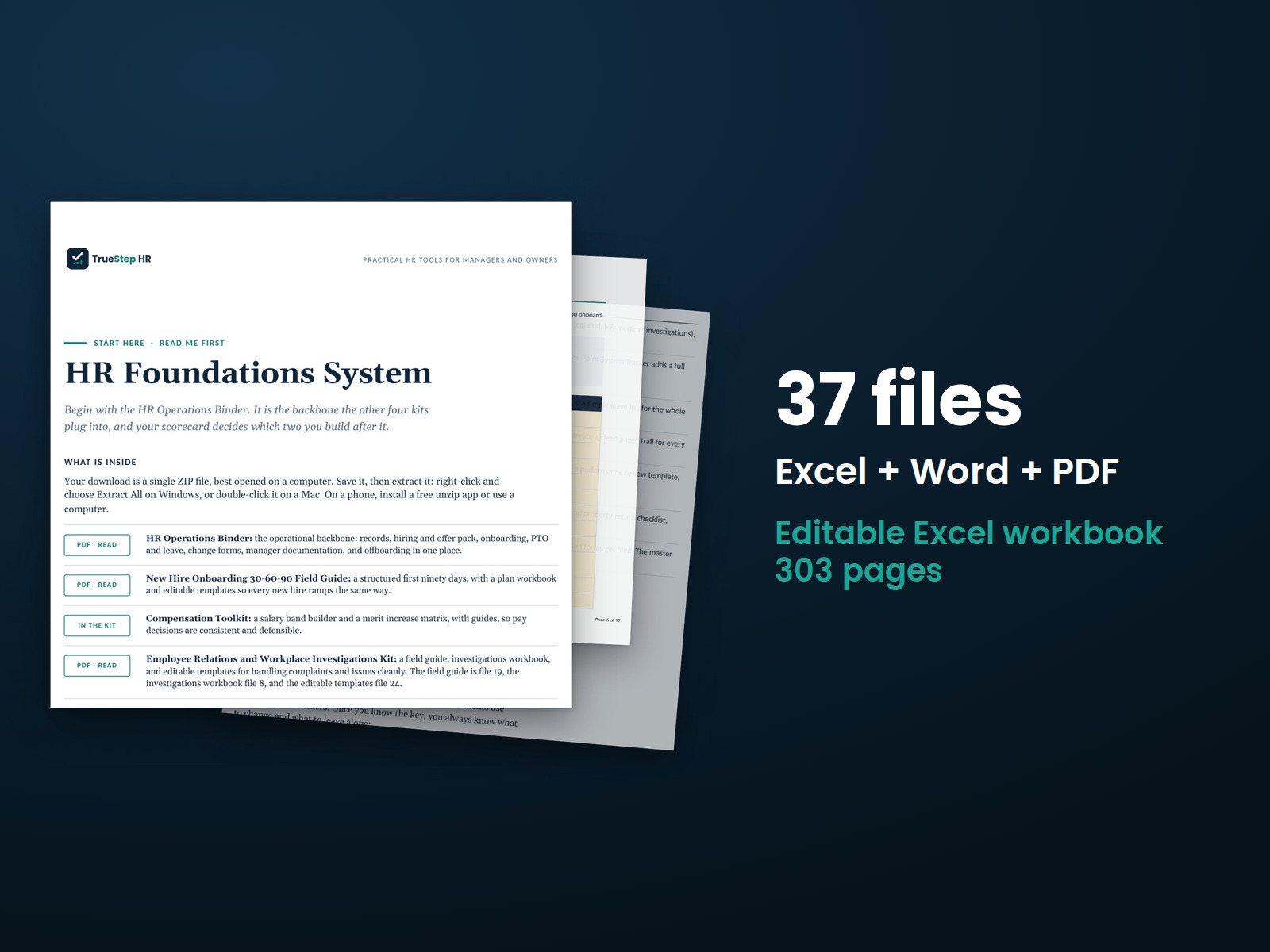
Get five HR kits in one bundle at a lower price than buying them individually. The kits cover operations, onboarding, pay, employee relations, and policy.
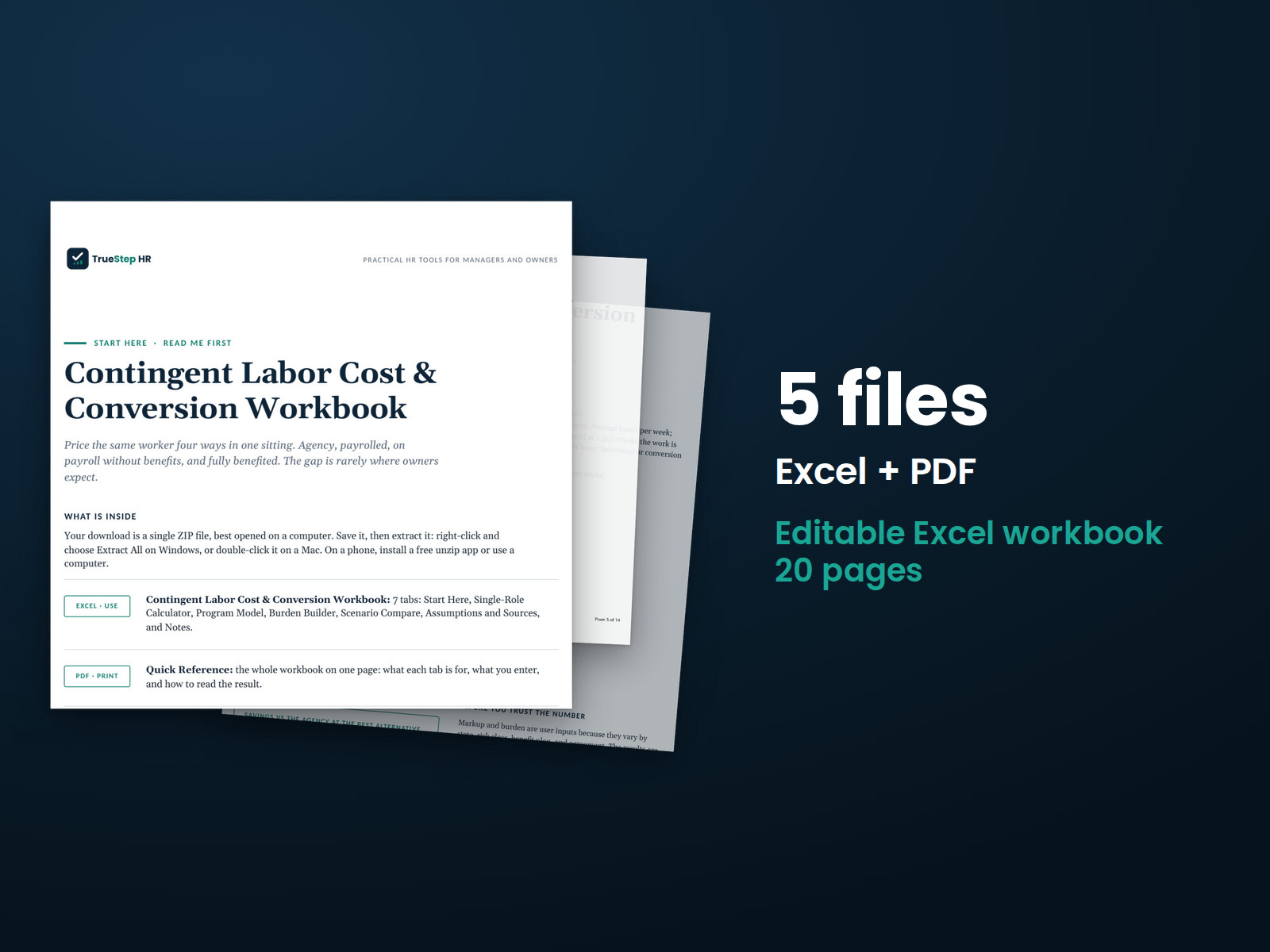
See what agency workers cost compared with moving them onto your payroll. Model four staffing options side by side using your labor costs and documented assumptions.
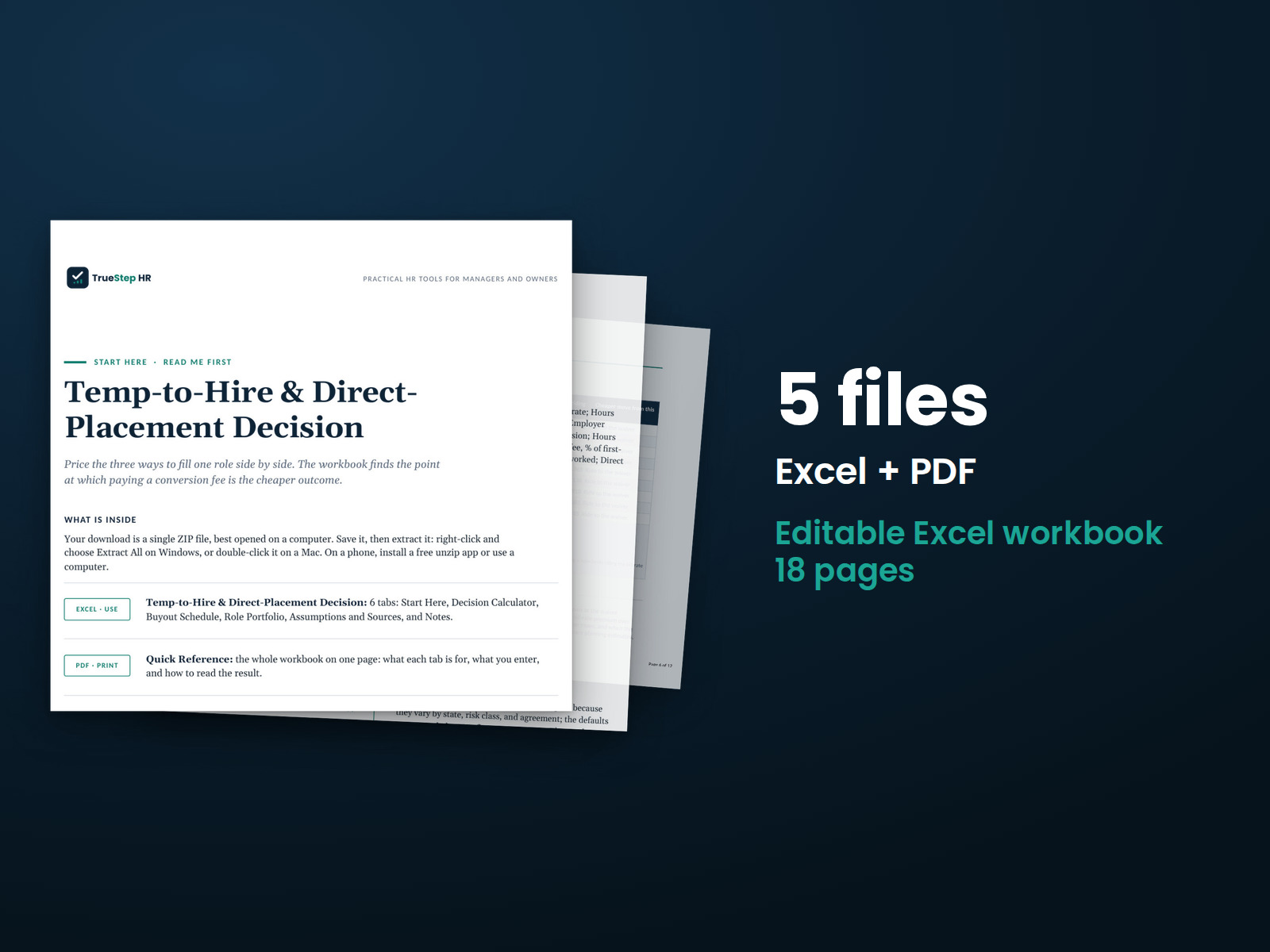
See the cost of converting a temporary employee now, waiting until the conversion fee is waived, or paying a placement fee. The workbook calculates each option.
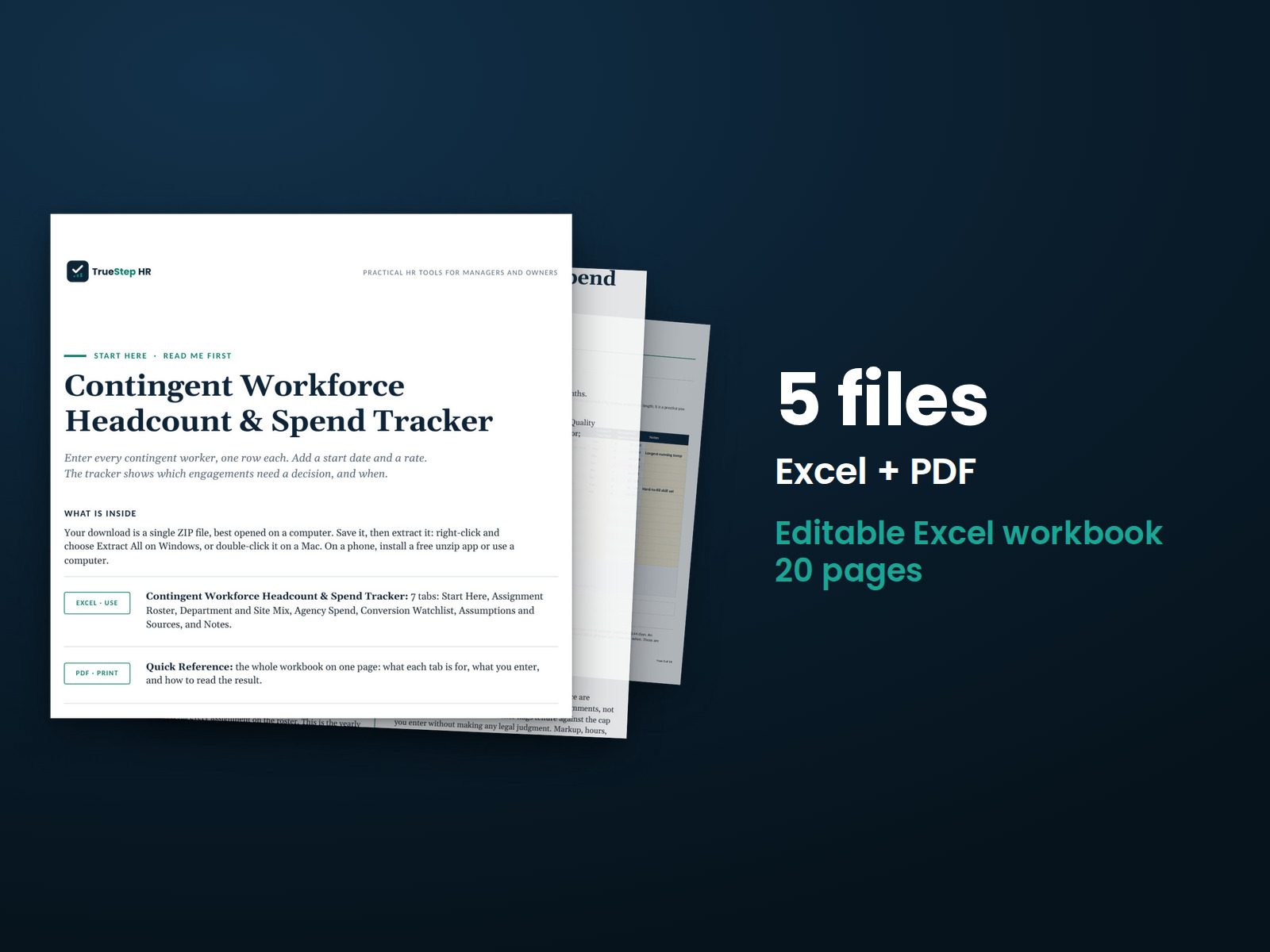
Bring contingent workers, assignments, costs, and key dates into one file. See spending and early warning flags alongside your workforce roster.
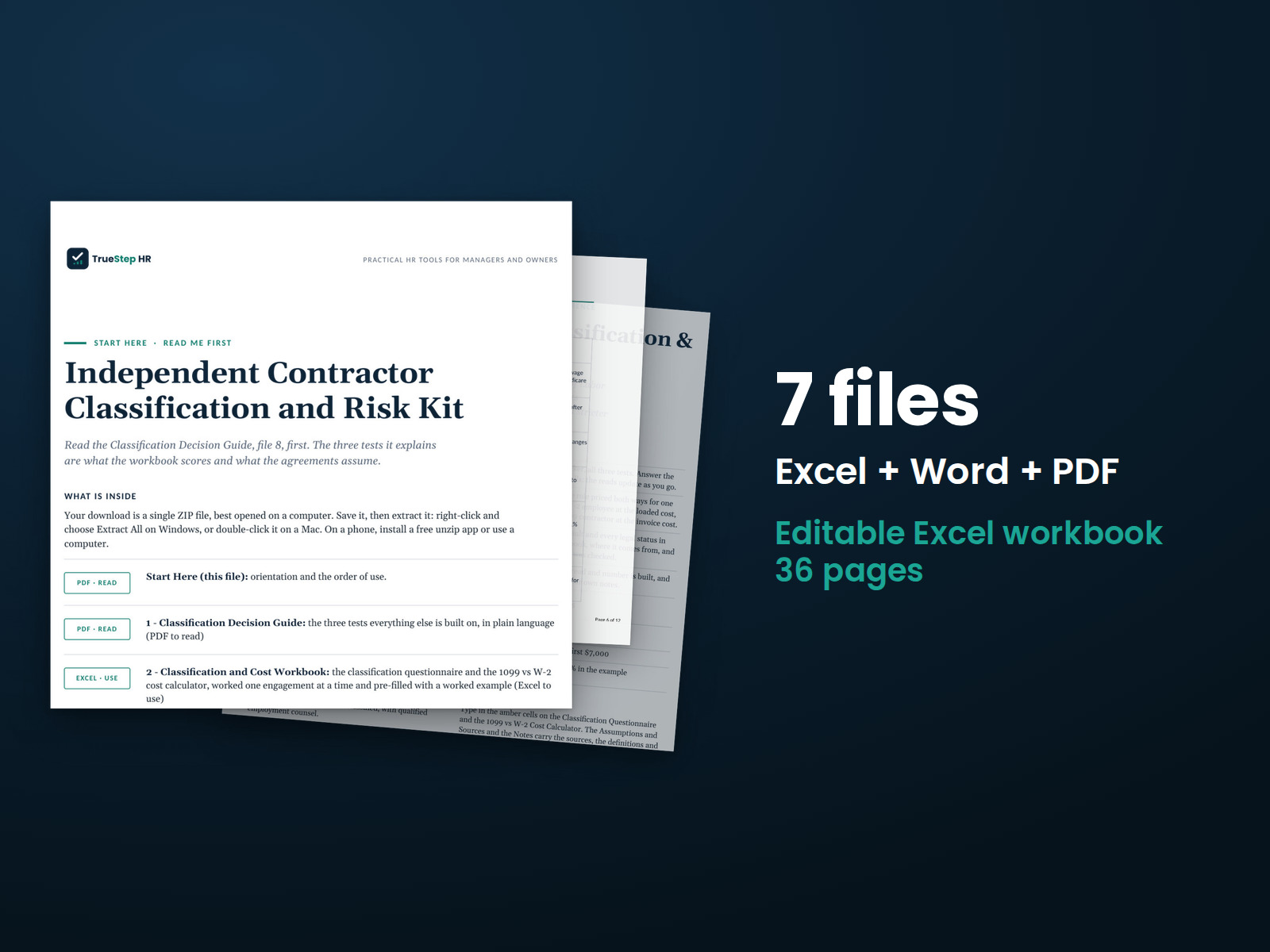
Apply three classification tests to each worker and document your findings and risks. Use the included agreements and legal review guidance to support your contractor decisions.
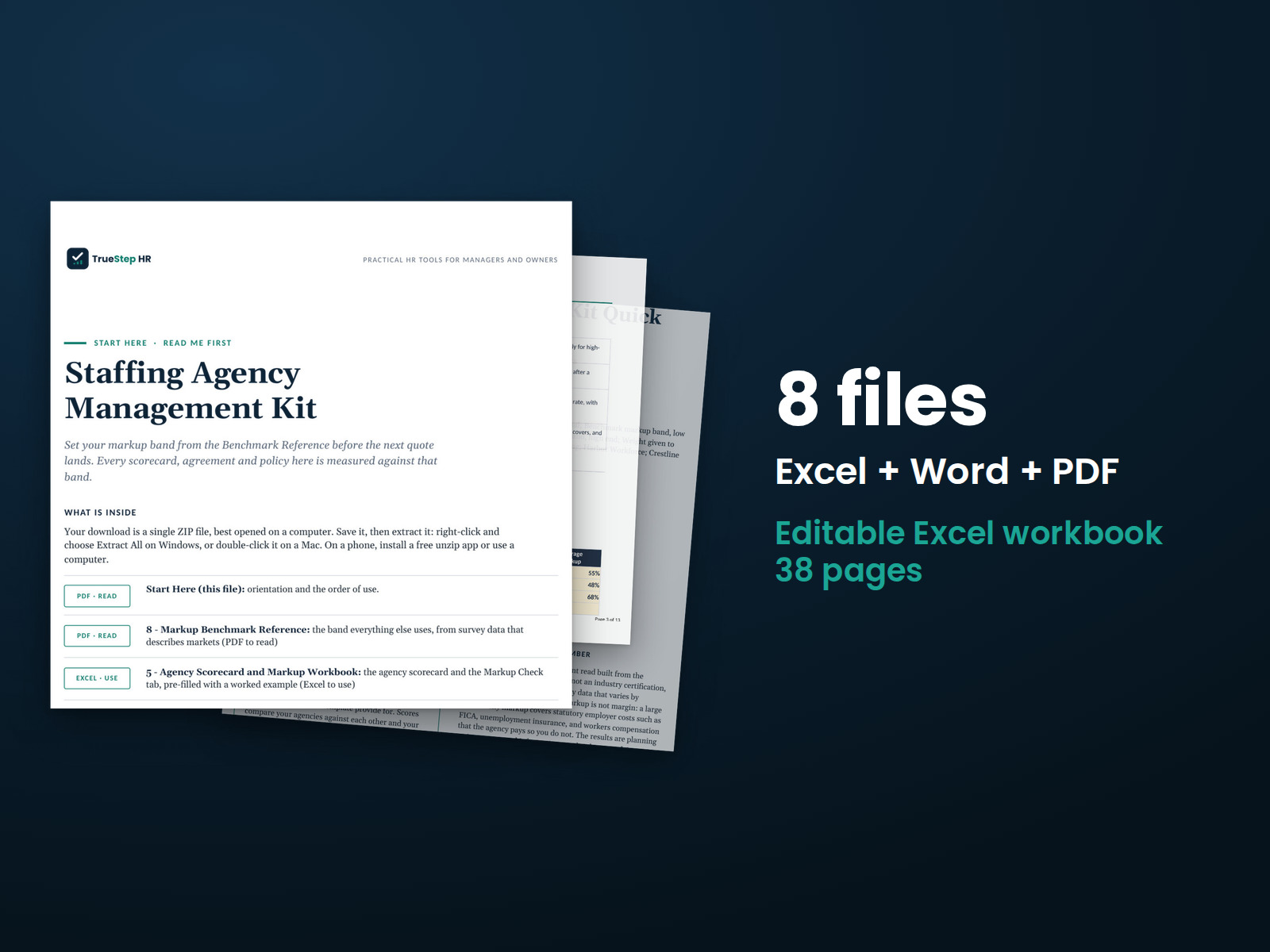
Compare staffing agency terms and costs before making a decision. The kit includes an agreement, a policy, and an agency scorecard, along with sourced benchmarks for evaluating agency quotes.
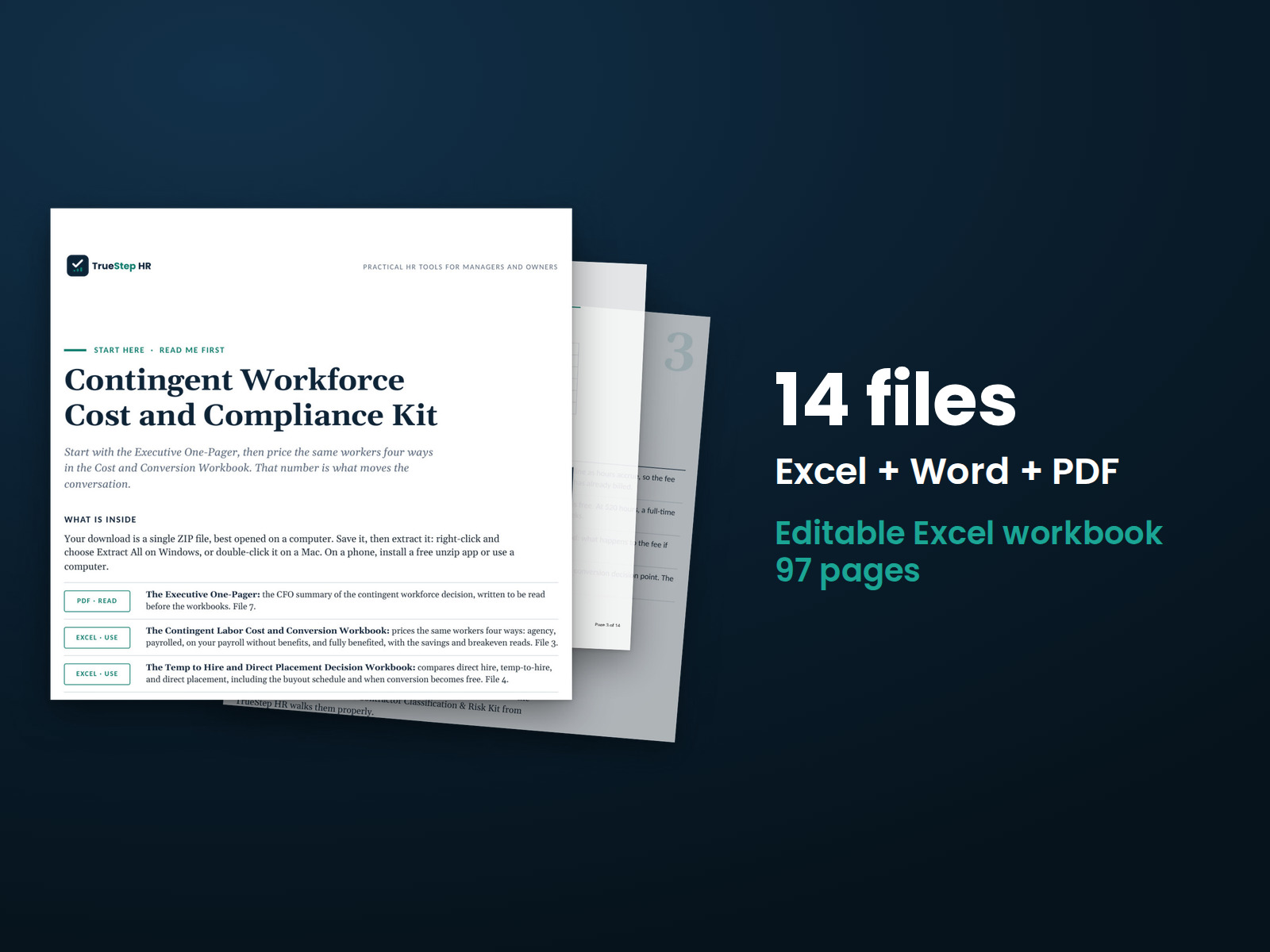
Review contingent labor costs, hiring options, worker classification, and staffing agency agreements in a clear sequence. Bring your findings and recommendations together in a one-page leadership summary.
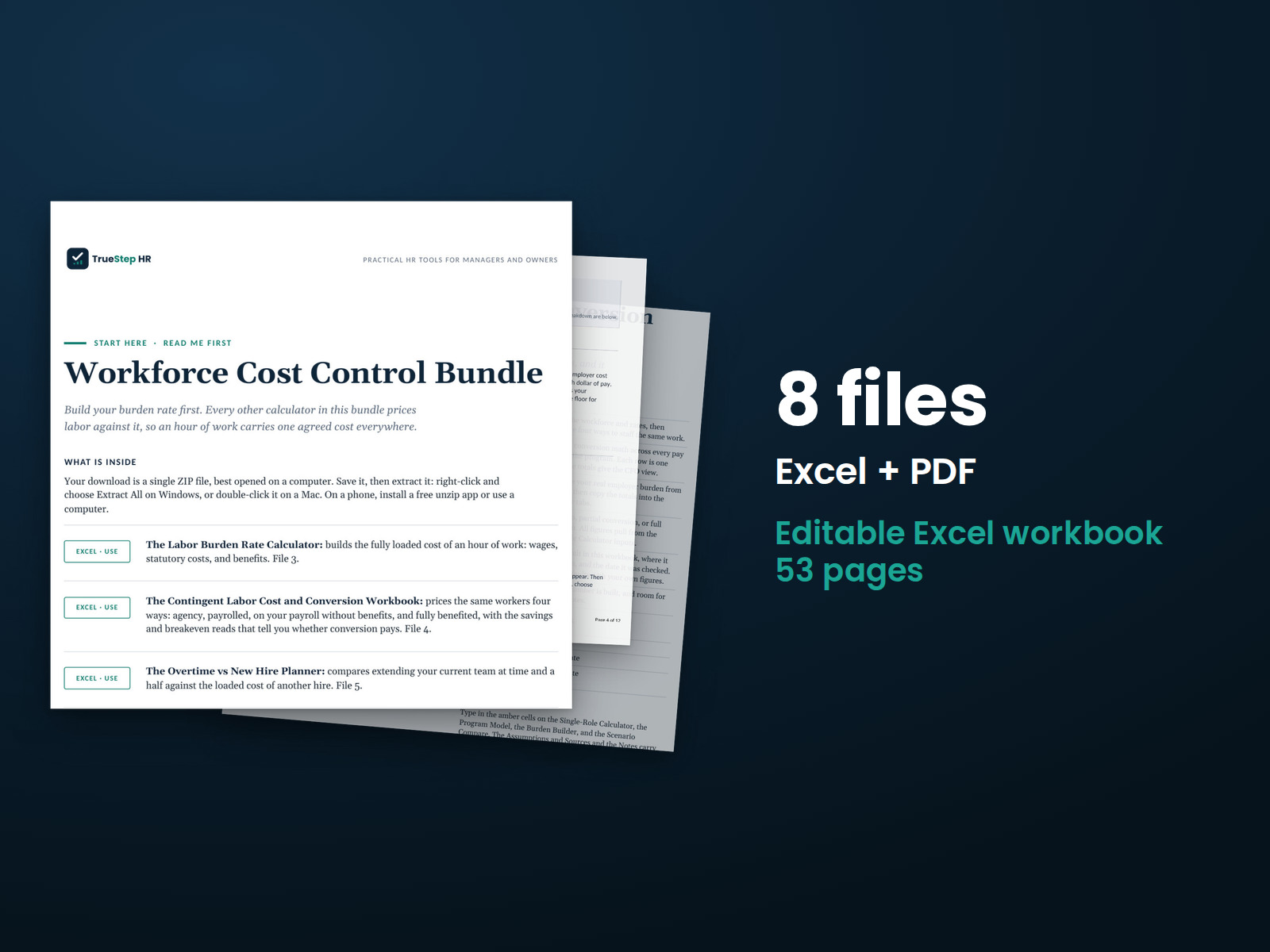
Compare your full labor costs across four workbooks, starting with labor burden and moving through contingent labor, overtime, and headcount planning.
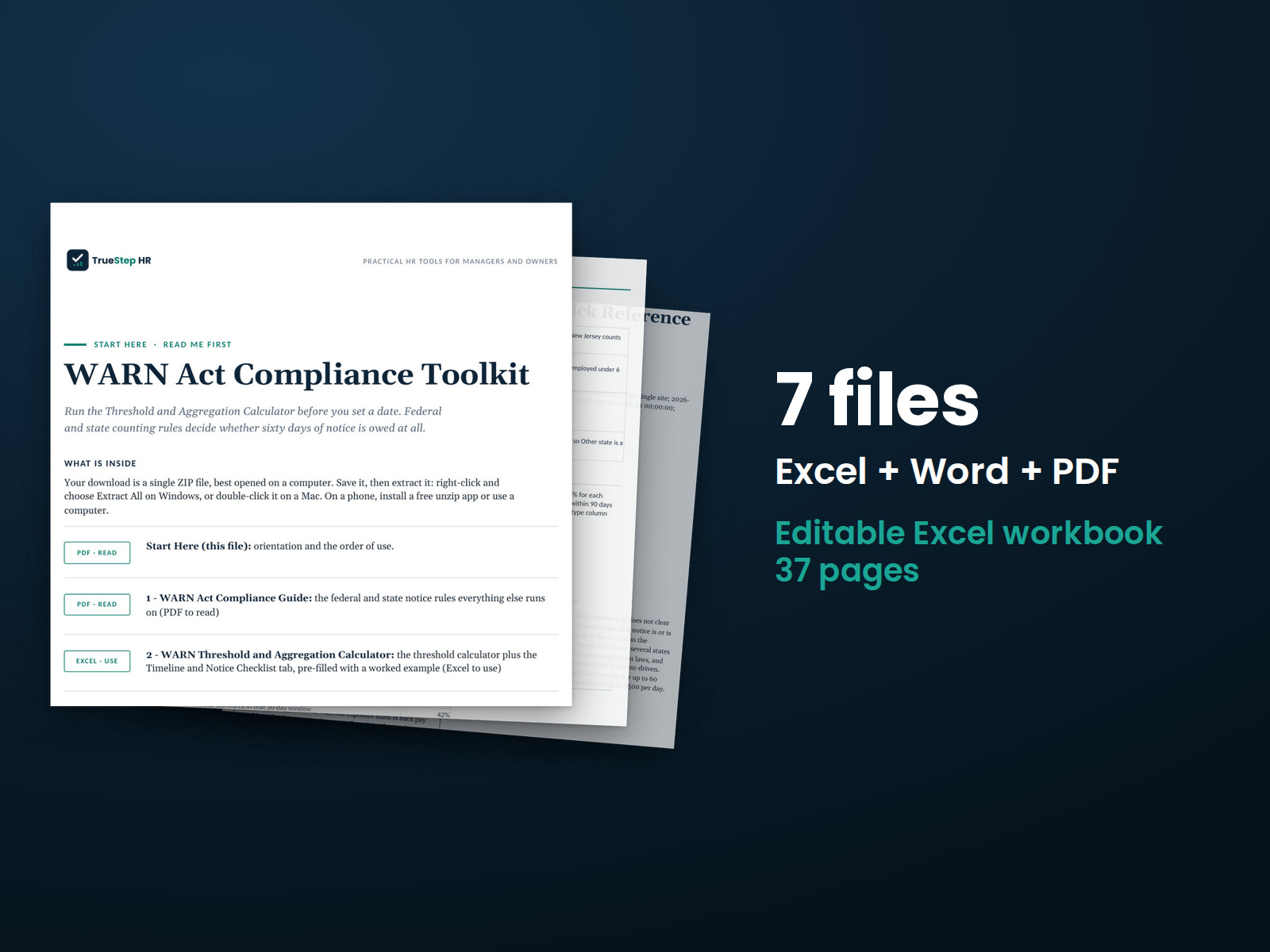
Review planned employment losses and potential WARN notice requirements before setting reduction dates. Check 30-day and 90-day periods, flag issues for counsel, and prepare draft notices.
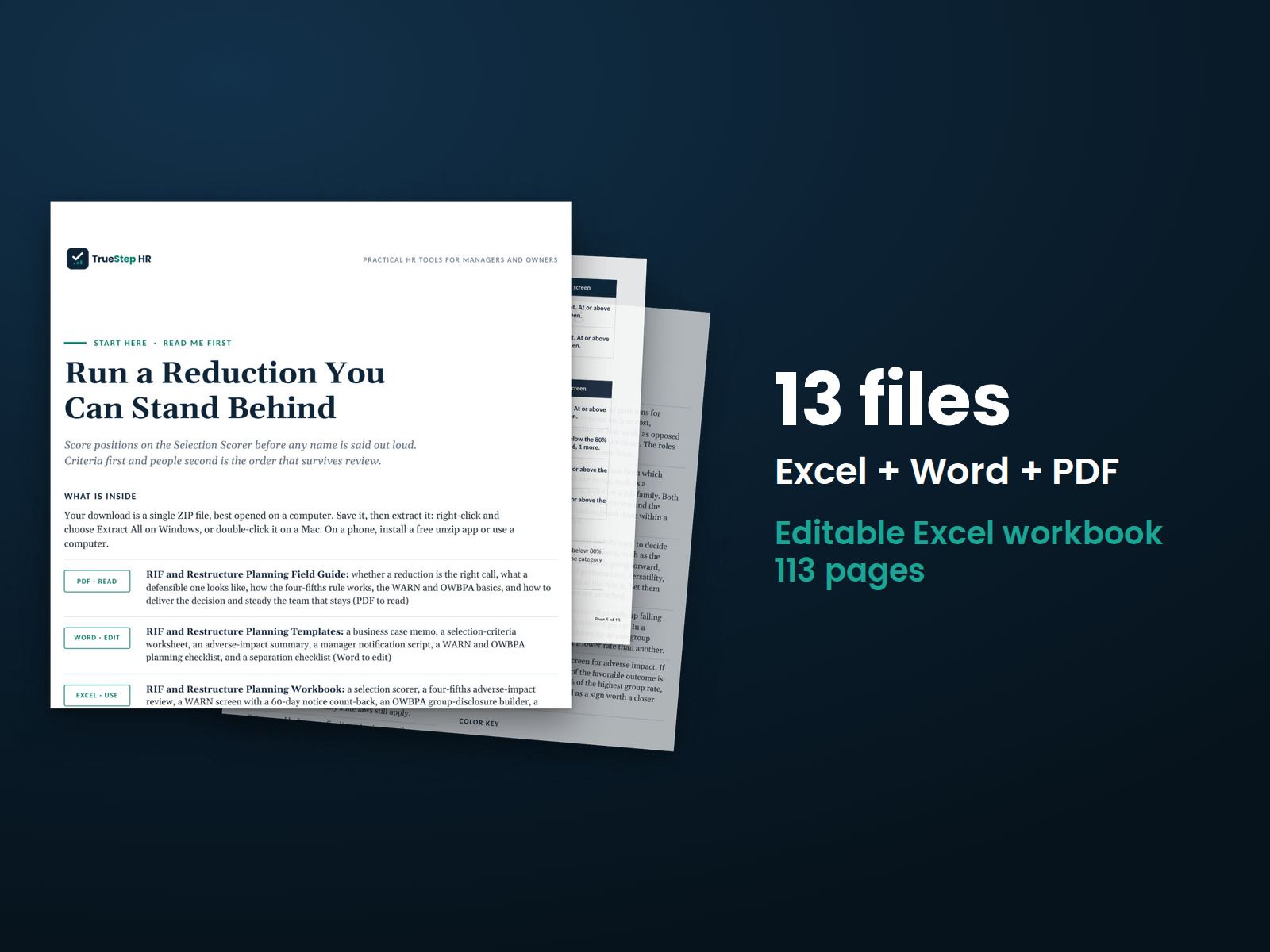
Coordinate employee selection, financial planning, and notice preparation for a workforce reduction. Three connected components show the suggested order of work and identify decisions for legal review.
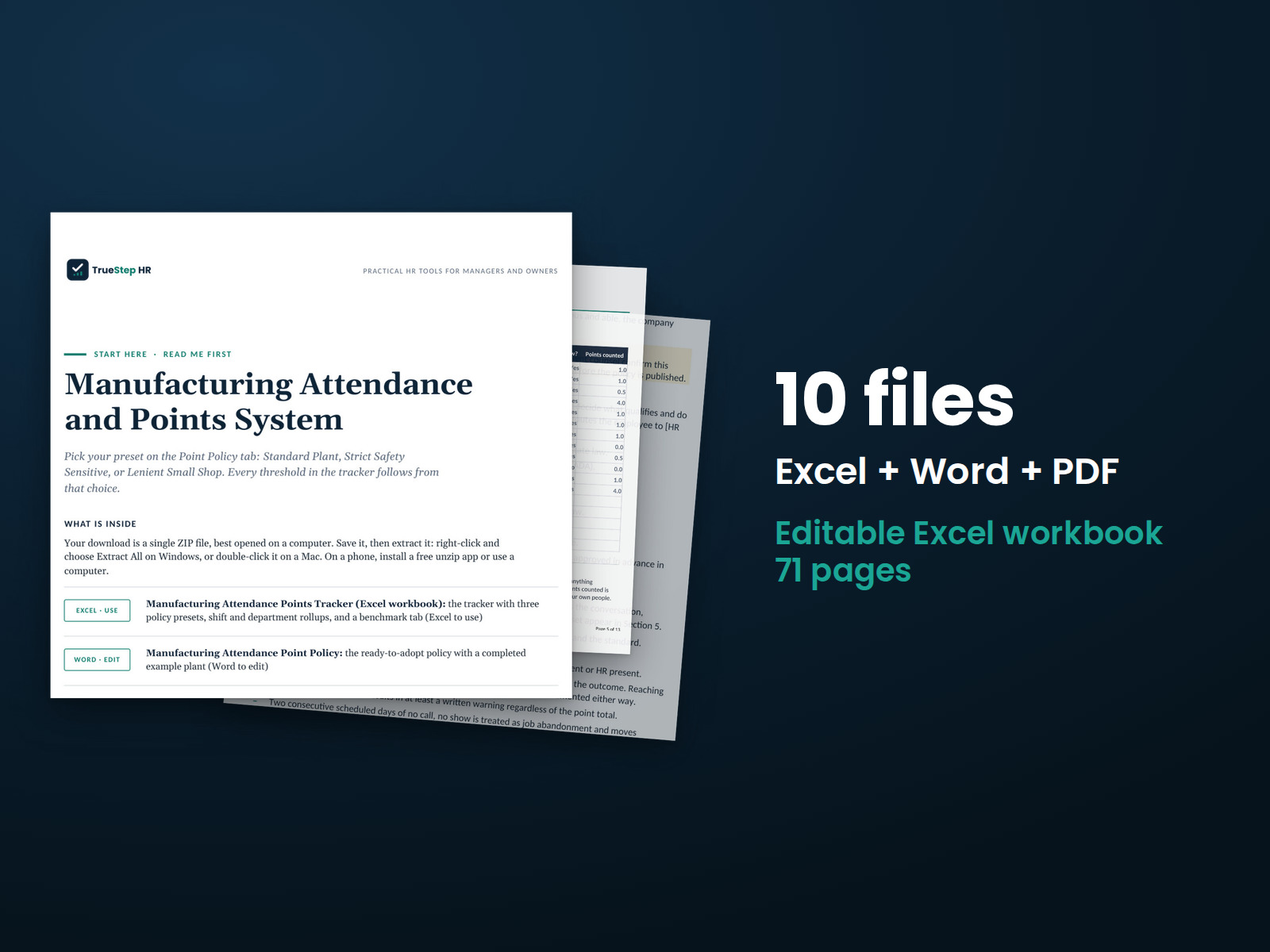
Manage plant attendance with an editable points policy, an attendance tracker that excludes protected absences, and scripts for employee conversations.
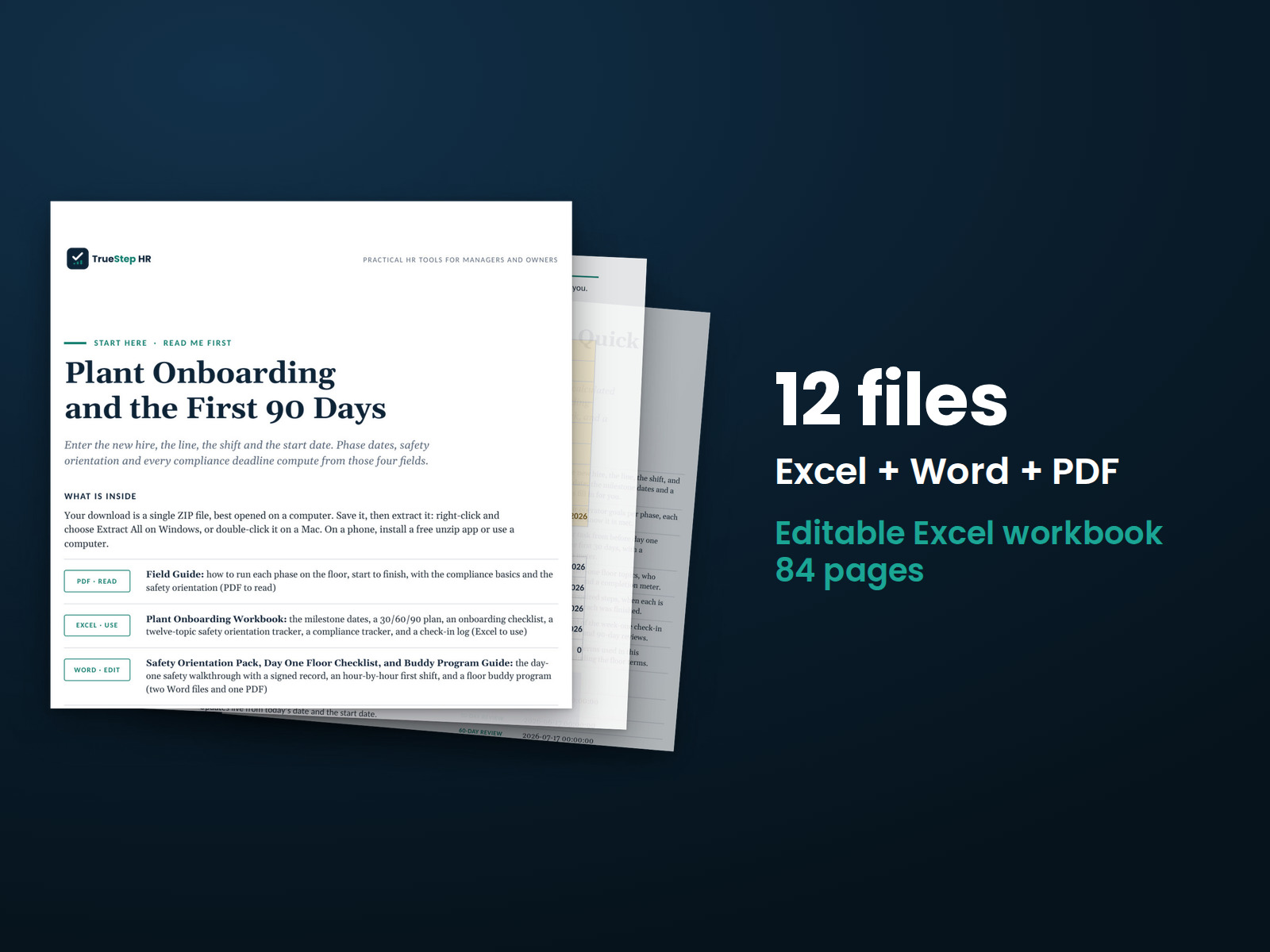
Plan an operator's first 90 days with one kit covering pre-boarding steps, a first-day checklist designed for plant operations, and a safety orientation with a signed record.
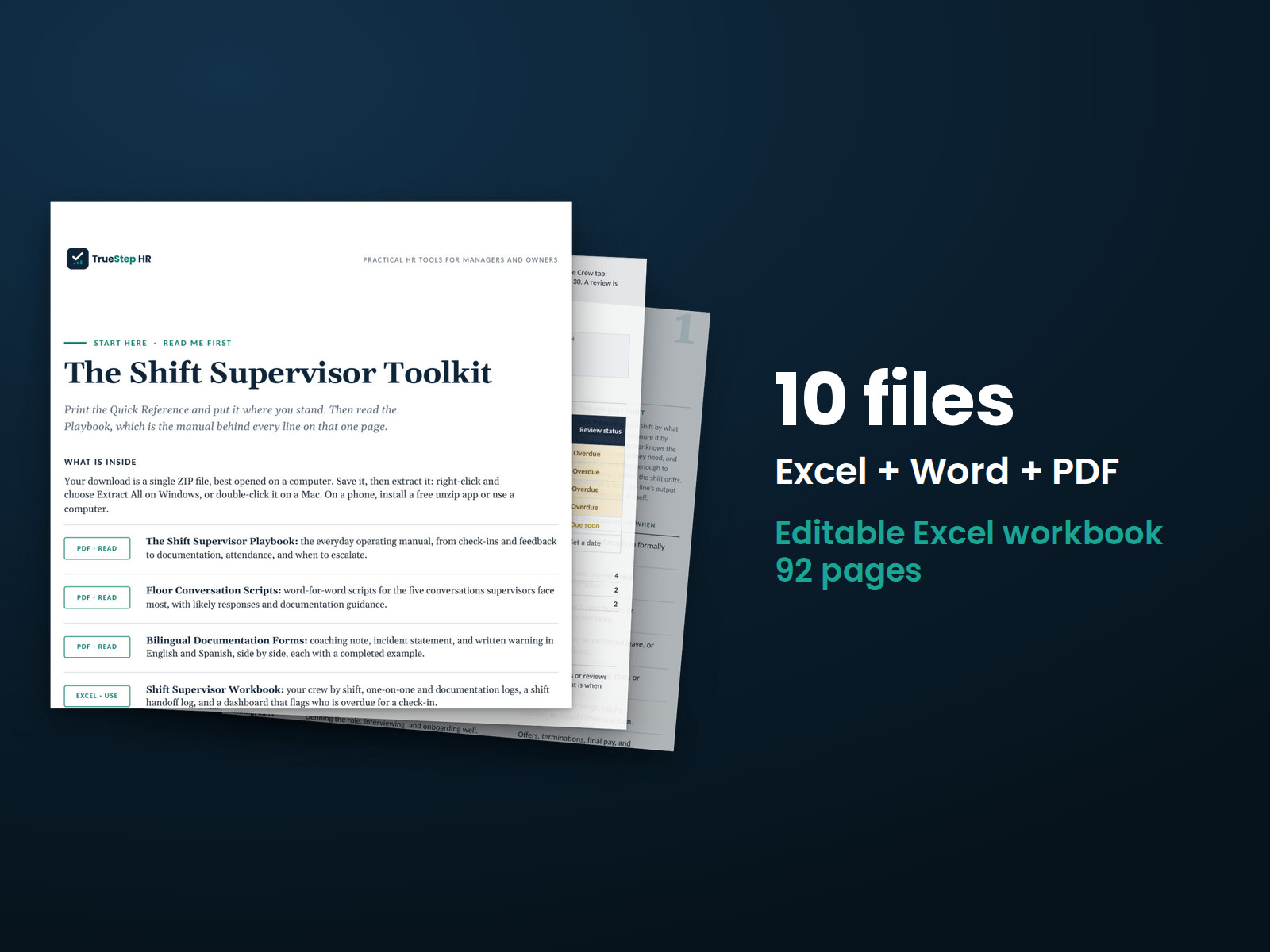
Help shift supervisors manage daily operations and employee conversations with a practical playbook, conversation scripts, and bilingual documentation forms.
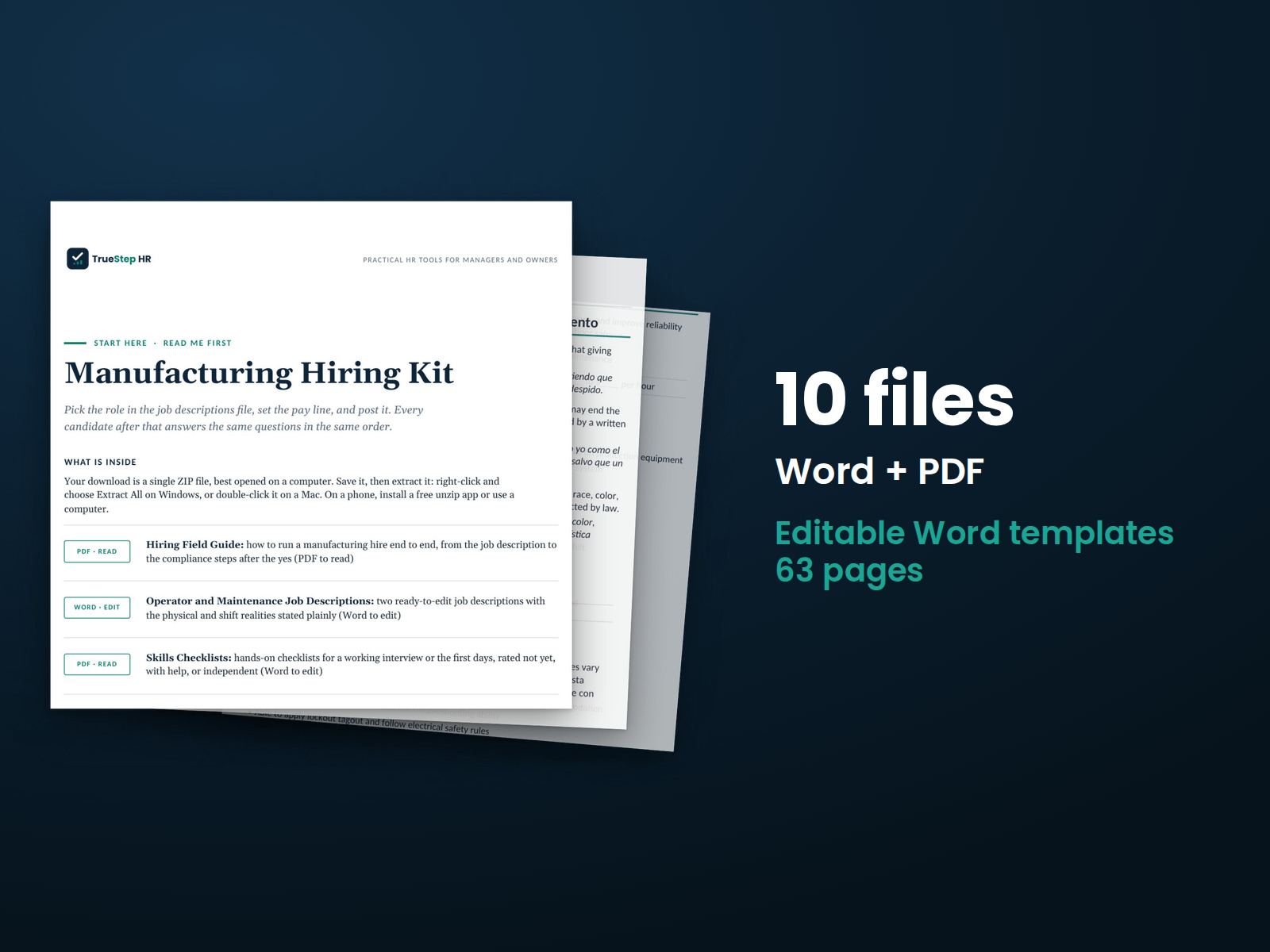
Use structured interviews and skills checks to evaluate manufacturing candidates. The kit includes a job description, hands-on skills checklist, scored interview, and bilingual application.
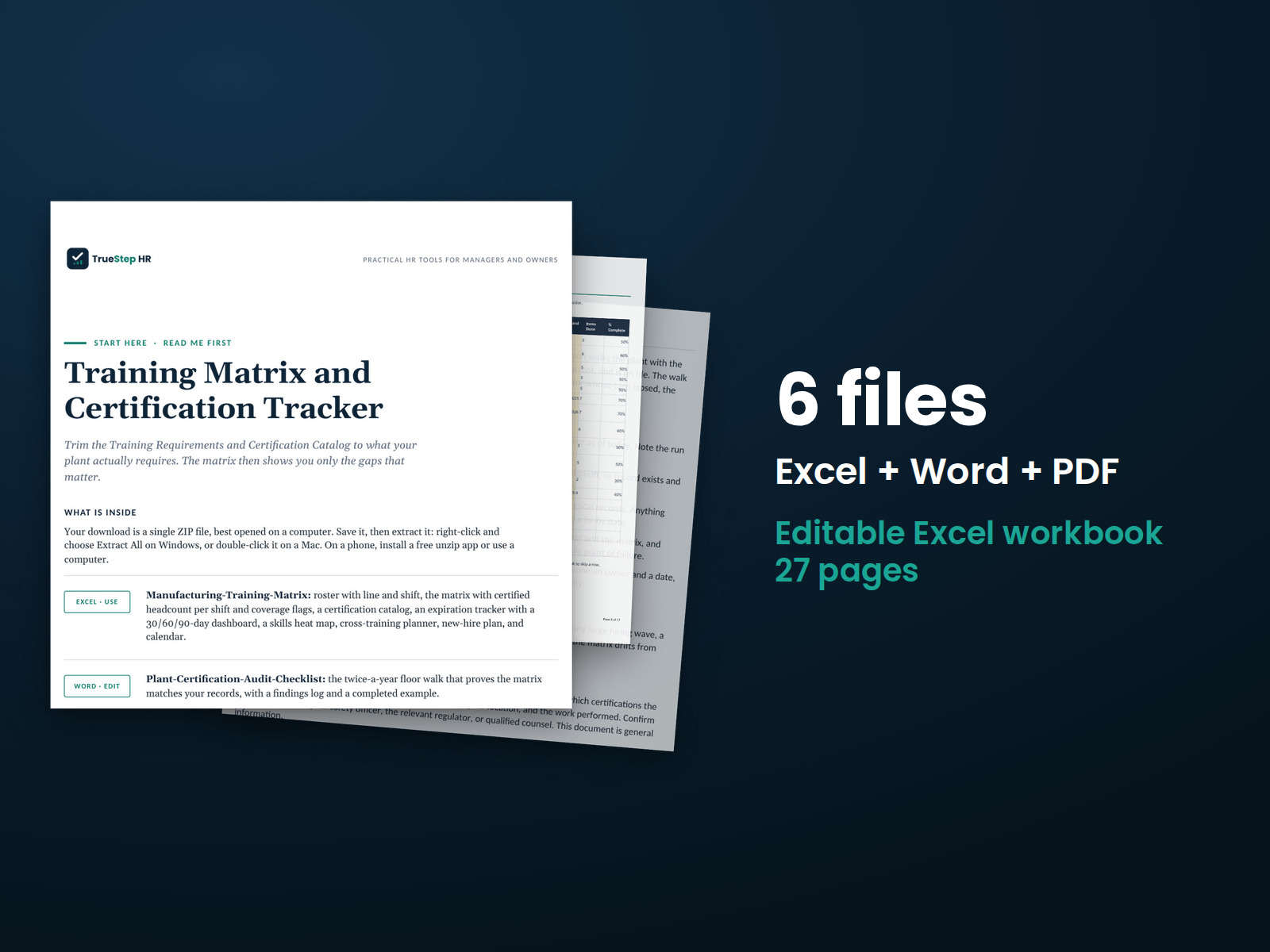
Track plant skills and certifications in one Excel workbook with calculated status and coverage information. A per-shift view highlights positions where coverage falls below the required minimum.
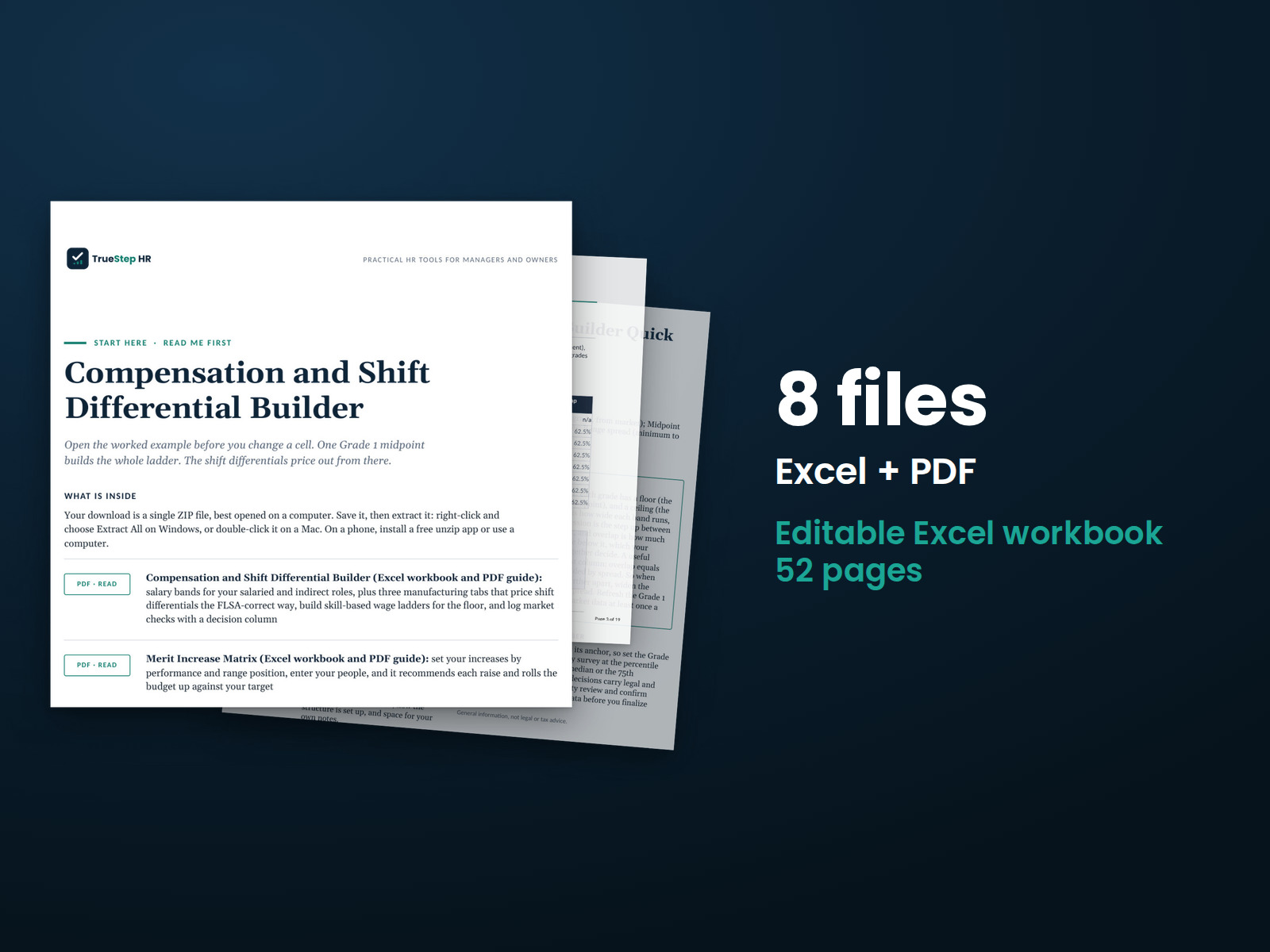
Build a consistent pay structure for plant roles. The toolkit includes salary bands for salaried and indirect roles, with shift differential calculations that include the differential in the regular rate, as federal overtime law requires.
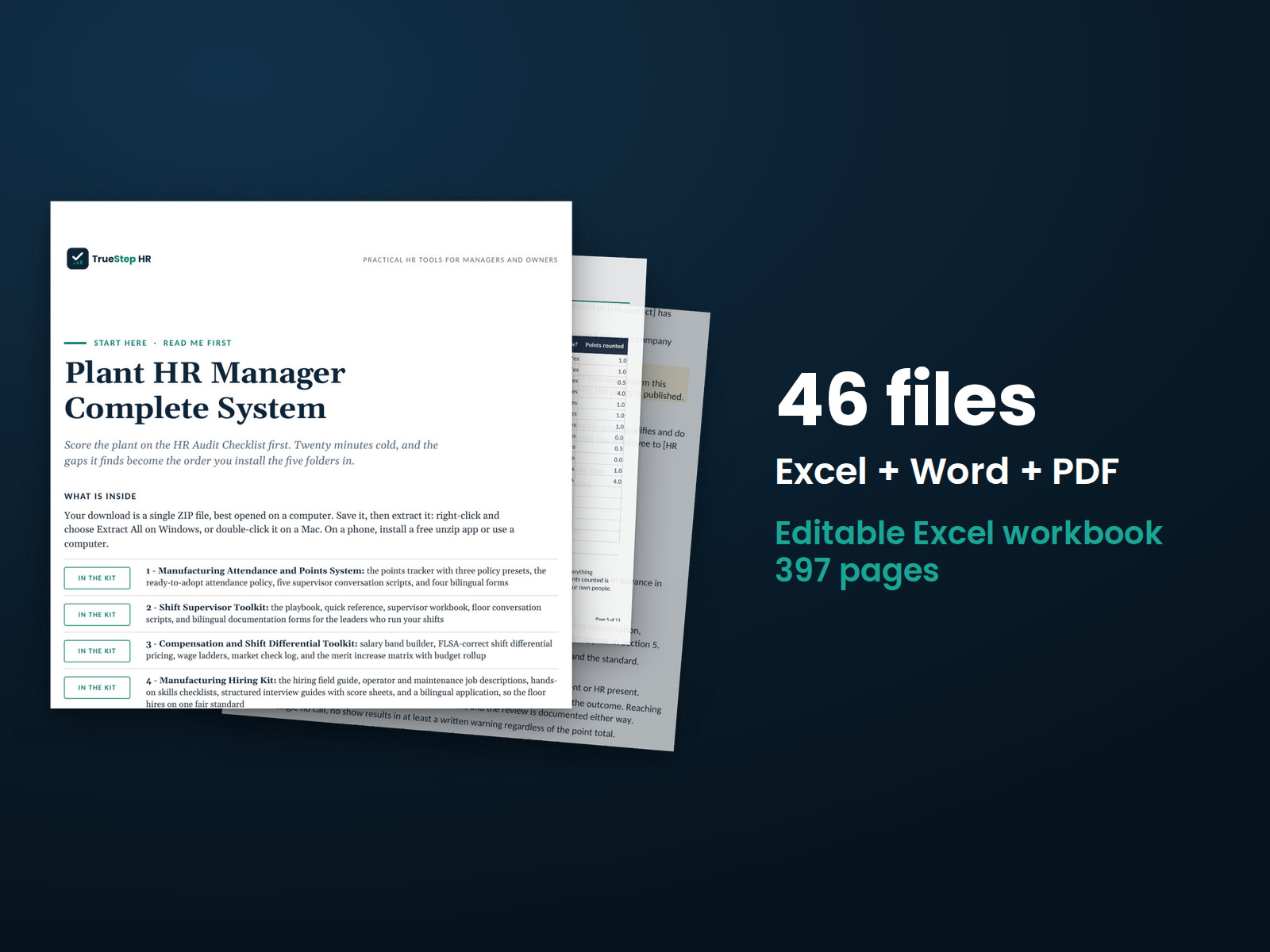
Bring five plant HR systems together with a 54-point plant HR audit to identify priorities and a 12-month calendar to plan recurring work.
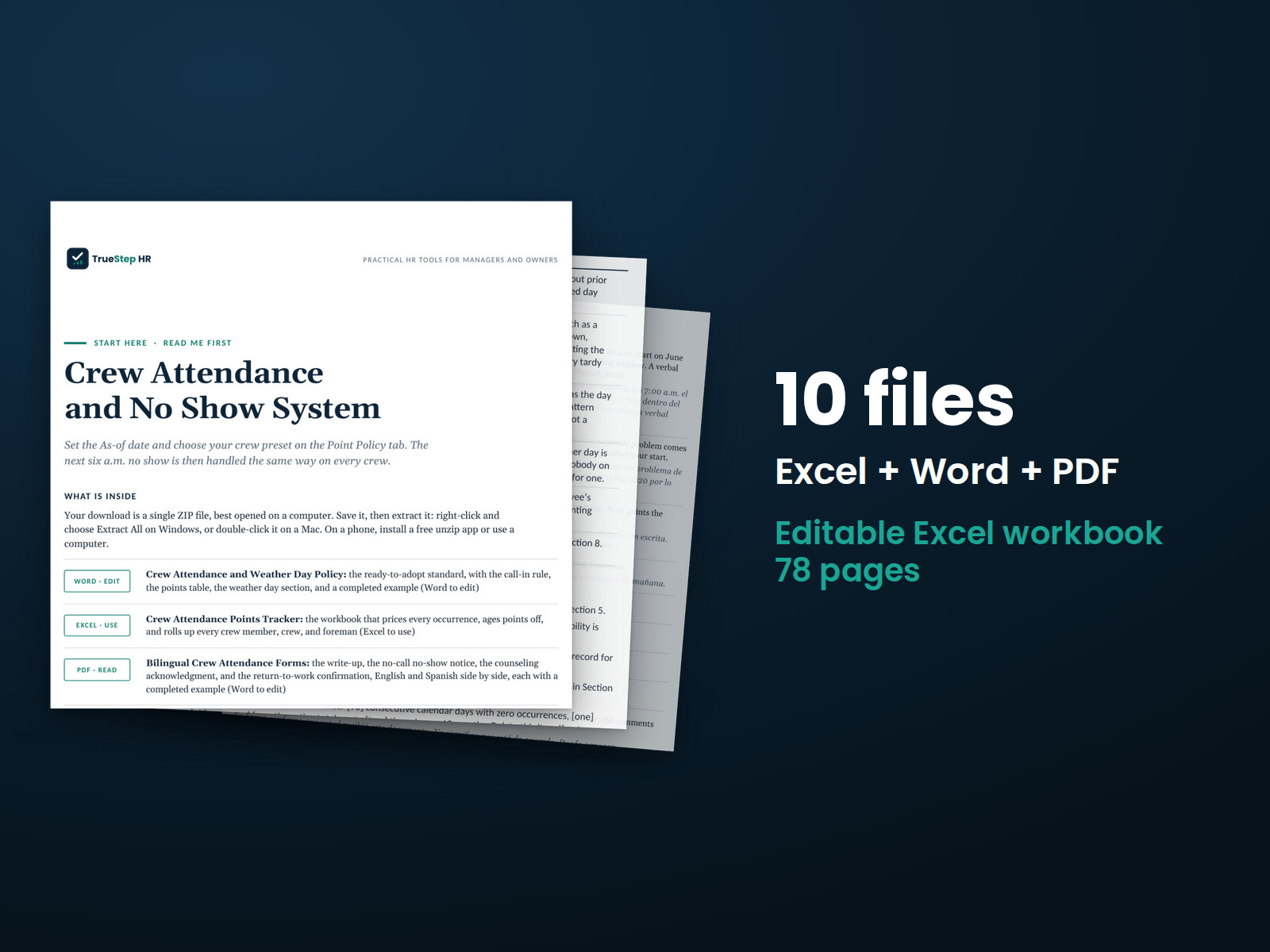
Set a consistent attendance standard across crews. The points tracker shows totals by crew and foreman, includes a weather-day occurrence type, and counts missed mandatory jobsite starts under their own occurrence type.
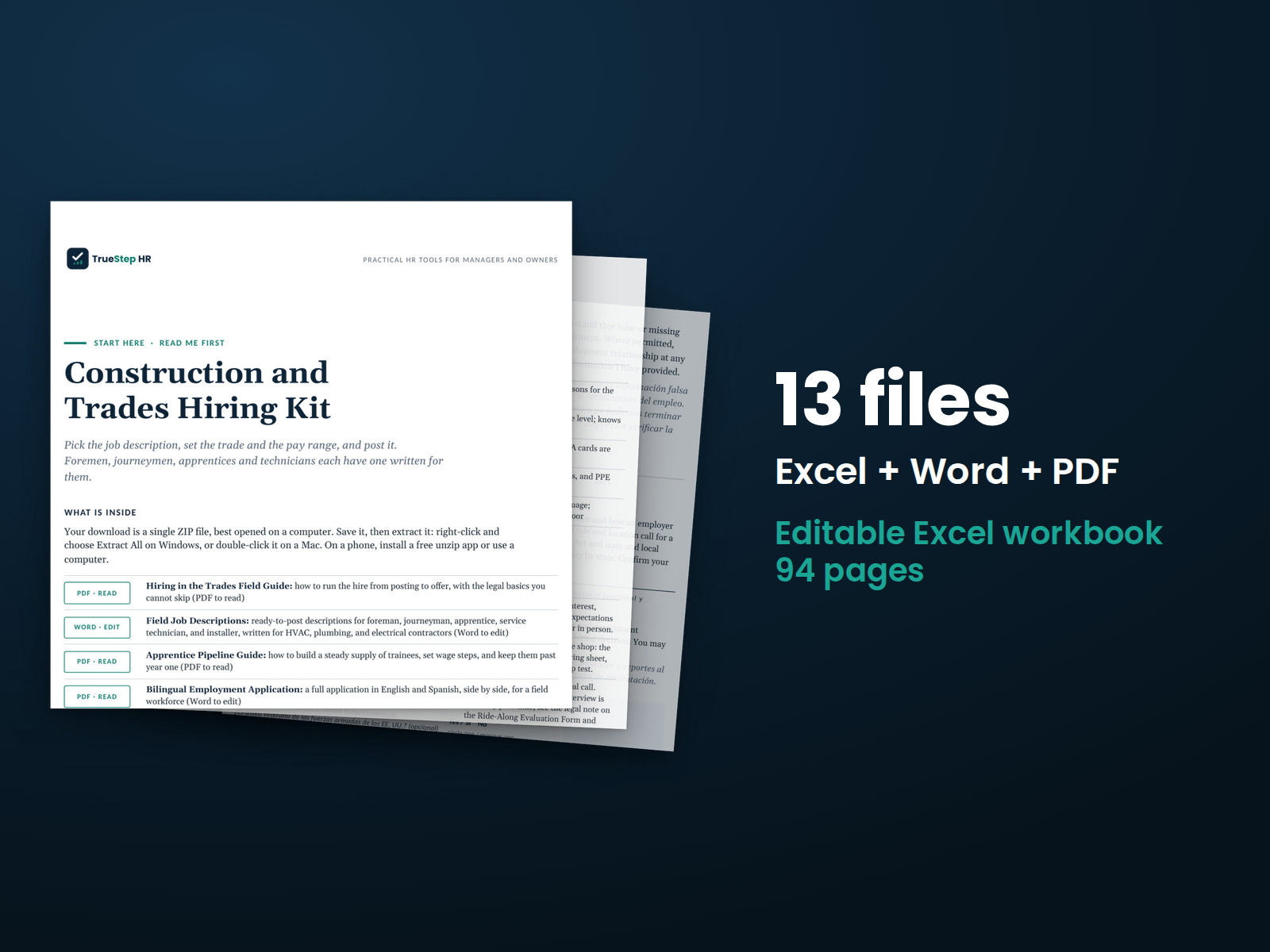
Use a repeatable hiring process for trades roles, with a job posting, a 15-minute screening conversation, and a scored interview.
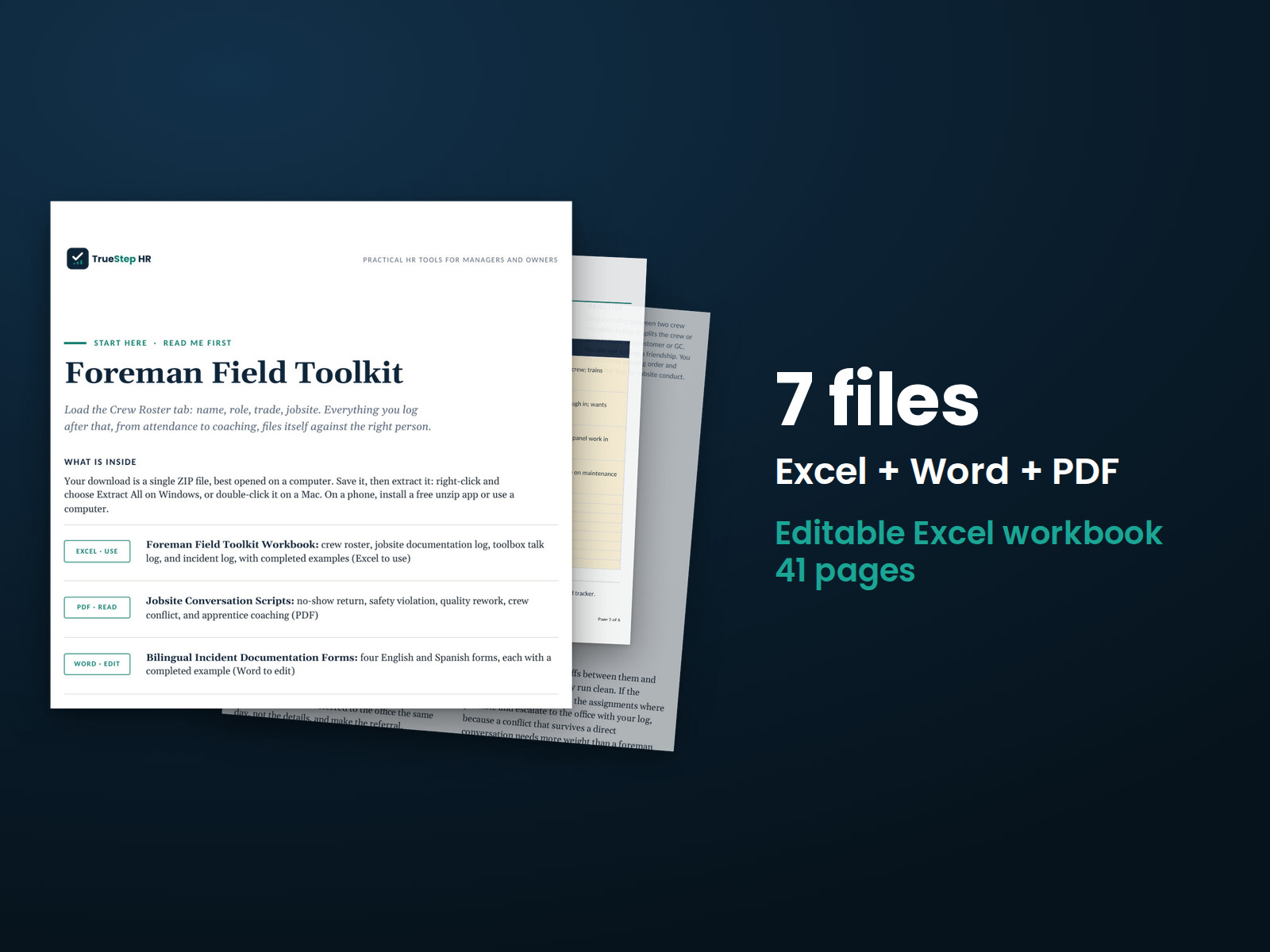
Give foremen scripts for the five hardest jobsite conversations and incident forms in English and Spanish. The workbook keeps crew records current with a five-minute weekly review.
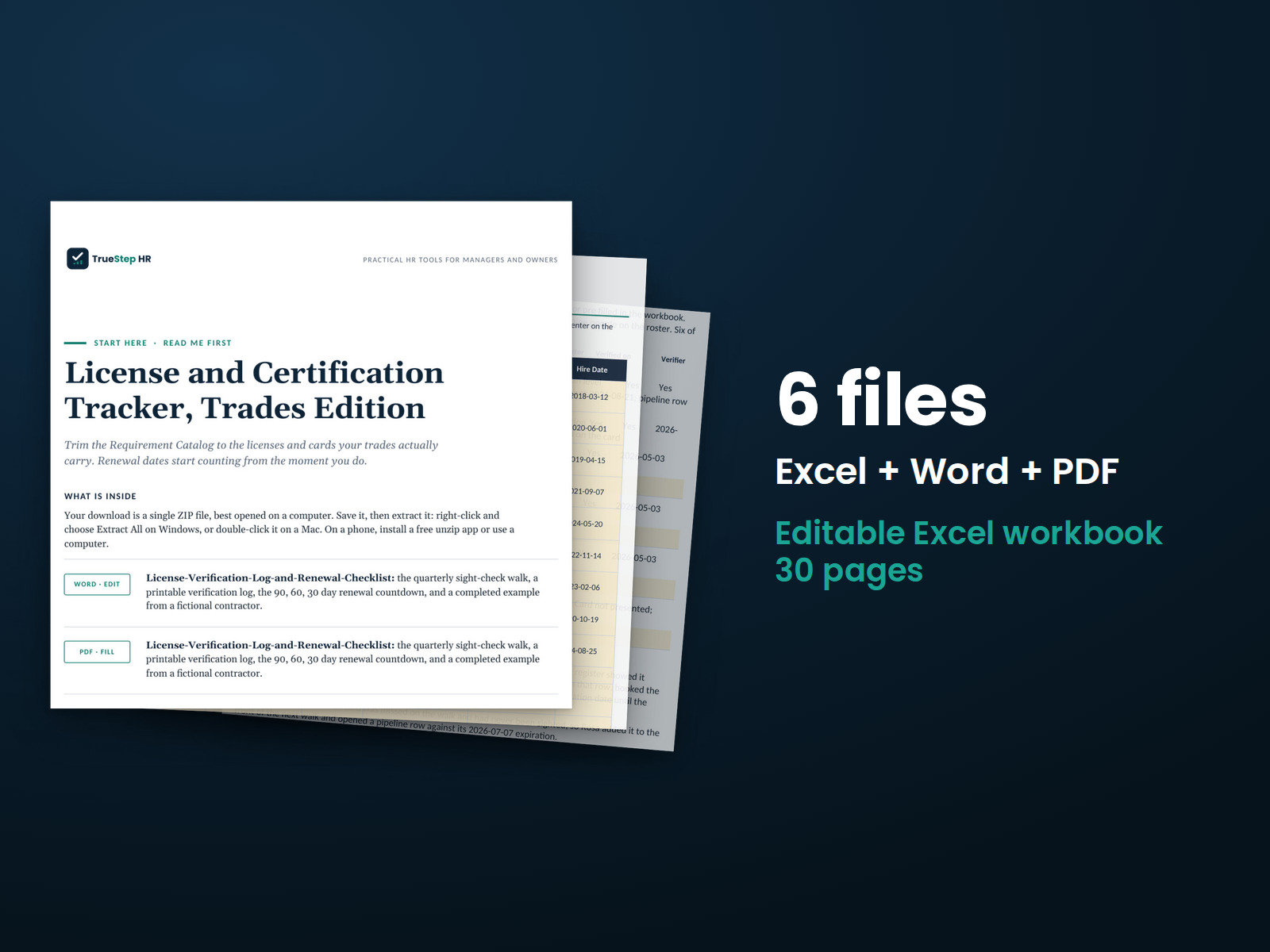
Track licenses, expiration dates, and work eligibility in one register. Flag credentials that could prevent an employee from performing assigned work.
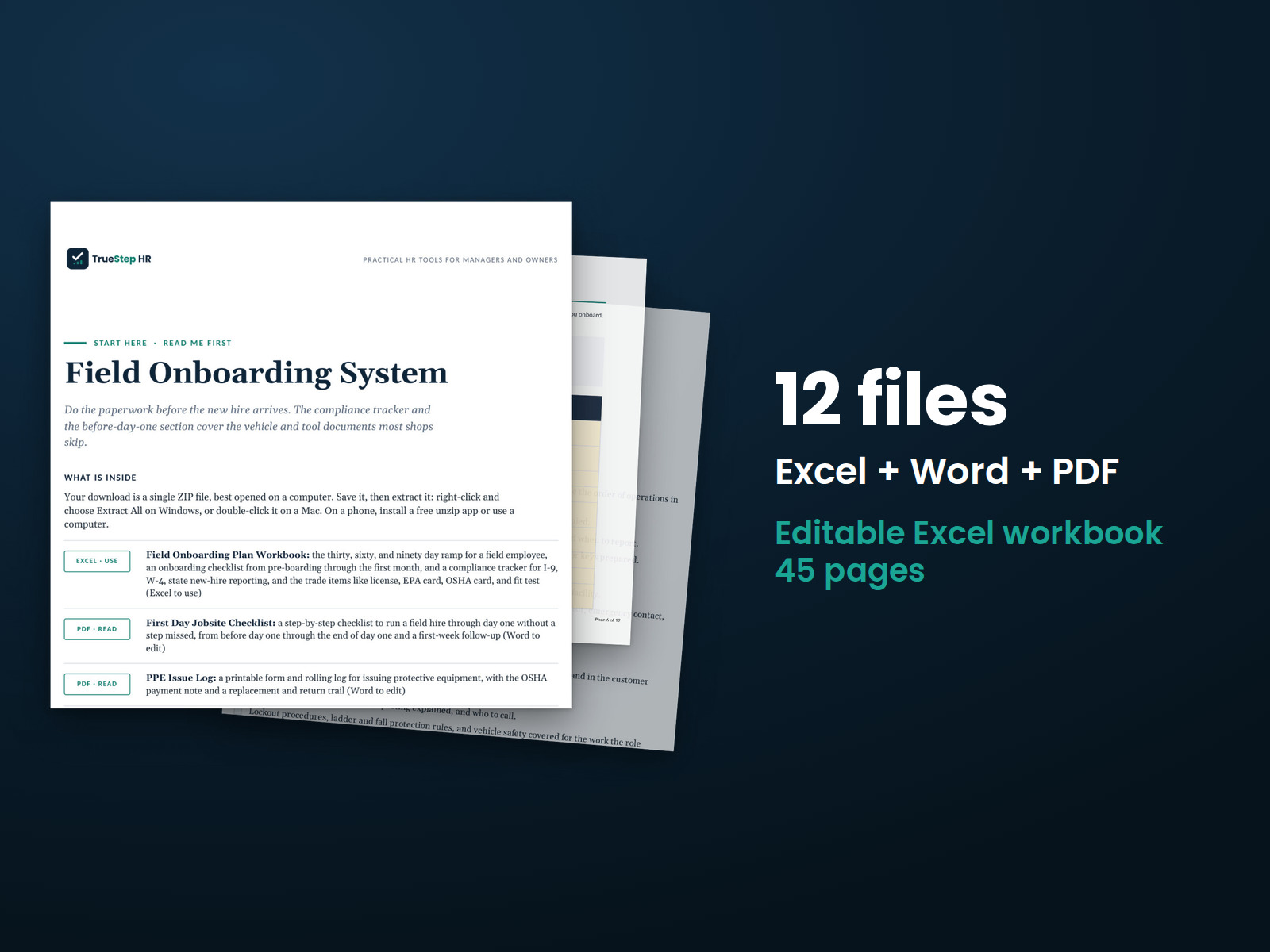
Organize a field employee's first 90 days with a consistent process. The system includes a first-day checklist, vehicle and tool documentation, a compliance tracker, and check-ins at 30, 60, and 90 days.
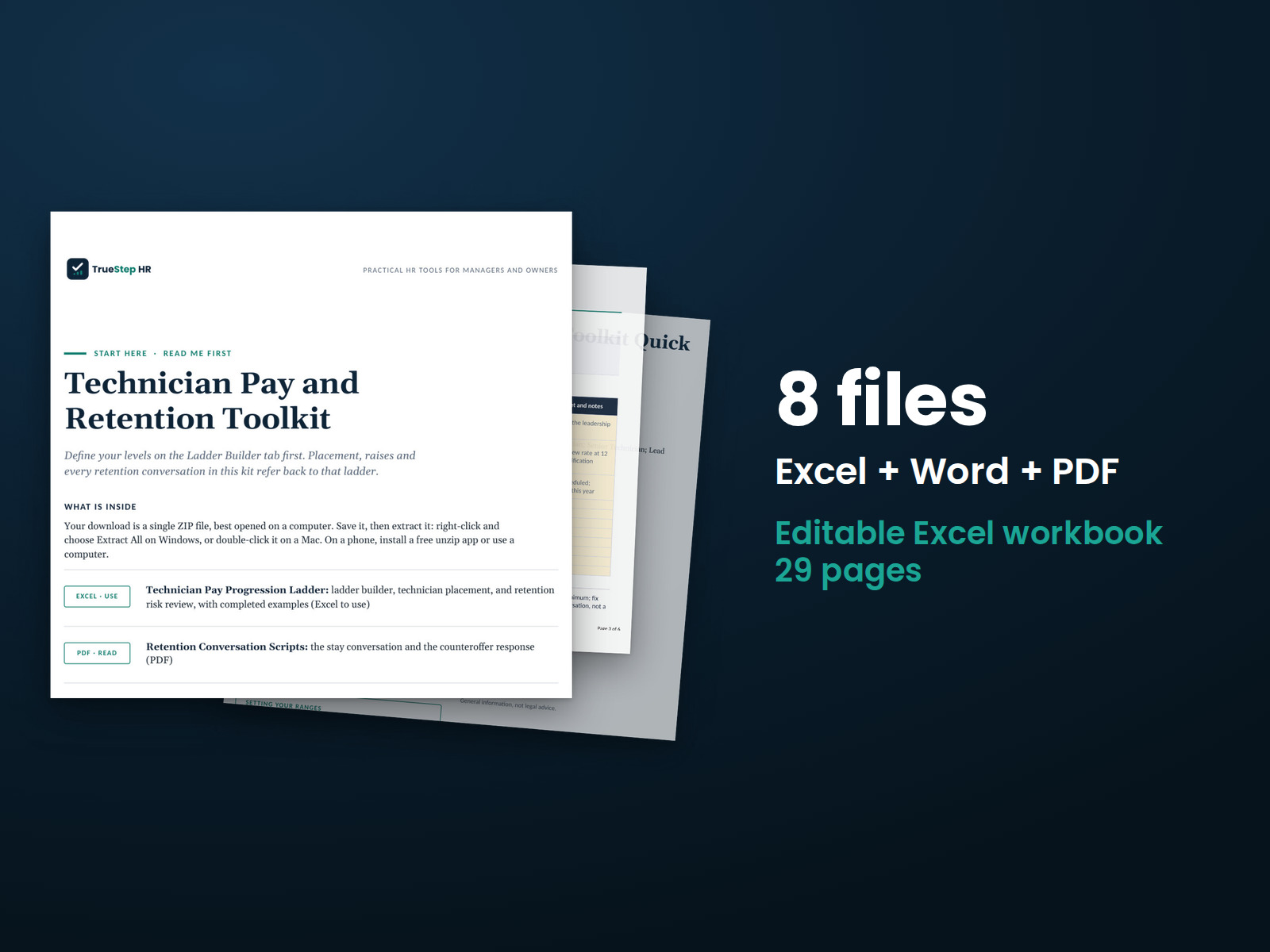
Build a visible technician pay ladder, plan regular stay interviews, and evaluate retention offers using your own pay data.
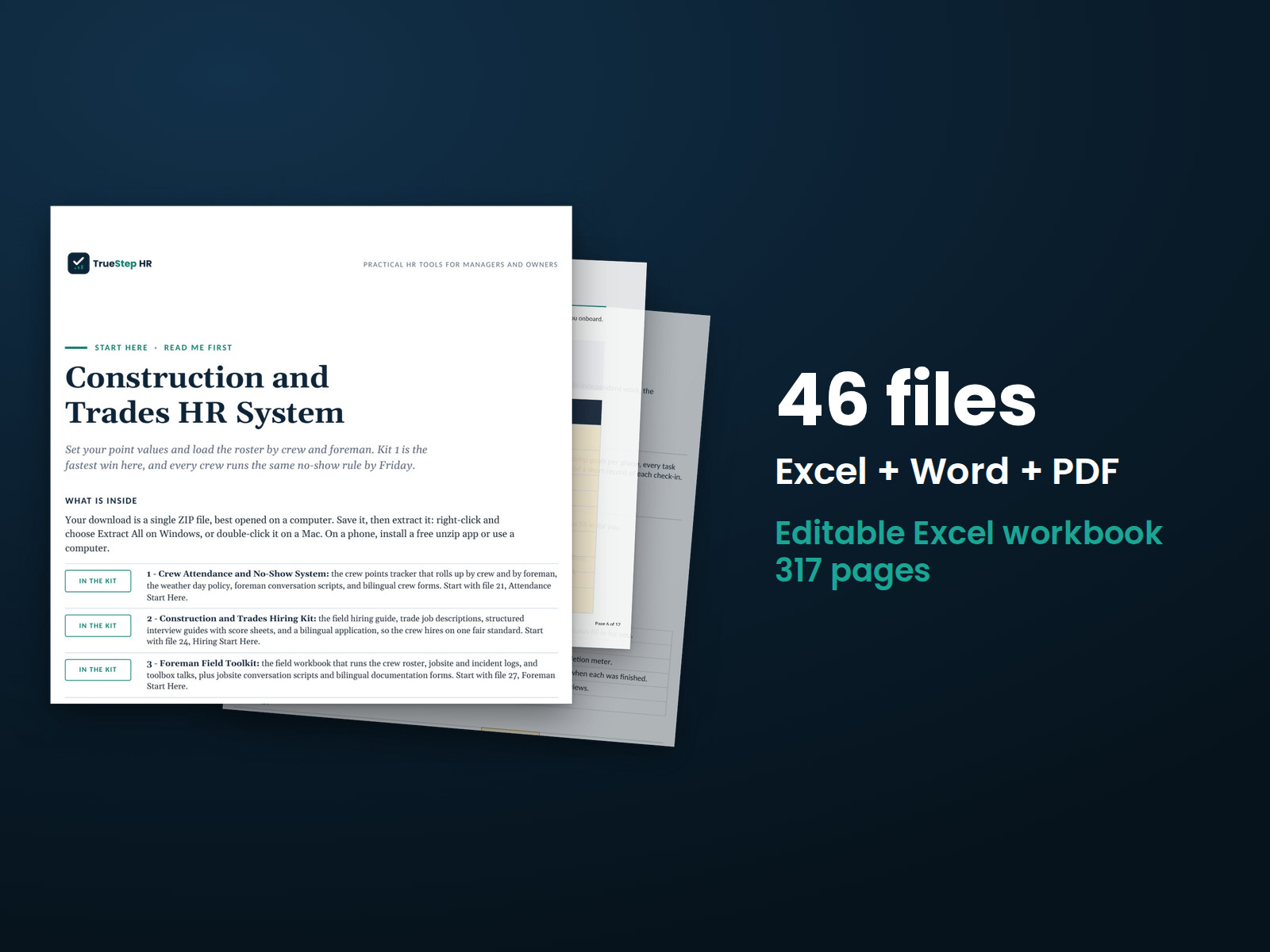
Combine six field toolkits with an HR audit checklist and seasonal staffing planner. Use the Contractor HR Audit Checklist to identify priorities and the Seasonal Staffing Planner to estimate crew needs for upcoming work.
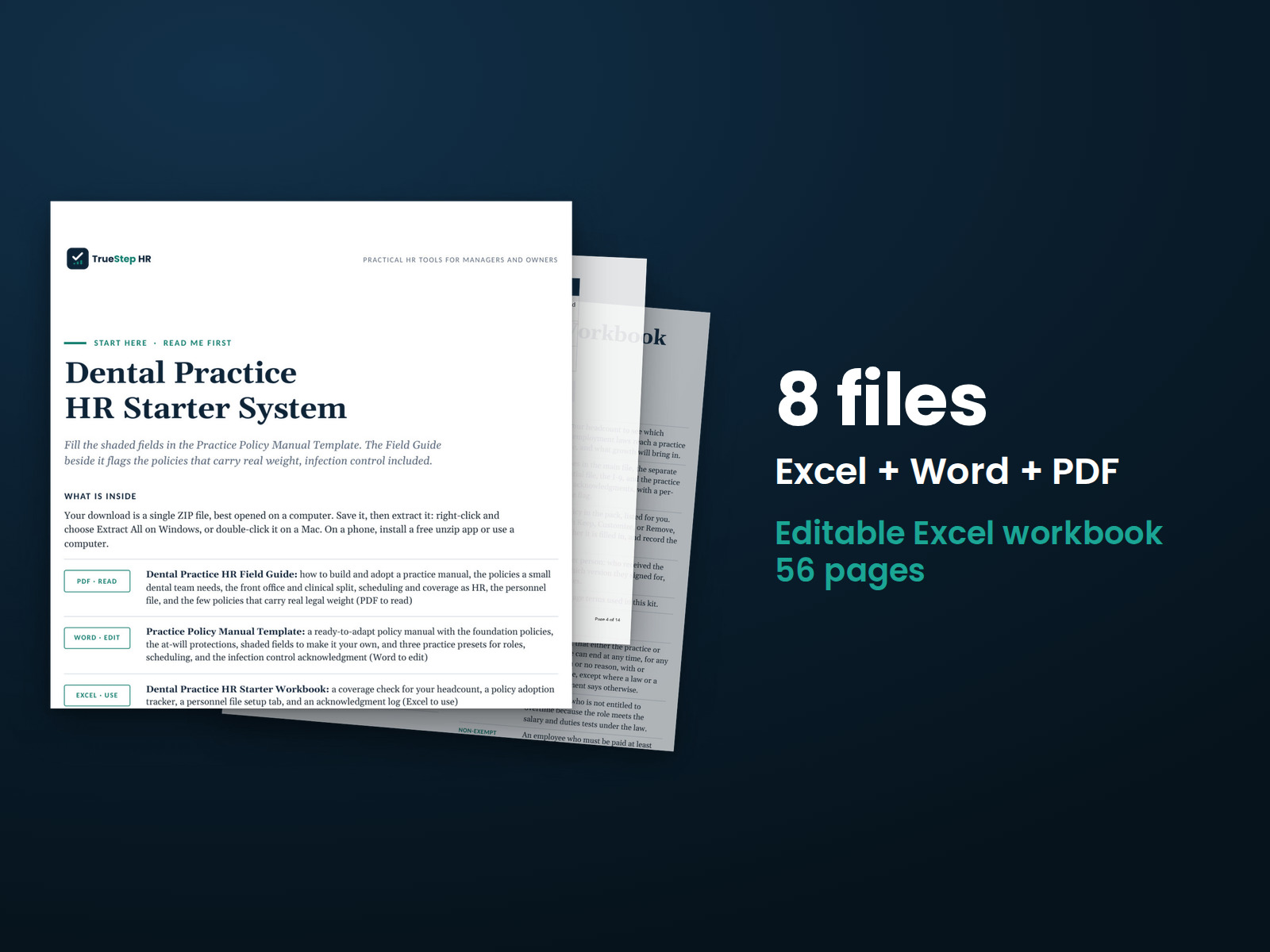
Set up the HR foundations for your dental practice over a weekend. The field guide explains what belongs in a practice manual, and the editable template gives you a starting point. Use the workbook to track implementation and the file setup guide to organize personnel records.
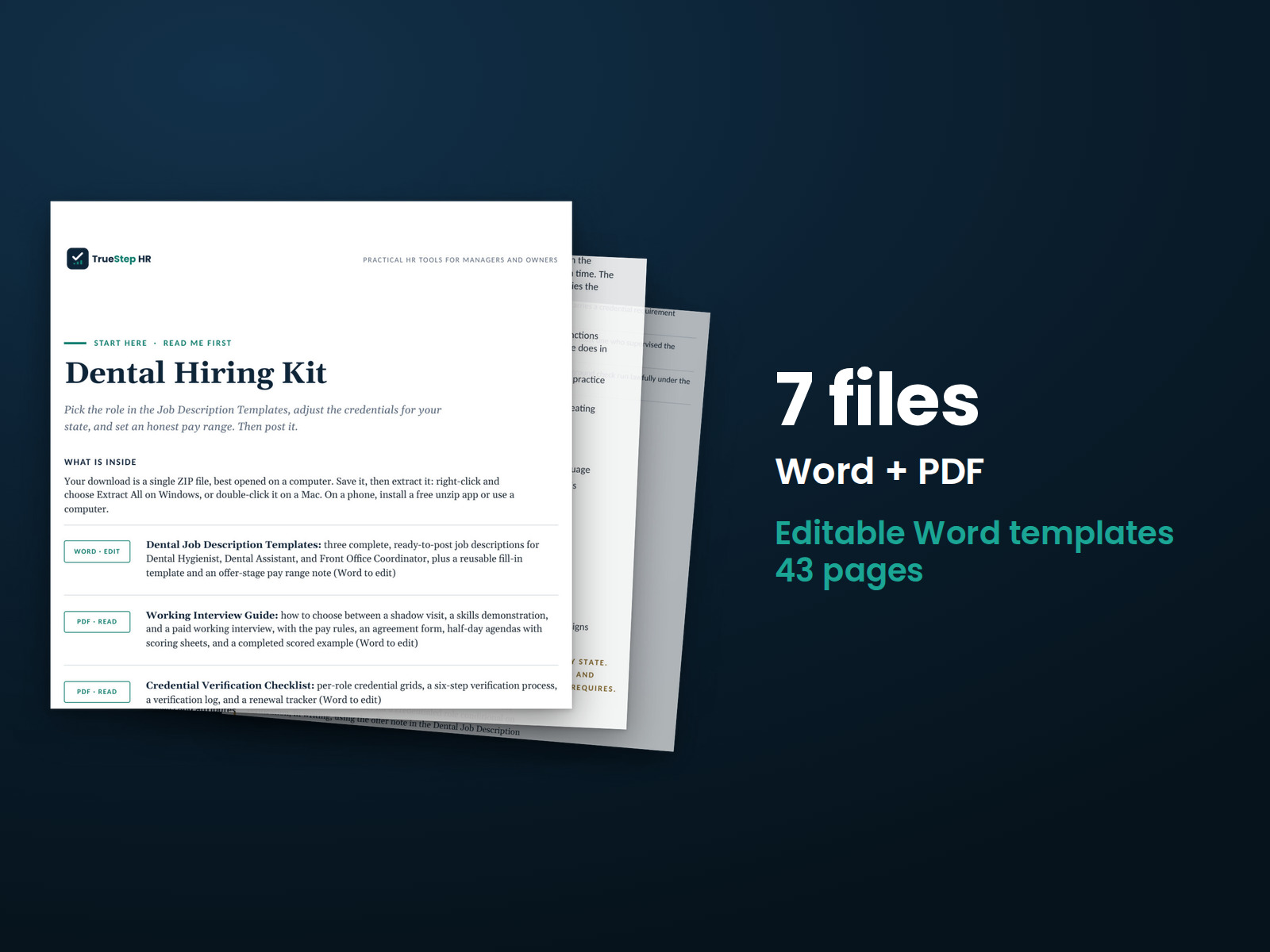
Bring consistency to dental practice hiring. The kit includes complete job descriptions for three core positions, a working interview guide with pay considerations, and a credential checklist to complete before patient-facing work begins.
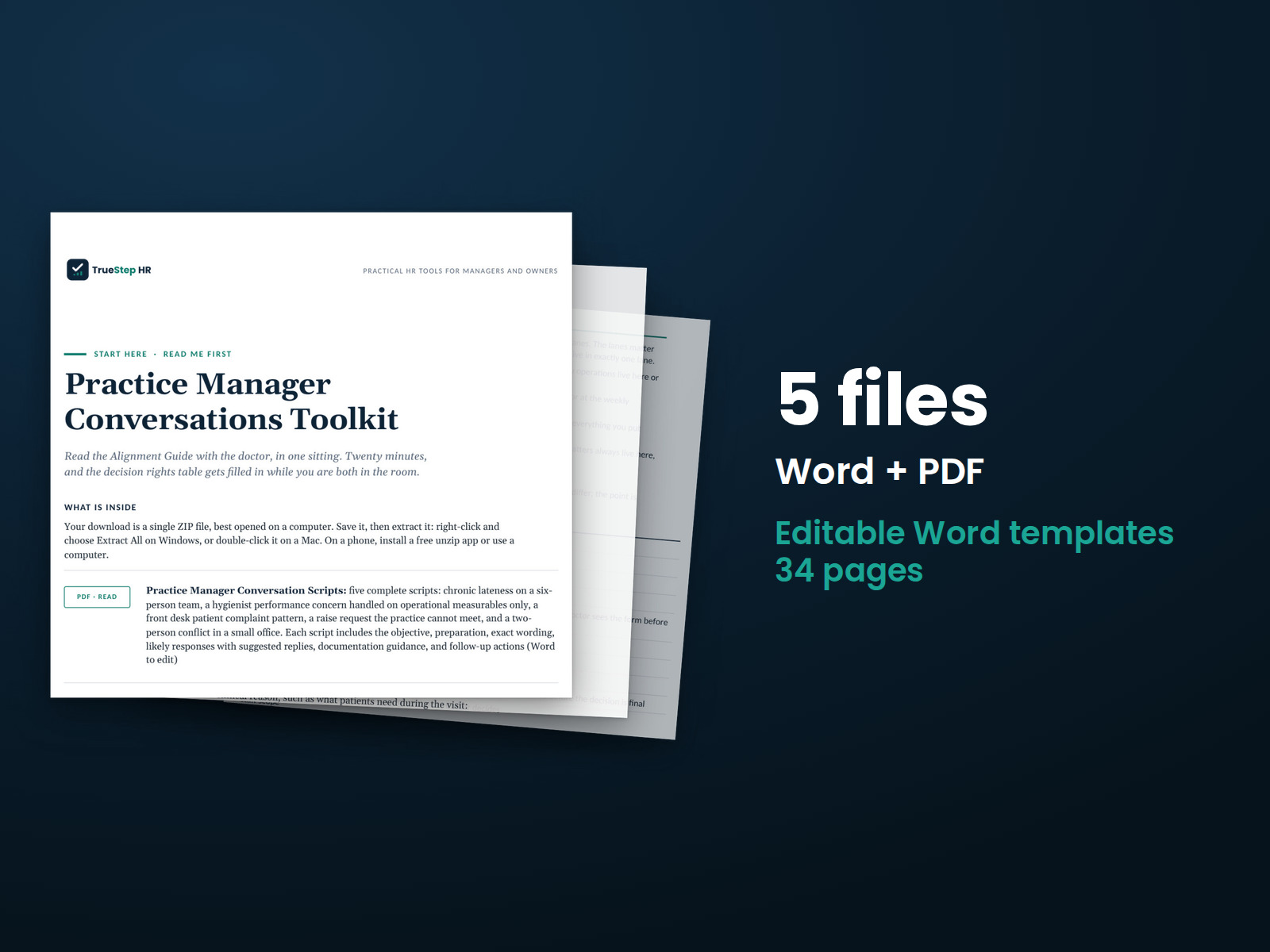
Prepare for five difficult conversations in a dental practice with scripts you can adapt. Includes a process to help the dentist and practice manager agree on expectations and handle employee issues consistently.
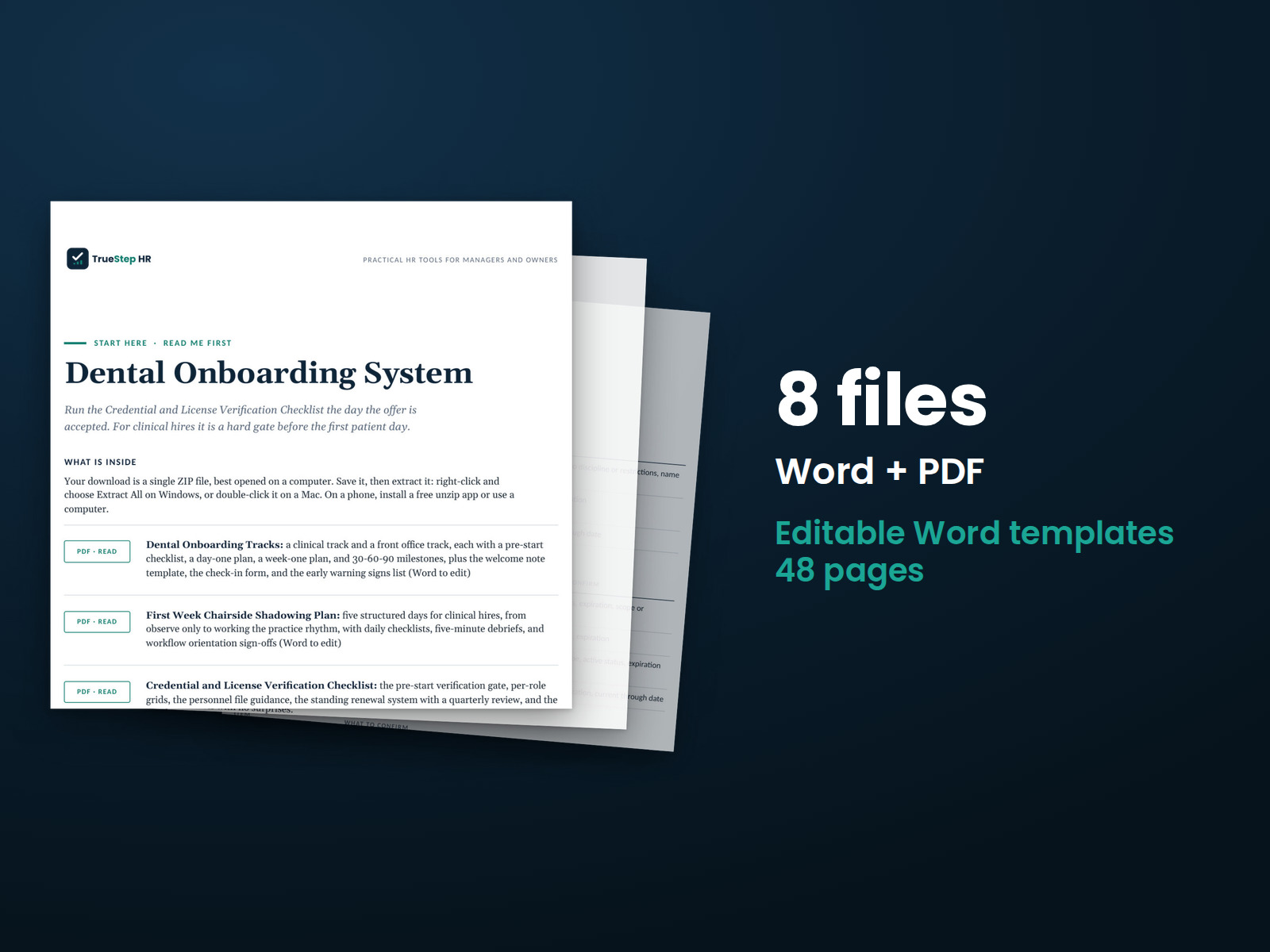
Plan a new hire’s first 90 days with a credential checklist to complete before the first patient day. Separate onboarding plans cover clinical and front office employees.
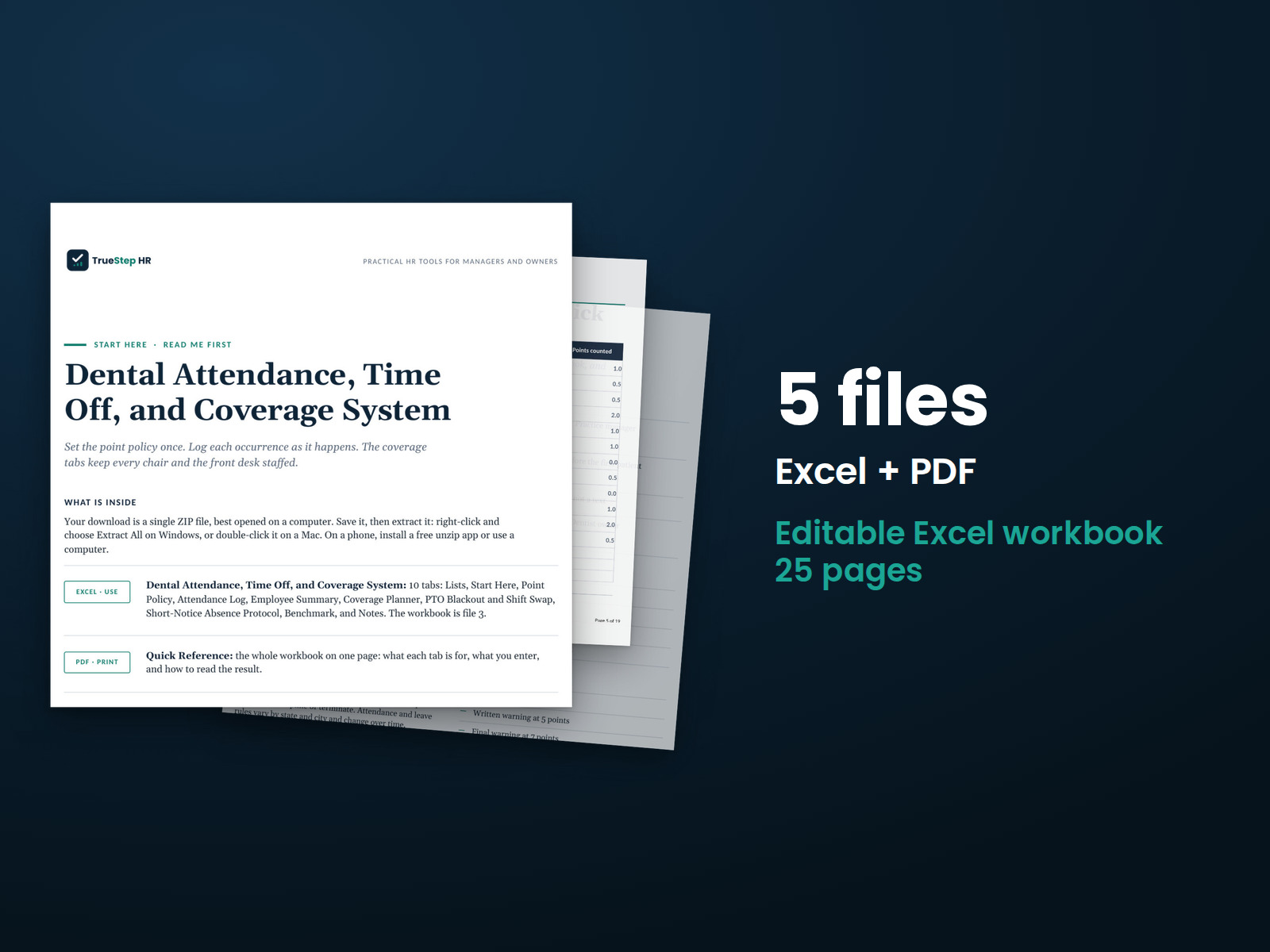
Keep staffing coverage, PTO, and short-notice absences together in one workbook. An attendance point tracker uses a rolling review period and discipline stages, with three planning worksheets for dental chair coverage.
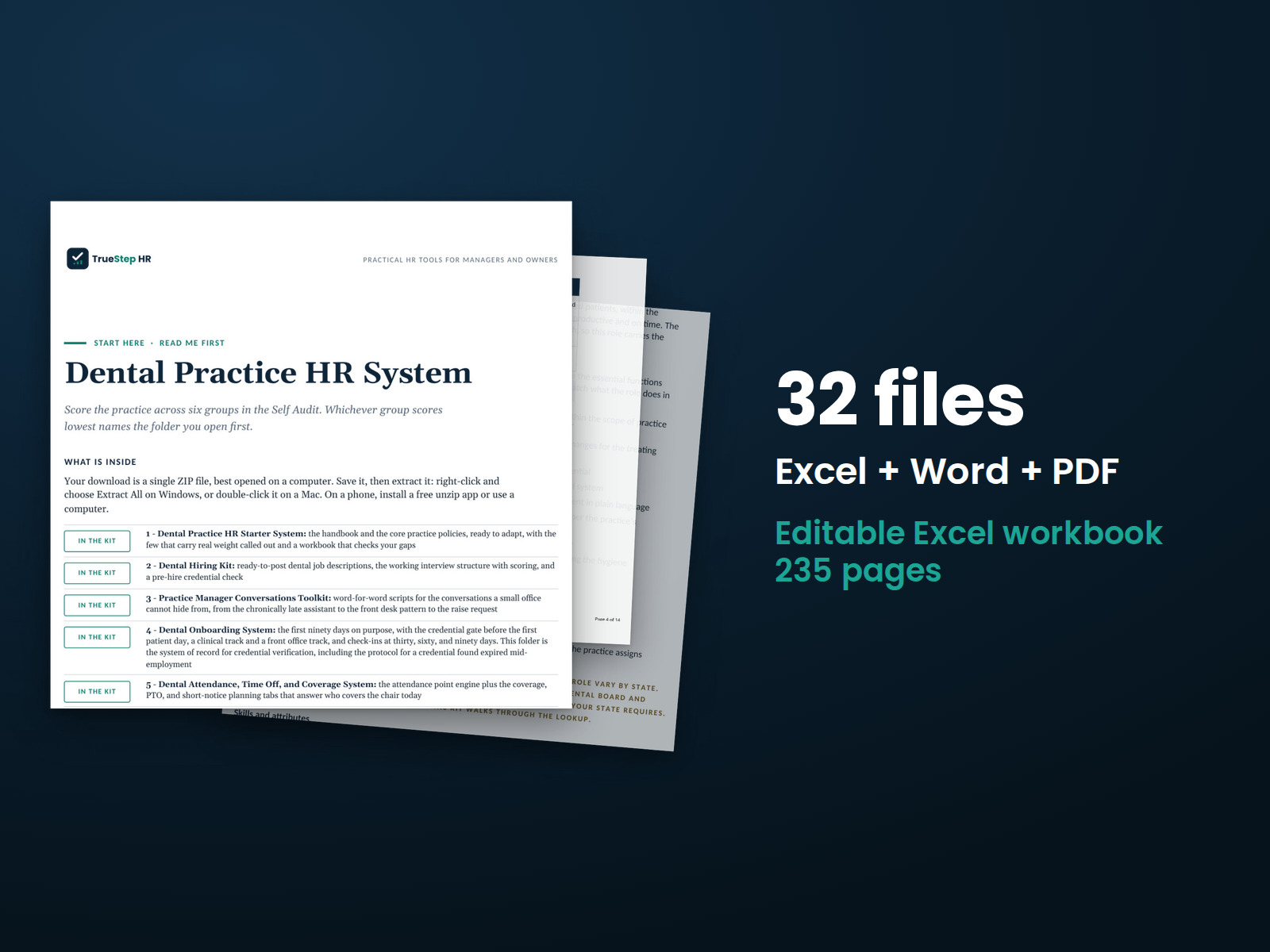
Bring dental practice HR together with five connected toolkits, a Practice HR Self Audit to identify where to start, and an Annual HR Calendar for Practices to organize recurring work. One license covers the complete bundle.
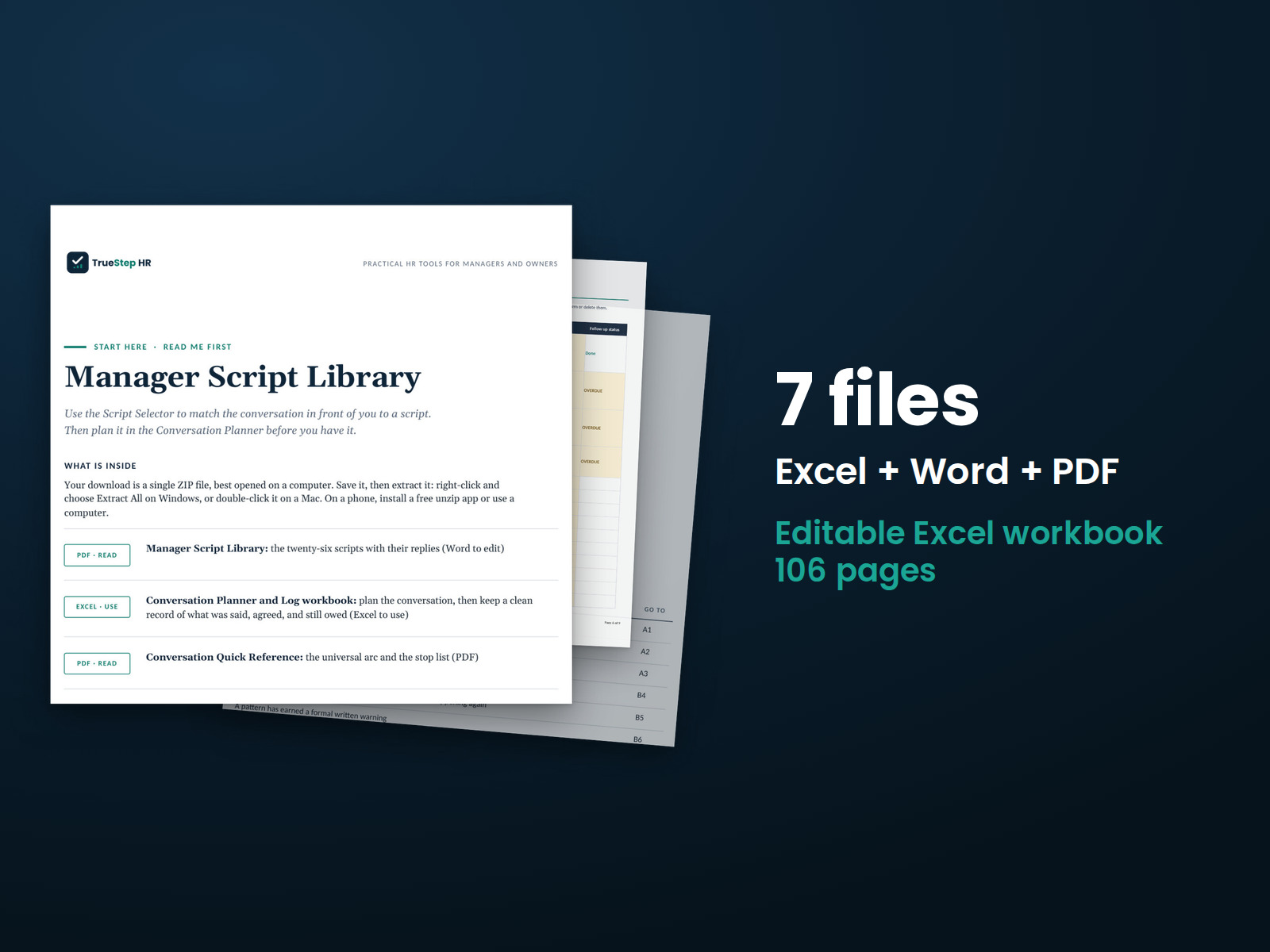
Prepare for 26 difficult employee conversations with suggested openings and responses to common reactions. Use the ten-minute planner before each conversation and the conversation log to record what happened and identify follow-up items.
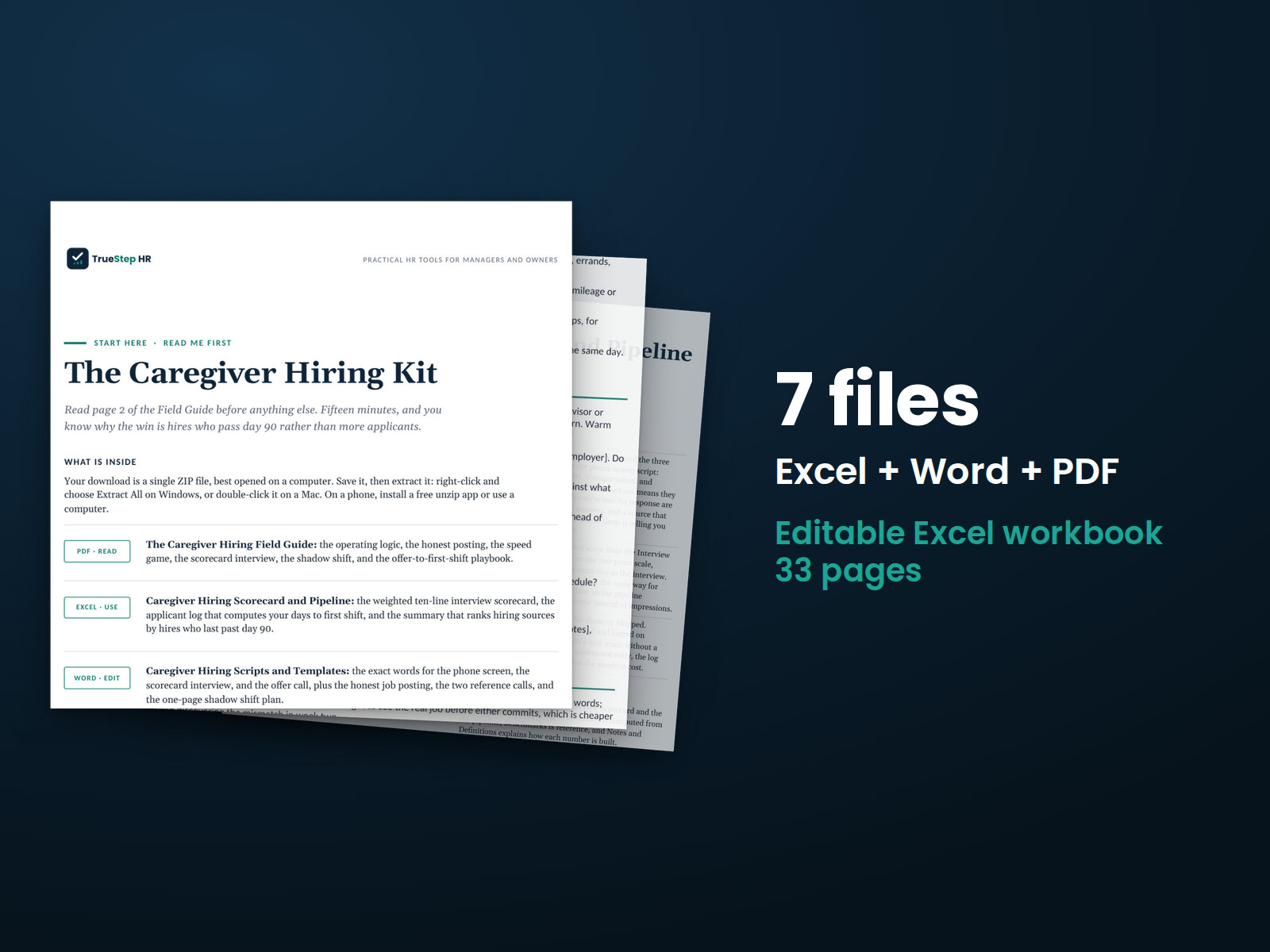
Hire caregivers with a structured process. The kit includes a hiring field guide, scorecard, pipeline tracker, and scripts and templates for every step from screening through the offer.
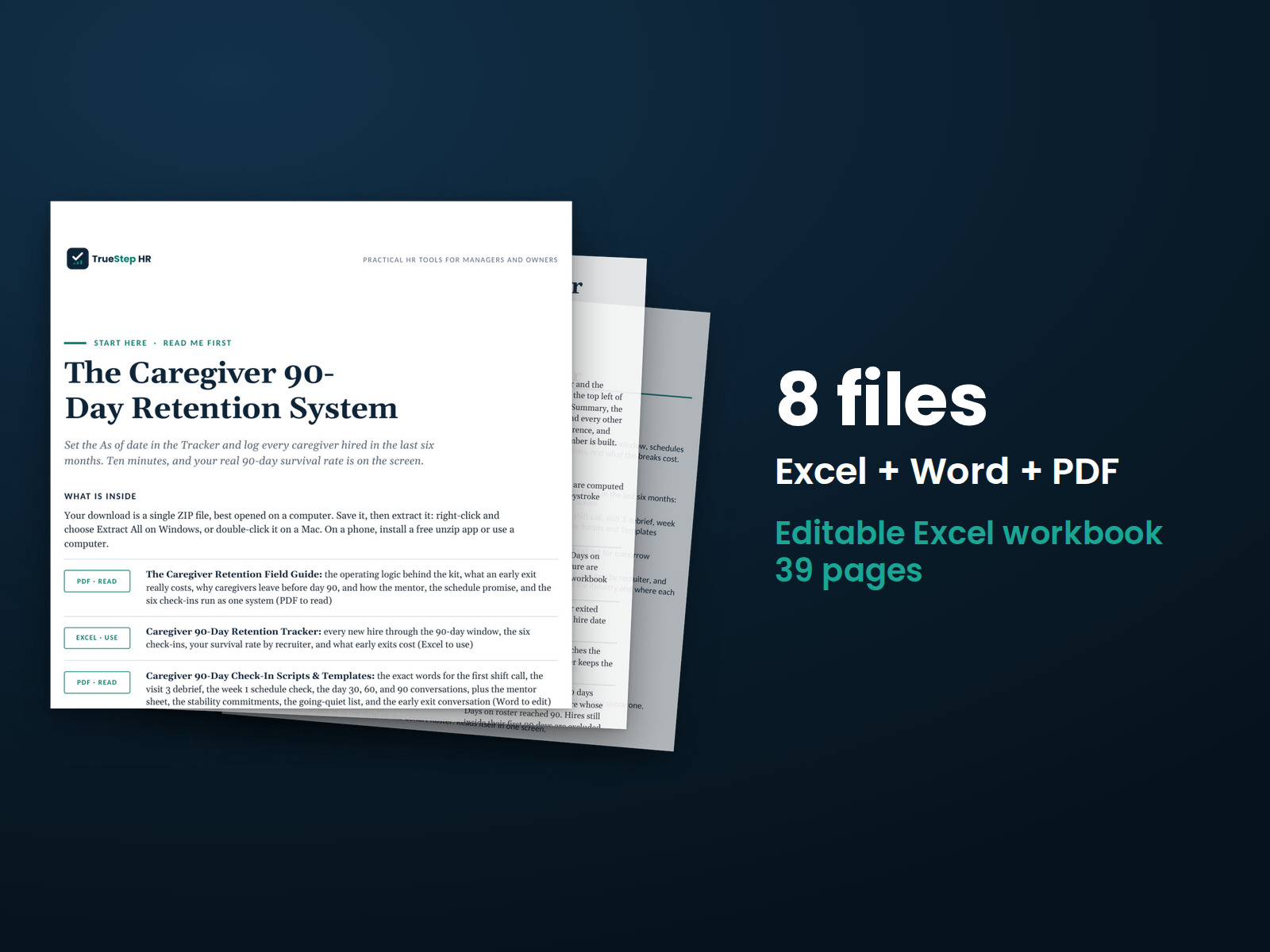
Support a new caregiver through the first 90 days with a structured plan and check-ins at 30, 60, and 90 days. Stay conversation guides help identify concerns early enough to respond.
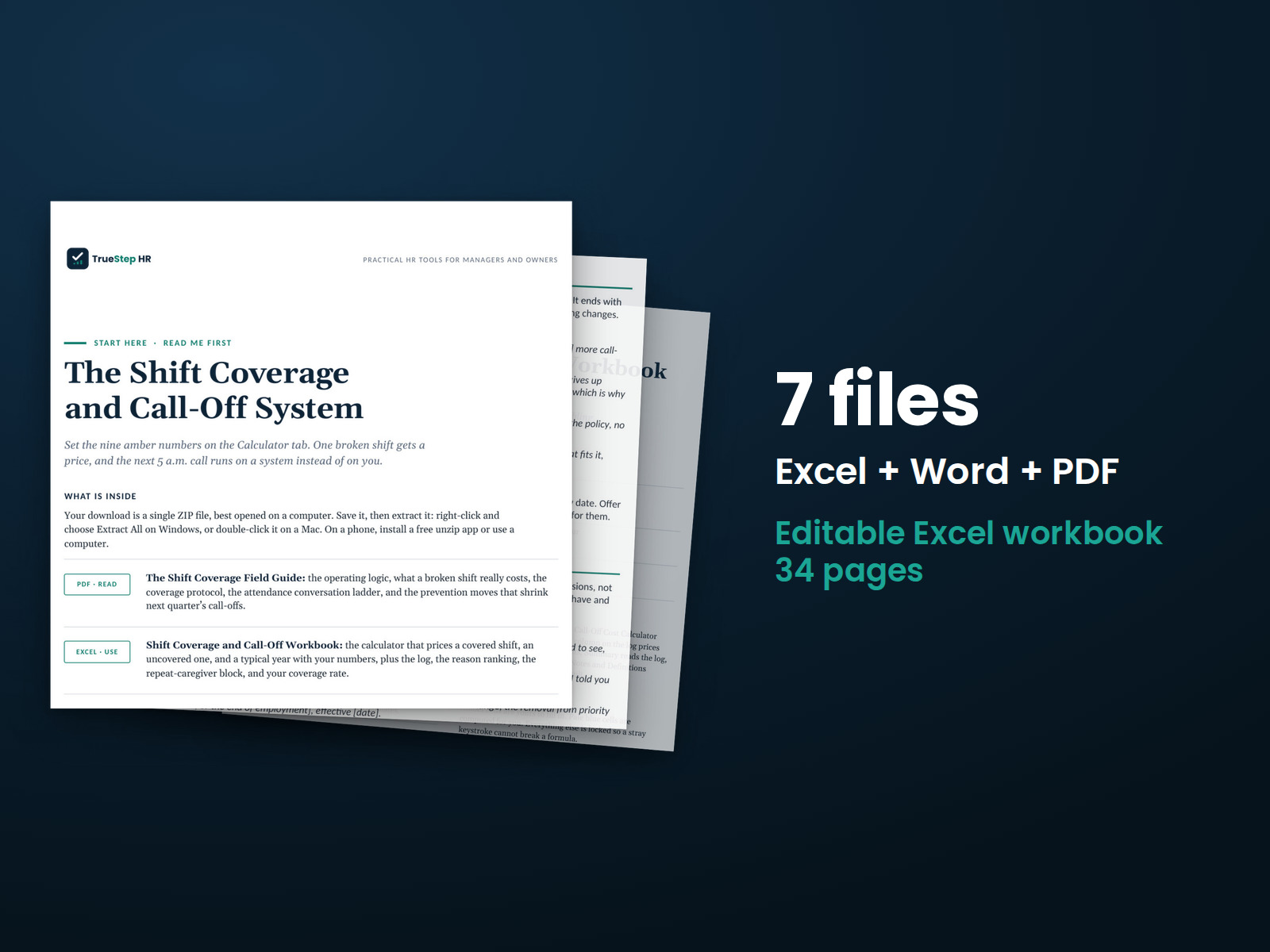
Record call-offs, find available shift coverage, and prepare for recurring attendance conversations.
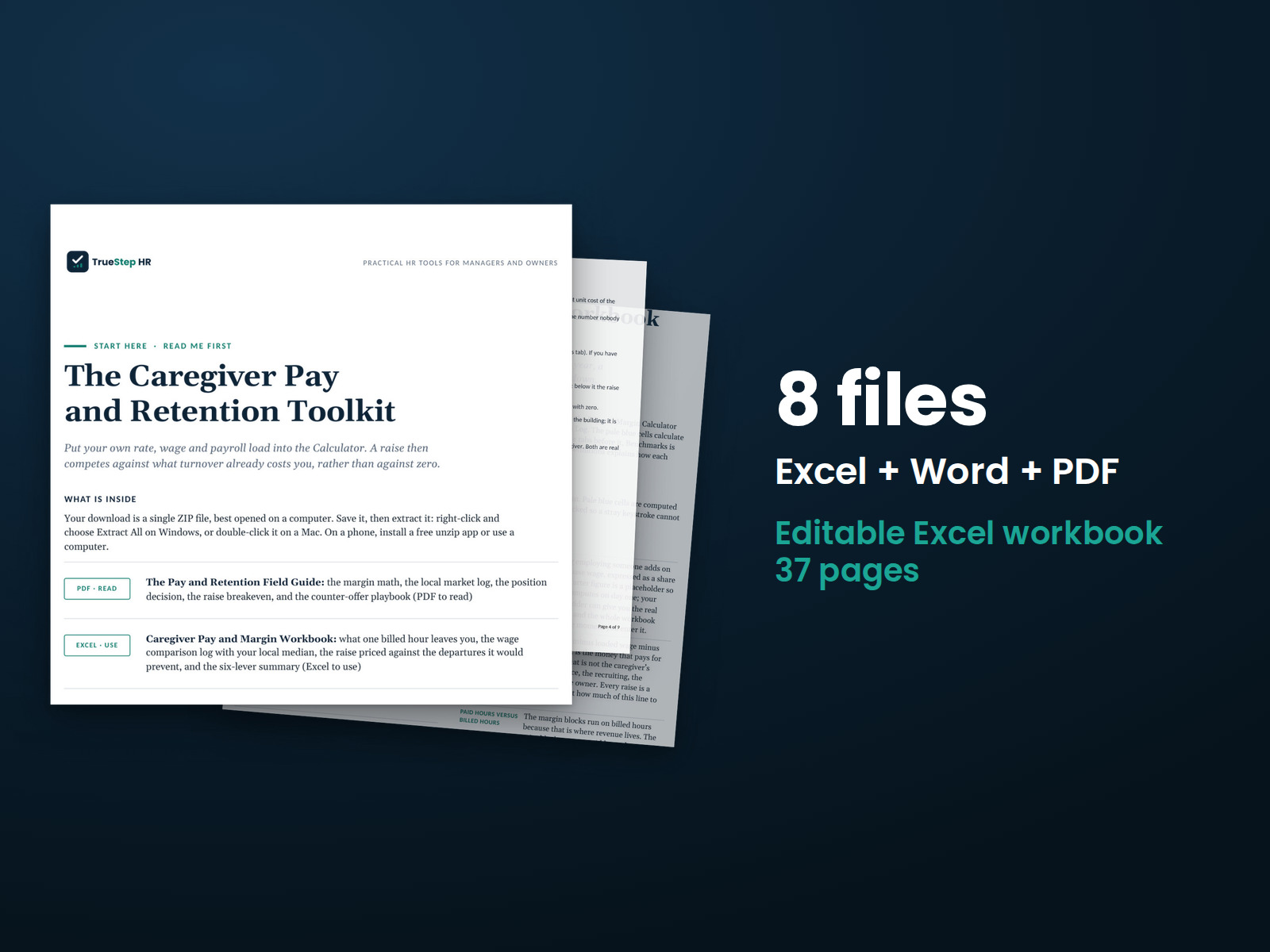
Make caregiver pay decisions by comparing wages with billing rates, then prepare for raise and retention conversations using the guide, workbook, and scripts.
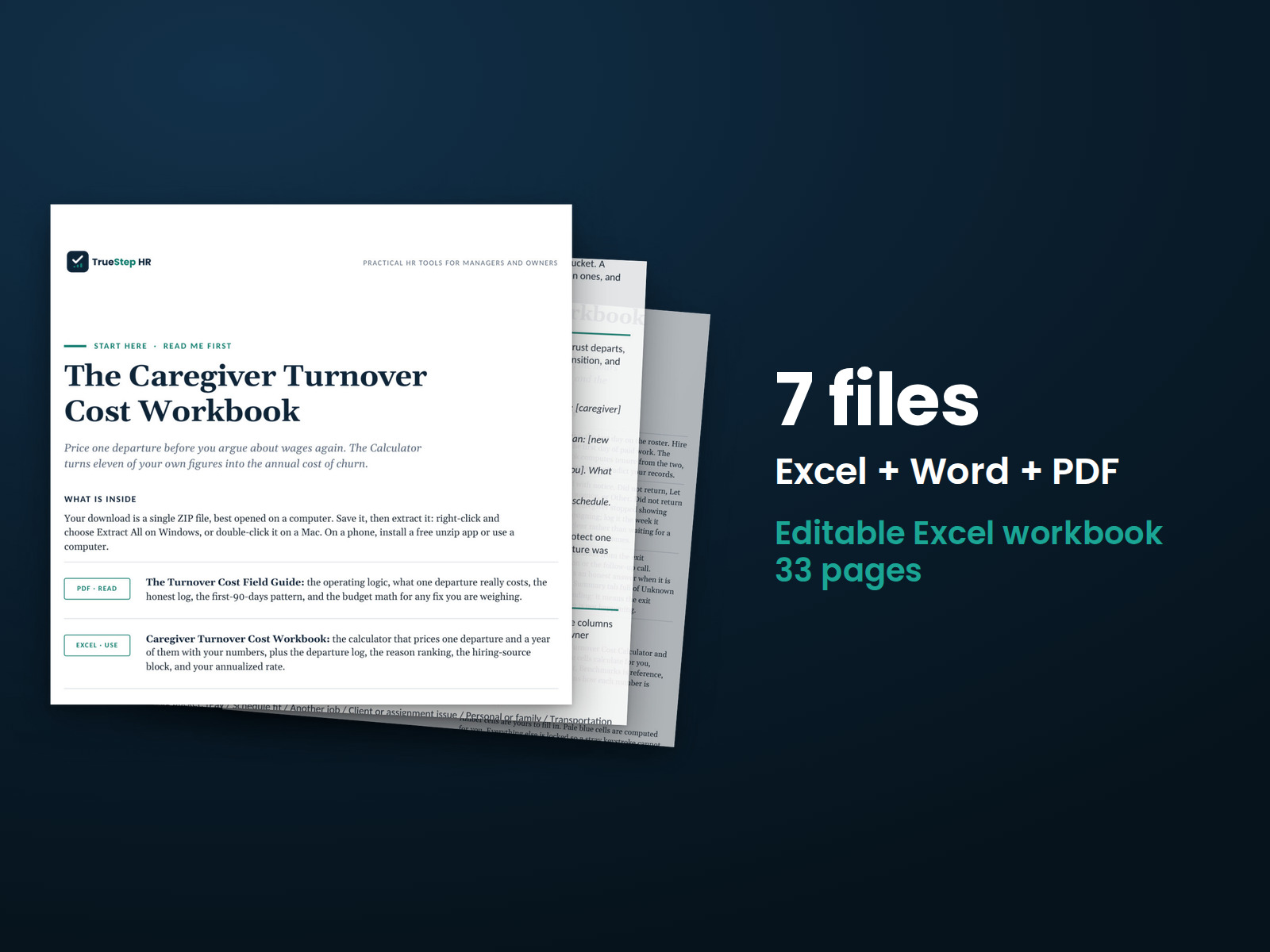
Estimate caregiver turnover costs and potential savings at your chosen retention rate using your pay rates and workforce size. The Excel workbook includes visible formulas you can check.
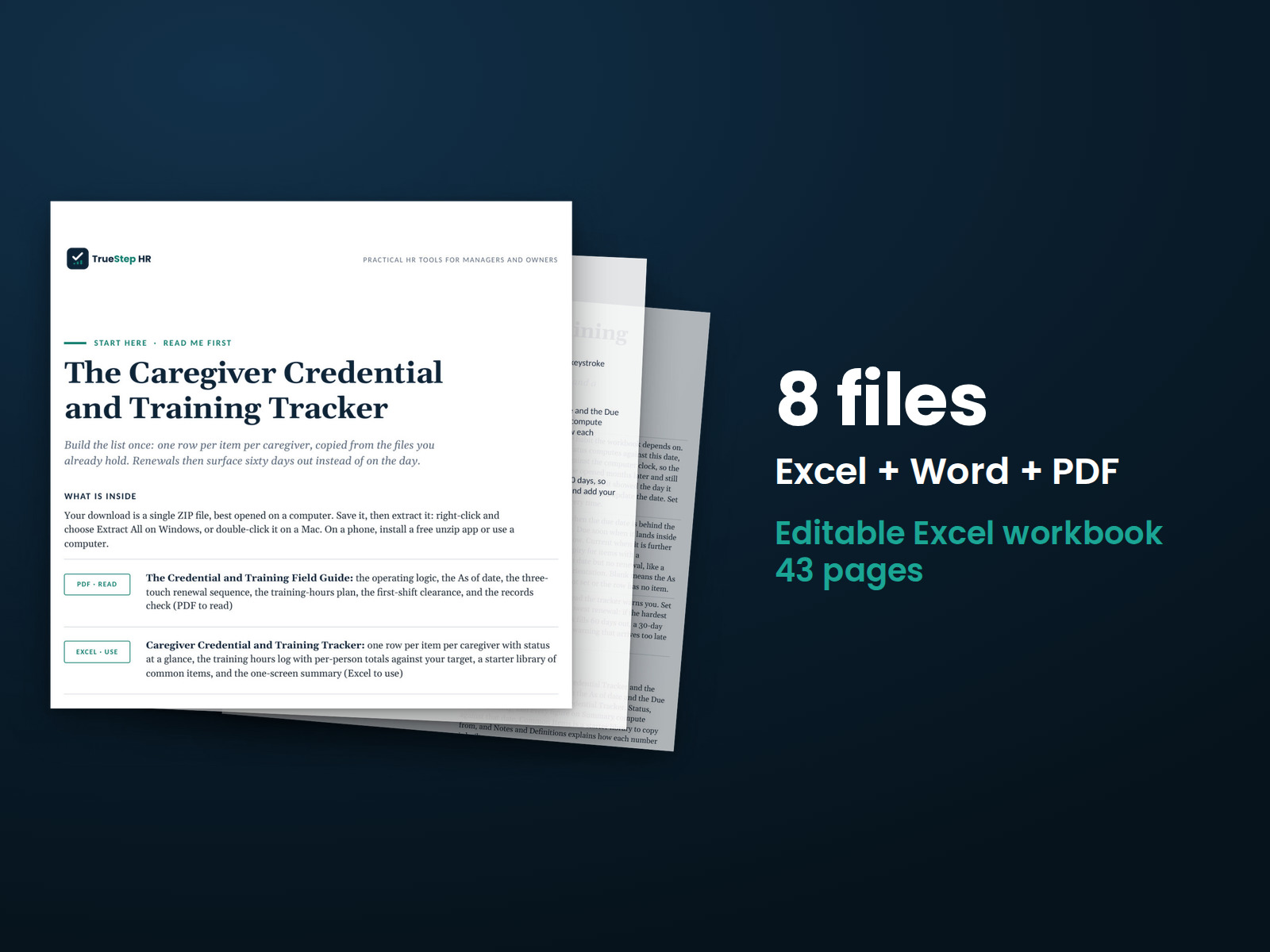
Track caregiver credentials, training hours, and renewal dates in one workbook. The kit also includes a field guide and scripts for conversations about expiring credentials.
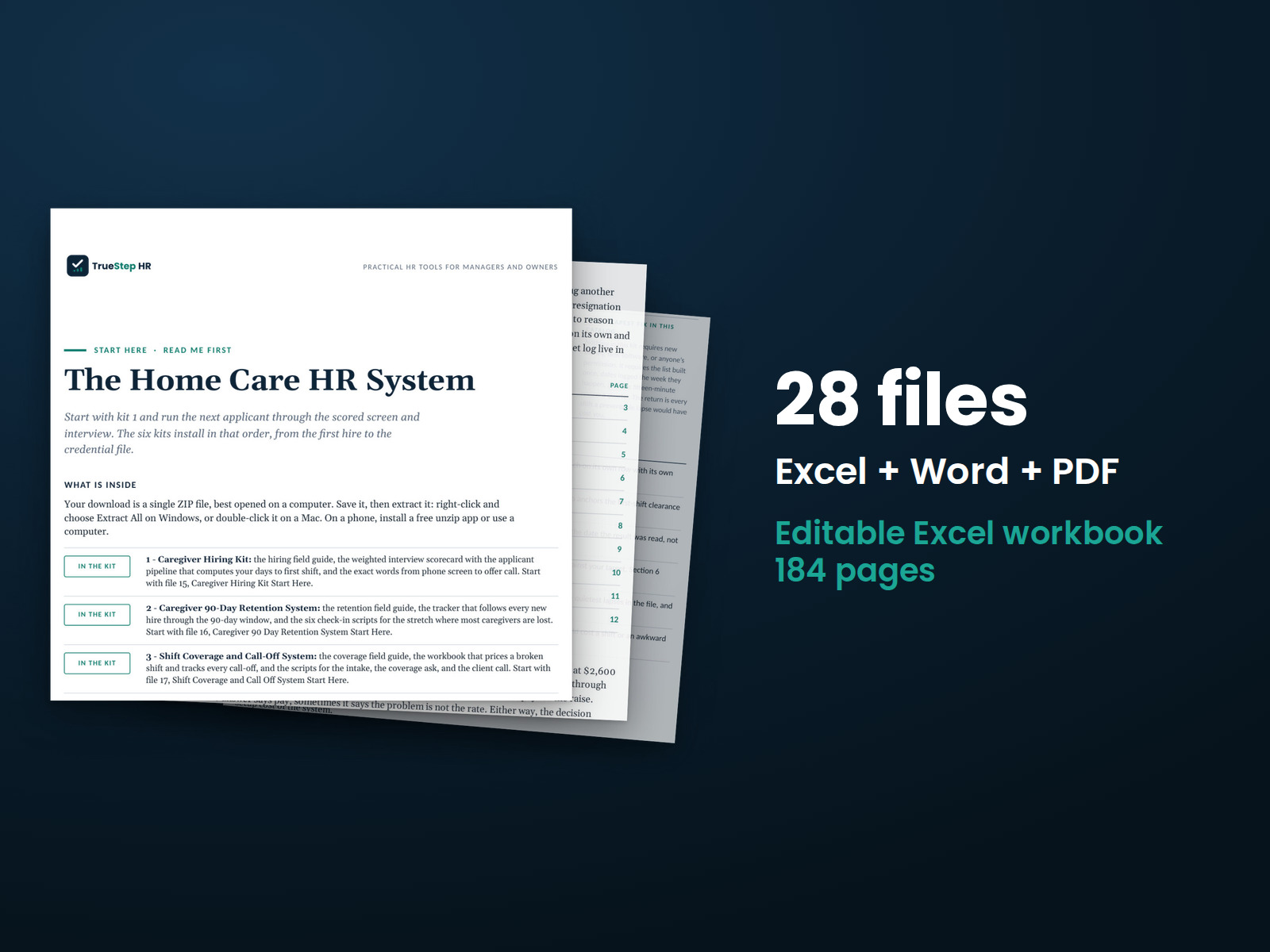
Six connected caregiver toolkits under one license. The Start Here guide shows where to begin and what comes next.
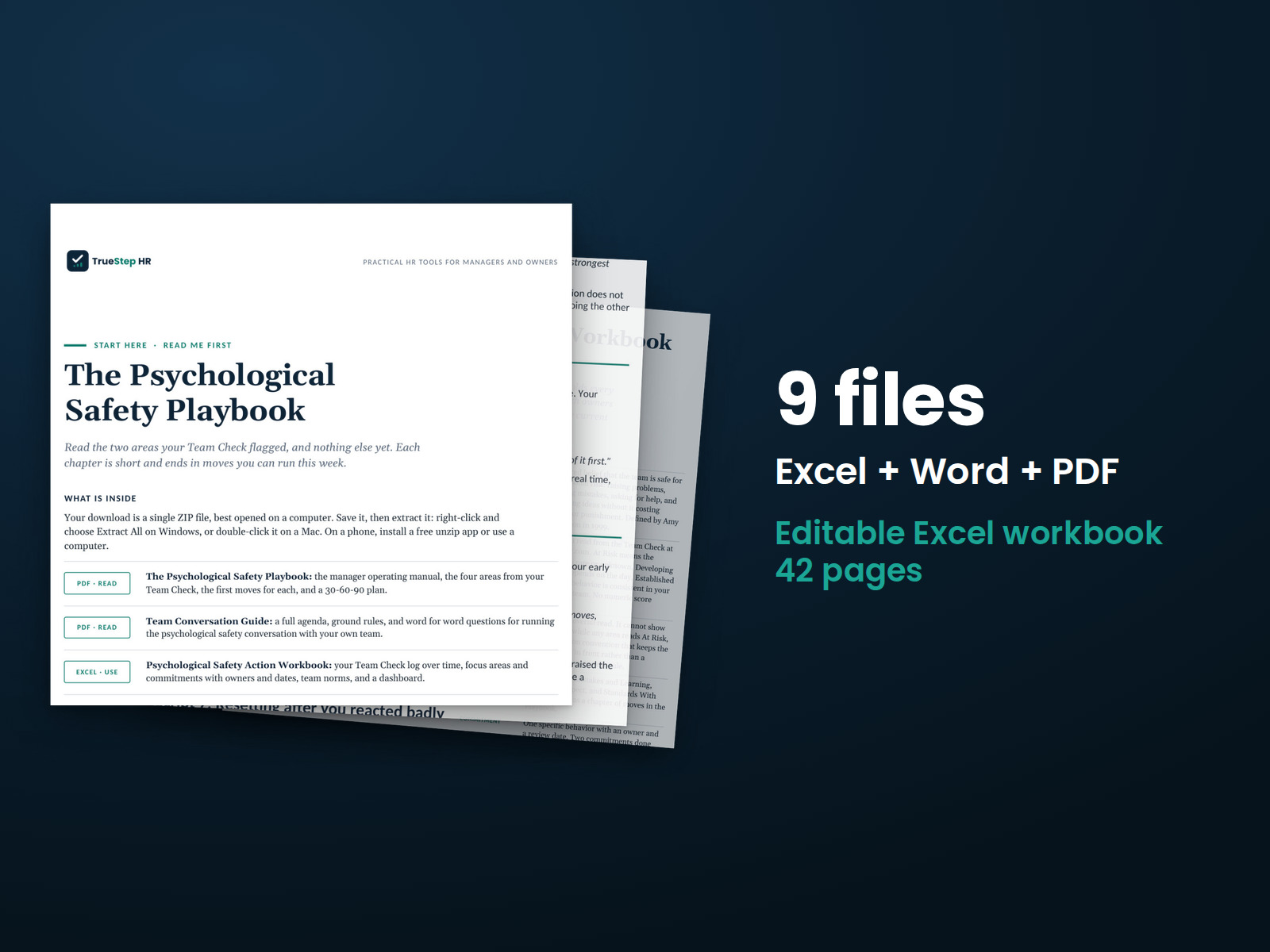
How managers respond when employees raise concerns shapes whether others feel comfortable speaking up. This kit gives managers practical conversations and follow-up tools to support open communication and accountability.
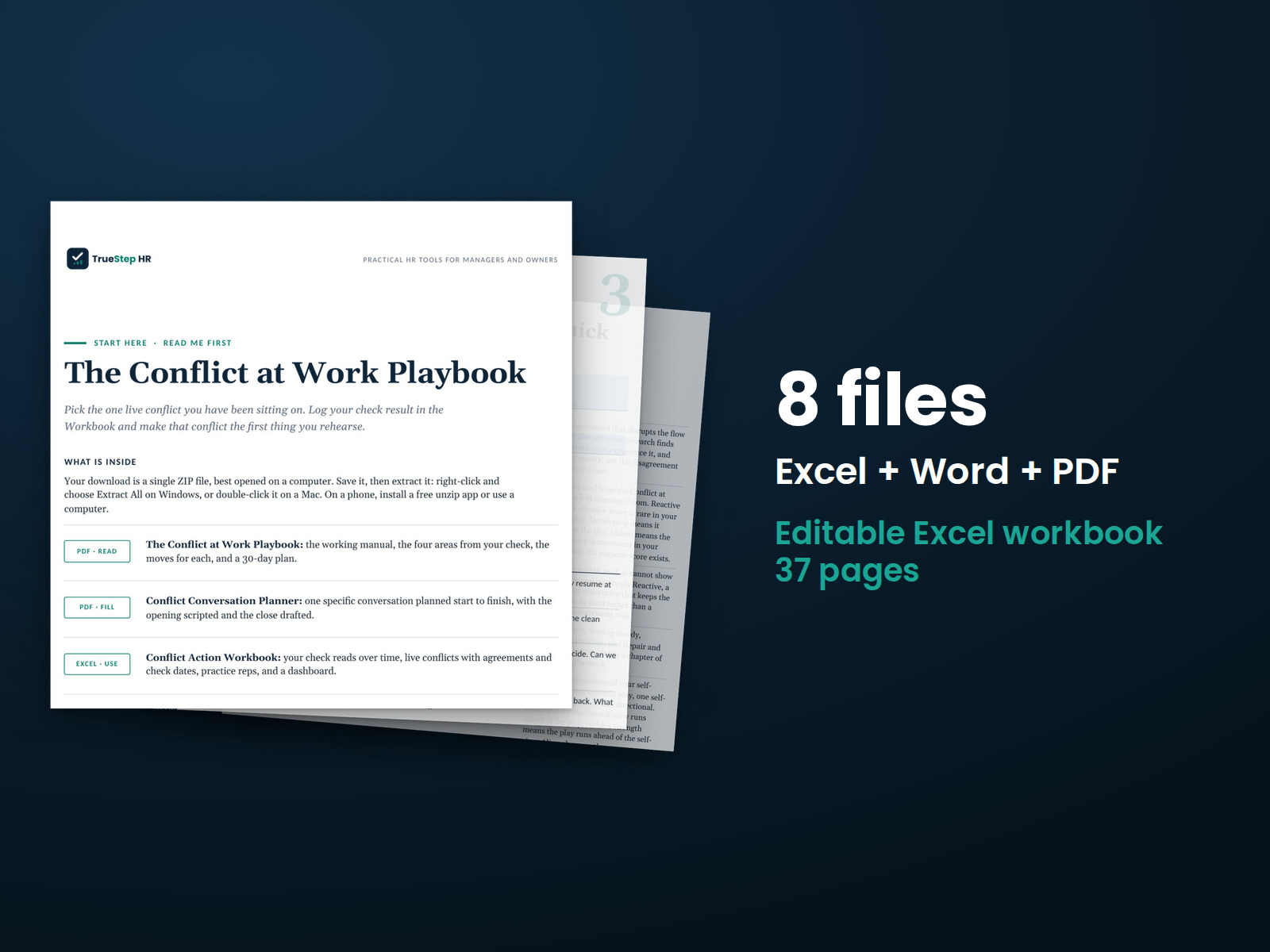
Address workplace conflict early with clear conversations and practical follow-up. Use the guide to prepare for difficult discussions, work through concerns, and agree on next steps.
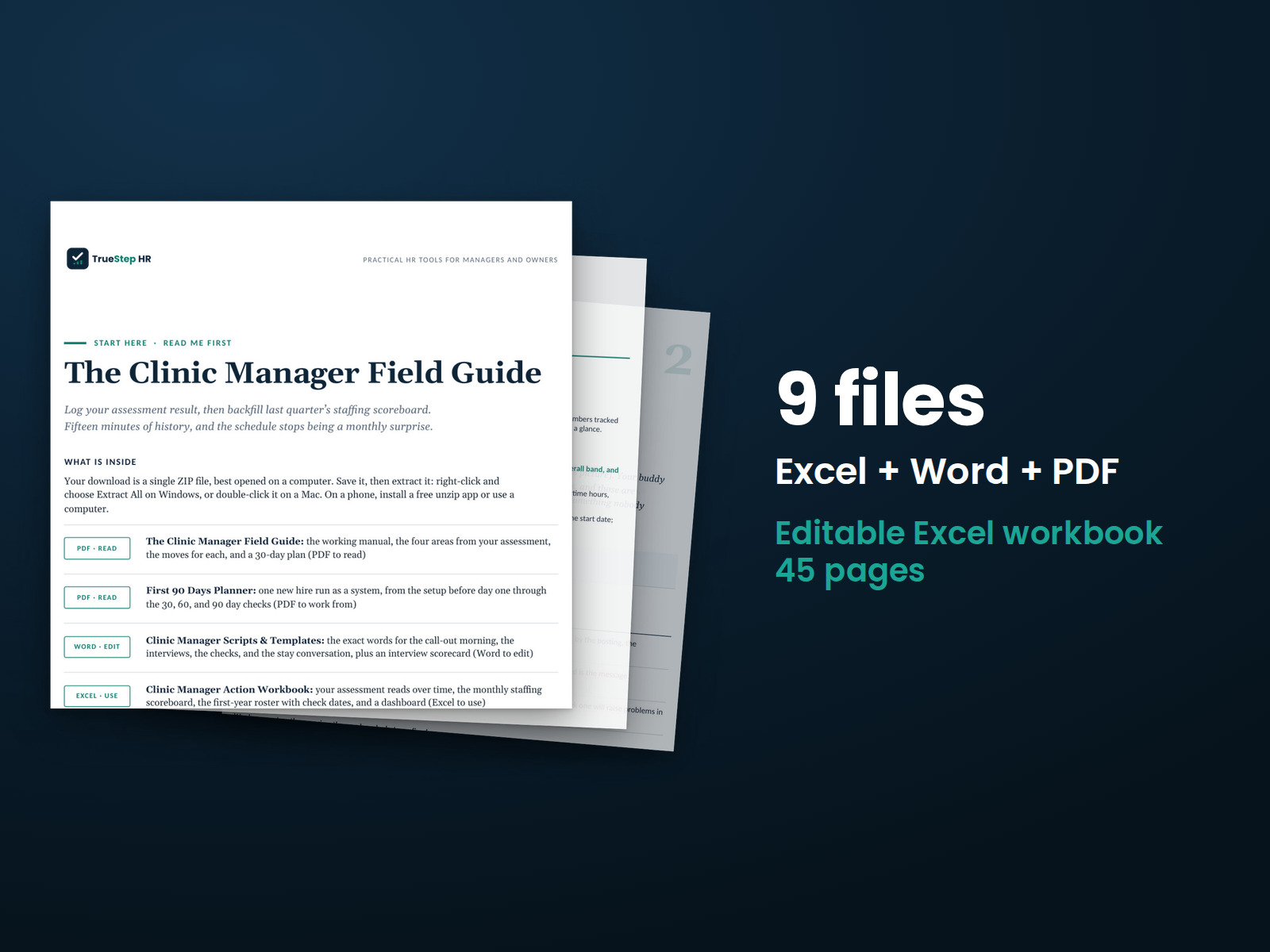
Manage clinic staffing, scheduling, and retention with tools for planning call-out coverage and supporting new hires through their first year.
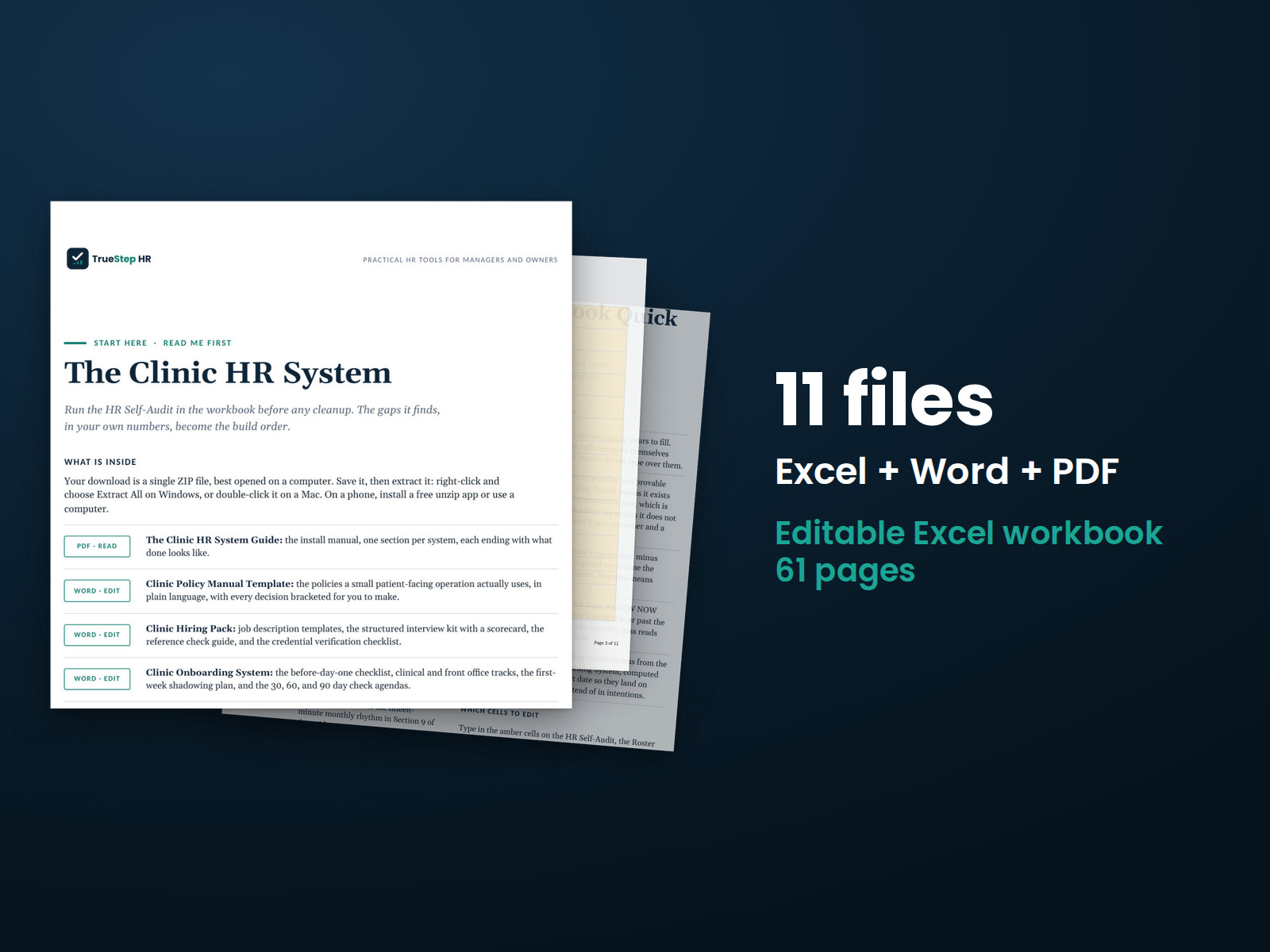
Set up clinic HR forms and workflows with a one-month plan. The system includes editable forms, written policies, hiring materials, onboarding plans, and workbooks for tracking completion and follow-up.
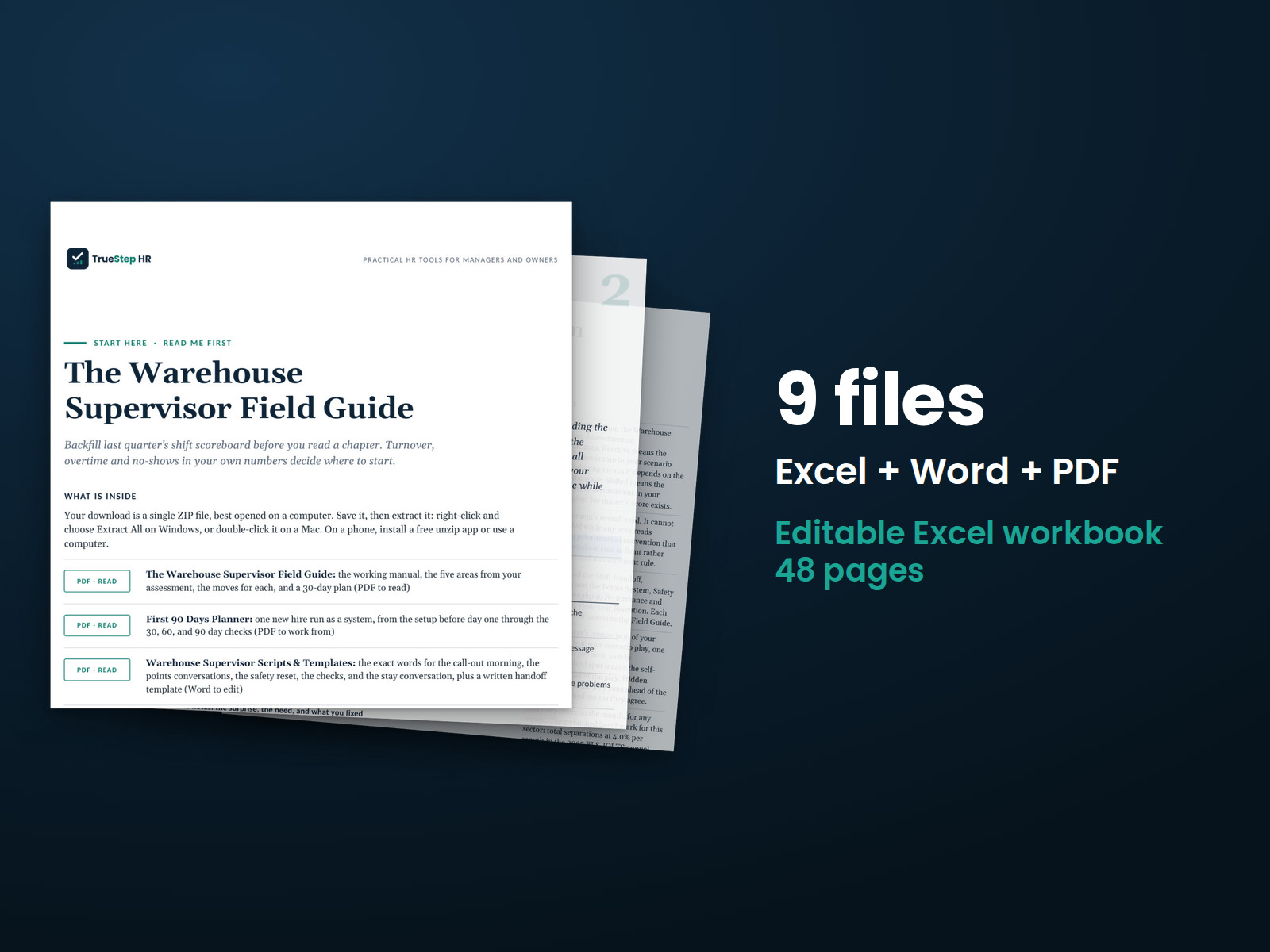
Plan warehouse shifts, manage unexpected absences, and apply attendance standards consistently with tools designed for supervisors.
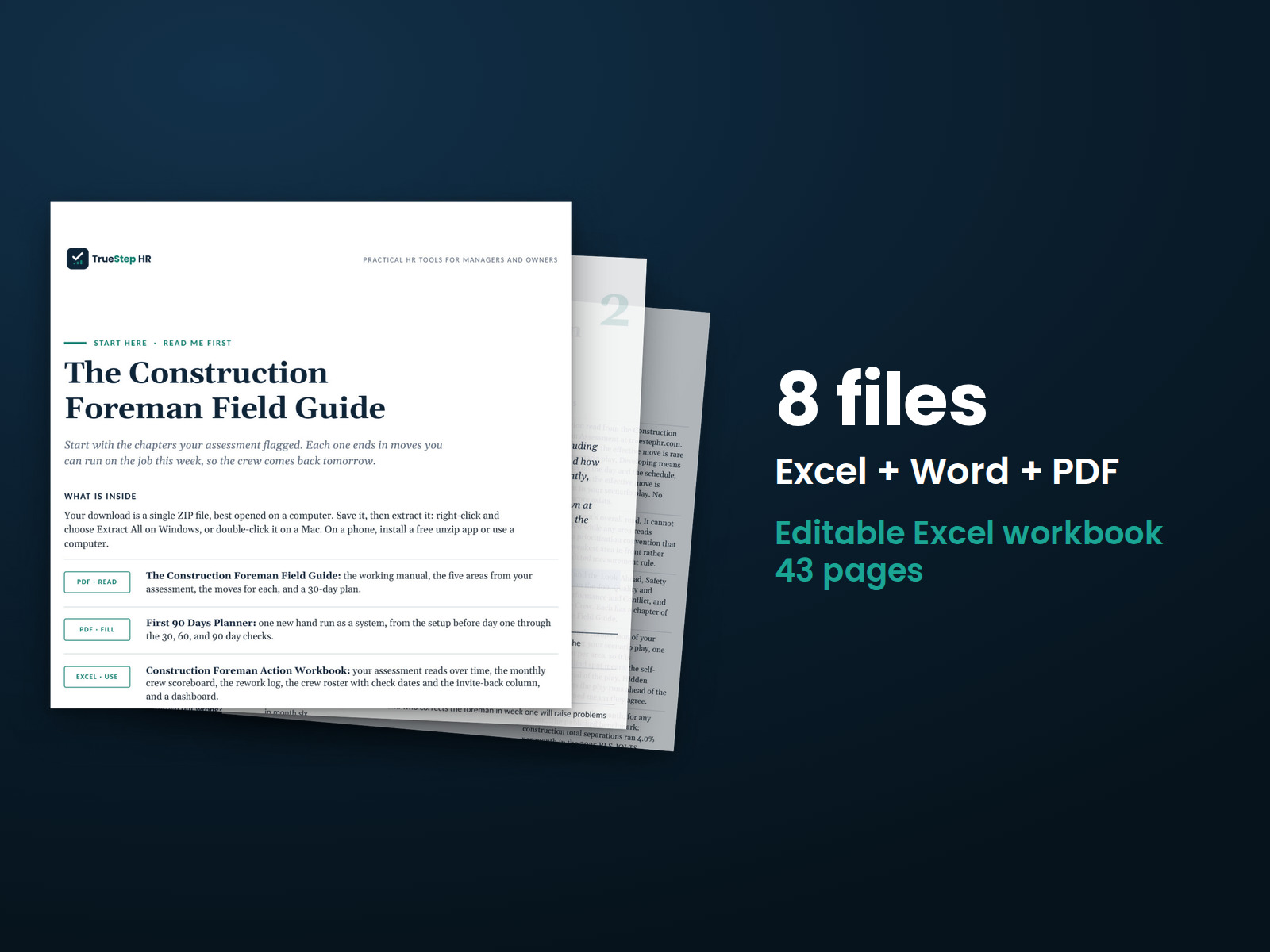
Plan crew coverage with a two-week look-ahead that accounts for missed starts and changing staffing needs.
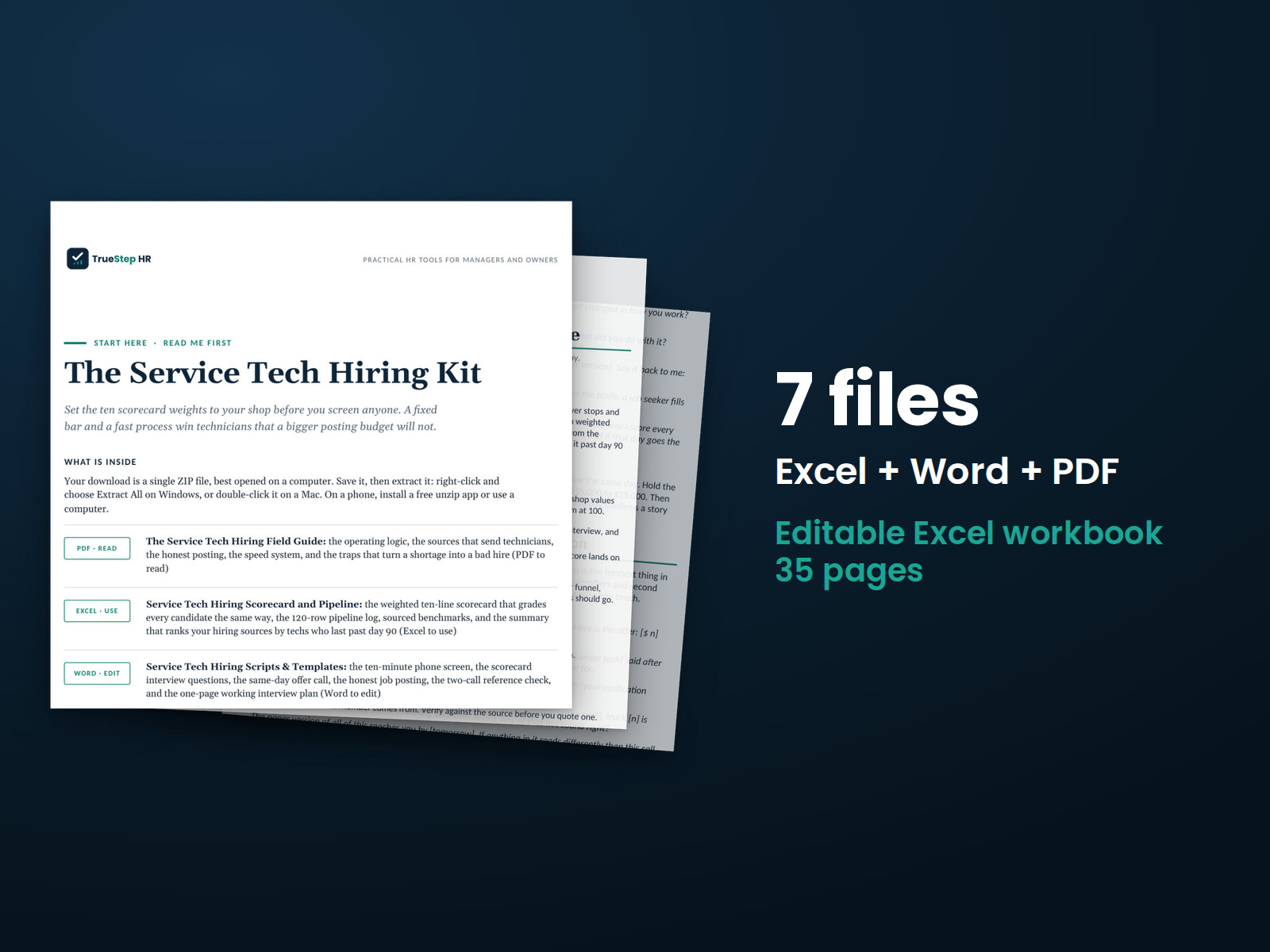
Hire service technicians with a consistent process. The kit includes a hiring field guide, scorecard, pipeline tracker, scripts, and templates for every step from screening through the offer.
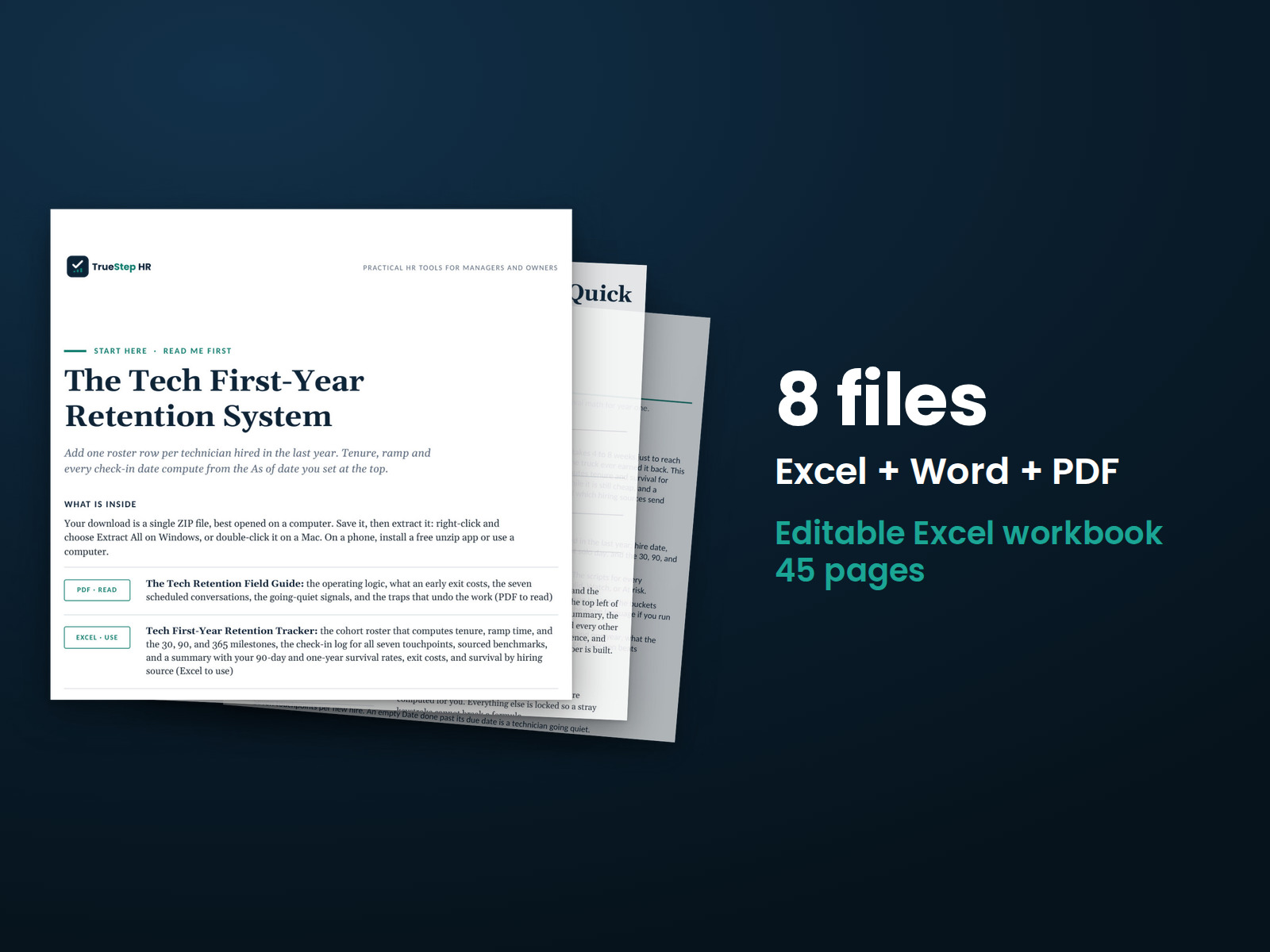
Support a new technician through the first year with a 30, 60, and 90 day plan, a first-year tracker, and check-in scripts that help managers identify and respond to concerns early.
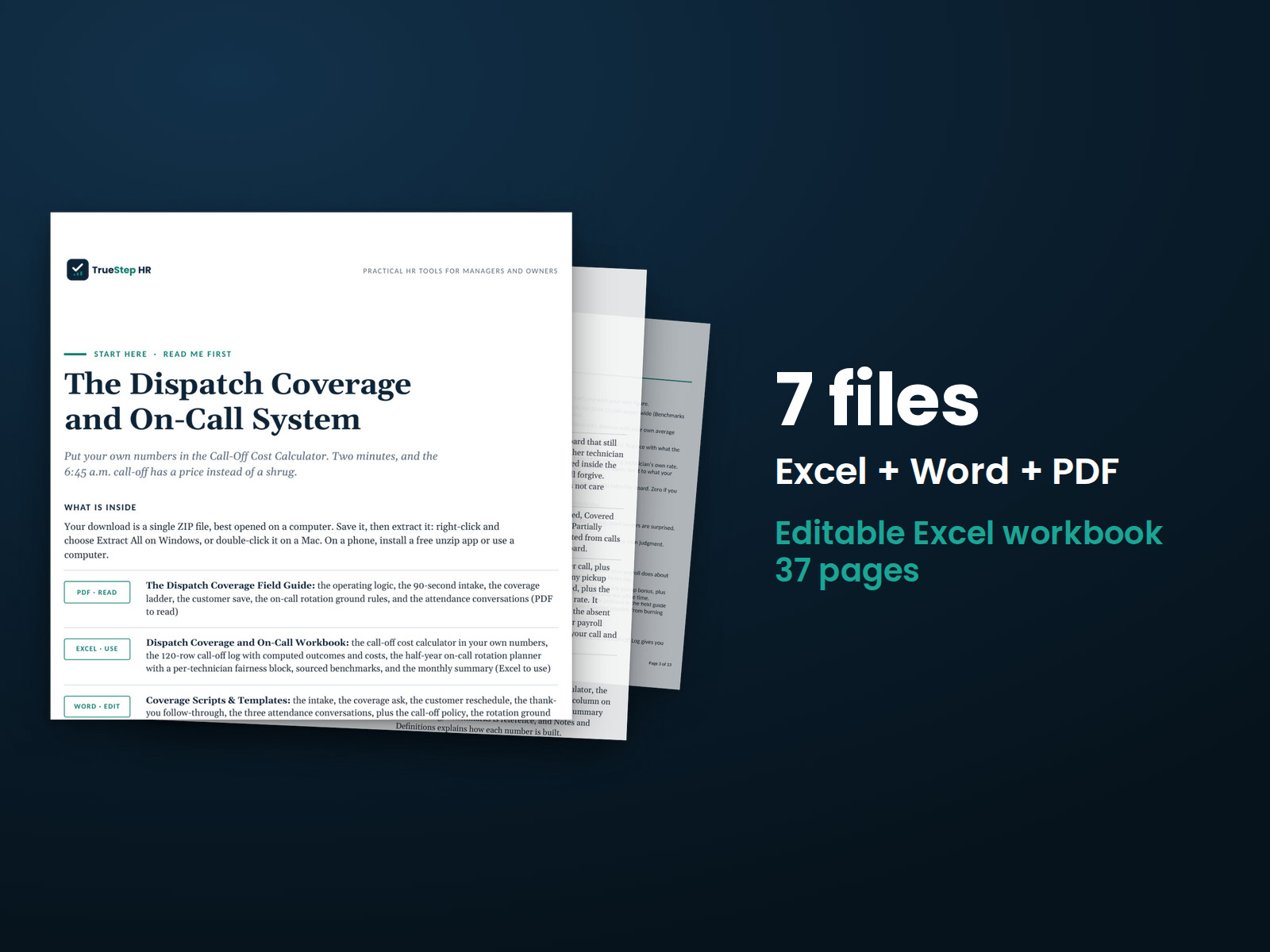
Organize dispatch coverage and on-call rotations during busy periods. The system also includes conversation scripts for recurring call-offs.
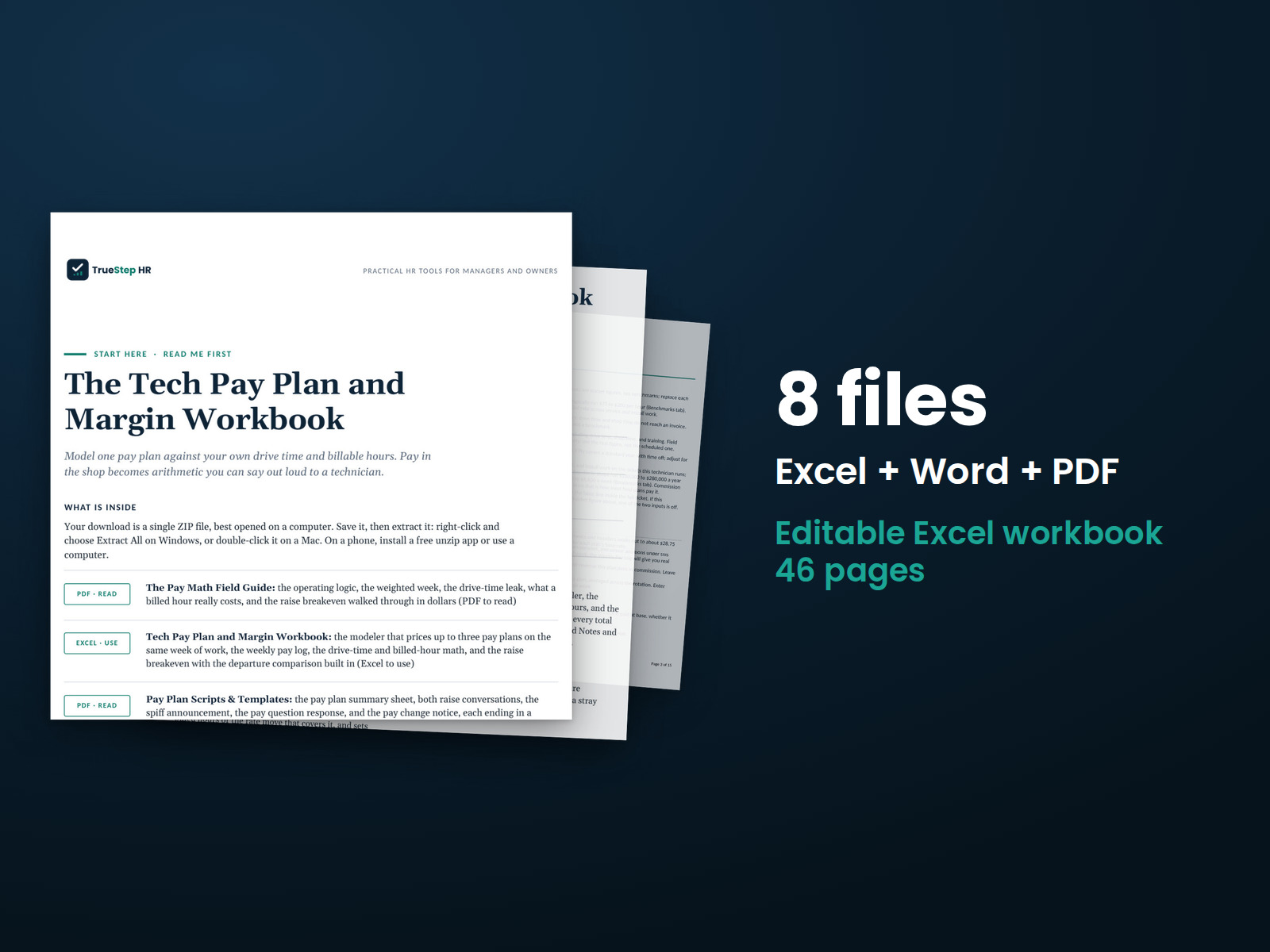
Model technician wages, spiffs, commissions, drive time, and the billed hours needed to support a raise.
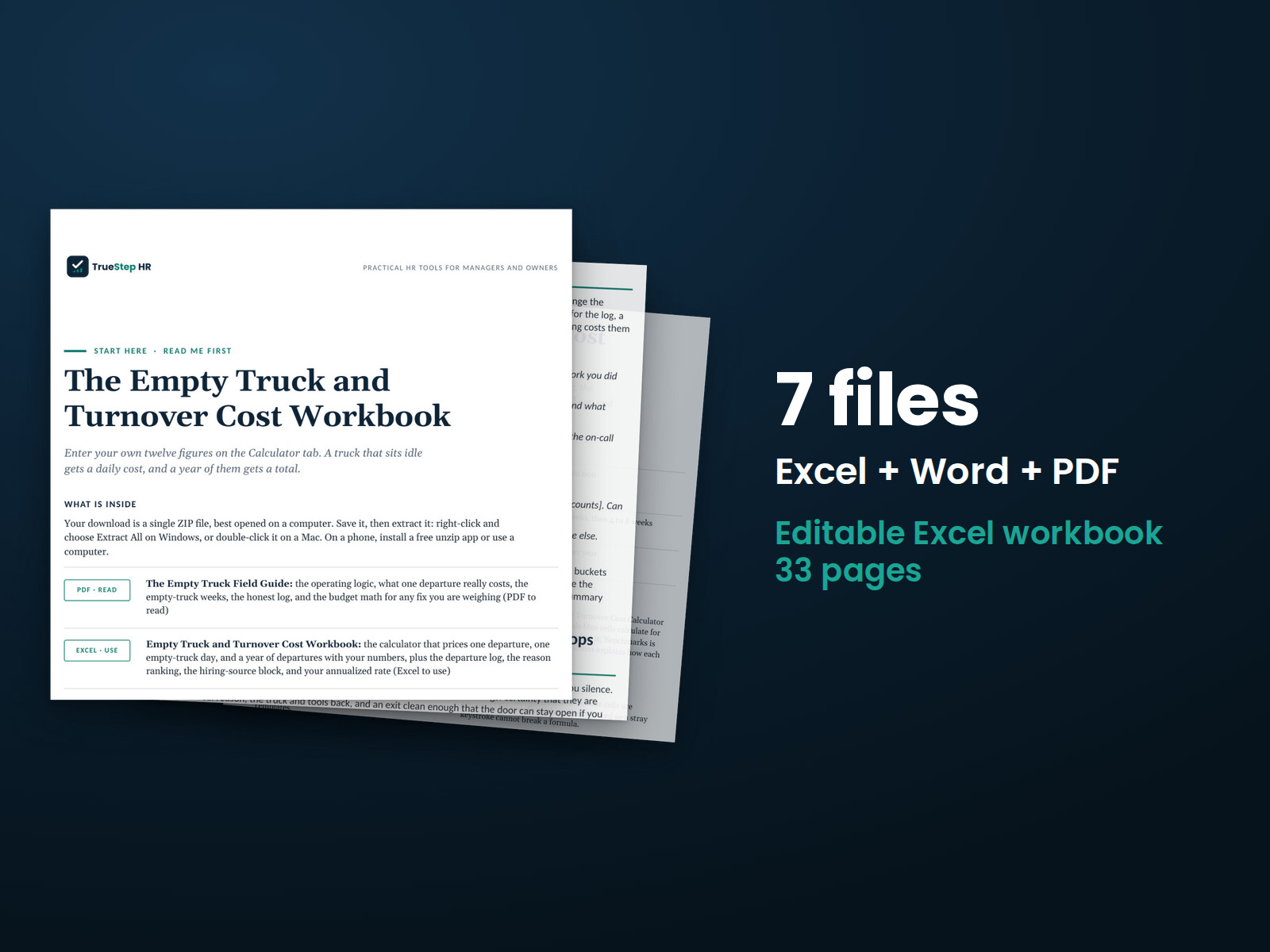
Calculate the cost of an unstaffed truck day and employee turnover in Excel with visible formulas. Use the departure log and reason ranking to see where to focus first.
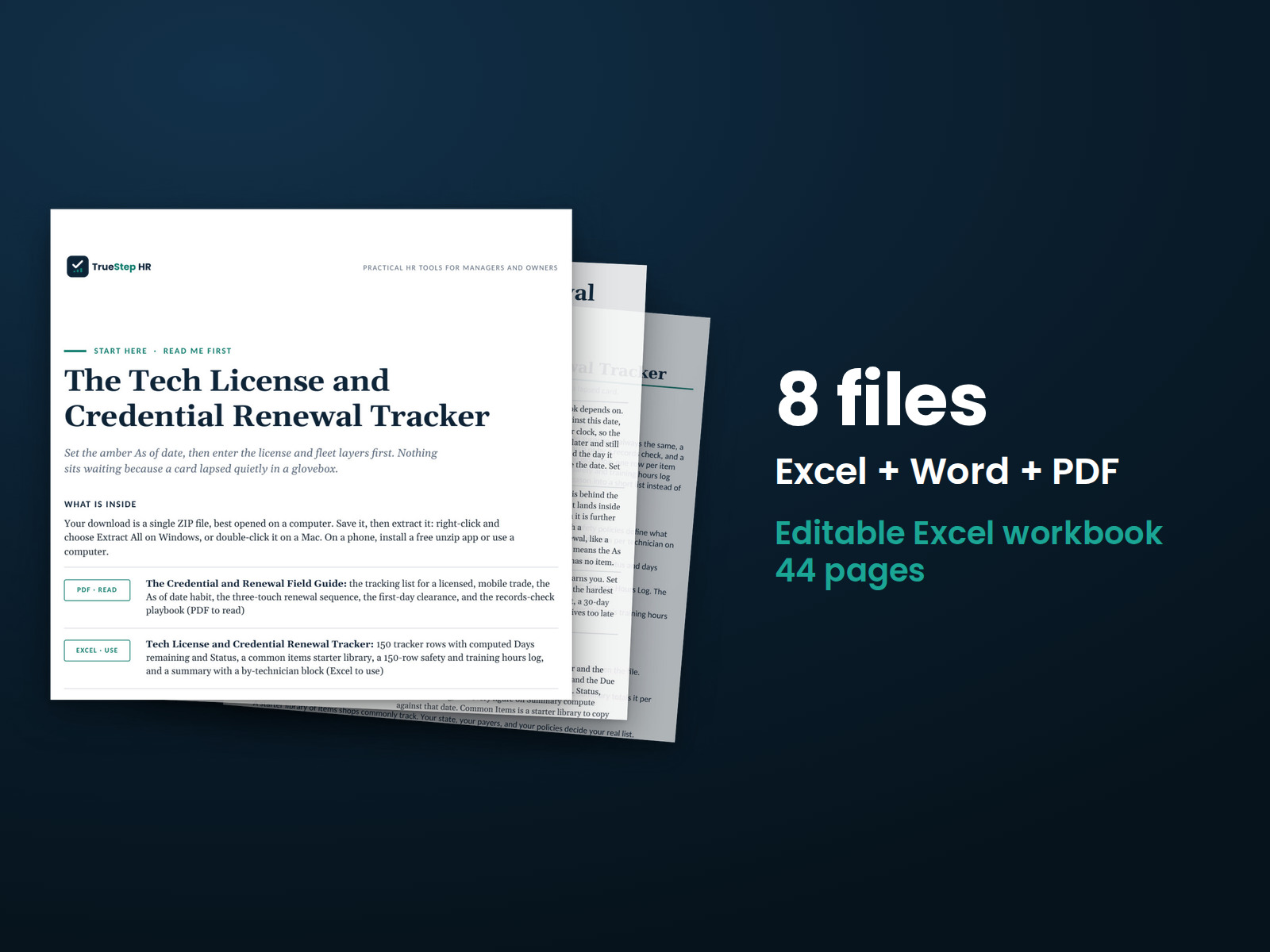
Organize technician licenses, certifications, and renewal dates in one place. The field guide and scripts help with upcoming expiration conversations.
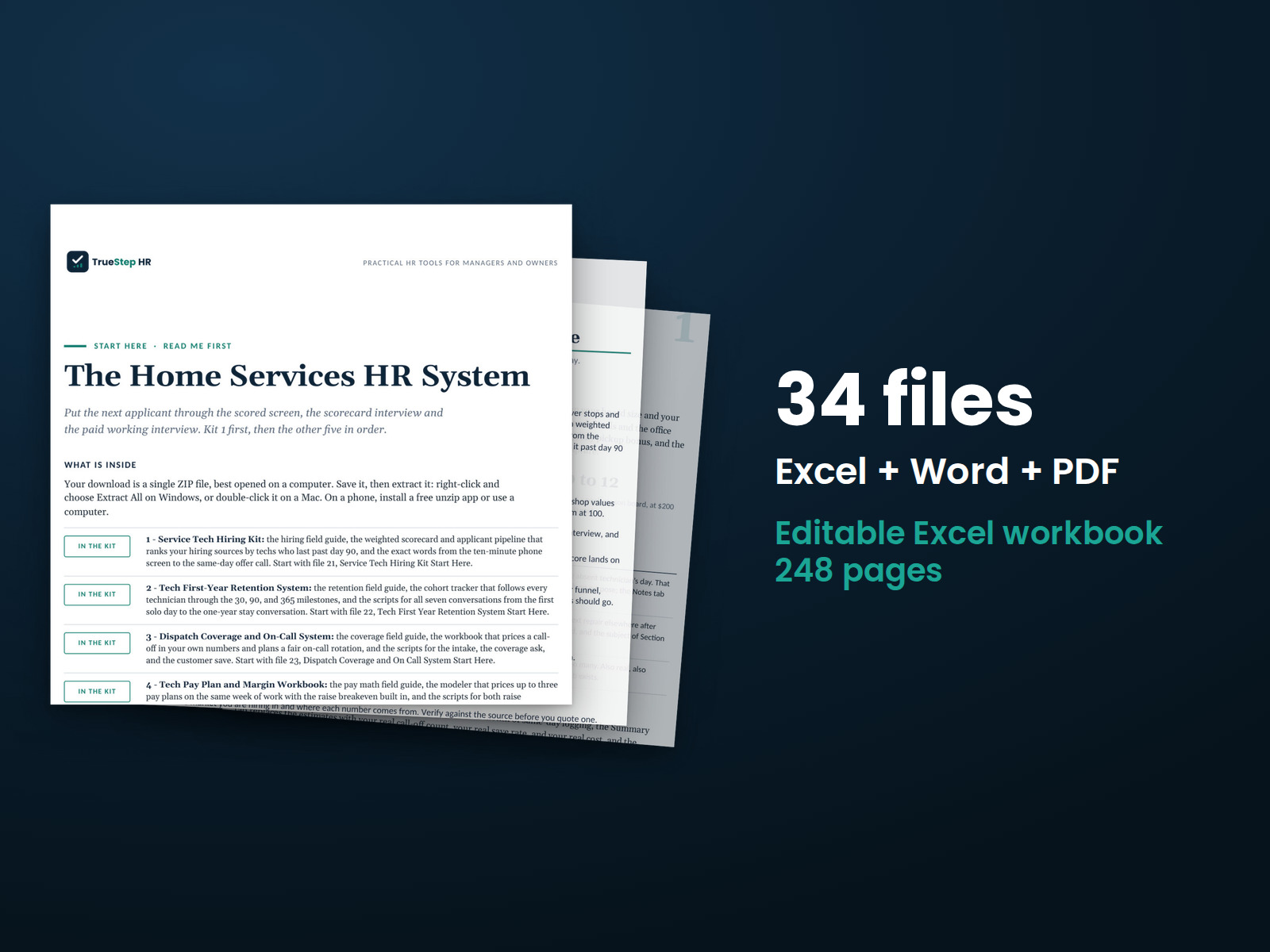
Manage technician HR work with six connected toolkits under one license. The Start Here guide shows where to begin and what comes next.
Use your Dental Practice Manager assessment results to explore six areas of practice leadership.
Explore your EQ at Work assessment results from two perspectives: how you handle real situations and how you see yourself. Understand where those two perspectives align and where they differ.
Build on your Manufacturing Frontline Leadership assessment results with a strengths-focused development plan covering six areas of shop floor leadership.
Your Manufacturing Manager assessment results shape a personalized development plan across seven areas of shop floor management.
Turn your New Manager Profile results across six leadership areas into a development plan.
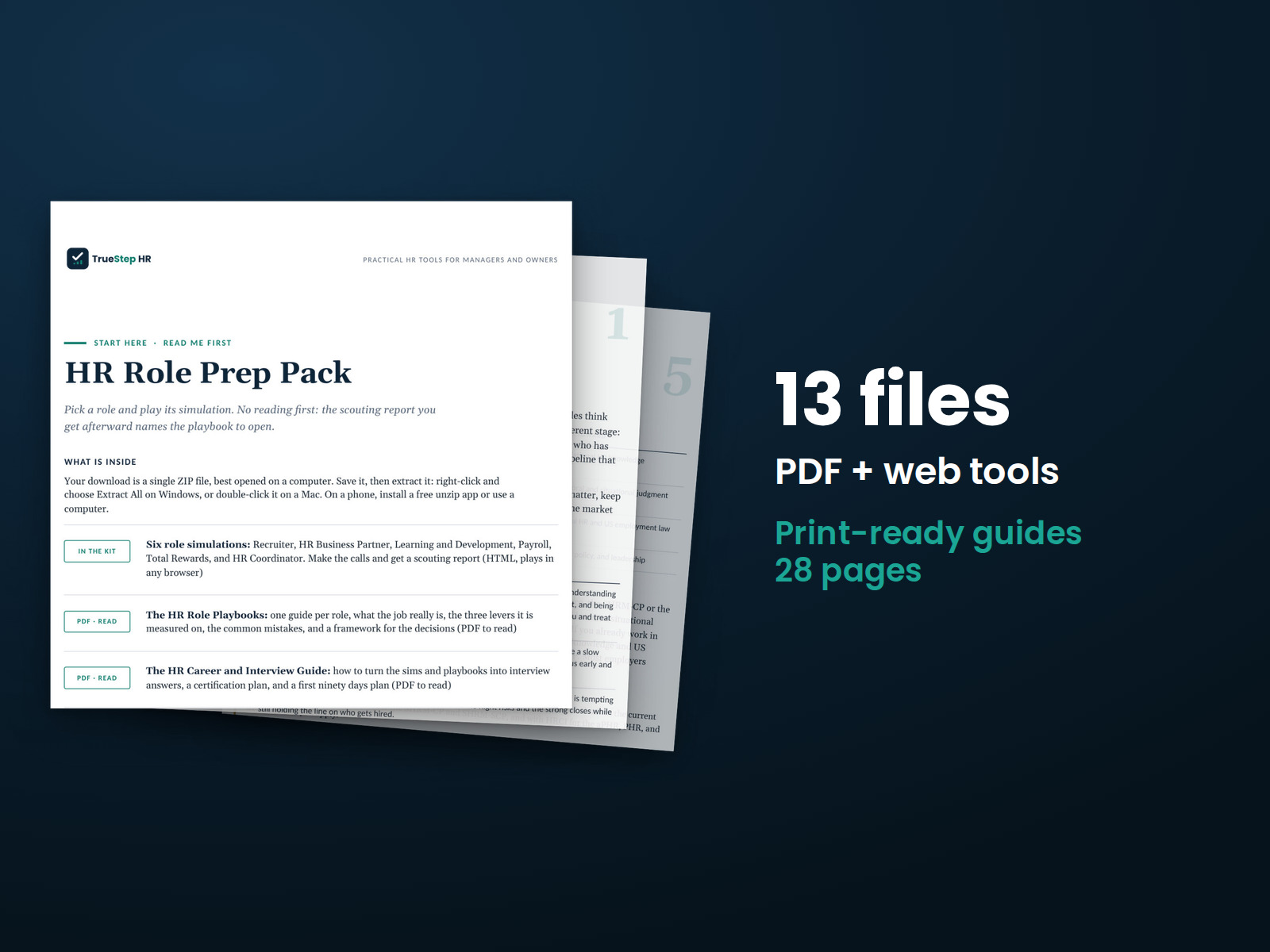
Practice realistic HR decisions through six role simulations. Review a readiness profile based on your decisions, then use the accompanying playbooks to prepare for role-specific interviews.
See what your Work Style Profile results mean for your everyday work. Use your scores to recognize your strengths, identify areas to develop, and build a plan with recommended actions.
Explore how your work style influences your delegation, feedback, conflict management, and decisions. The pack uses your Work Style Profile results to connect personality insights with everyday management decisions.
Search another topic, browse the reference notes and free calculators, or tell us what you are working on.