
Caregiver Turnover Cost Workbook
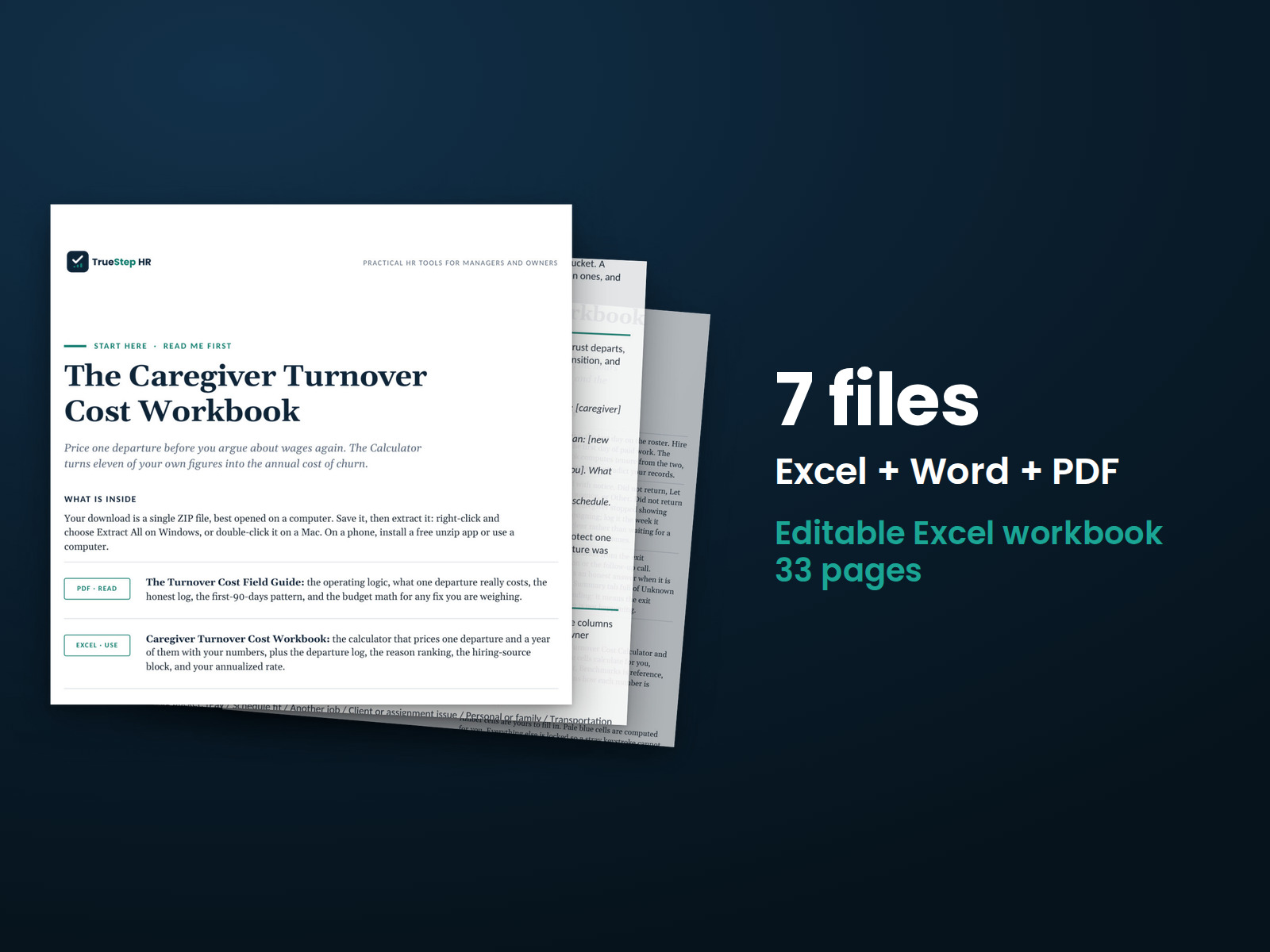
An Excel workbook with visible formulas for caregiver departure costs, annual costs for your roster, and potential savings at your chosen retention rate.
HR advisory, assessments, and operating tools for U.S. businesses
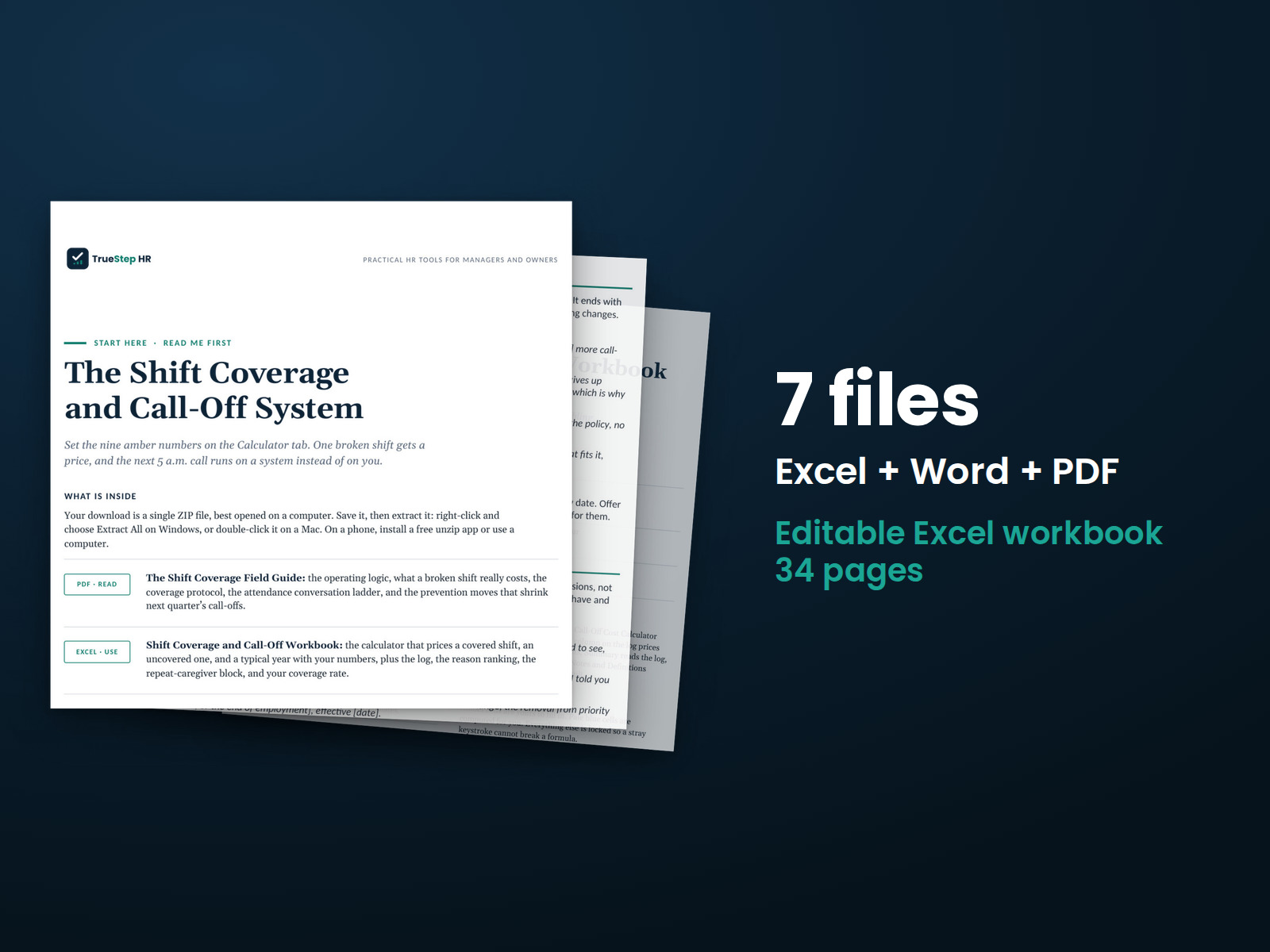
These previews show pages from the files you receive.
Home care coverage
Handle call-offs with a consistent intake process, a workbook for coordinating coverage, and scripts for recurring attendance conversations.
Run the free Caregiver Unfilled Shift Cost Calculator to compare the cost of one uncovered shift with the cost of covering it. You can also see what a typical year of call-offs costs your agency.
$44
Checkout takes place on our store at shop.truestephr.com. Any applicable sales tax appears at checkout before you pay. These files provide general HR information, not legal advice.
Need approval first?
Ready to put your tool to work?
Bring your purchased tool and the situation you are working through. A TrueStep HR practitioner will help you set the inputs, make the first decisions, and identify a practical next step.
See the Setup Session →Where to start
See what an uncovered shift costs and follow a clear process when the next 5 a.m. call-off comes in.
Fit
What is inside
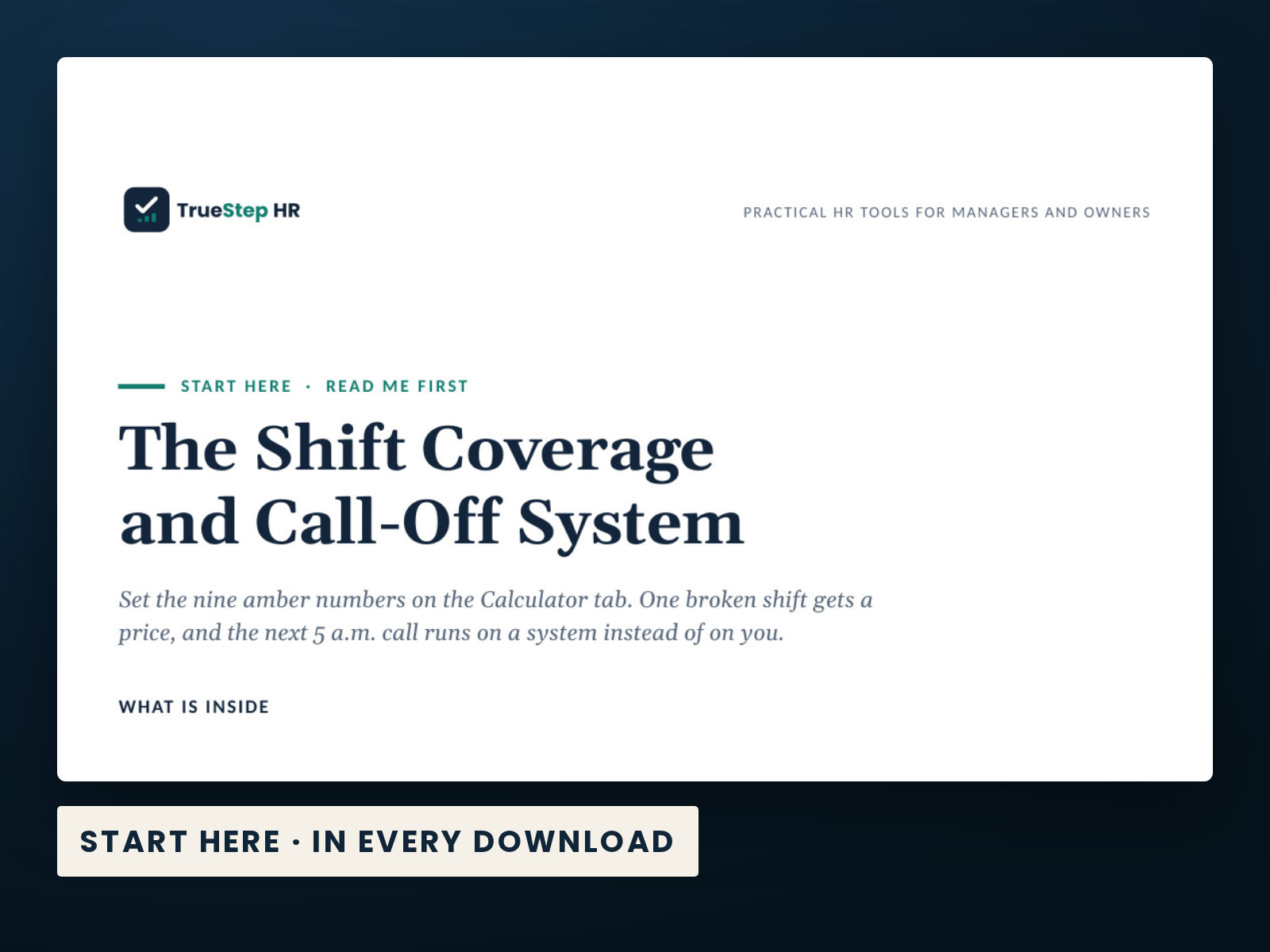
Taken from the kit’s own Start Here guide, so what you see here is what you open after checkout.
How to use it
Start with The Shift Coverage Field Guide. By step 4, you will be recording every call-off in the Call-Off Log the same day.
Skim the Field Guide, starting with the system at a glance. In fifteen minutes, you will understand the process and how the pieces fit together.
Open the Workbook and enter your nine numbers in the amber cells on the Calculator tab. The cost of one uncovered shift and the cost of a typical year both update as you type.
Fill in the backup roster and post the one-page call-off policy from Scripts & Templates so both are ready for the next call-off.
Record every call-off in the Call-Off Log the same day, follow the intake and coverage scripts word for word, and review the Summary tab monthly.
Before you buy
Find details about file formats, delivery, licensing, and refunds.
You receive 5 PDF guides, 1 Word document, and 1 Excel workbook, all named in the What is inside section above. This is a one time purchase, delivered as a download, not a subscription.
Yes. The first image shows the file set, and the second and third show actual pages from the current download.
Yes. You can edit and brand the Word document, fill in the Excel workbook, and read or print the PDF guides for your own internal operations.
For help implementing this tool, book a one hour Setup Session for $149. For broader HR support, advisory begins with a short request and a written scope at truestephr.com/pages/advisory. For legal questions, consult qualified counsel.
Right after payment, your download link appears on the confirmation screen and again in your email receipt. The files arrive as a ZIP download. No account is needed.
You can use Word and Excel, LibreOffice on a computer, or Google Docs and Google Sheets in a browser. The alternatives are free. Any PDF reader opens the guides. See download help.
Email support@truestephr.com within 30 days for a full refund. No form or explanation is required. The full terms are in the refund policy.
No. It is general HR information and a working method. It is not written to any one state unless the page says so. Where a decision turns on the law, use qualified counsel. See what we cover, and what we do not.
One license covers the internal HR work of one legal entity. You may edit the files, brand them, and issue them to your employees. Consultants and groups with several entities need the extended license. See the license.
Extend the system
Explore related tools for the same situation, operating method, or industry.
An Excel workbook with visible formulas for caregiver departure costs, annual costs for your roster, and potential savings at your chosen retention rate.
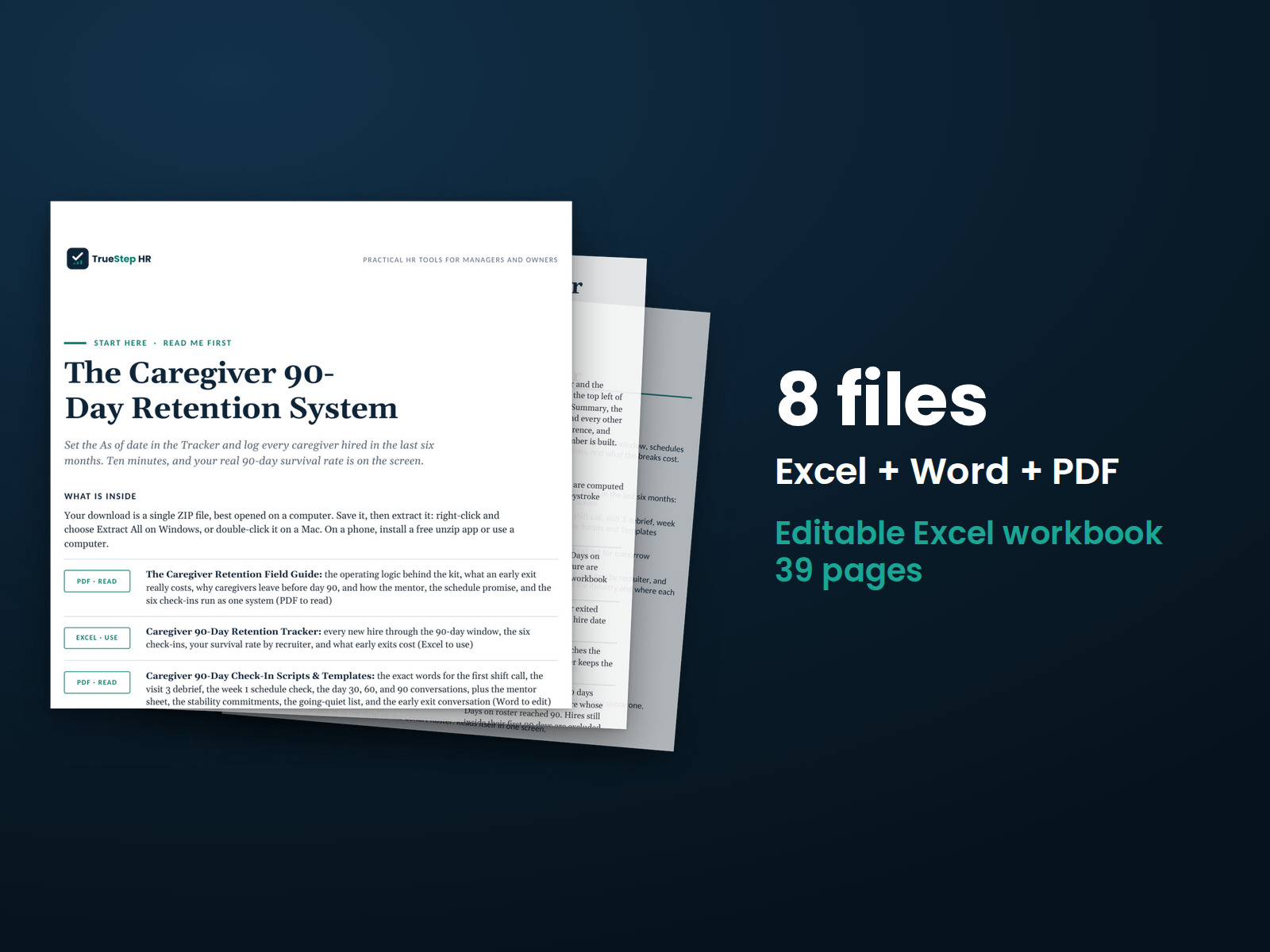
Give each new caregiver a thoughtful first 90 days. You get a structured plan, check-ins at 30, 60, and 90 days, and stay conversations that help you understand concerns before someone resigns.
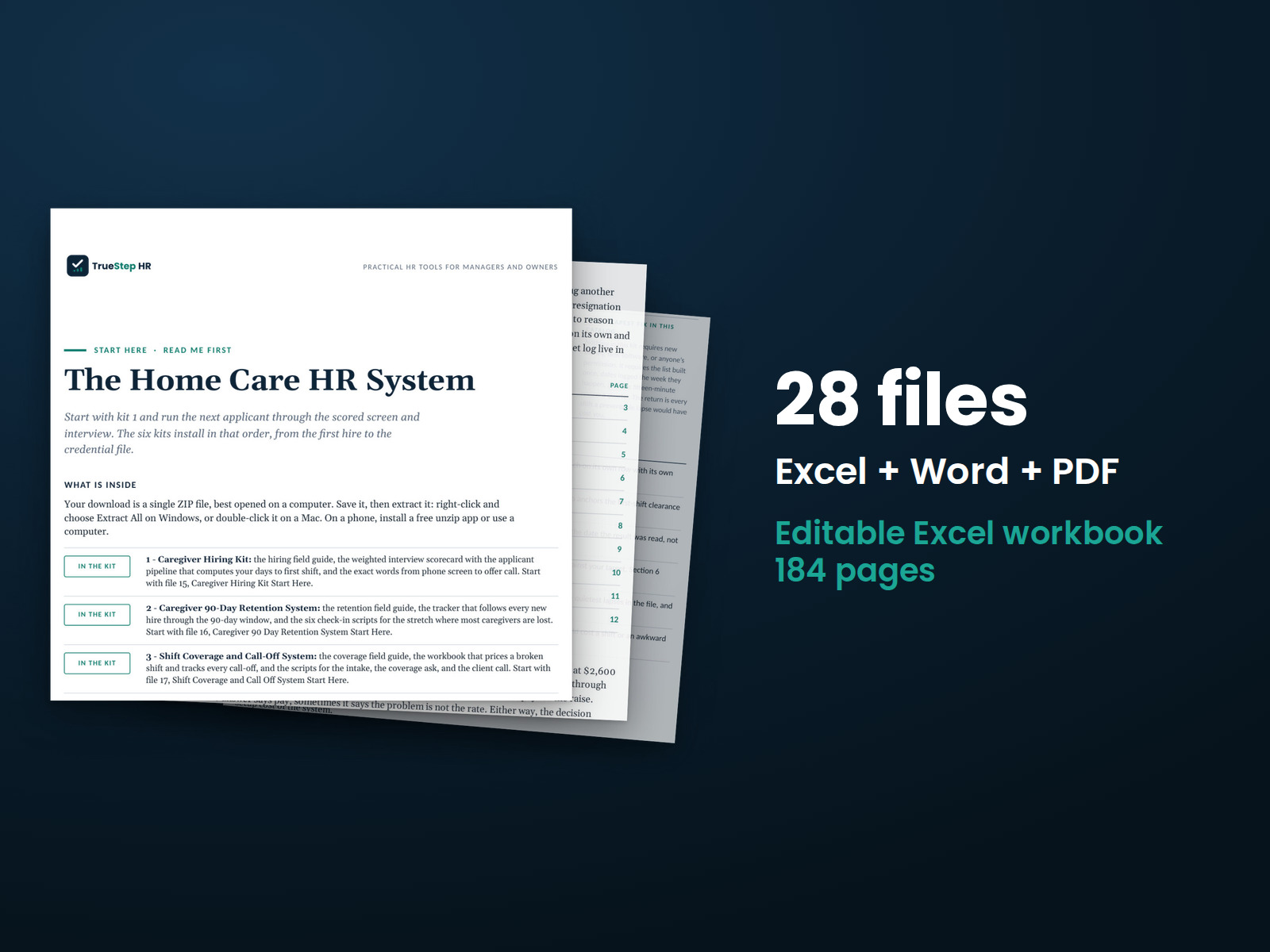
Six caregiver toolkits under one license, with a system Start Here guide showing the order to use them together.