
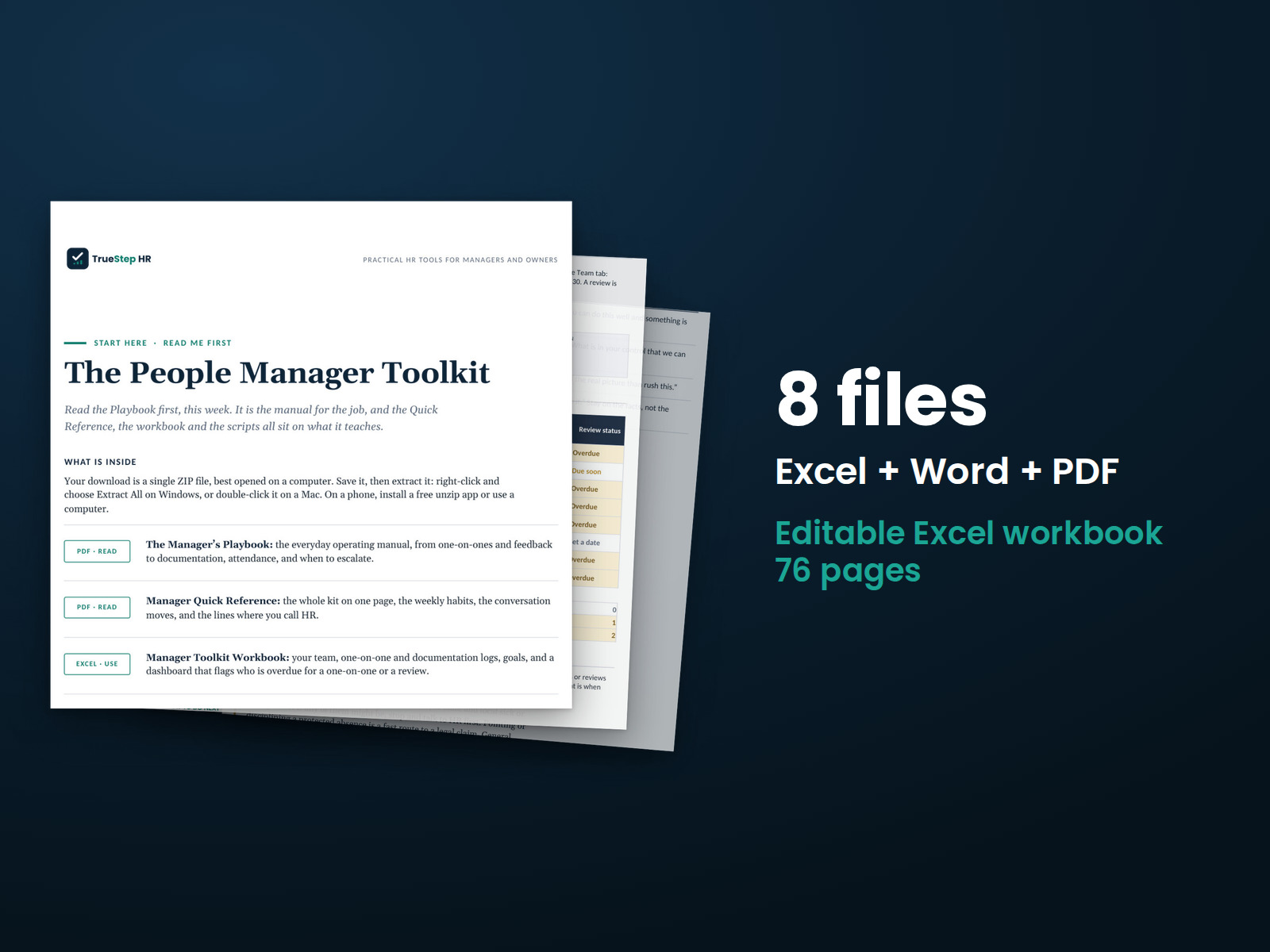
People Manager Toolkit
Organize one-on-ones, employee feedback, performance discussions, and documentation with practical tools you can use consistently and share with another manager.
HR advisory, assessments, and operating tools for U.S. businesses
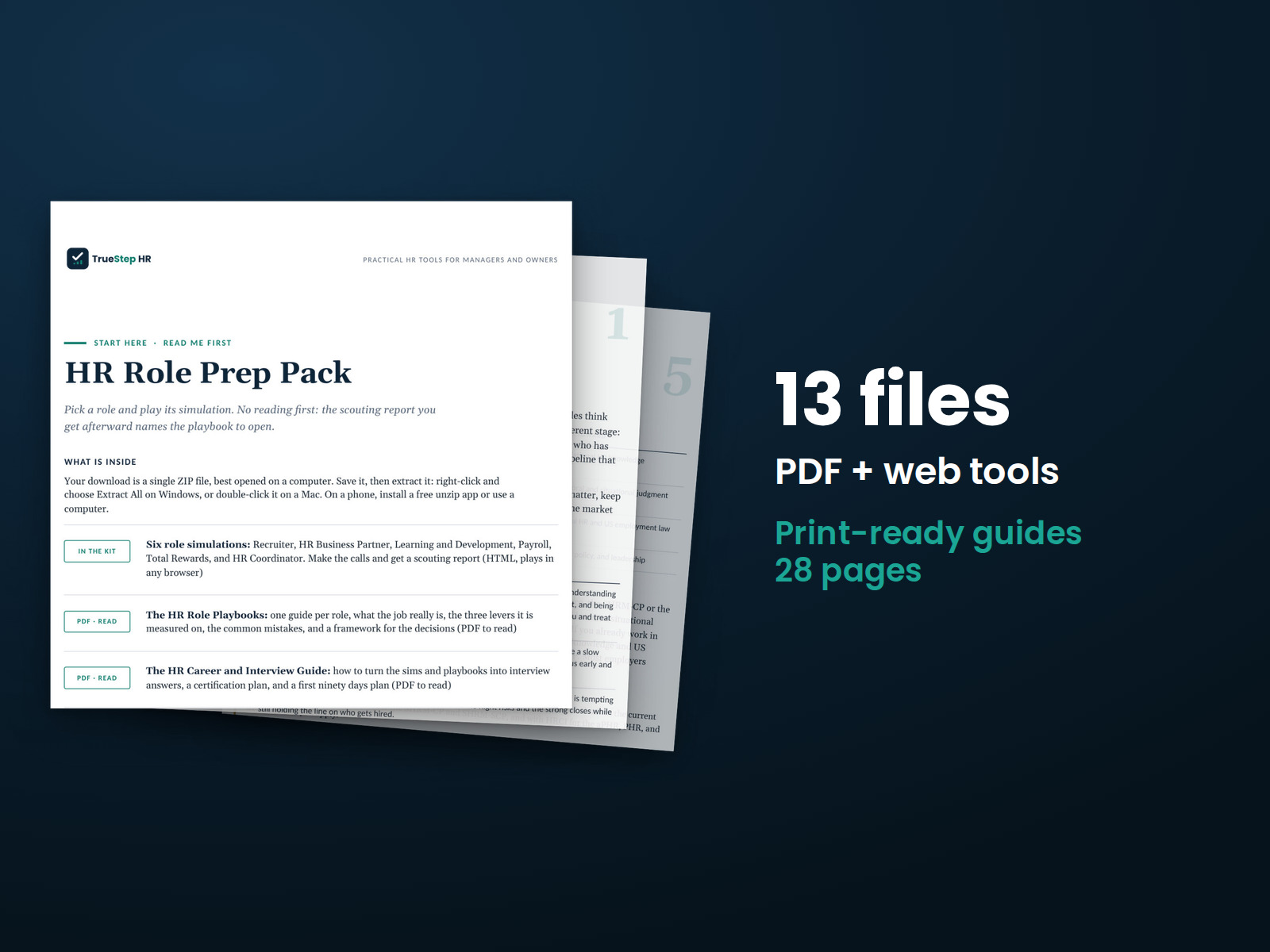
These previews show pages from the files you receive.
HR career preparation
Practice the decisions behind six HR roles before your interview. Each simulation gives you a readiness profile based on your choices, with a playbook for each role.
Run one of the six free role simulations before you buy. Each takes about 8 minutes and puts you in the middle of decisions for one HR role. See how the simulations work before choosing the pack.
$59
Checkout takes place on our store at shop.truestephr.com. Any applicable sales tax appears at checkout before you pay. These files provide general HR information, not legal advice.
Need approval first?
Ready to put your tool to work?
Bring your purchased tool and the situation you are working through. A TrueStep HR practitioner will help you set the inputs, make the first decisions, and identify a practical next step.
See the Setup Session →Where to start
Start with a simulation. Your readiness profile will point you to the playbook for that role.
Fit
What is inside
Taken from the kit’s own Start Here guide, so what you see here is what you open after checkout.
How to use it
Follow these 6 steps in order to complete all six roles and review each readiness profile.
Choose a role and start its simulation. Work through the decisions as they come.
Review your readiness profile and find your lowest-scoring measure. Use it to decide where to focus your practice.
Turn to the playbook for that role. Review the three levers behind your readiness profile and the mistakes that cost the most.
Build on what you learned with the Career and Interview Guide. Prepare talking points, plan certification study, and outline your first ninety days.
Try the starter calculators to understand the numbers behind HR decisions. Find the full free set at truestephr.com, including PTO, overtime, time to fill, and the workforce planning tools.
Run the simulation again and see how your score changes. Explore all six roles and compare your readiness profiles.

Before you buy
Find details about file formats, delivery, licensing, and refunds.
9 HTML tools, 4 PDF guides, each one named in the What is inside section above. The purchase is a download, not a subscription.
Yes. The first image shows the file set, and the second and third show actual pages from the current download.
Yes. The simulations and calculators are web pages that open in any browser, and the guides are PDFs for reading and printing. None of the files is meant to be edited.
For help implementing this tool, book a one hour Setup Session for $149. For broader HR support, advisory begins with a short request and a written scope at truestephr.com/pages/advisory. For legal questions, consult qualified counsel.
Right after payment, your download link appears on the confirmation screen and again in your email receipt. All files arrive as one ZIP. No account is needed.
You need a web browser and a PDF reader. The simulations and calculators open in any browser, and any PDF reader opens the guides. See download help.
Email support@truestephr.com within 30 days for a full refund. No form or explanation is required. The full terms are in the refund policy.
No. It is general HR information for learning the work and preparing for interviews. Where a decision turns on the law, use qualified counsel. See what we cover, and what we do not.
One license covers the internal HR work of one legal entity. You may print the guides and use the files throughout your organization. Consultants and groups with several entities need the extended license. See the license.
Extend the system
Explore related tools for the same situation, operating method, or industry.
Organize one-on-ones, employee feedback, performance discussions, and documentation with practical tools you can use consistently and share with another manager.
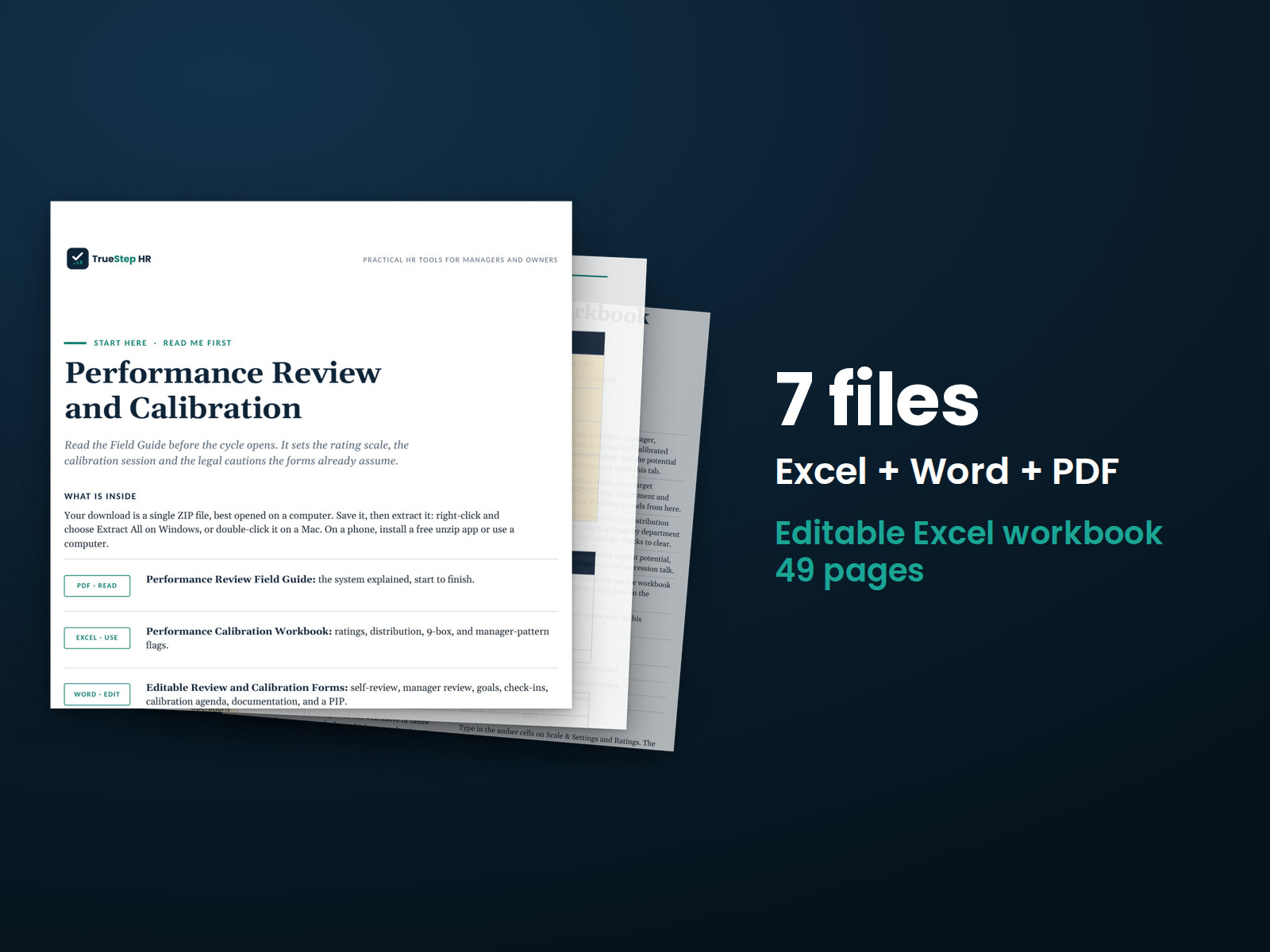
Give managers a fair, consistent, documented approach to performance reviews. The toolkit includes a rating scale, feedback wording, and editable review and goal forms. Calibration helps you identify outliers before finalizing ratings.
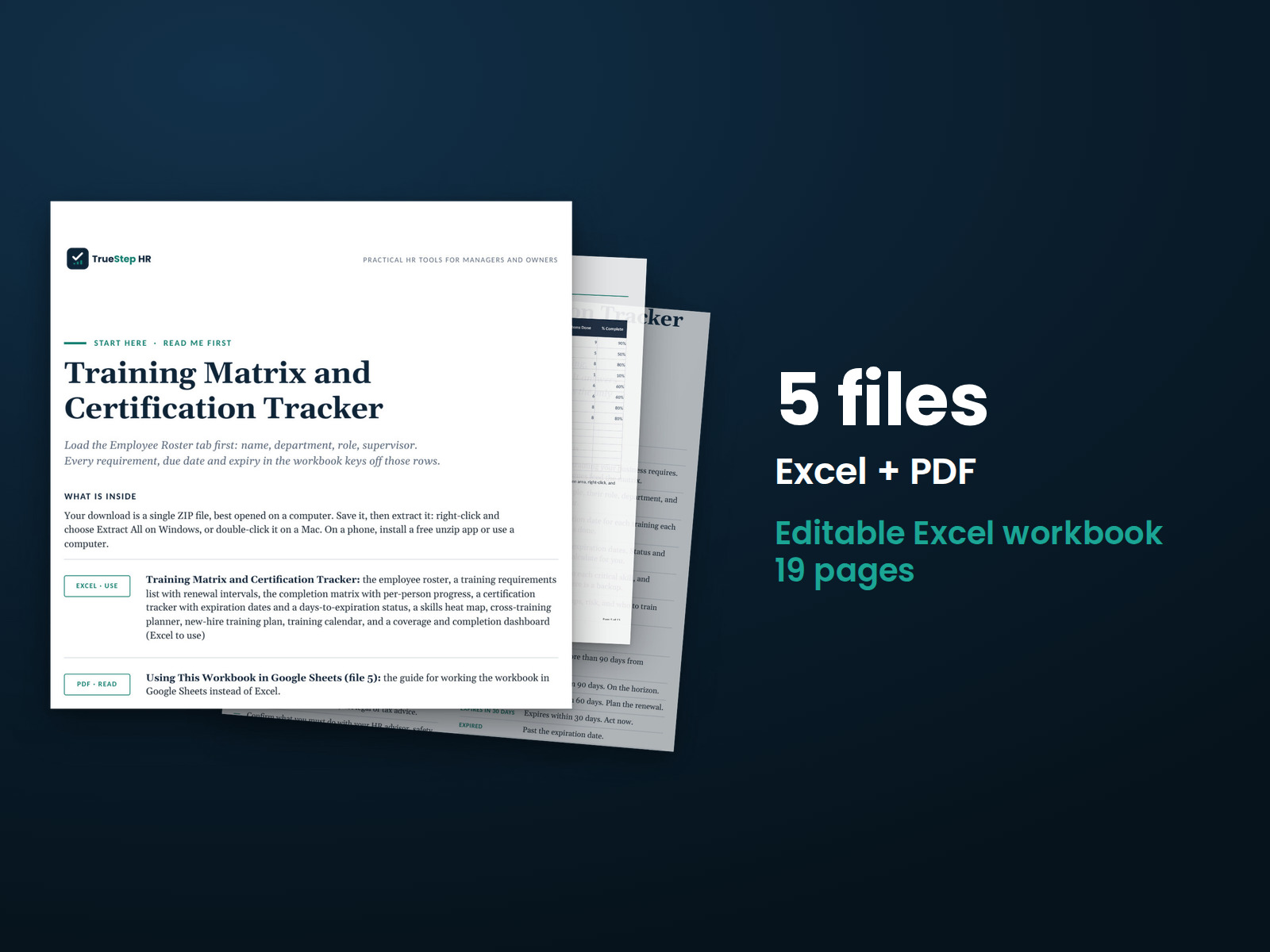
Track employee training, certification expirations, skills coverage, and training gaps in one Excel file. See who is trained, what is expiring, and which jobs depend on a single qualified employee. The workbook calculates status and dashboard results for you.