
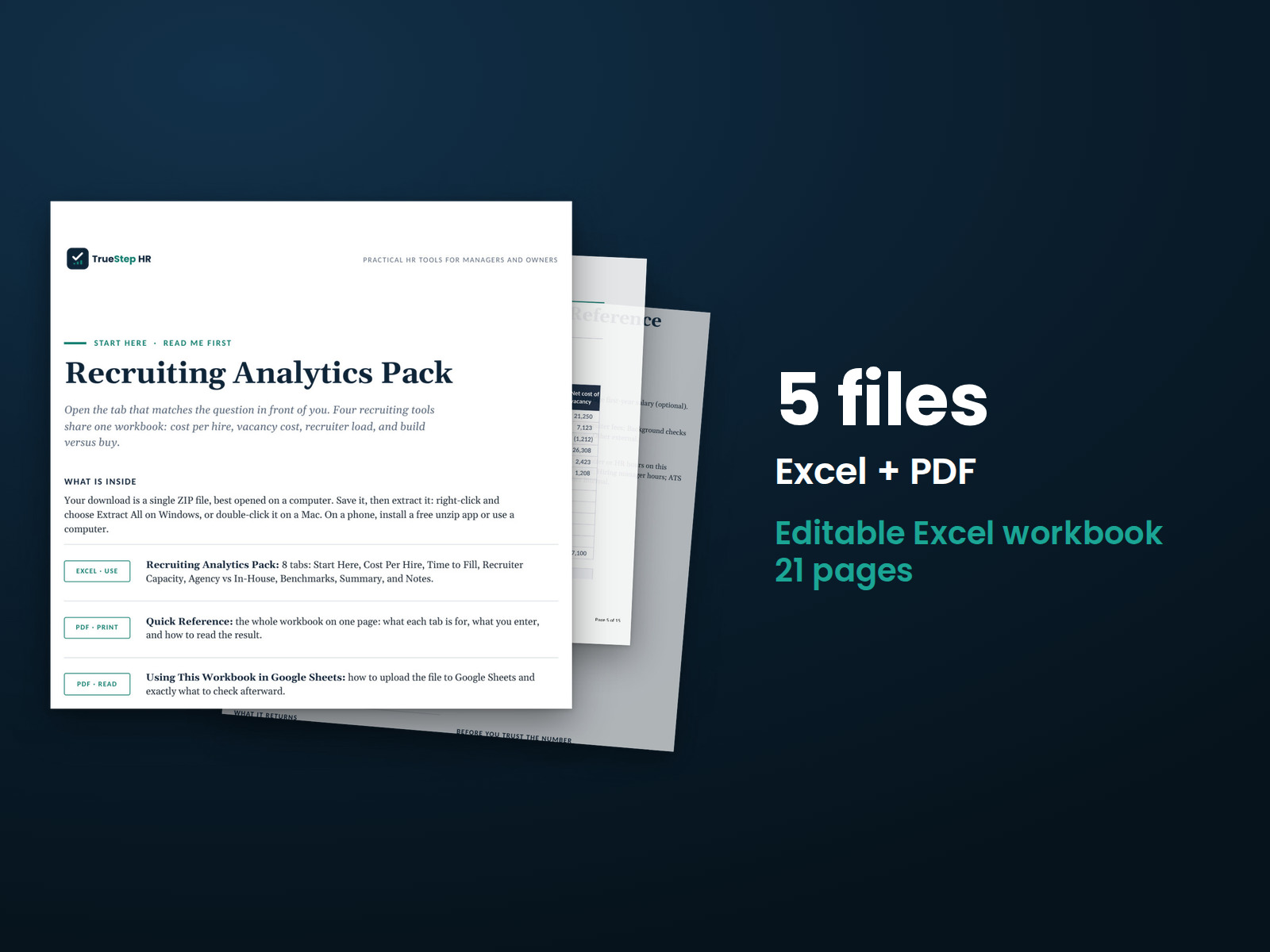
Recruiting Analytics Pack
Calculate cost per hire, vacancy costs, recruiter capacity, and whether an agency or an in-house recruiter makes better financial sense.
HR advisory, assessments, and operating tools for U.S. businesses
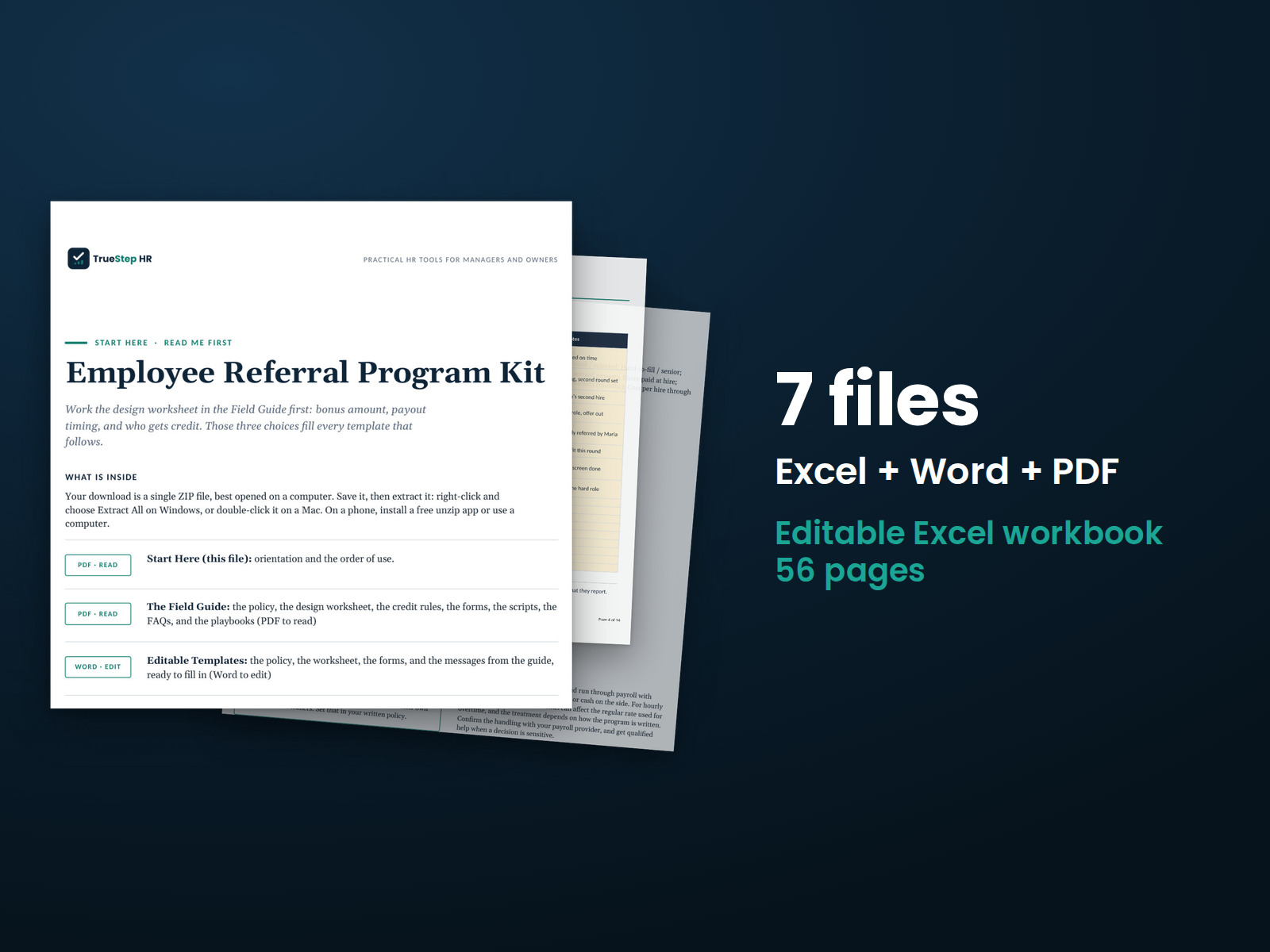
These previews show pages from the files you receive.
HR document kit
Build an employee referral program with clear bonus and referral credit rules. Set those rules once, use the policy and launch communications to introduce the program, and track referral costs and savings.
Run the free Employee Referral Program ROI Calculator to see your bonus cost, avoided agency and sourcing spend, net savings, and cost per referral hire. Use those numbers to evaluate the kit before buying.
$49
Checkout takes place on our store at shop.truestephr.com. Any applicable sales tax appears at checkout before you pay. These files provide general HR information, not legal advice.
Need approval first?
Ready to put your tool to work?
Bring your purchased tool and the situation you are working through. A TrueStep HR practitioner will help you set the inputs, make the first decisions, and identify a practical next step.
See the Setup Session →Where to start
Use those three decisions to complete the templates that follow.
Fit
What is inside
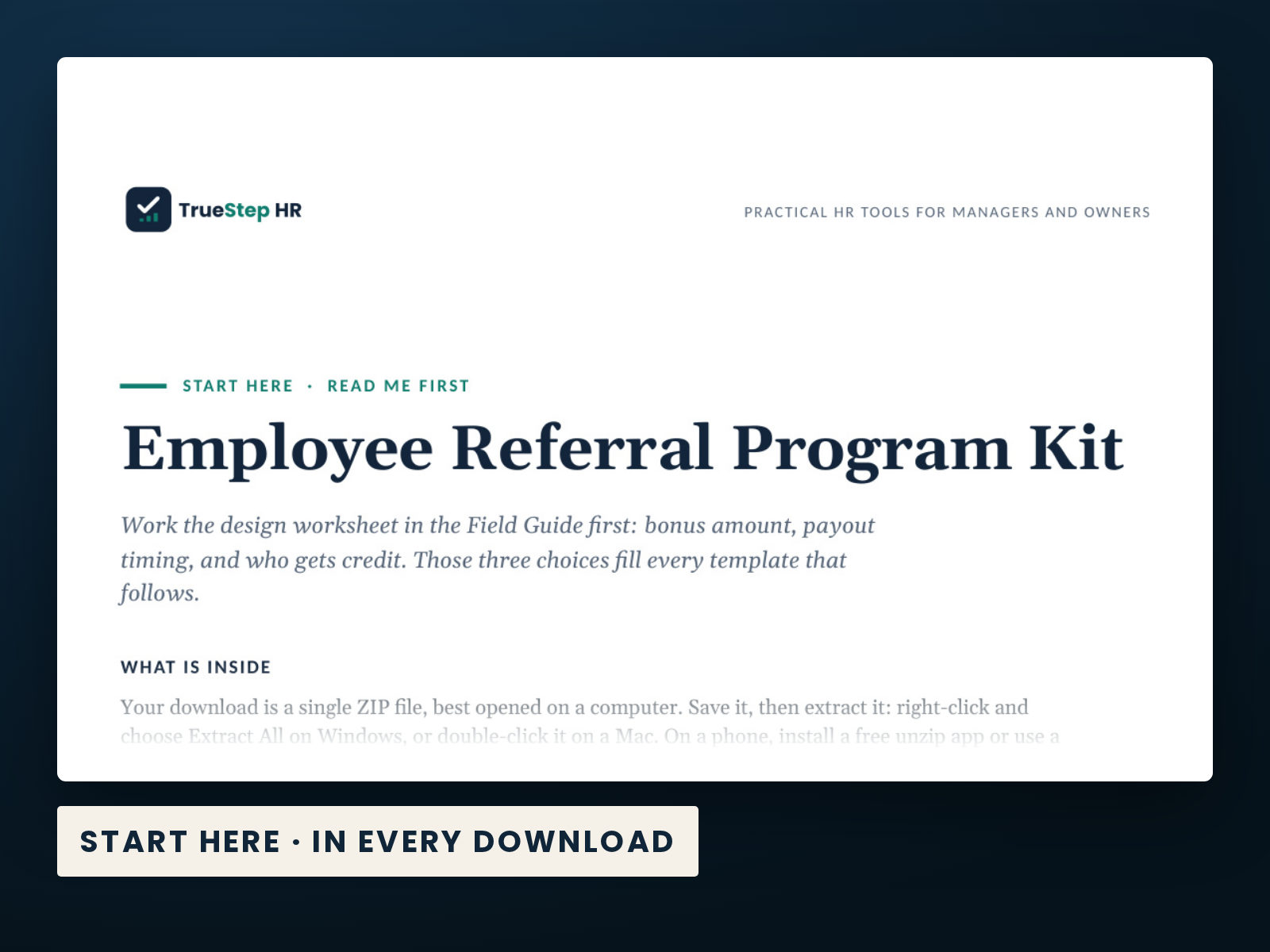
Taken from the kit’s own Start Here guide, so what you see here is what you open after checkout.
How to use it
Begin with the Field Guide in step 1 and open the Tracker in step 4.
Use the Field Guide's design worksheet to set your bonus amount, payout timing, and who gets credit.
In the Editable Templates Word file, fill the bracketed blanks with those choices, and confirm the payroll handling with your provider.
Announce it: send the announcement email or the launch text, and run the manager huddle from the guide.
Open the Tracker, replace the example rows with your referrals, and schedule a weekly time to update it.
Before you buy
Find details about file formats, delivery, licensing, and refunds.
You receive 5 PDF guides, 1 Word document, and 1 Excel workbook, all named in the What is inside section above. This is a one-time purchase, delivered as a download, not a subscription.
Yes. The first image shows the file set, and the second and third show actual pages from the current download.
Yes. You can edit and brand the Word document, fill in the Excel workbook, and read or print the PDF guides for your own internal operations.
For help implementing this tool, book a one hour Setup Session for $149. For broader HR support, advisory begins with a short request and a written scope at truestephr.com/pages/advisory. For legal questions, consult qualified counsel.
Right after payment, your download link appears on the confirmation screen and again in your email receipt. All files arrive as one ZIP. No account is needed.
You can use Word and Excel, LibreOffice on a computer, or Google Docs and Google Sheets in a browser. The alternatives are free. Any PDF reader opens the guides. See download help.
Email support@truestephr.com within 30 days for a full refund. No form or explanation is required. The full terms are in the refund policy.
No. It is general HR information and a working method. It is not written to any one state unless the page says so. Where a decision turns on the law, use qualified counsel. See what we cover, and what we do not.
One license covers the internal HR work of one legal entity. You may edit the files, brand them, and issue them to your employees. Consultants and groups with several entities need the extended license. See the license.
Extend the system
Explore related tools for the same situation, operating method, or industry.
Calculate cost per hire, vacancy costs, recruiter capacity, and whether an agency or an in-house recruiter makes better financial sense.
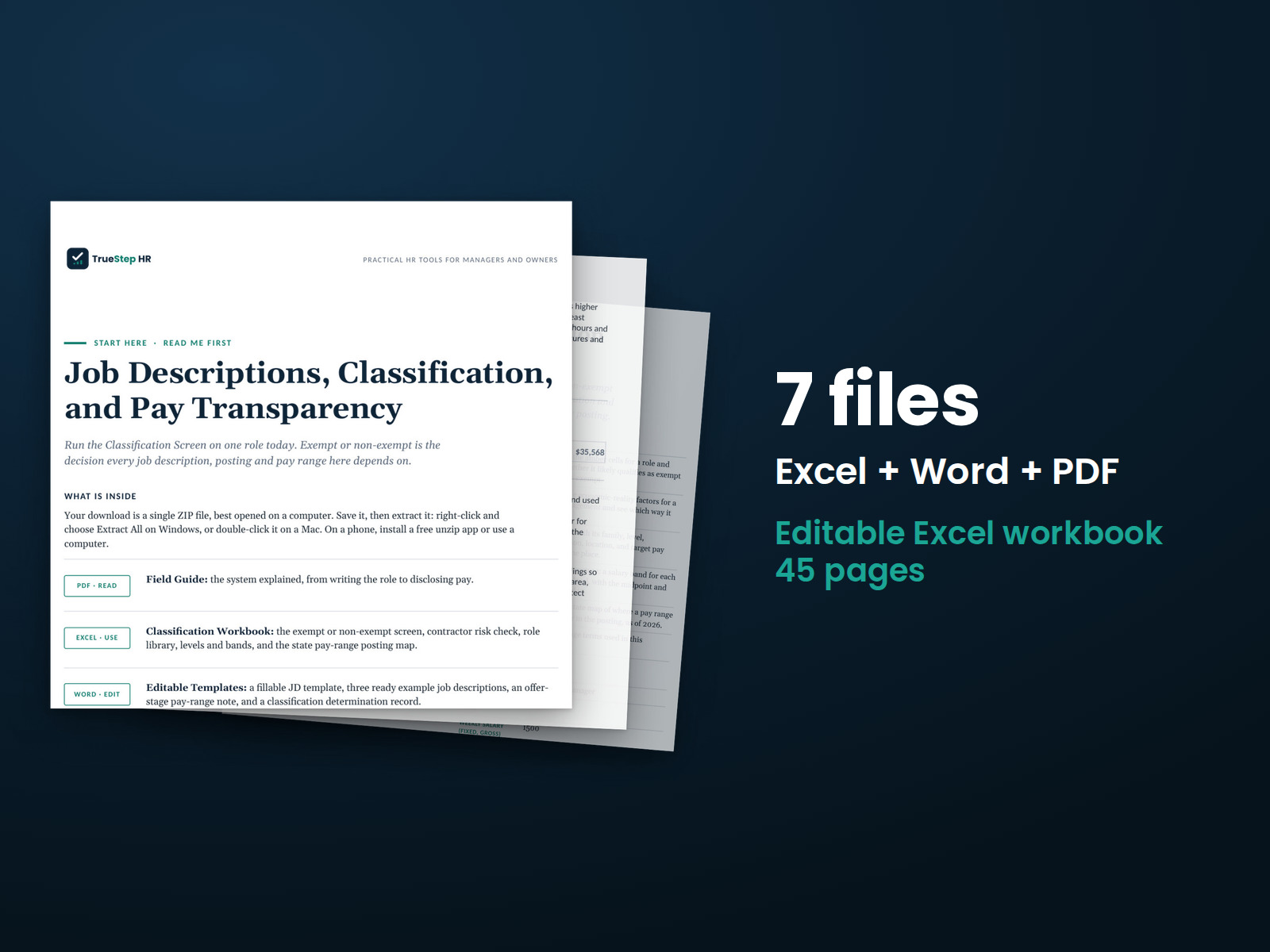
Define the role once and use that information for hiring, pay, and postings. Build the job description around essential functions and review exempt or non-exempt classification against the three tests.
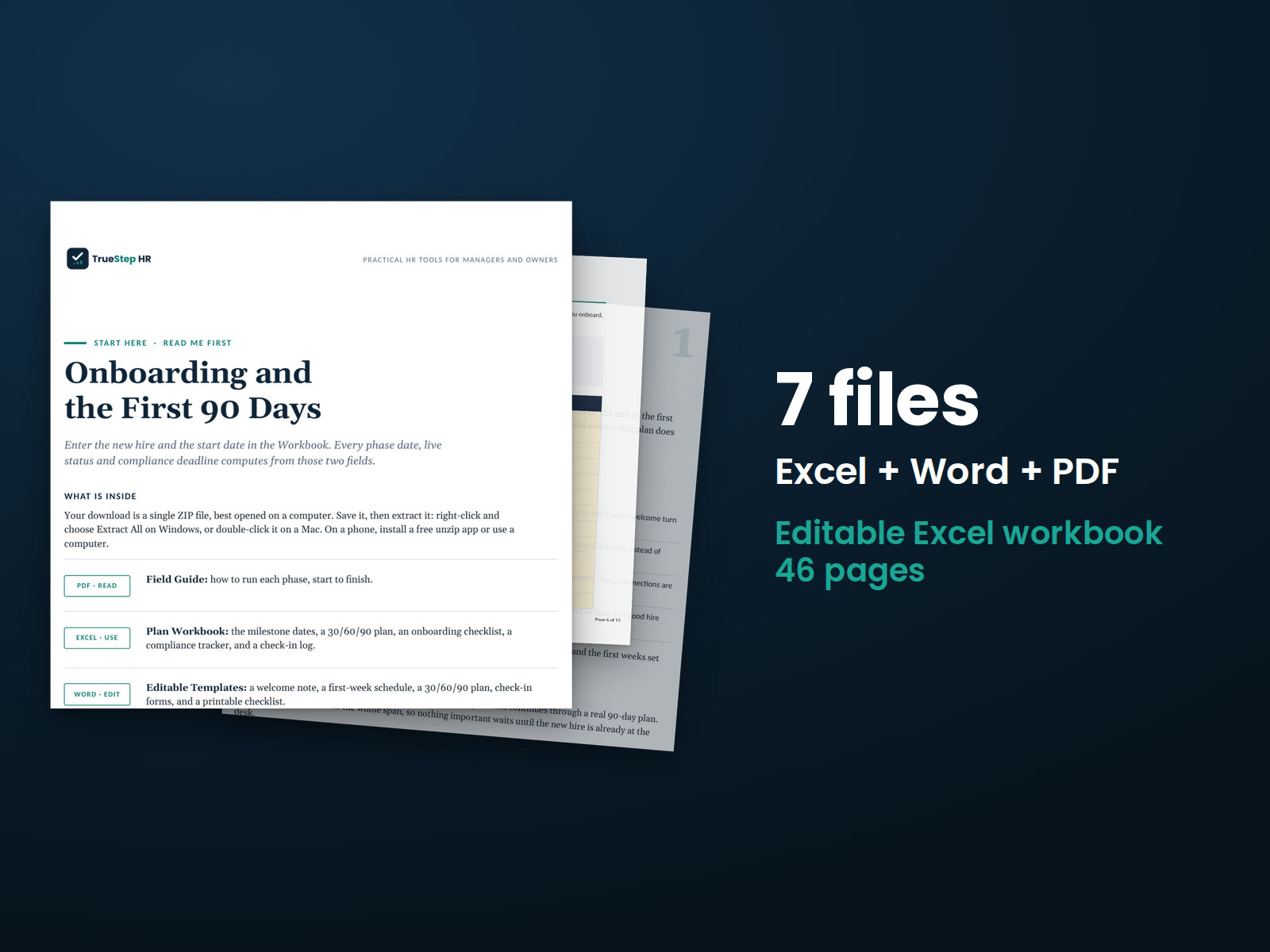
Plan the first 90 days from a signed offer. Enter the start date to calculate review dates and compliance deadlines in the workbook.