
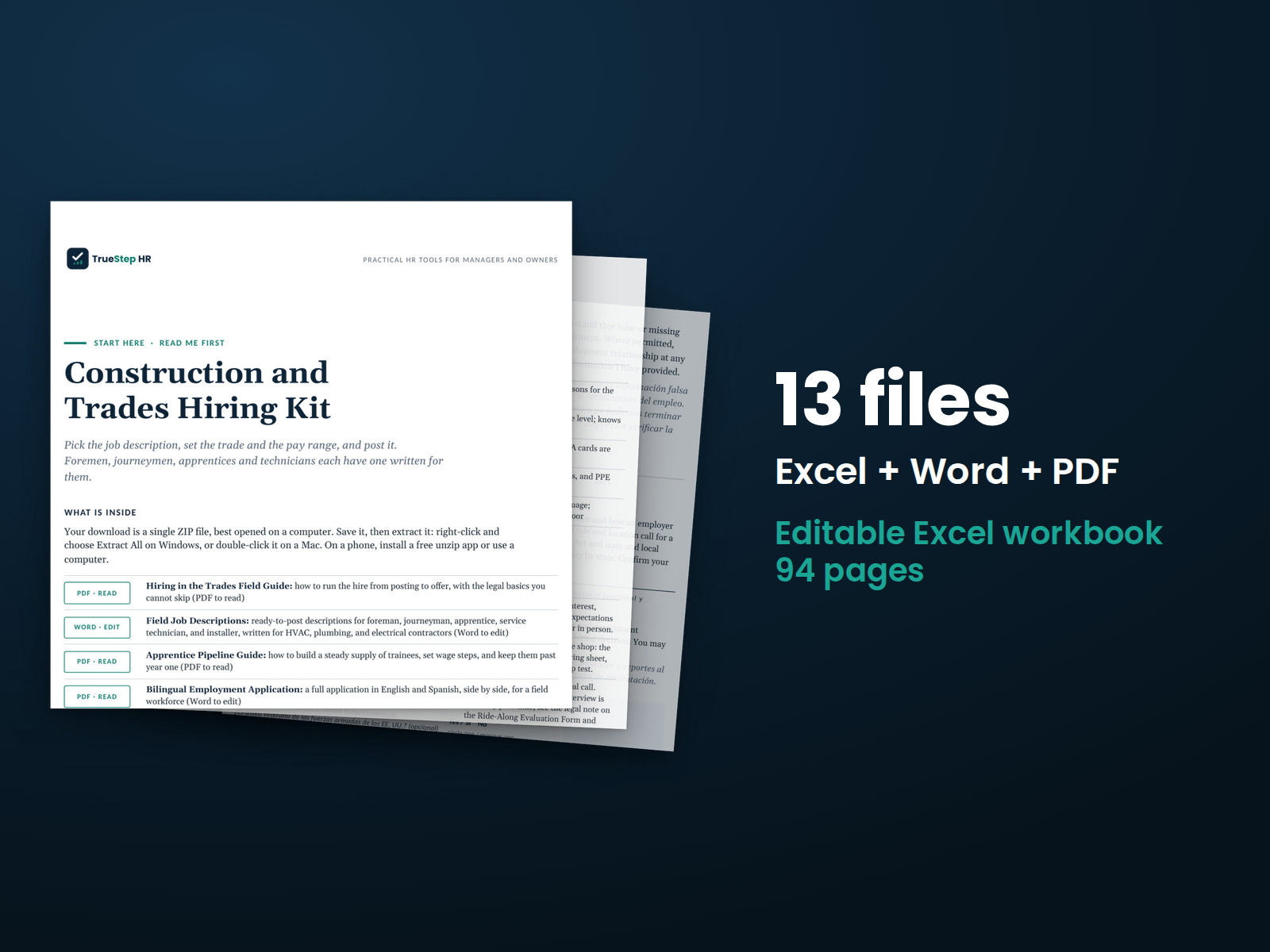
Construction and Trades Hiring Kit
Hire for trades roles with a repeatable process: a job posting, a fifteen-minute screen, and a structured interview with a score.
HR advisory, assessments, and operating tools for U.S. businesses
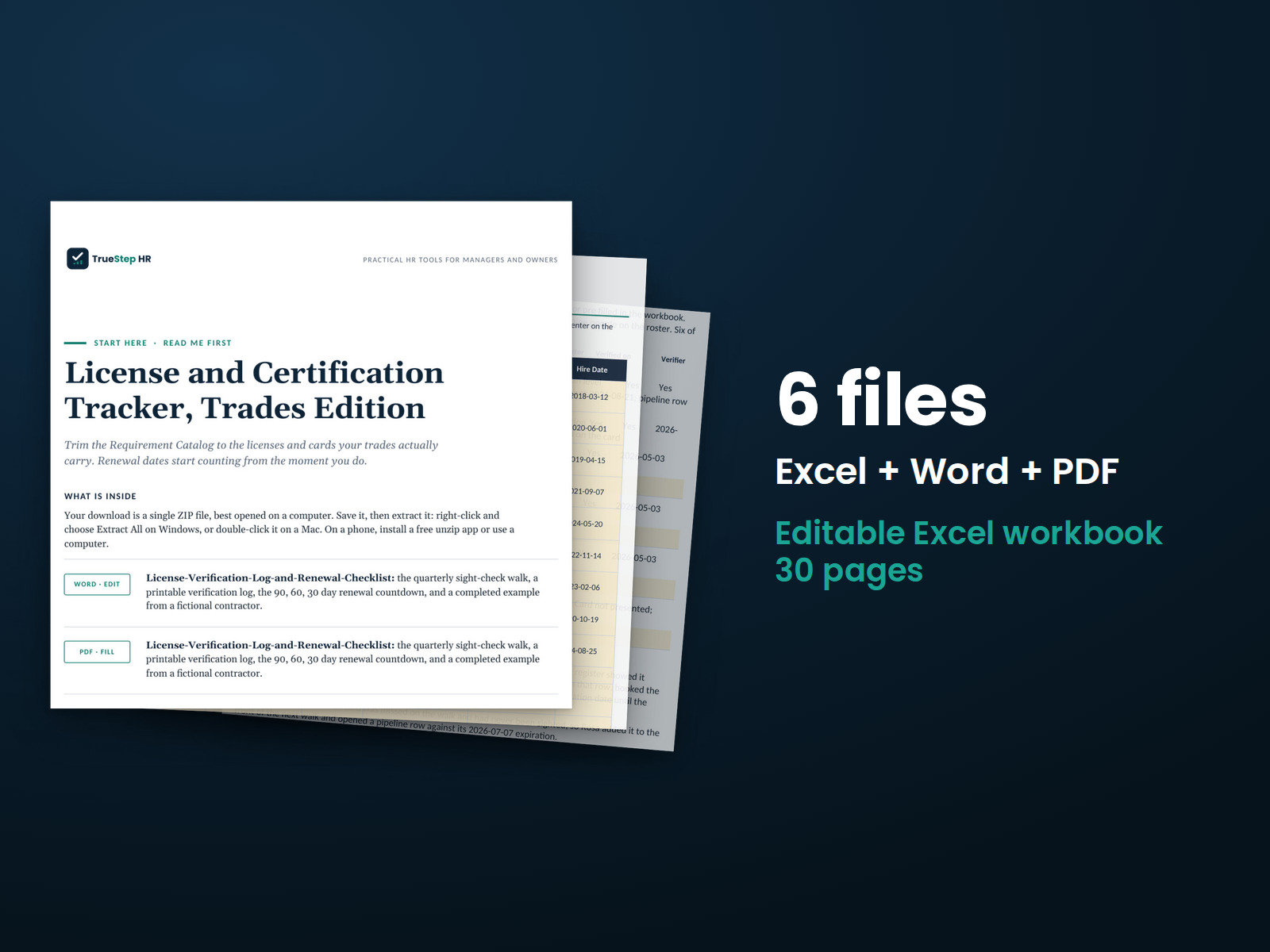
These previews show pages from the files you receive.
Trade license and certification tracking
Keep trade licenses and certifications in one register. Days to expiration and status calculate on every row. Set the blocks-work flag to bring the cards that stop a job to the top.
For background on the rules behind this tracker, read the free reference note Training ROI and certification currency. Every source is dated so you can review the details before choosing the tool.
$49
Checkout takes place on our store at shop.truestephr.com. Any applicable sales tax appears at checkout before you pay. These files provide general HR information, not legal advice.
Need approval first?
Ready to put your tool to work?
Bring your purchased tool and the situation you are working through. A TrueStep HR practitioner will help you set the inputs, make the first decisions, and identify a practical next step.
See the Setup Session →Where to start
Once you enter the requirements, the tracker starts calculating the time until renewal.
Fit
What is inside
Taken from the kit’s own Start Here guide, so what you see here is what you open after checkout.
How to use it
These 4 steps take you from setting up the tracker to a five-minute monthly review.
Start with the Crew Roster tab. Enter each person's name, crew, role or trade, and foreman. Replace the sample names from Beacon Mechanical and Sons, a fictional contractor, with your own.
Match requirements to each role. In the Requirement Catalog, replace the sample rows with the licenses, cards, and certifications your work requires. Enter the jurisdiction and renewal interval after confirming both with the issuing body.
Enter the cards and dates. In the License and Card Register, record each item per person: the number, issuing body, dates, and whether a lapse blocks work. Check each card once and record the verification in Verified On and Verifier.
Complete the five-minute monthly review. Open the Dashboard and address anything under Stops work first before the next shift. Move renewals along the Renewal Pipeline and complete the quarterly check with the License Verification Log and Renewal Checklist.

Before you buy
Find details about file formats, delivery, licensing, and refunds.
You receive 4 PDF guides, 1 Word document, and 1 Excel workbook, all named in the What is inside section above. This is a one time purchase, delivered as a download, not a subscription.
Yes. The first image shows the file set, and the second and third show actual pages from the current download.
Yes. You can edit and brand the Word document, fill in the Excel workbook, and read or print the PDF guides for your own internal operations.
For help implementing this tool, book a one hour Setup Session for $149. For broader HR support, advisory begins with a short request and a written scope at truestephr.com/pages/advisory. For legal questions, consult qualified counsel.
Right after payment, your download link appears on the confirmation screen and again in your email receipt. All files arrive as one ZIP. No account is needed.
You can use Word and Excel, LibreOffice on a computer, or Google Docs and Google Sheets in a browser. The alternatives are free. Any PDF reader opens the guides. See download help.
Email support@truestephr.com within 30 days for a full refund. No form or explanation is required. The full terms are in the refund policy.
No. It is general HR information and a working method. It is not written to any one state unless the page says so. Where a decision turns on the law, use qualified counsel. See what we cover, and what we do not.
One license covers the internal HR work of one legal entity. You may edit the files, brand them, and issue them to your employees. Consultants and groups with several entities need the extended license. See the license.
Extend the system
Explore related tools for the same situation, operating method, or industry.
Hire for trades roles with a repeatable process: a job posting, a fifteen-minute screen, and a structured interview with a score.
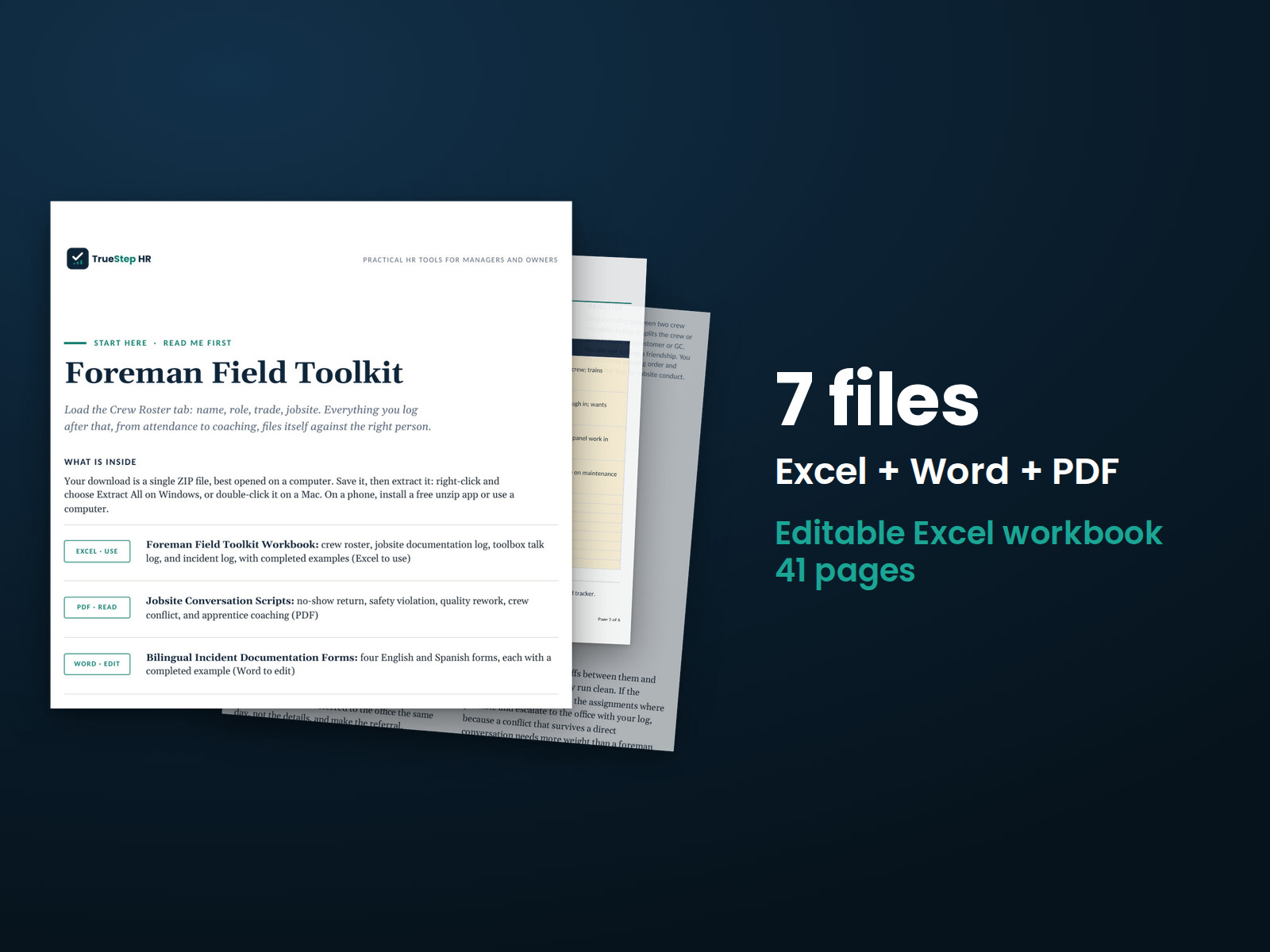
Give foremen scripts for the five hardest jobsite conversations and incident forms in English and Spanish. One workbook keeps the crew record current in five minutes a week.
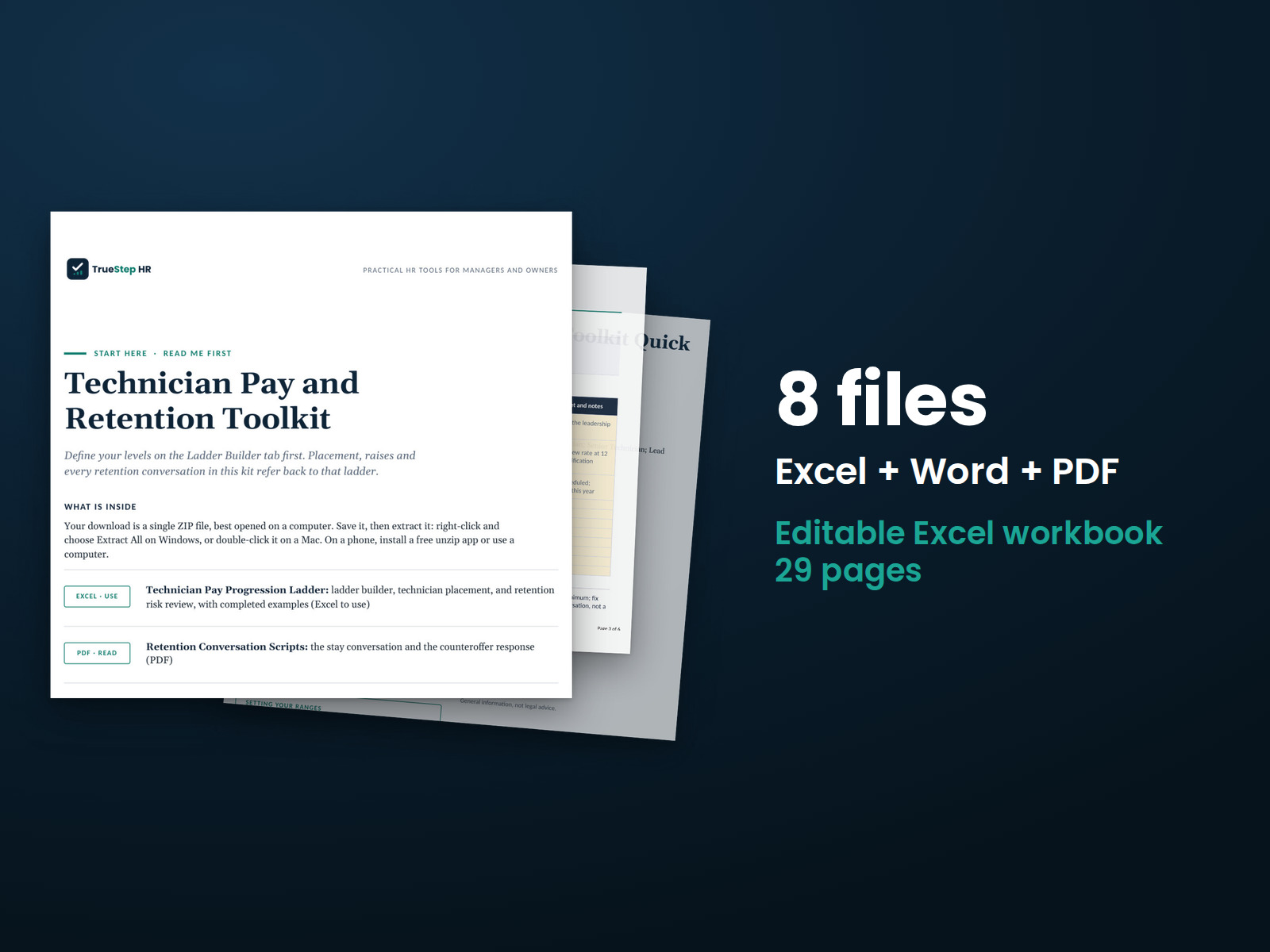
Build a pay ladder your technicians can see and plan regular stay conversations. Decide how to handle counteroffers before someone resigns, using your own rates rather than scraped market data.