
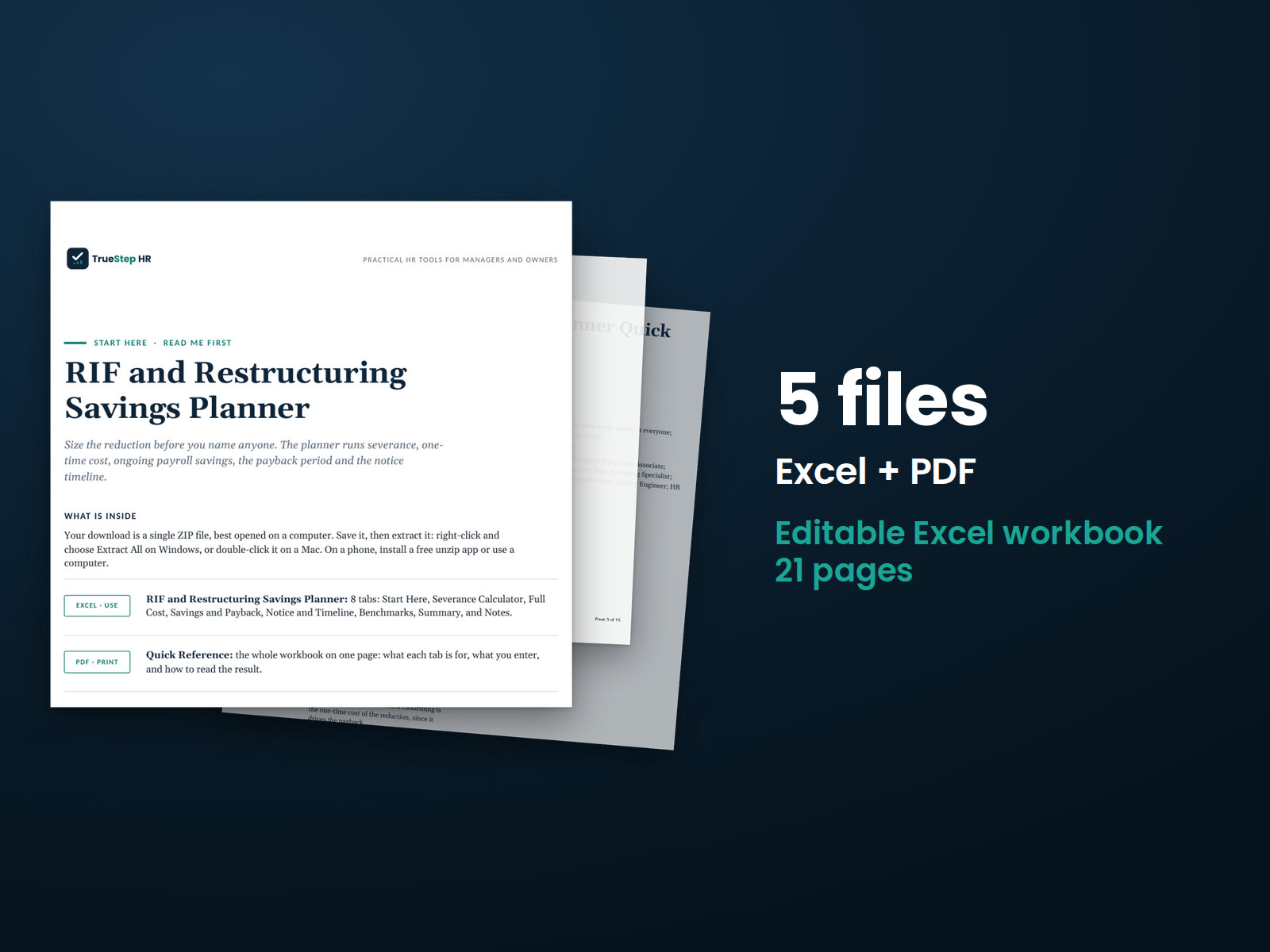
RIF and Restructuring Savings Planner
Understand the financial impact before making a workforce reduction. Estimate severance, total one-time costs, ongoing savings, and payback, with every assumption visible.
HR advisory, assessments, and operating tools for U.S. businesses
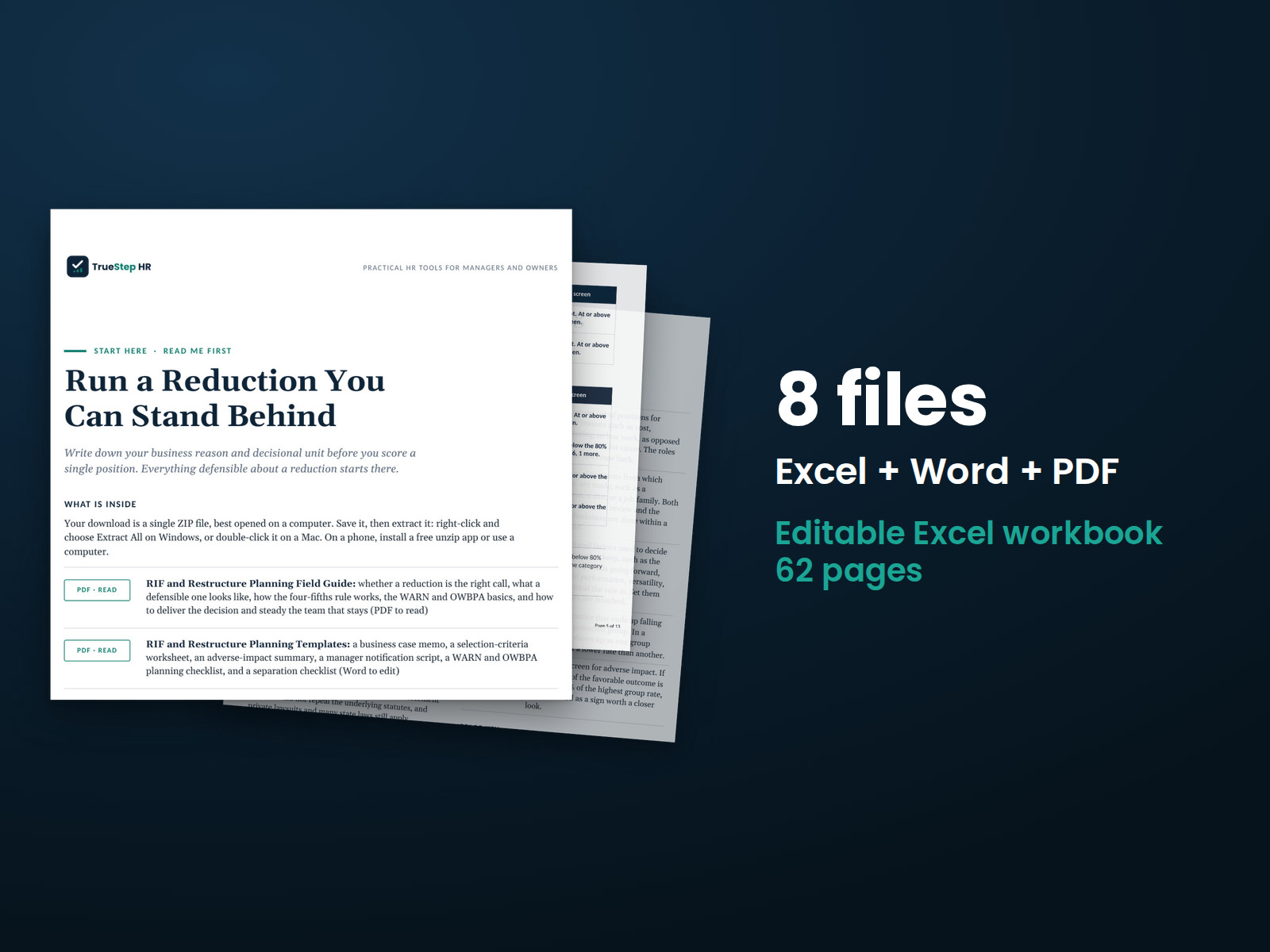
These previews show pages from the files you receive.
HR document kit
Plan a workforce reduction with a documented business case, selection criteria, and an adverse-impact review. Work through notice requirements, employee communication, and separation planning, with guidance on when to involve counsel.
Use the free Adverse Impact Calculator to apply the four-fifths rule to a hiring round, a promotion cycle, or a reduction list using your own figures.
$129
Checkout takes place on our store at shop.truestephr.com. Any applicable sales tax appears at checkout before you pay. These files provide general HR information, not legal advice.
Need approval first?
Ready to put your tool to work?
Bring your purchased tool and the situation you are working through. A TrueStep HR practitioner will help you set the inputs, make the first decisions, and identify a practical next step.
See the Setup Session →Where to start
Those two decisions provide the foundation for a consistent selection process.
Kit or system
Both include the same planning workbook, field guide, and templates. The RIF Complete System adds the pricing tools and the full WARN planning layer.
Fit
What is inside
Taken from the kit’s own Start Here guide, so what you see here is what you open after checkout.
How to use it
Start with the RIF and Restructure Planning Field Guide. The five steps take you from evaluating the reduction through tracking each separation.
Read the Field Guide to evaluate whether a reduction is appropriate, understand what makes the process defensible, and identify the key legal considerations.
Set your business reason and decisional unit, then score positions on the Workbook’s Selection Scorer. Choose your criteria before any names go in. Check for adverse impact.
Use the Adverse-Impact Review to examine selection results by age, sex, and race or ethnicity. Take a closer look at any group retained at a lower rate, then plan the timing and required paperwork.
Use the WARN Screen and Timeline, the OWBPA Group Disclosure if you are releasing anyone 40 or older, and the templates for the business case, the notification script, and the separation checklist.
Track each separation through completion. Use the Separation Tracker for notice, the release, the revocation window, and final pay. A release is not final until the revocation period passes.

Before you buy
Find details about file formats, delivery, licensing, and refunds.
You receive 6 PDF guides, 1 Word document, and 1 Excel workbook, all named in the What is inside section above. This is a one time purchase, delivered as a download, not a subscription.
Yes. The first image shows the file set, and the second and third show actual pages from the current download.
Yes. You can edit and brand the Word document, fill in the Excel workbook, and read or print the PDF guides for your own internal operations.
For help implementing this tool, book a one hour Setup Session for $149. For broader HR support, advisory begins with a short request and a written scope at truestephr.com/pages/advisory. For legal questions, consult qualified counsel.
Right after payment, your download link appears on the confirmation screen and again in your email receipt. All files arrive as one ZIP. No account is needed.
You can use Word and Excel, LibreOffice on a computer, or Google Docs and Google Sheets in a browser. The alternatives are free. Any PDF reader opens the guides. See download help.
Email support@truestephr.com within 30 days for a full refund. No form or explanation is required. The full terms are in the refund policy.
No. It is general HR information and a working method. It is not written to any one state unless the page says so. Where a decision turns on the law, use qualified counsel. See what we cover, and what we do not.
One license covers the internal HR work of one legal entity. You may edit the files, brand them, and issue them to your employees. Consultants and groups with several entities need the extended license. See the license.
Extend the system
Explore related tools for the same situation, operating method, or industry.
Understand the financial impact before making a workforce reduction. Estimate severance, total one-time costs, ongoing savings, and payback, with every assumption visible.
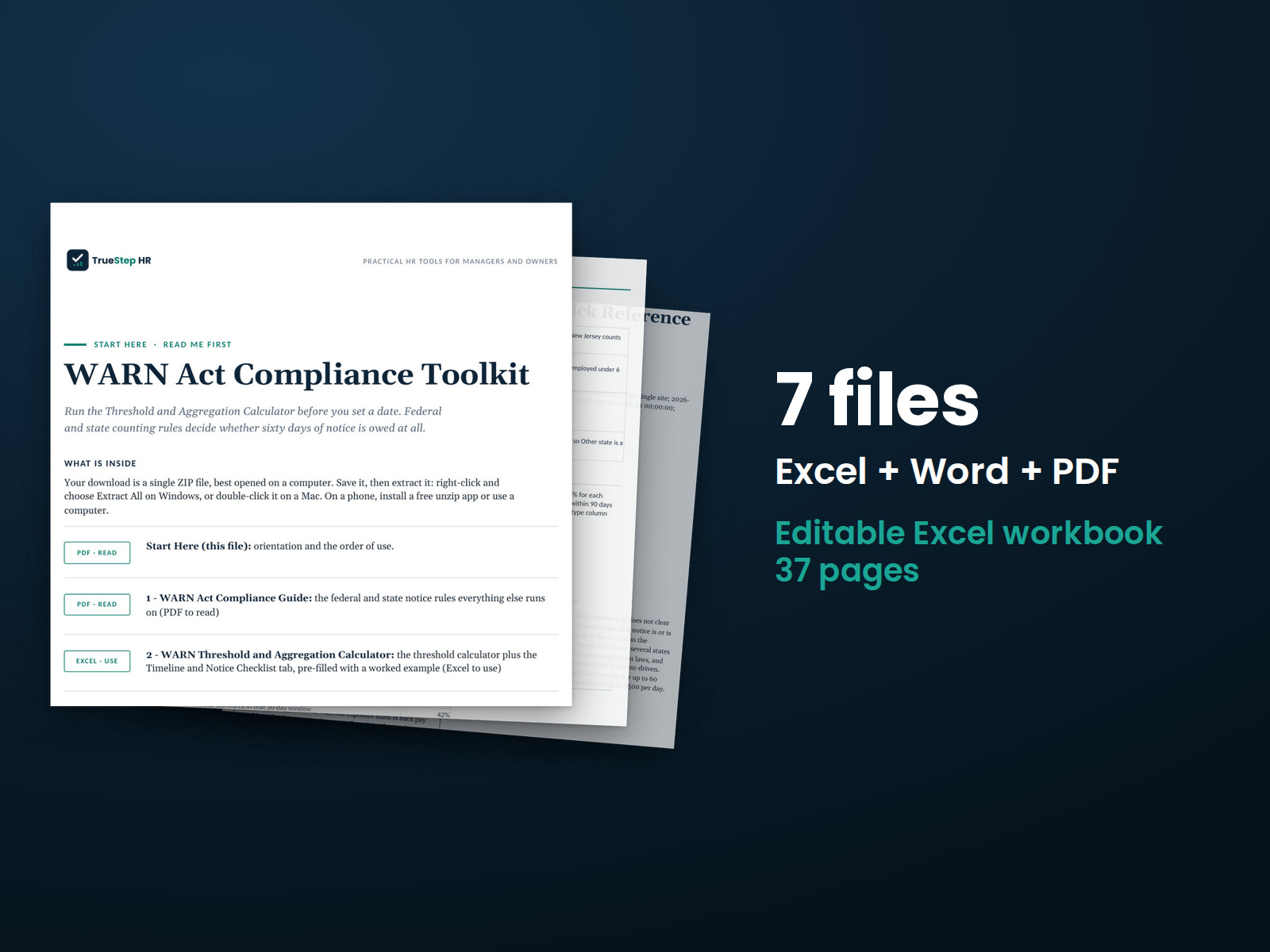
Before setting a reduction date, count planned and recent employment losses under WARN. The toolkit checks the 30-day and 90-day windows for every logged loss, flags each test as potential exposure for counsel, and drafts notices. Counsel determines what the law requires.
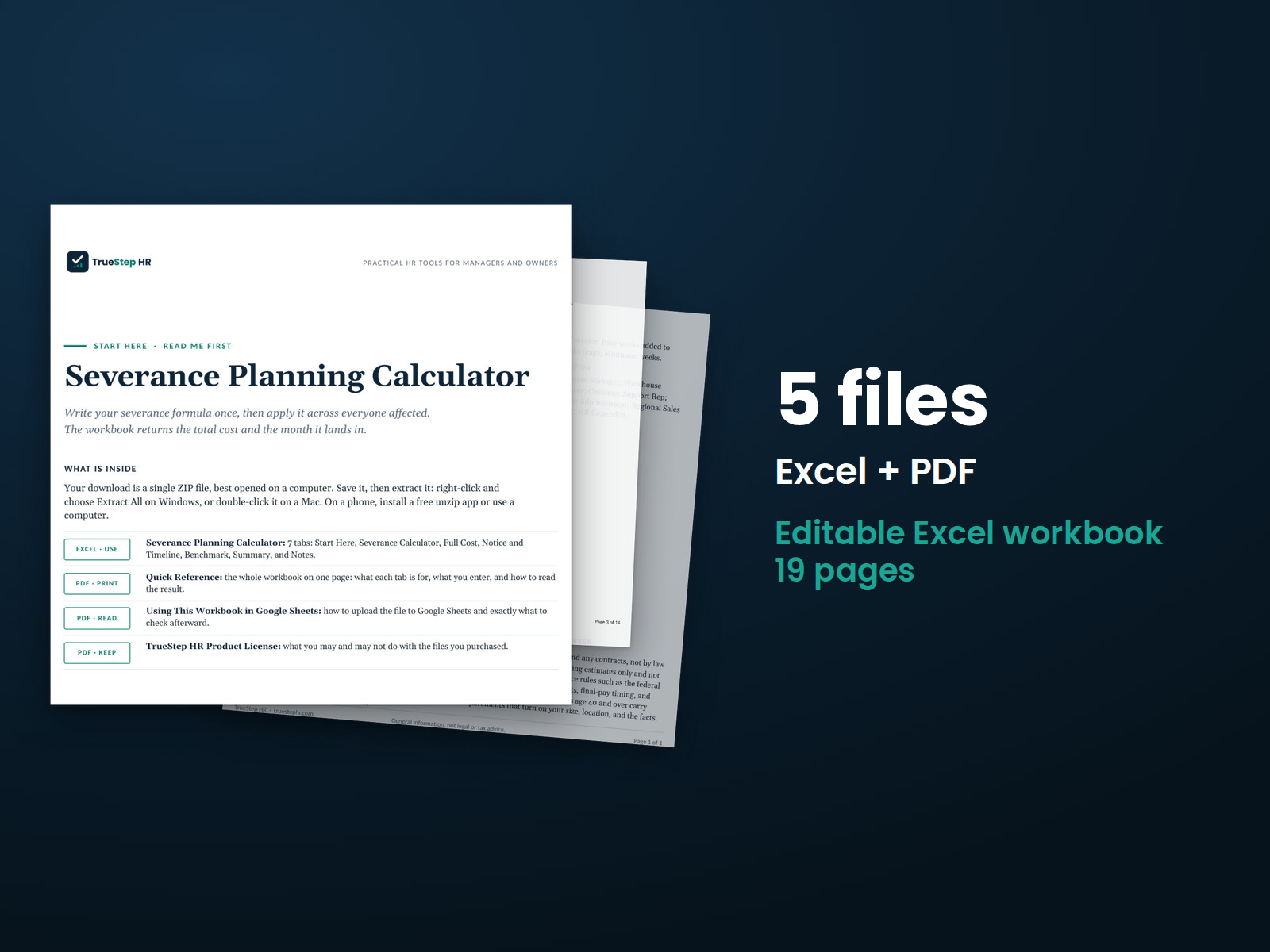
Plan severance for an entire workforce reduction in one file. Set your weeks-per-year policy once and list everyone affected. The workbook calculates each package and the total group cost, including accrued time off, benefits, and outplacement.