
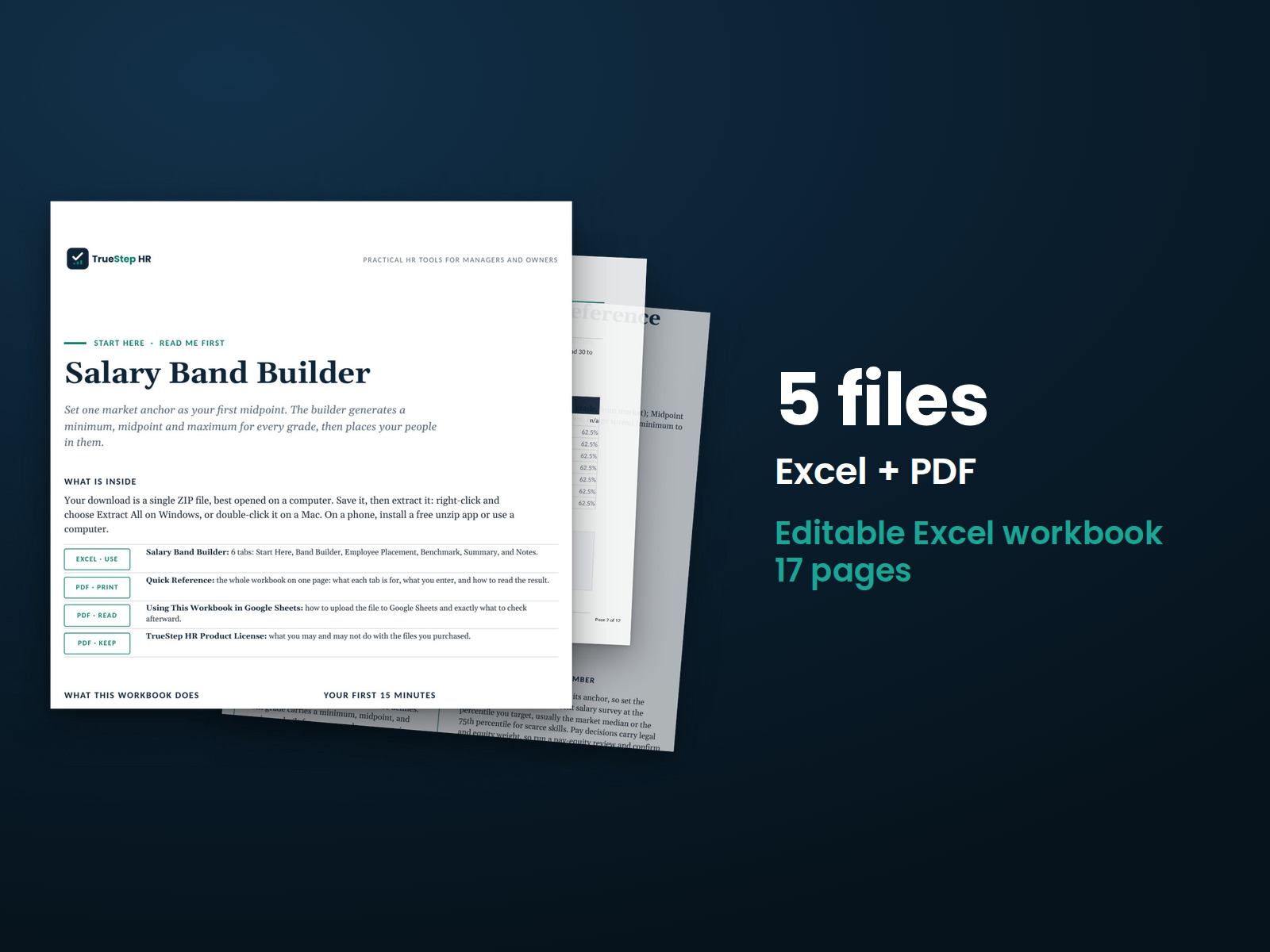
Salary Band Builder
Turn market pay data into salary ranges. Choose your market reference point, grade progression, and range widths. The workbook calculates minimums, midpoints, maximums, and each employee's position within the range.
HR advisory, assessments, and operating tools for U.S. businesses
TrueStep HR tools
Build salary ranges, plan raises and promotions, and review internal pay equity using consistent criteria.
Answer four questions to find a tool for your next pay decision, with contents and pricing shown for each.
What you receive See the price and included files on each product page. Every purchase includes a full refund within 30 days. Request a refund at support@truestephr.com. What we cover
Turn market pay data into salary ranges. Choose your market reference point, grade progression, and range widths. The workbook calculates minimums, midpoints, maximums, and each employee's position within the range.
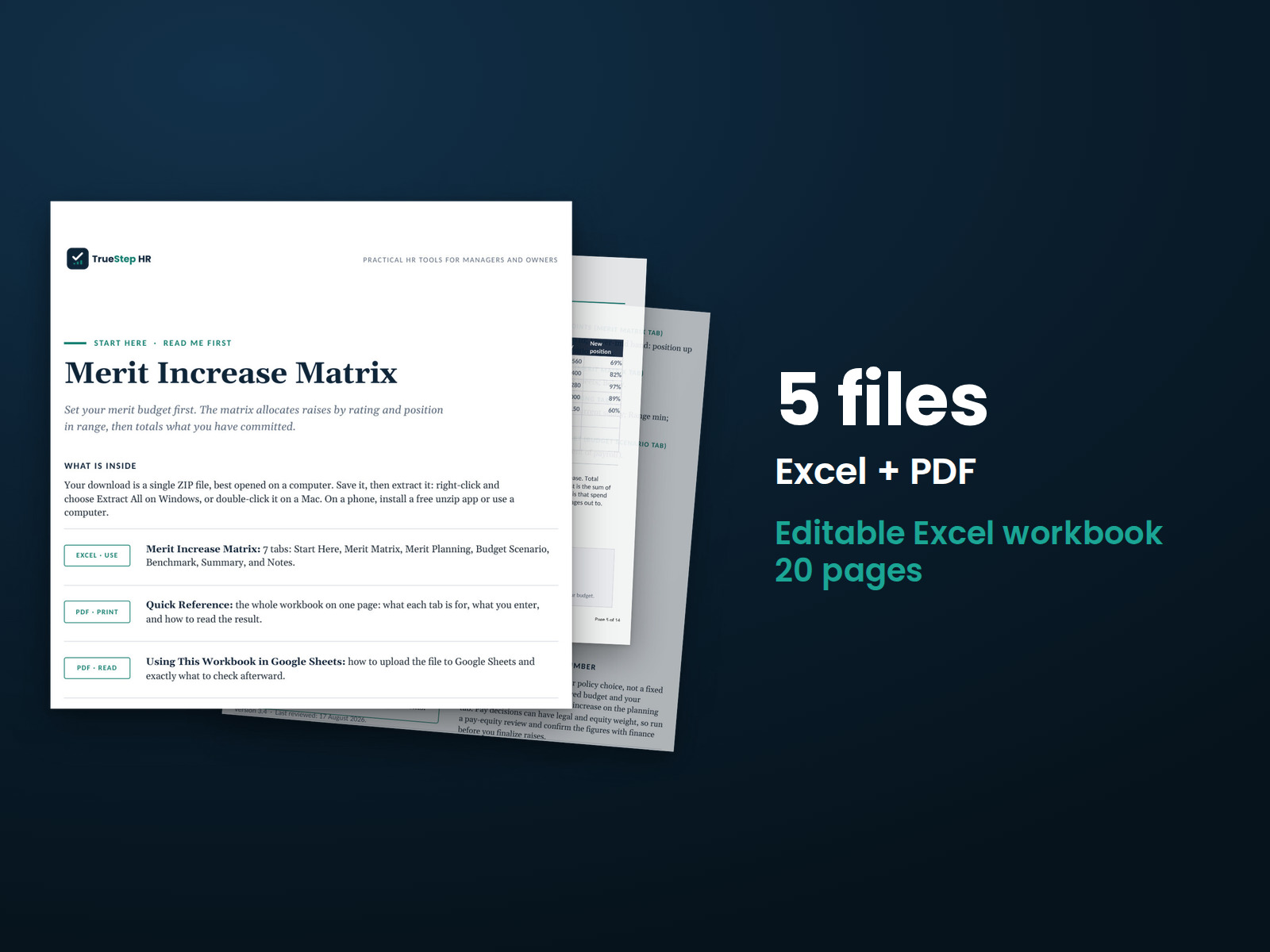
Set merit increases by performance and salary range position. Build your matrix, enter employee information, and see proposed increases, total costs, and budget impact.
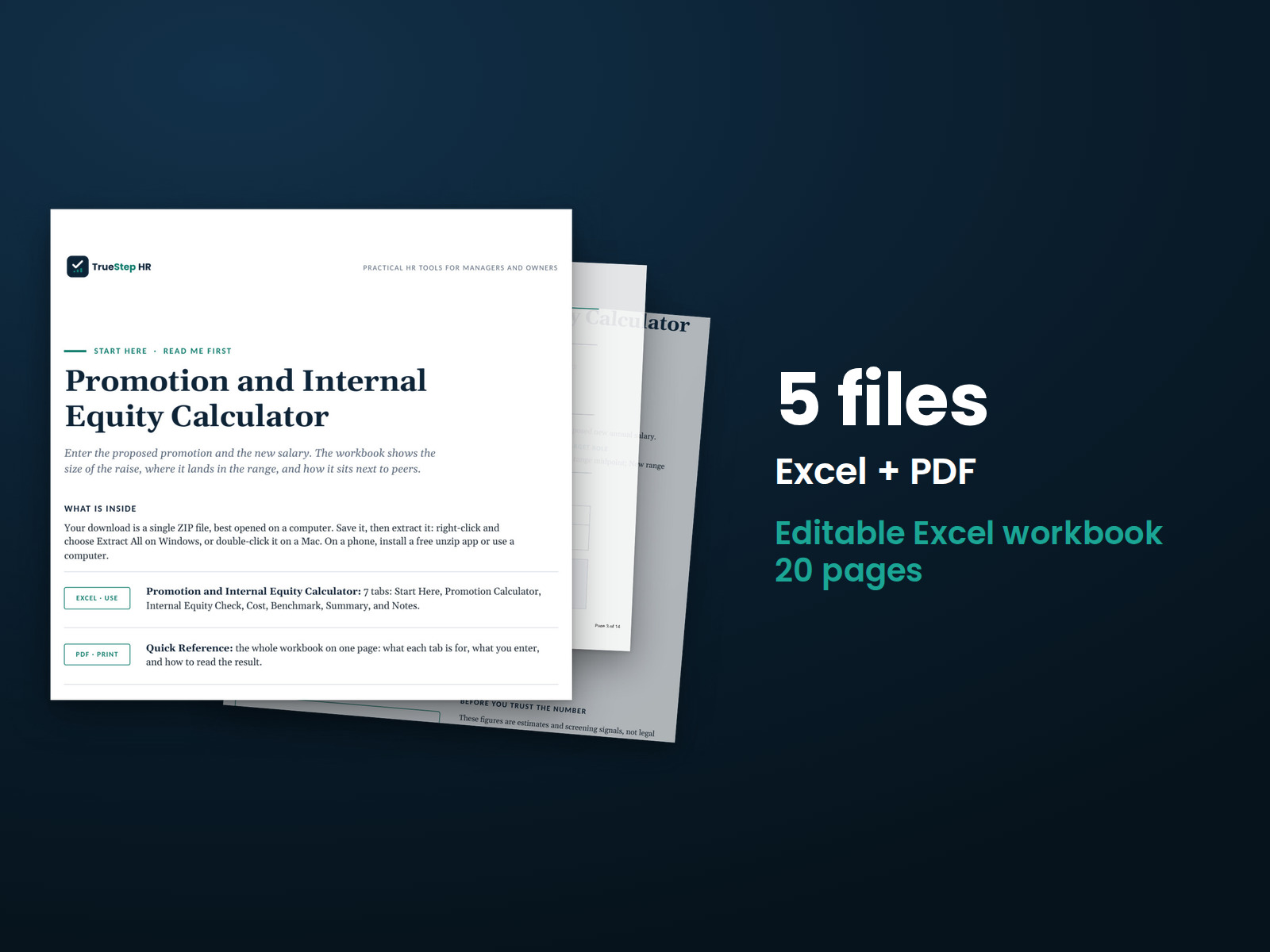
Review a proposed promotion using the employee's current salary, new grade and range, proposed pay, and peer salaries. See the proposed increase, position within the range, peer pay, and first-year cost together.
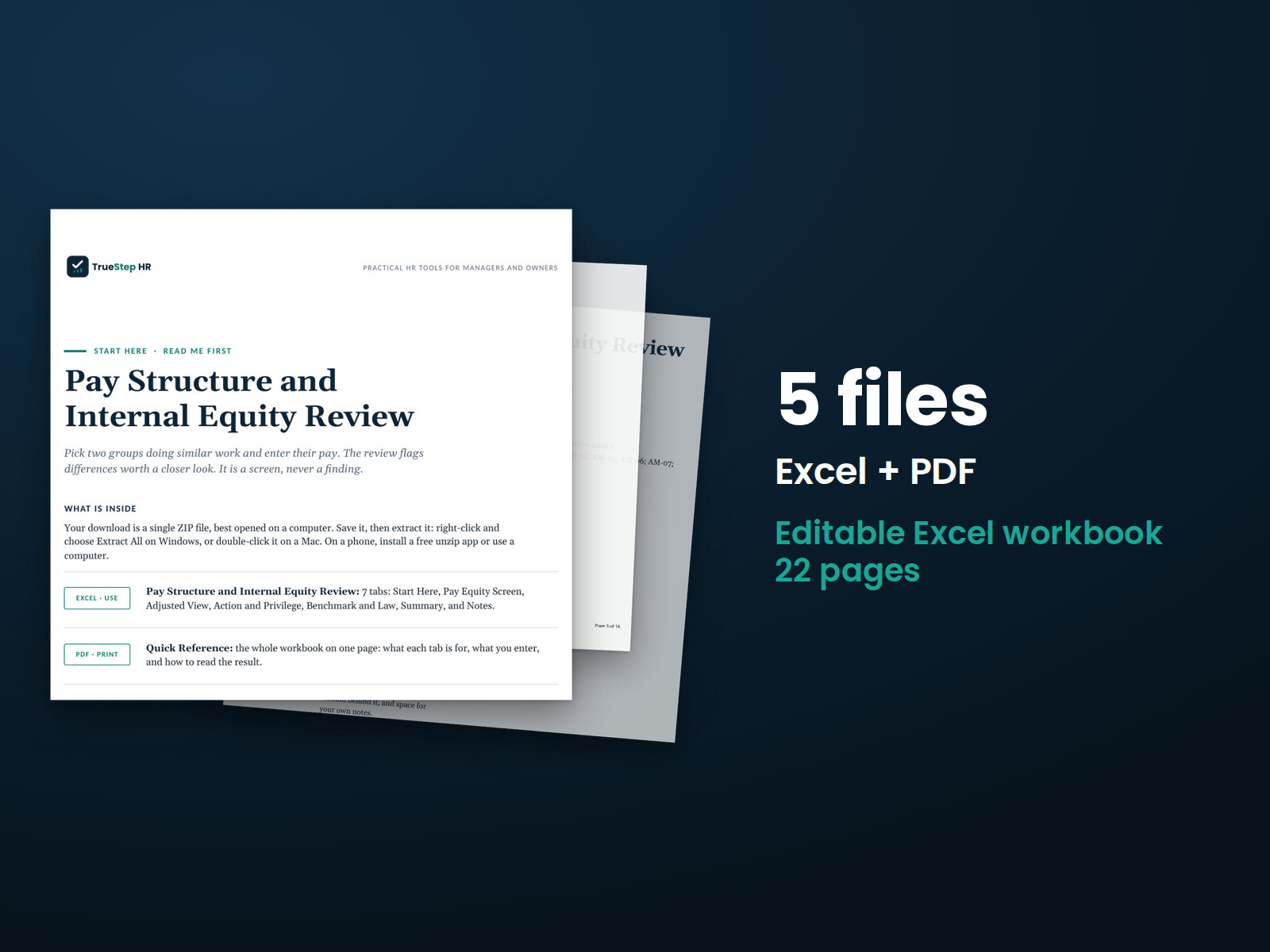
Compare pay between two employee groups in three steps. The Excel workbook calculates the differences, while the PDF guide explains the method and helps you document the comparison.
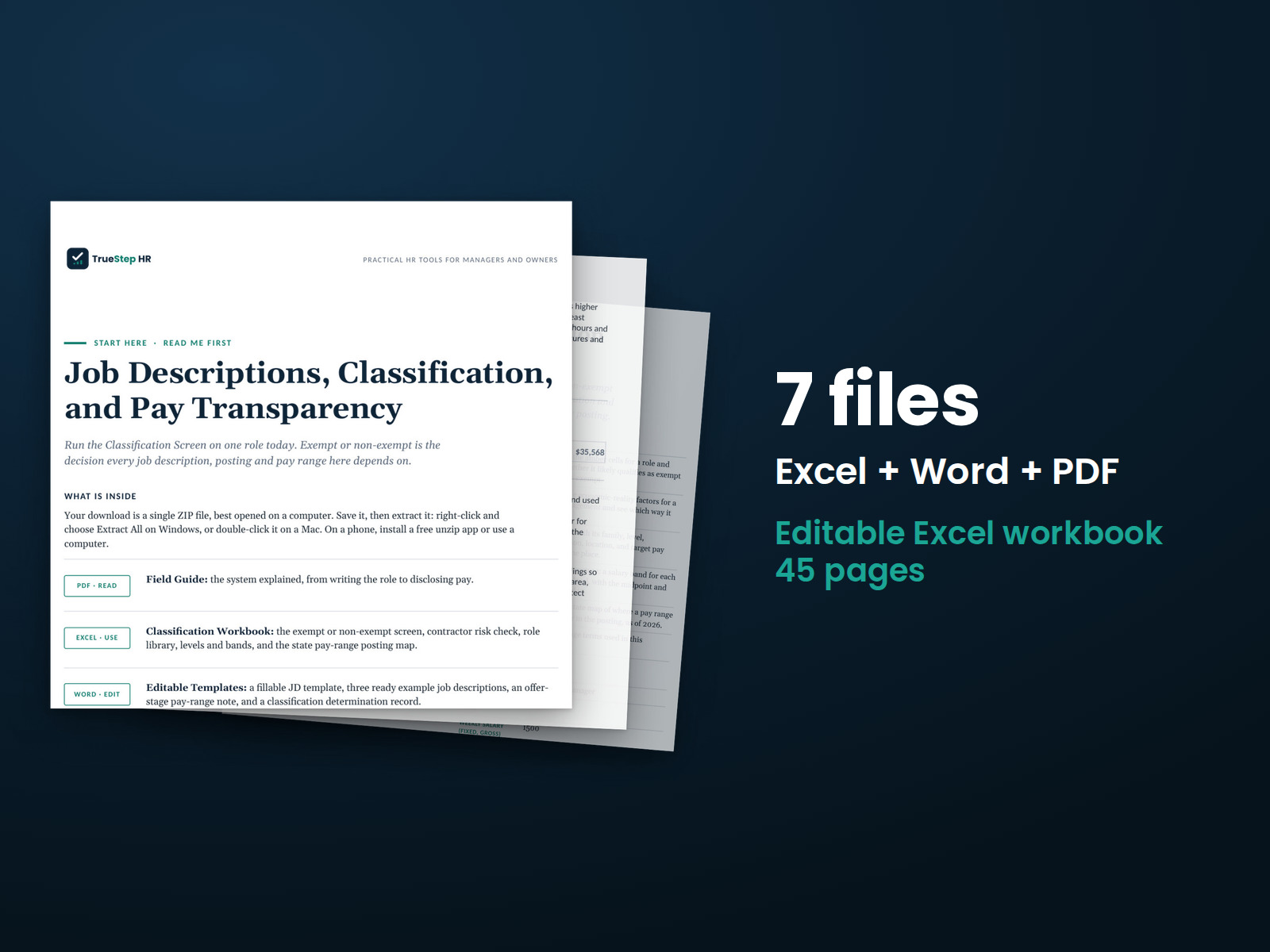
Build consistent job descriptions for hiring, compensation, and job postings. The kit includes essential-function documentation and guidance for reviewing exempt and nonexempt classification using three tests.
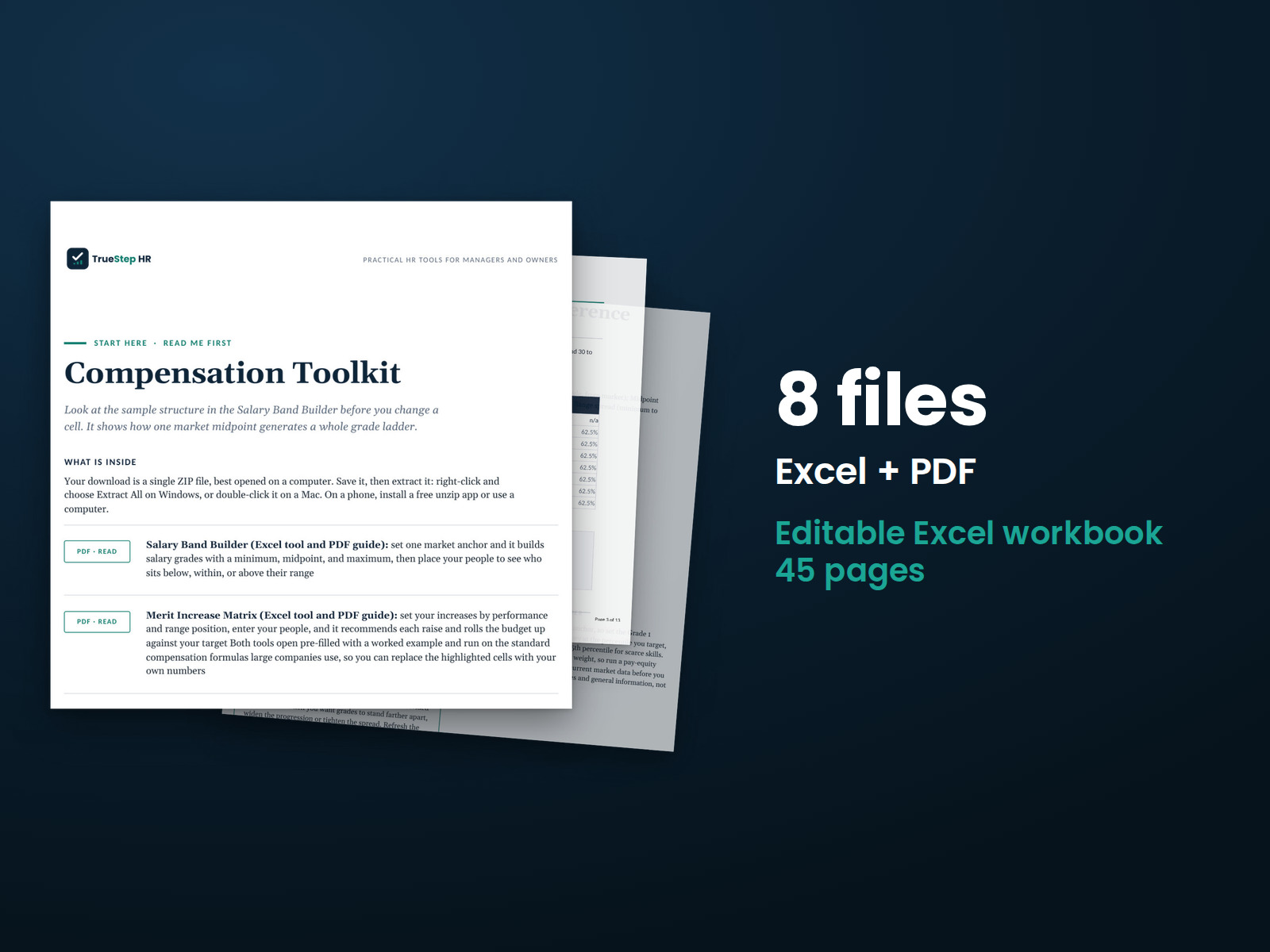
Build salary ranges and plan merit increases using documented assumptions. The Salary Band Builder creates pay grades from market data and shows employee placement within ranges. The Merit Increase Matrix compares proposed increases with your budget.
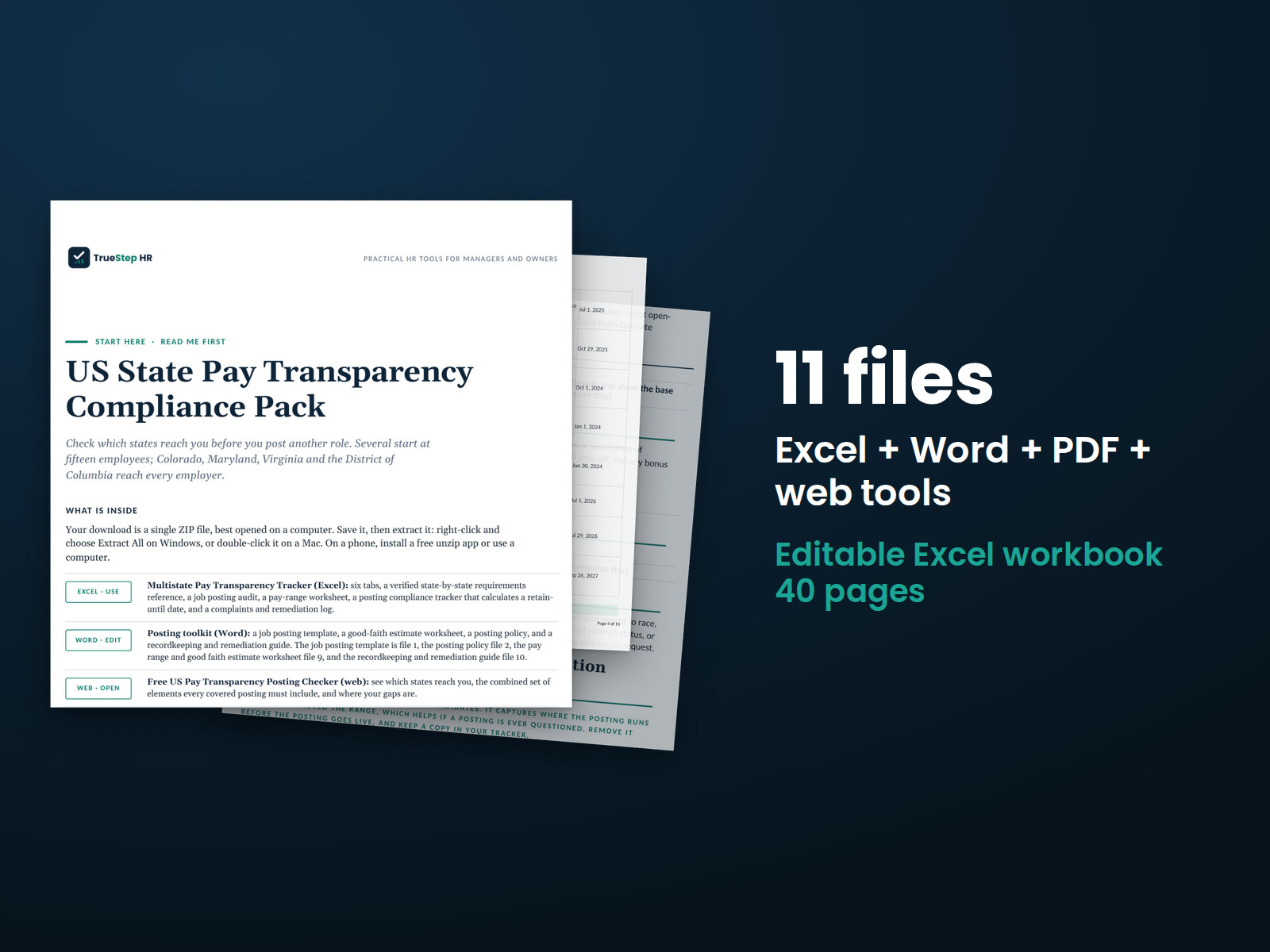
Review job openings against the state pay-range requirements listed in the pack's dated references. Develop good-faith pay ranges, prepare job postings, and organize records and complaints.
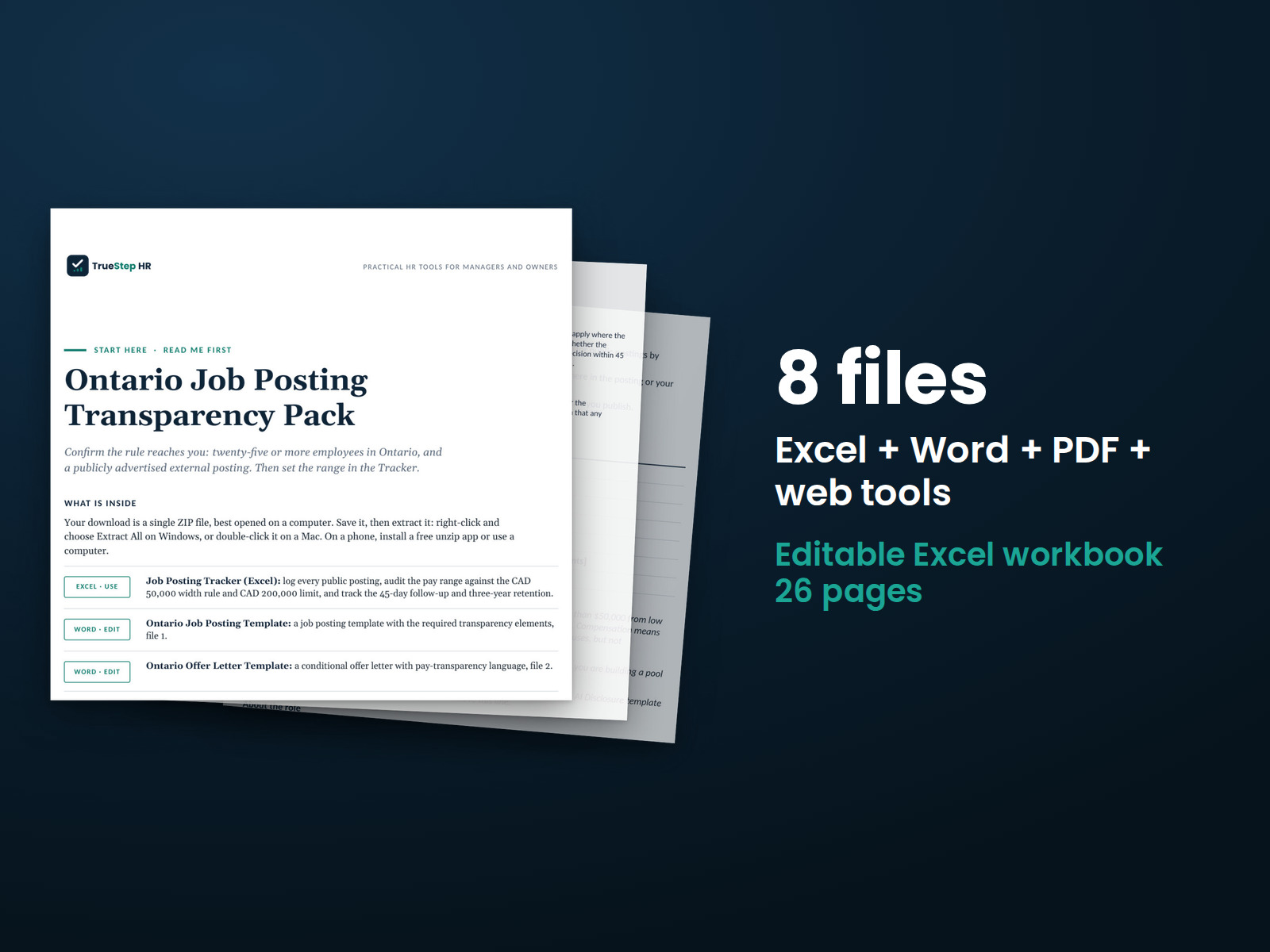
Prepare Ontario job postings using the 2026 requirements. Includes a posting template, ready-to-use AI disclosure language, and a tracker for pay ranges, 45-day deadlines, and three-year recordkeeping periods.
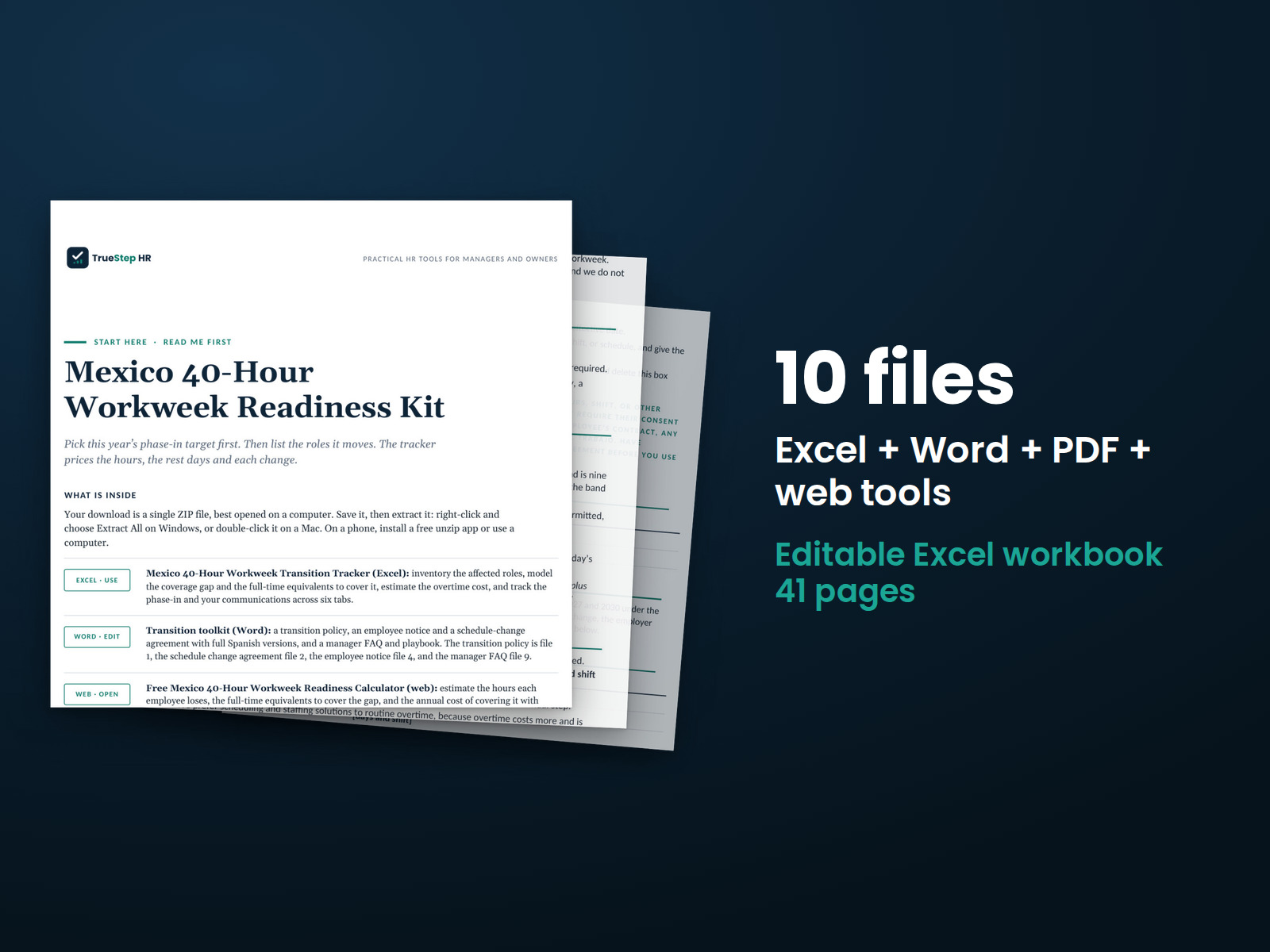
Model the transition from a 48-hour to a 40-hour workweek while maintaining pay. Estimate the staffing needed to cover the change and calculate overtime costs.
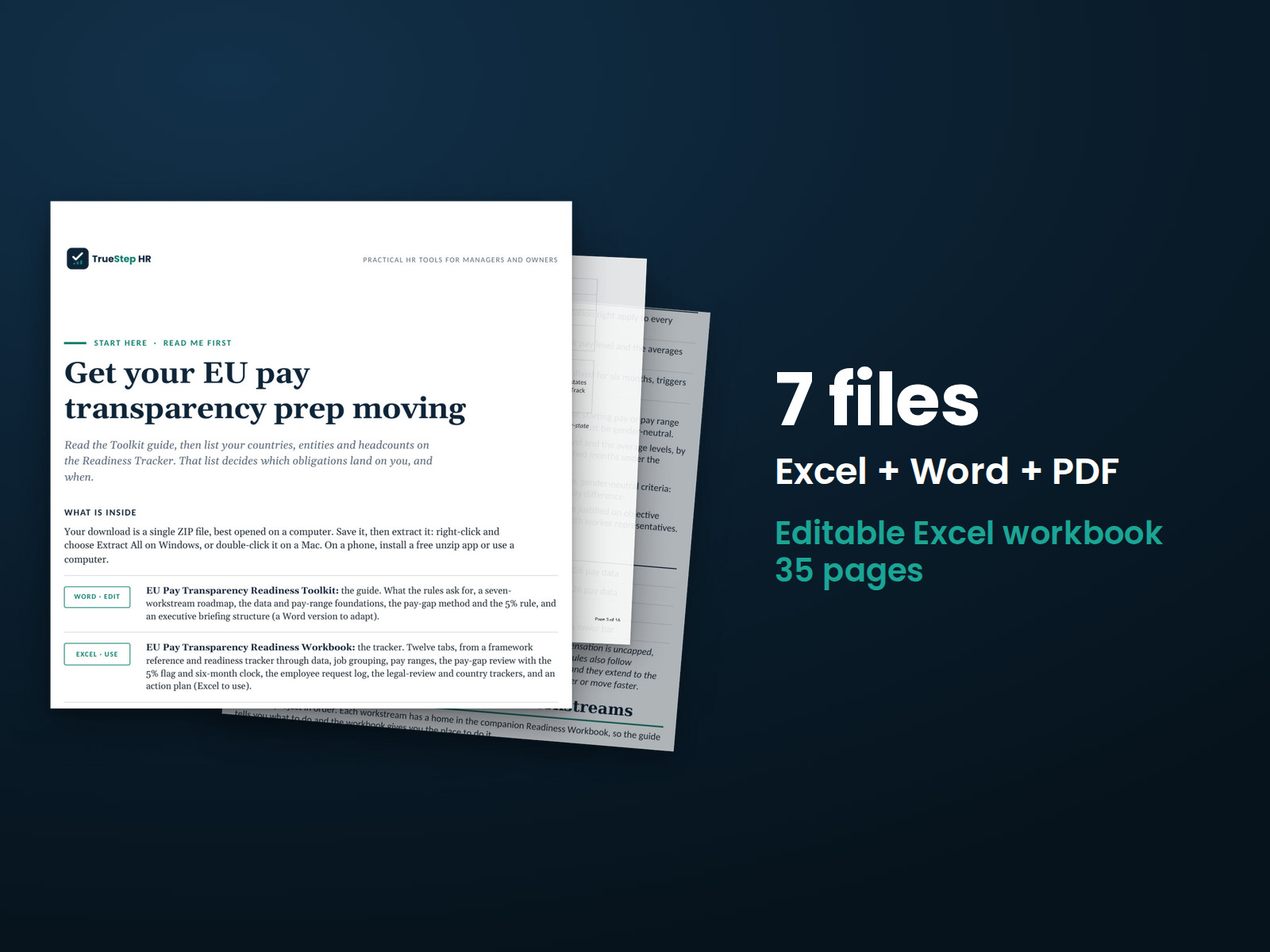
Prepare for the EU Pay Transparency Directive by identifying requirements, organizing pay data, and reviewing differences against the directive's 5% threshold. Use the country-specific and legal review trackers to manage the work.
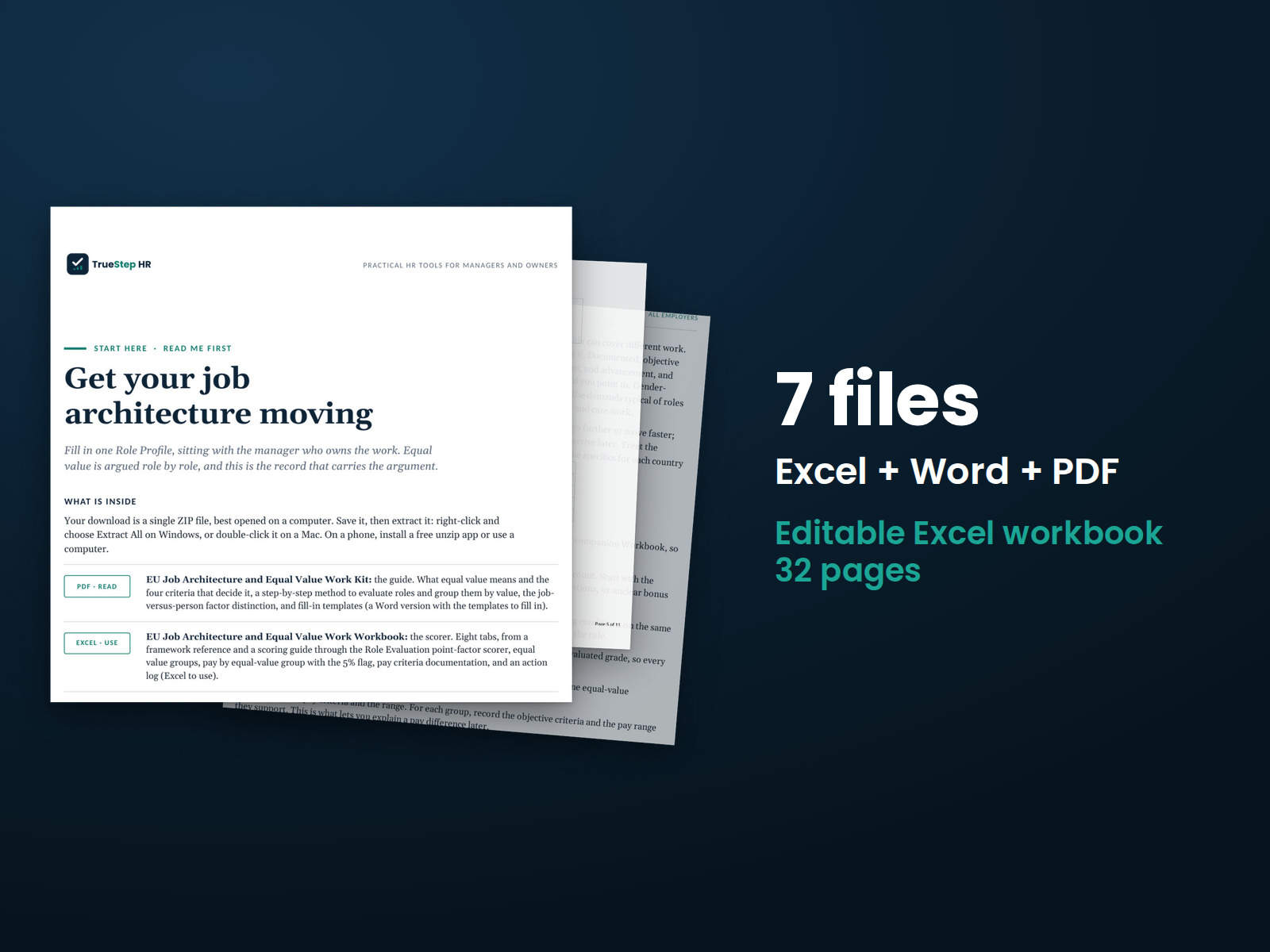
Evaluate jobs using four objective factors, group roles of equal value, and compare pay across those groups. Document how jobs are evaluated and how pay decisions are made.
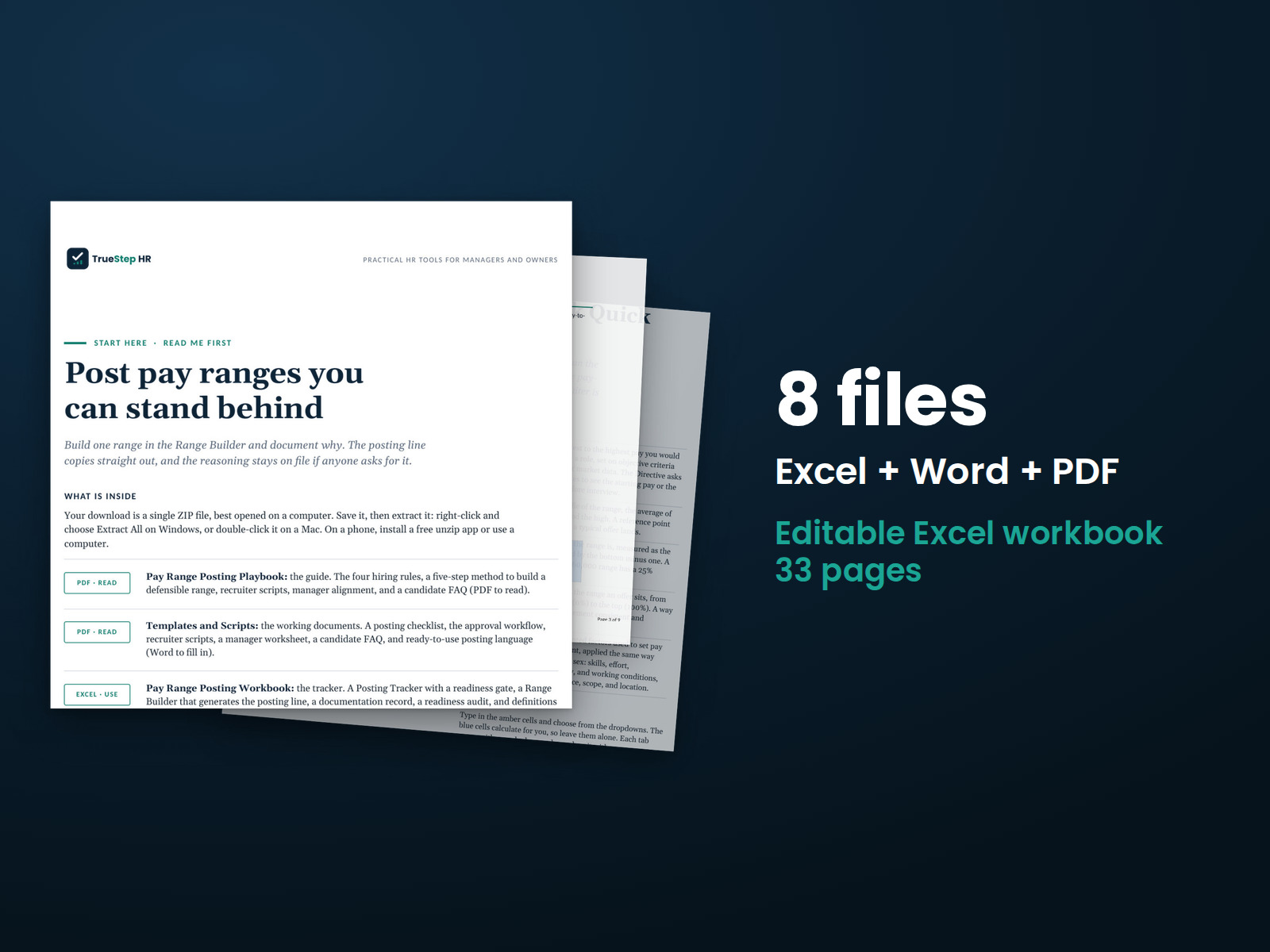
Build pay ranges for EU job postings using objective criteria. Includes posting language, recruiter guidance, and a tracker for reviewing each opening before publication.
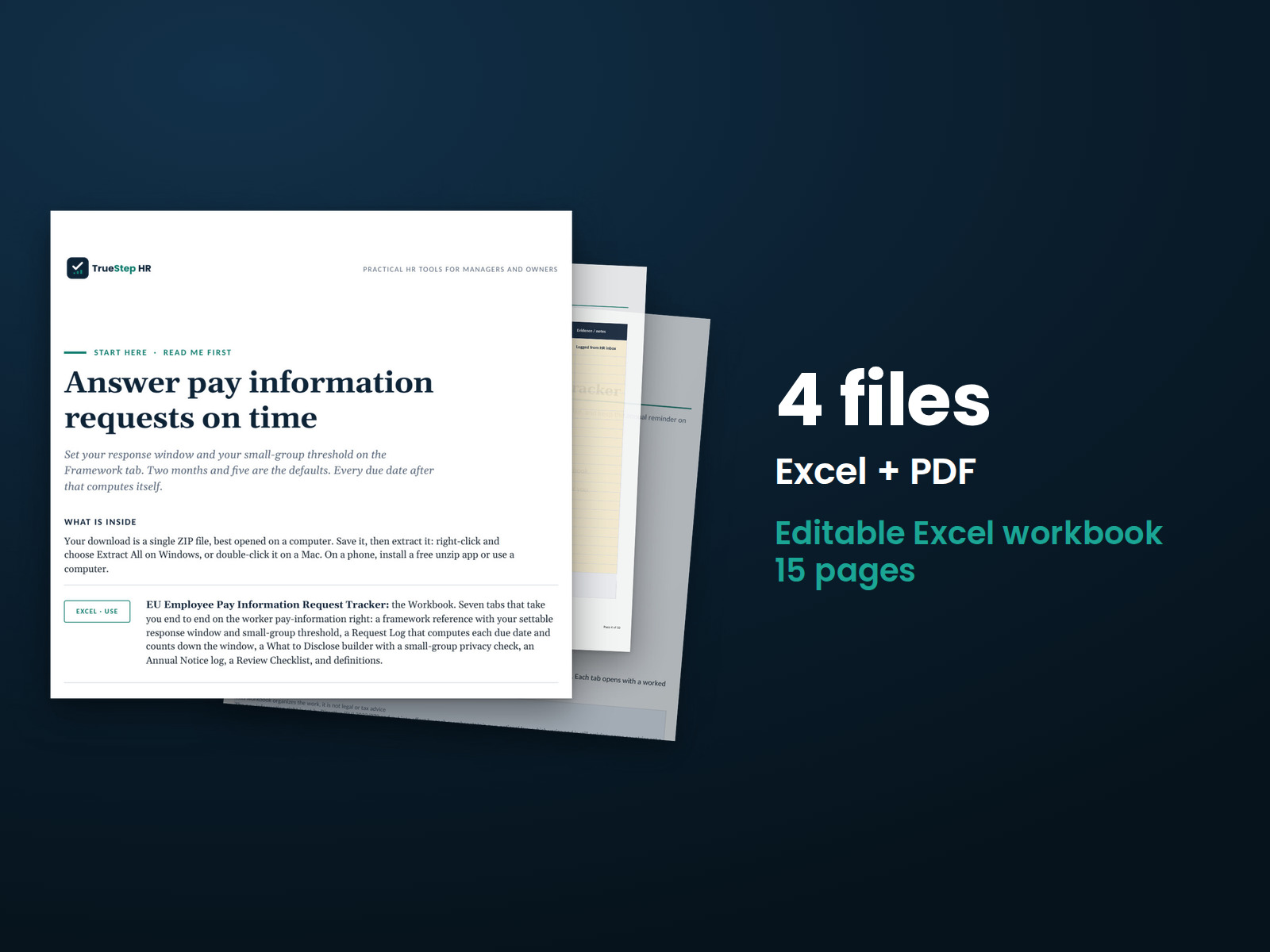
Track employee pay-information requests from receipt through response, including the two-month response period. Prepare responses that protect personal information and schedule annual reminders.

Review the AI used in hiring and employee decisions to identify uses the EU AI Act classifies as high-risk or prohibited. Organize oversight responsibilities, worker notices, and supporting records.

Prepare for the EU Pay Transparency Directive and the EU AI Act with one set of tools for organizing requirements, records, deadlines, and legal review.

Get 17 kits and four analytics packs covering hiring, onboarding, pay, performance, employee relations, and exits in one system.
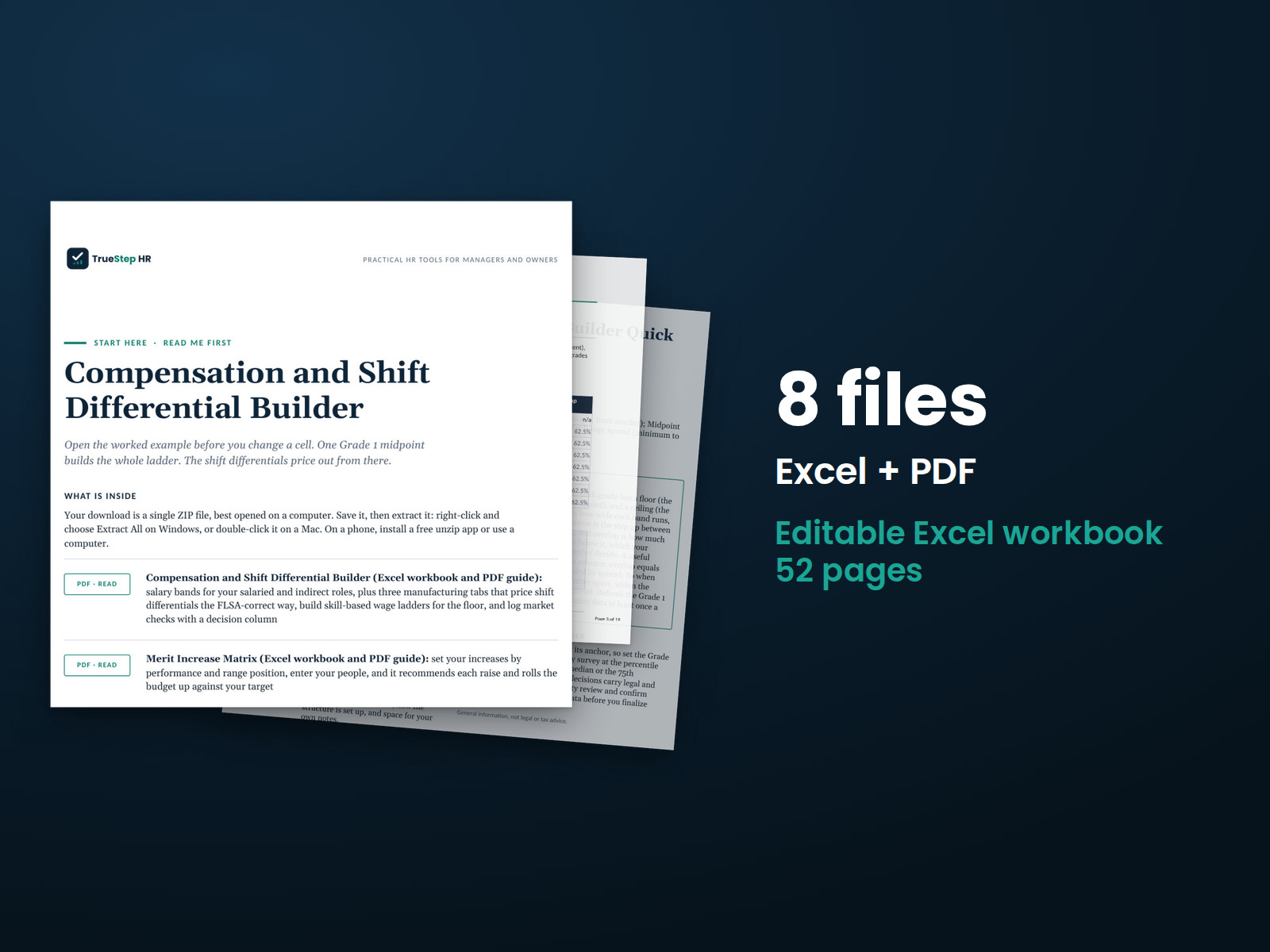
Build a consistent pay structure for your plant. The toolkit includes salary bands for salaried and indirect roles and accounts for shift differentials in the regular rate when calculating overtime, as federal law requires.
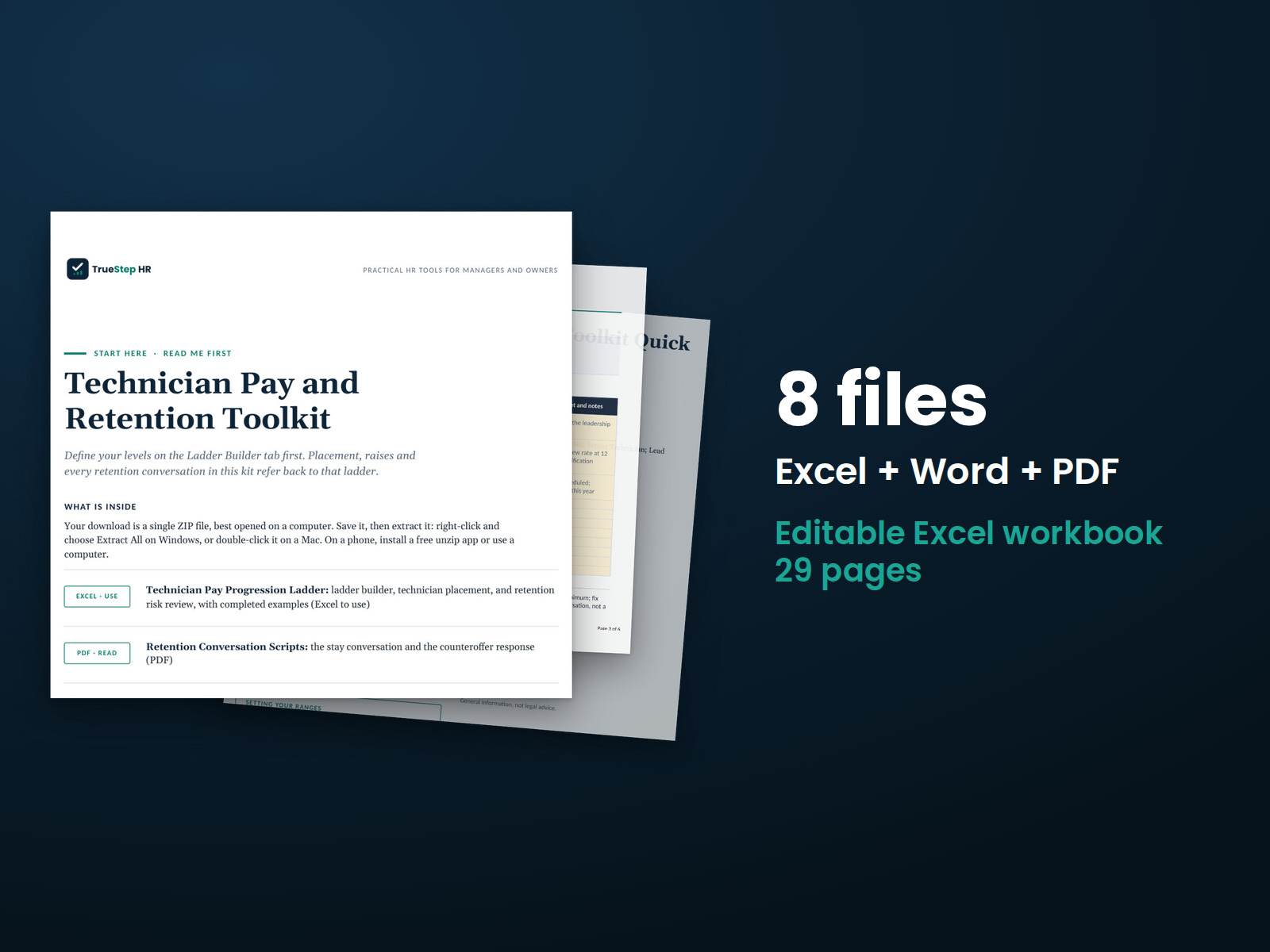
Set clear technician pay progression and schedule regular stay conversations. Use your pay structure to prepare for those discussions and evaluate potential counteroffers.
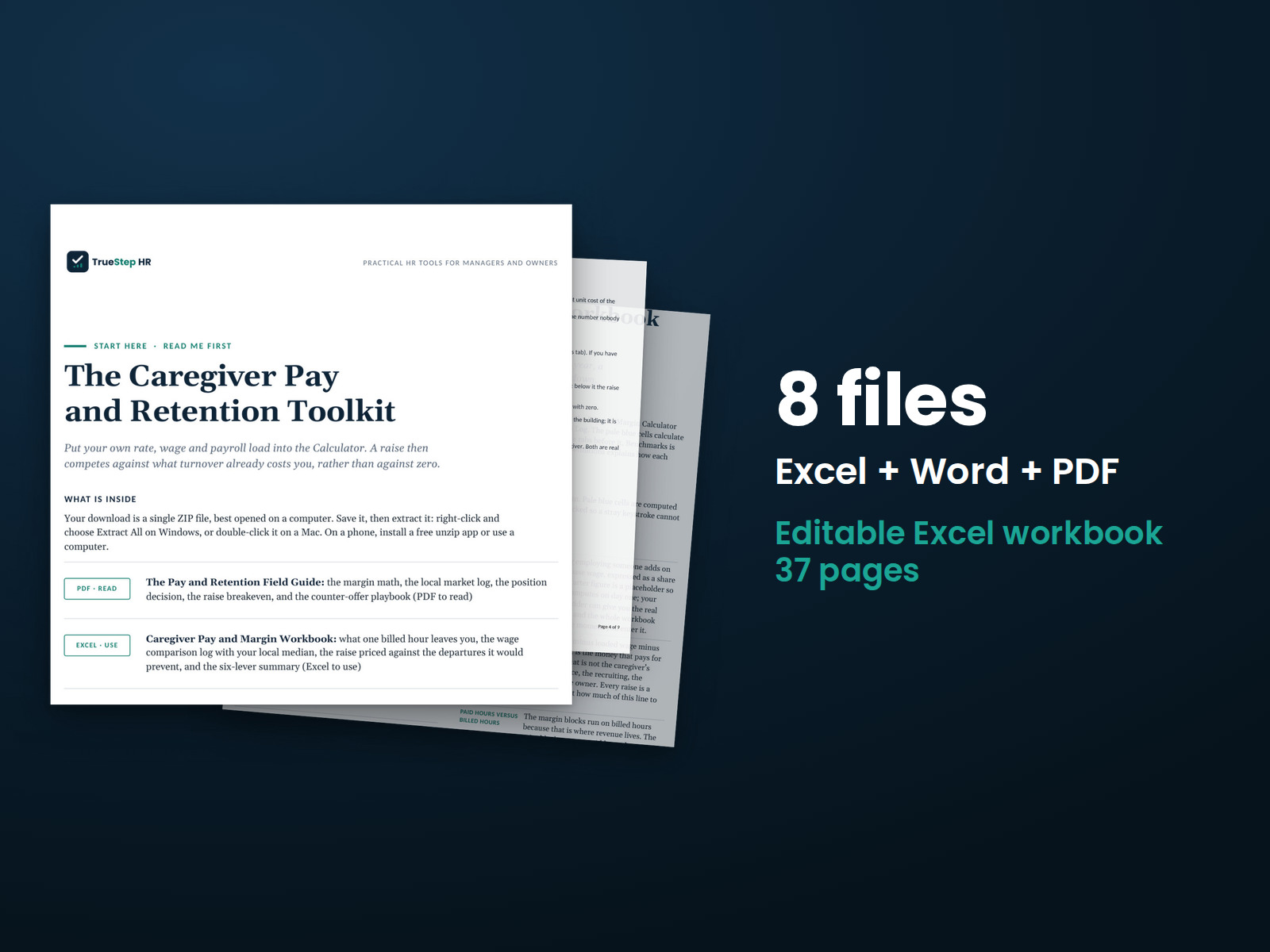
Make caregiver pay decisions by comparing wages with billing rates, then prepare for raise and retention conversations using the guide, workbook, and scripts.
Start with a free pay tool, or tell us which compensation decision you are working through.