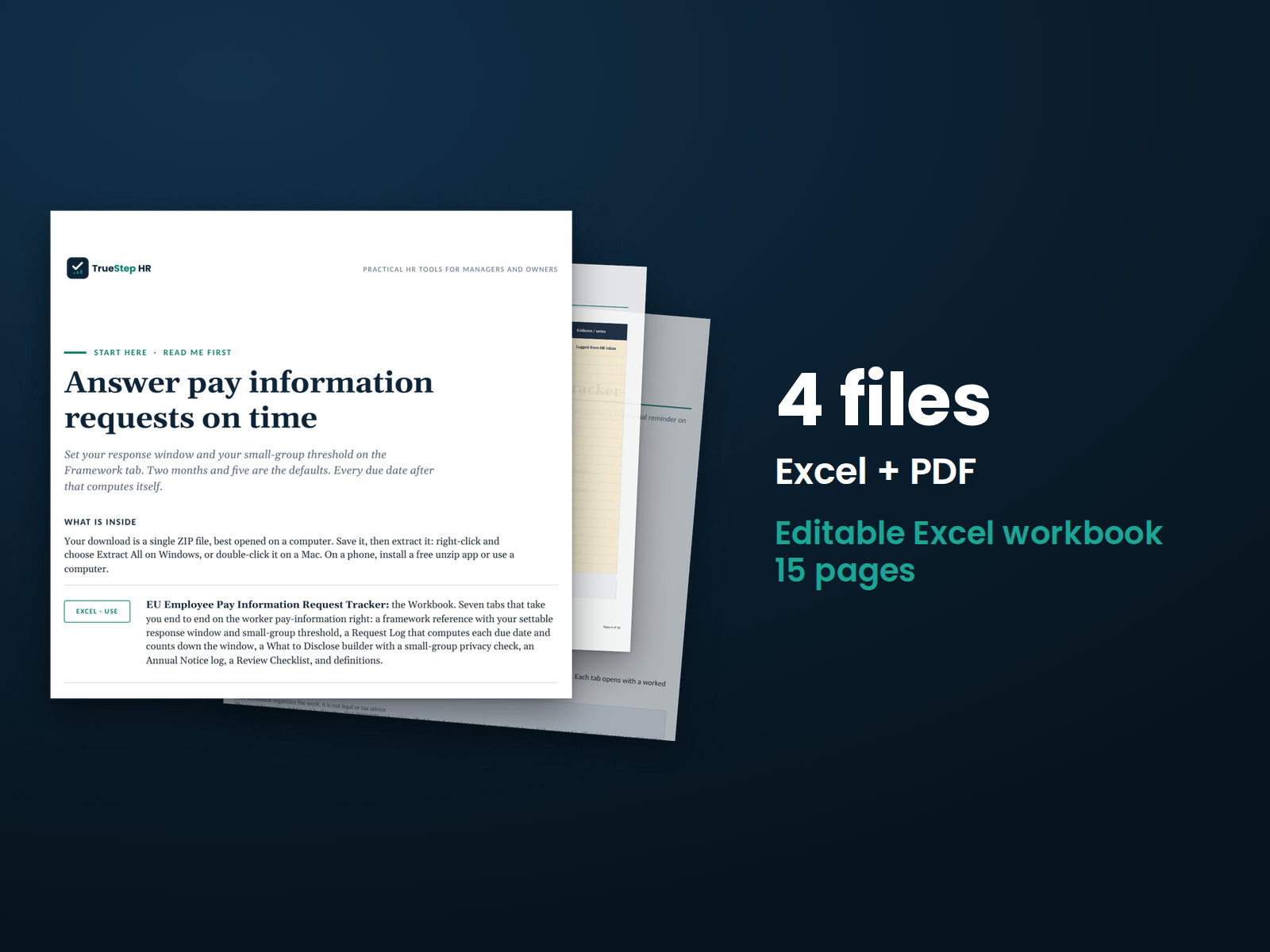
Real tabs from the workbook. Example requests and details are illustrative.
EU Employee Pay Information Request Tracker
Log every employee pay-information request, run the two-month clock, assemble a privacy-safe response, and keep the annual reminder on schedule, so the pay-information right becomes a routine process rather than a scramble, with the moments to bring in qualified local counsel and your data protection adviser marked.
One-time purchase, no subscription. Instant download.
Built by expert HR practitioners and leaders
- A Framework you set once: the pay-information right in plain terms, your response window, two months by default, and your small-group privacy threshold, five by default, both driving the rest of the workbook
- A Request Log that runs the clock: one row per request, the due date and a days-left countdown computed for you, a status that flags overdue, and a rollup of logged, open, responded, and overdue
- A disclosure builder: enter the category make-up, check the small-group privacy flag, and assemble a written response with averages by sex, never the pay of an identifiable person
- The annual notice on record: a log for the yearly reminder to all workers that the right exists and how to use it, the separate duty that handling requests well does not satisfy
- A review checklist and definitions: eight checks to clear before a response goes out, from confirming the local window to retaining a copy, and plain-language definitions of the terms the right uses
The tracker structures the work and keeps the record. It is not a legal determination, and it routes the close calls, the disclosure limits, the local window, and anything cross-border, to qualified local counsel and your data protection adviser.
Readiness tools and general information, not legal or tax advice. The pay-information right is set by Directive (EU) 2023/970 and put into effect by national law in each member state, which varies and is still arriving, and some countries set a shorter response window. Confirm country-specific requirements with qualified local counsel and your data protection adviser before you act.
Last reviewed June 2026
One workbook, seven tabs that run the pay-request right
One Excel workbook that also works in Google Sheets, with a Start Here guide and a one-page guide to running it in Sheets. Set the Framework once, log each request as it lands, build the response in What to Disclose, and keep the Annual Notice log current. Built to be the single place a request lives from arrival to answer.
Start Here Guide
A one-page map that sets the order: set your window and threshold on Framework, log each request as it arrives, build the response in What to Disclose, clear the Review Checklist, and send inside the window. The same map sits on the first tab of the workbook, with the standing instruction to pause where a step carries legal weight.
Framework
The pay-information right at a glance: what an employee can request, what you do not disclose, the response window, the annual reminder, who can ask, the pay-secrecy ban, and the small-group caution, above the two settings that drive the workbook, your response window and your small-group privacy threshold.
Request Log
One row per request: the date received, the channel, the requester, the category, and what was asked. The due date computes from your window, the days-left countdown turns amber as the deadline nears and flags overdue, and a rollup keeps logged, open, responded, and overdue in view.
What to Disclose
The response builder. Enter the category and its make-up, read the small-group privacy flag against your threshold, and assemble the written response from the include list, with the do-not-include list and the reminder to respond in writing inside the window.
Annual Notice
The log for the yearly reminder to all workers that the right exists and how to use it: the year, the date sent, the channel, the audience, the owner, and the evidence link, with a rollup of notices logged and the most recent year.
Review Checklist + Definitions
Eight checks to clear before a response goes out, from confirming the local window to retaining a copy on file, and plain-language definitions of the terms the right uses, from equal-value work to equality body.
The method in the order a request runs
Configure once, then log, build, and send inside the window. The tracker keeps you organized and on record; counsel and your data protection adviser handle the close calls.
Set your window and threshold
Open the Framework tab, set your response window and your small-group privacy threshold, and let both drive the workbook. The Directive baseline is two months and some national laws are shorter, so confirm yours with counsel and set it once.
Log each request as it lands
Record every request on the Request Log on arrival, whoever it comes through, the employee directly, worker representatives, or an equality body. The clock runs from the date of the request, the due date and the days-left countdown compute for you, and the rollup keeps the open count honest.
Build a privacy-safe response
Work through What to Disclose: enter the category and its make-up, check the small-group privacy flag, and assemble the written response, their own pay level, the average pay levels by sex for the equal-value group, and the objective criteria used to set pay.
Send inside the window and record it
Clear the Review Checklist, send the written response inside the window, and record the response date so the clock and the record stay together. Then keep the Annual Notice log current so the yearly reminder is never missed.
Every request logged, answered in the window, and on the record
Pay-information requests go wrong in patterns: a request logged late or not at all, a deadline counted from memory, a response that points at one identifiable pay, a small category disclosed without a second look, and an annual notice nobody owns. The fix is a small system, a log that runs the clock, a builder that checks privacy, and a record of what was sent and when, and this tracker gives you all of it, with the moments to stop and get qualified help marked.
The tracker tells you when to call a lawyer
Most requests can be logged, built, and answered in-house with the workbook. Some sit near a legal line, and the tracker marks them, so you get qualified local counsel and your data protection adviser in before a response goes out. Advice before you send is far cheaper than defending a disclosure after.
Who does what
Answering the right splits the work between you, the tracker, and your advisers. Here is the split, stated plainly.
- The tracker structures the work; you run it. The log, the builder, the checklist, and the annual notice keep the work consistent and on record. Logging on arrival, naming the equal-value category, and sending inside the window are yours to do.
- The tracker counts the window; counsel confirms it. The due date computes from the response window you set, two months by the Directive baseline. The exact window, who can ask, and how, are national and still arriving, so the local rule is confirmed with counsel rather than assumed.
- The builder flags privacy; counsel and your data protection adviser rule on it. A category below your threshold is a flag to stop and check the local disclosure limits and the data-protection interaction, not a determination either way.
- The workbook gives you the Directive baseline as reviewed; you confirm the rest. The Framework states the right as of its June 2026 review. The position in each country where you operate is confirmed with qualified local counsel before you rely on it.
- The tracker keeps the record, and the record is the point. A logged request, a dated response, the privacy check, the cleared checklist, and the annual notice are what a documented position looks like if a response is ever challenged.
Who it is built for
Who this tracker fits, and where to go if that is not you.
Built for
- An HR or reward team that has to answer employee pay-information requests on time and on record, in one or more EU countries, and wants the clock, the privacy check, and the paper trail handled in one place.
- An employer that needs the yearly notice to staff and a privacy-safe way to answer requests, without standing up the full readiness program.
- A people team expecting requests once the right is widely known, that wants the system in place before the first one arrives rather than built during it.
If you’re looking for
- The whole readiness program, not the request right on its own. The EU Pay Transparency Readiness Toolkit frames the seven workstreams and includes an employee request log.
- The comparator groups behind a response. The EU Job Architecture and Equal Value Work Kit defines the equal-value categories a request is answered against.
Before you buy
What format are the files and can I edit them?
Is this legal advice?
What is the worker information right?
How does the small-group privacy check work?
The transposition deadline has passed and our country has not finished. Is this still useful?
What is the refund policy?
What happens after I buy?
Can I expense this purchase to my business?
Most customers buy TrueStep HR tools for business use, and a tool you use for work often qualifies as a deductible business expense. Whether it does for you depends on your situation, so confirm with your accountant or tax professional. Your receipt arrives by email at checkout and works as documentation.
The 6 red flags to check before you discipline or fire someone
A five-minute screen that catches the most common and most expensive people-decision mistakes before they happen. Free PDF, sent to your inbox. Unsubscribe anytime.
Handle every pay-information request on time and on record
Set the window once, log each request as it lands, build a privacy-safe response, and keep the annual notice current, in a file you keep, with the moments to bring in counsel marked.
A workbook and general business information for planning, not legal or tax advice. Last reviewed June 2026.