HR tools built by a senior HR executive · United States

Published standard  ·  Assessments  ·  Contact

Compliance kit

AI Hiring and HR Governance Kit

Put working governance around the AI in your hiring. A policy you adopt, notices candidates get before a tool runs, and vendors held to their audit results. Plus the four-fifths check run on your own numbers.

FormatKit
Contents4 Word documents, 3 PDF guides, 1 HTML tool, 1 Excel workbook
UseDownload and keep

$129

  • Editable operating files, not a subscription
  • Immediate access through the secure TrueStep HR store
  • Built and reviewed under the published TrueStep HR standard

Digital products carry a 30-day money-back guarantee. General HR information, not legal advice.

Need it working, not sitting in Downloads?

Add a one-hour setup session · $149

Bring the purchased tool and your live situation. A TrueStep HR practitioner helps you set the inputs, make the first decisions, and leave with a usable next step.

See the Setup Session →
What this closes

A practical system that moves the decision into real work.

List every automated tool your hiring uses, one row each, in the Tracker. You cannot give notice or ask for a bias audit on a tool nobody has written down.

DecisionHire someone, Prepare for an audit
IndustryCross-industry
Files4 Word documents, 3 PDF guides, 1 HTML tool, 1 Excel workbook
ReviewBuilt to the published release checks; sources and change notes sit beside the catalog.

What is inside

Every file in the download, by name.

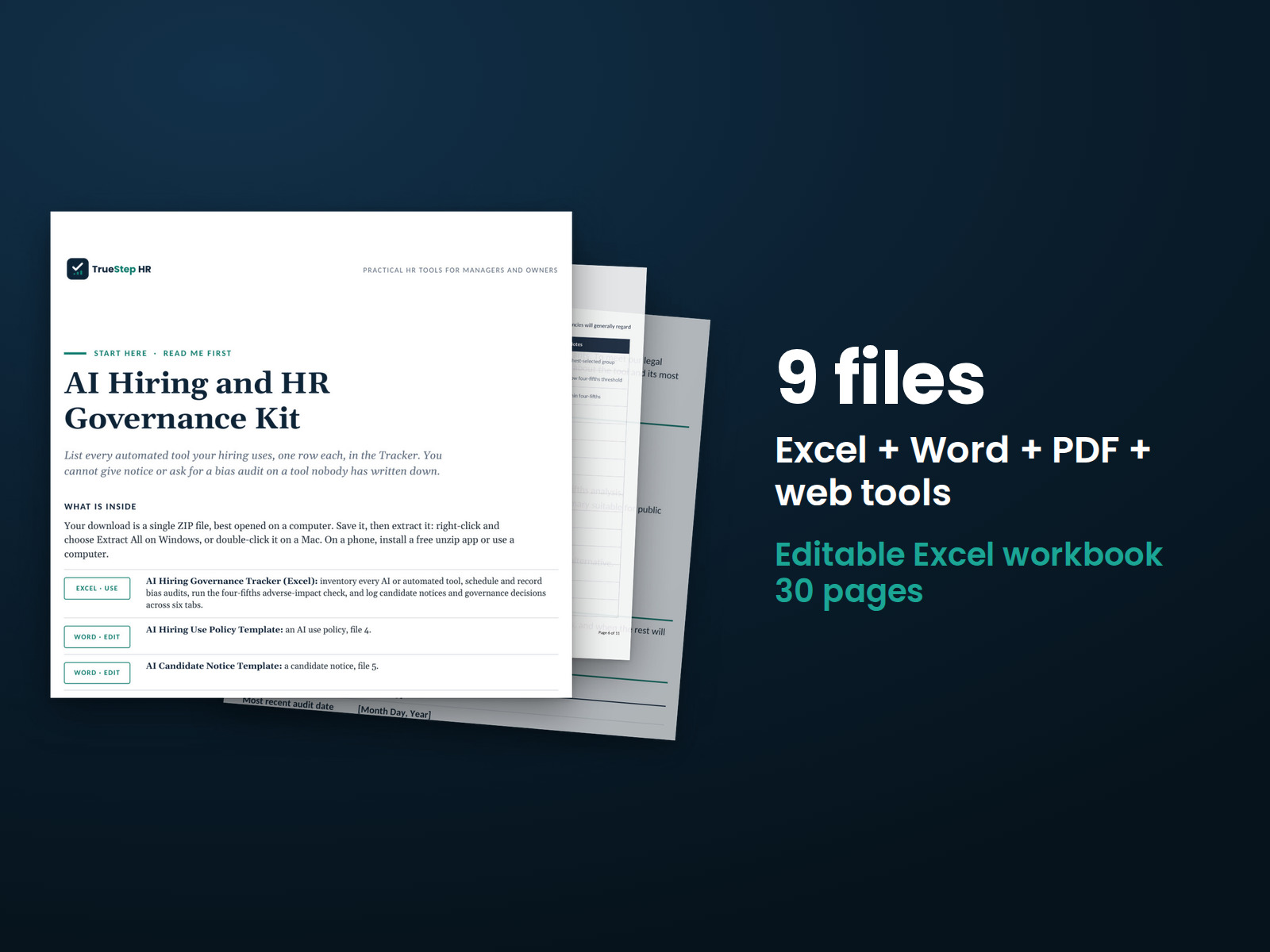
Taken from the kit’s own Start Here guide, so what you see here is what you open after checkout.

Excel · useAI Hiring Governance Tracker (Excel): inventory every AI or automated tool, schedule and record bias audits, run the four-fifths adverse-impact check, and log candidate notices and governance decisions across six tabs.
Word · editAI Hiring Use Policy Template: an AI use policy, file 4.
Word · editAI Candidate Notice Template: a candidate notice, file 5.
Word · editAI Vendor Bias Audit Request Template: a vendor bias-audit request, file 2.
Word · editAI Adverse Impact Review Memo Template: an adverse-impact review memo, file 6.
Web · openFree AI Hiring Governance Assessment (web): check your hiring against the bias-audit, notice, and human-oversight rules, and see which obligations each location triggers.
PDF · readThis Start Here guide: what each piece does and the order to use them.
PDF · readUsing This Workbook in Google Sheets: how to upload the file to Google Sheets and exactly what to check afterward. File 8.
PDF · readTrueStep HR Product License: what you may and may not do with the files you purchased. File 7.

How to use it

Your first 15 minutes

The 4 steps below run in the order they are numbered, and by the last one you take edge cases to counsel.

  1. Confirm AI or automated tools are used in your hiring, and check which places apply: New York City, Illinois, California, Colorado, the EU, plus federal law everywhere.

  2. Inventory each tool in the tracker and adopt the use policy, setting who owns each tool and the oversight, notice, and recordkeeping rules.

  3. Run the four-fifths adverse-impact check in the tracker, request each vendor’s most recent bias audit, and give candidates the right notice before a tool is used.

  4. Log audits, notices, and decisions, and review at least yearly and whenever a law changes or you add a tool. Take edge cases to counsel.

AI Hiring and HR Governance Kit — the Start Here guide from the download, listing every file and the order to use them.

Before you buy

Clear answers to the practical questions.

The point of a product page is to let you judge the work before checkout.

What exactly do I receive?

4 Word documents, 3 PDF guides, 1 HTML tool, 1 Excel workbook, each one named in the What is inside section above. The purchase is a download, not a subscription, and the files are yours to keep.

Are these the real screenshots?

Yes. The preview images on this page are taken from the current deliverable, so you can judge the structure and writing before buying.

Can I use the files in my business?

The files are designed to be edited for your own internal operations. Review the included license and have legal counsel check decisions that require jurisdiction-specific advice.

What if I need help applying it?

Use the $149 Setup Session for one hour of implementation help on this tool. TrueStep HR does not offer broader consulting engagements. For a legal question, use qualified counsel.

Extend the system

Build on this decision.

These products address the next connected step in the same situation, operating method, or industry.

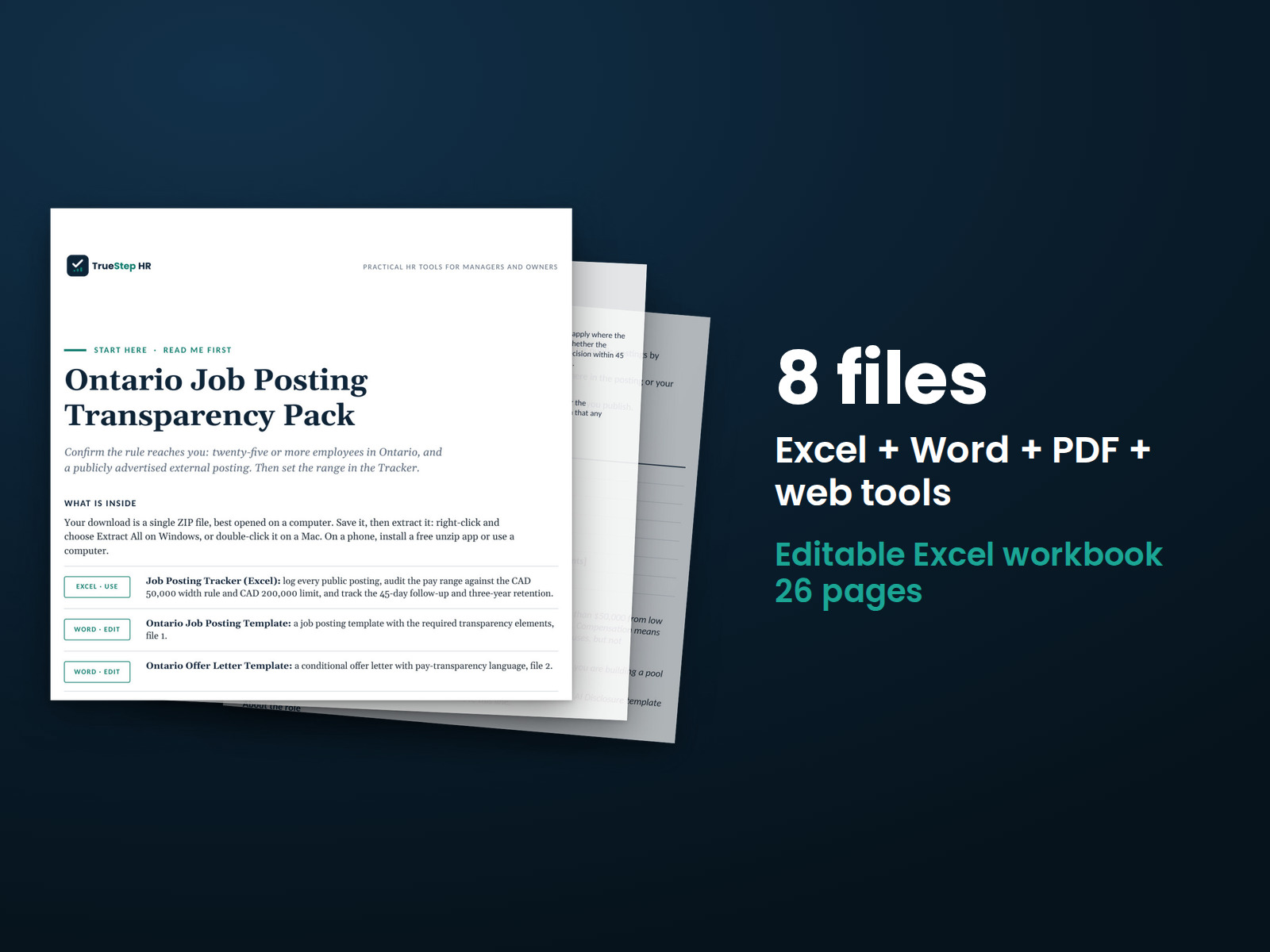
Ontario Job Posting Transparency Pack — the 8 files in this download shown as a stack of real pages: Excel + Word + PDF + web tools, 26 pages in all.
KitTSHR-049

Ontario Job Posting Transparency Pack

Get every publicly advertised Ontario posting right before it goes live. A ready-to-fill template with the required lines, plus copy-ready AI wording. A tracker checks the pay range and runs the 45-day and three-year clocks for you.

Complete TrueStep HR System — the 96 files in this download shown as a stack of real pages: Excel + Word + PDF, 971 pages in all.
BundleTSHR-057

Complete TrueStep HR System

Every TrueStep HR kit and analytics pack in one place, organized across the full employee lifecycle, from the first job posting to the last day. Built for the people who carry the HR load.