Complete system
Complete TrueStep HR System
$749 Go to price and purchase
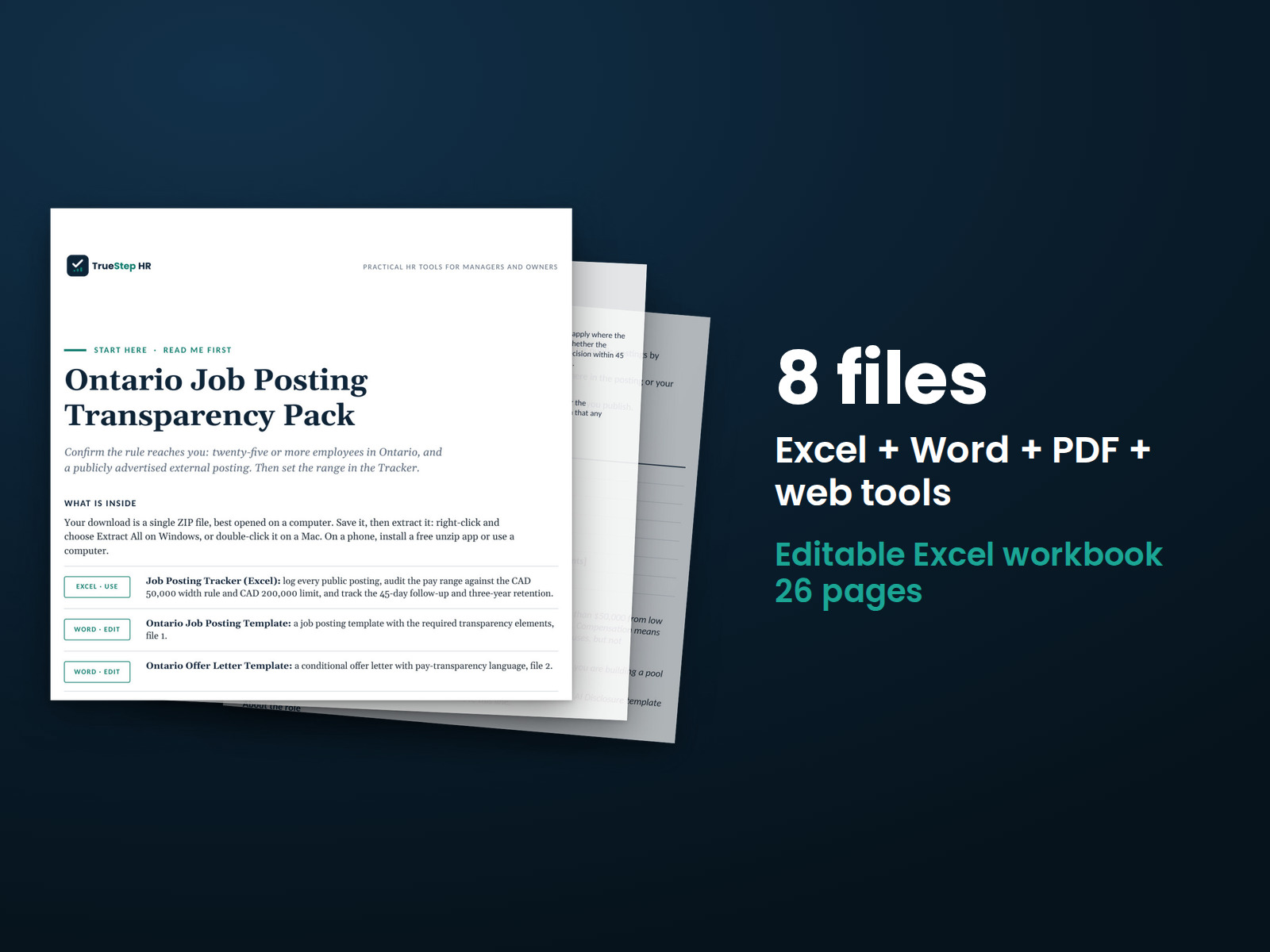
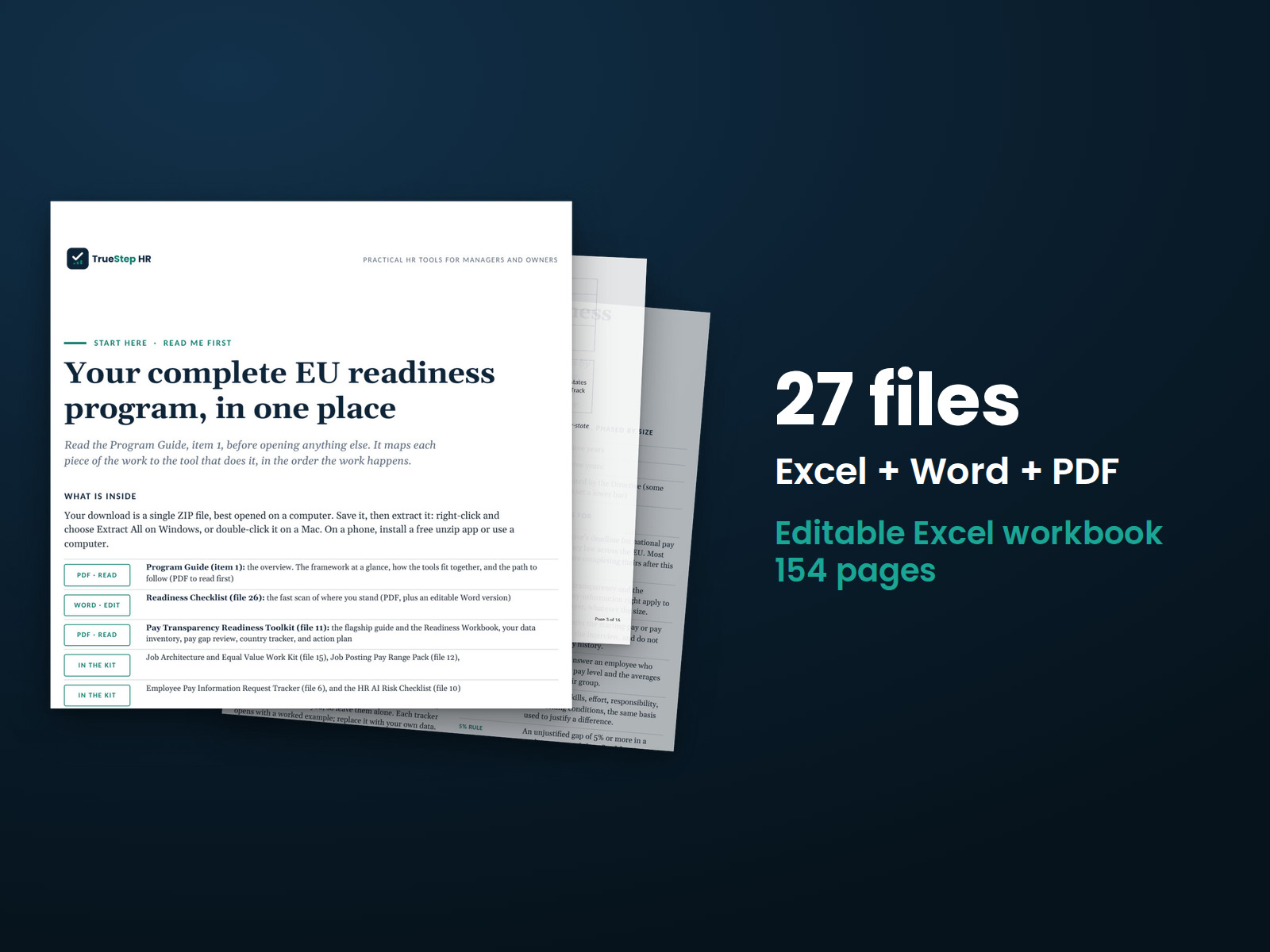
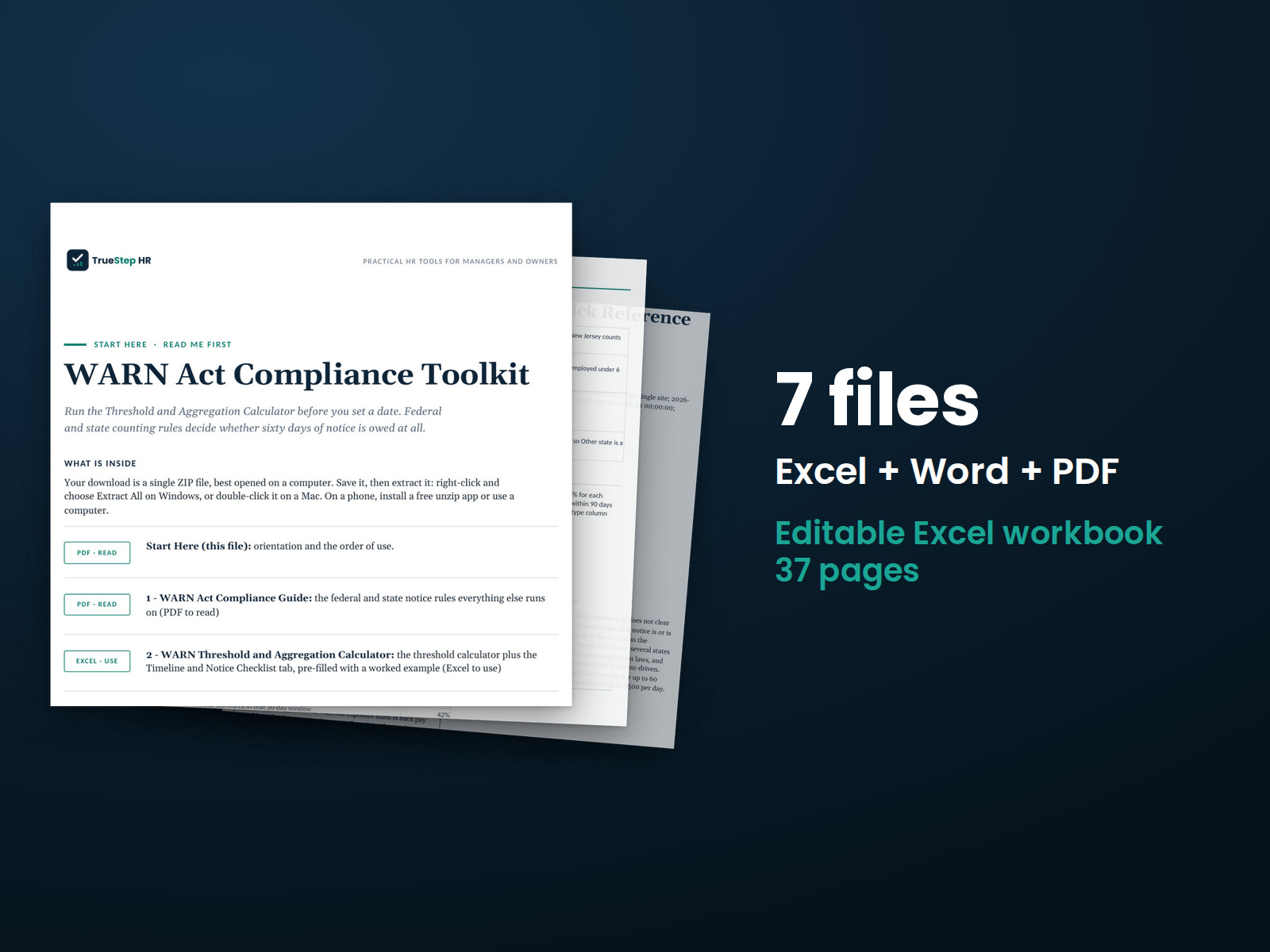
Seventeen kits and four analytics packs covering HR from the first job posting to the last day. Built for the people responsible for keeping HR running.
Start with the free HR Operating System Readiness Scorecard. Twelve questions show which part of your HR setup to build next.
$749
Bought separately: $1,639. The bundle: $749.
The $1,639 separate-purchase total comes from the 21 products listed under What is inside, with each individual price shown there.
- One-time purchase. Editable files.
- Your download link appears on the confirmation screen and in your receipt. No account needed.
- Request a full refund within 30 days with one email.
- Licensed for one company's internal HR use. Resale and redistribution are not permitted. Read the license.
Checkout takes place on our store at shop.truestephr.com. Any applicable sales tax appears at checkout before you pay. These files provide general HR information, not legal advice.
Ready to put your tool to work?
Add a one hour Setup Session, $149
Bring your purchased tool and the situation you are working through. A TrueStep HR practitioner will help you set the inputs, make the first decisions, and identify a practical next step.
See the Setup Session →