HR advisory, assessments, and operating tools for U.S. businesses

Our standard  ·  Assessments  ·  Contact

HR calculator

Pay Structure and Internal Equity Review

$39 Go to price and purchase

Compare pay between two groups in three steps. Enter the pay data in Excel to see the differences. The accompanying PDF guide explains the method so you can document how the comparison was made.

FormatCalculator
Contents4 PDF guides, 1 Excel workbook
UseInstant download

Use the free Pay Transparency Readiness Scorecard to review your ranges, job architecture, postings, and internal equity against the jurisdictions you select. It includes seventeen questions.

$39

  • One-time purchase. Editable Excel workbook.
  • Your download link appears on the confirmation screen and in your receipt. No account needed.
  • Request a full refund within 30 days with one email.
  • Licensed for one company's internal HR use. Resale and redistribution are not permitted. Read the license.

Checkout takes place on our store at shop.truestephr.com. Any applicable sales tax appears at checkout before you pay. These files provide general HR information, not legal advice.

Need approval first?

Email this page

Ready to put your tool to work?

Add a one hour Setup Session, $149

Bring your purchased tool and the situation you are working through. A TrueStep HR practitioner will help you set the inputs, make the first decisions, and identify a practical next step.

See the Setup Session →

Where to start

Pick two groups doing similar work and enter their pay.

See pay differences that warrant further review. The results are a screen, never a finding.

DecisionSet pay and raises
IndustryCross-industry
Files4 PDF guides, 1 Excel workbook
ReviewRead our published standard for how we develop our tools, and what we cover for their scope and limits.

Fit

Is this the right fit for your work?

A good fit

  • You need to set pay and raises.
  • You want an Excel workbook you can run again as your figures change.
  • You will enter your own figures and want each tab explained.

When to consider another option

  • For legal or tax advice about your result, consult a qualified adviser.
  • For help running the analysis, explore our advisory services.

What is inside

Every file in the download, by name.

Taken from the kit’s own Start Here guide, so what you see here is what you open after checkout.

PDF · readStart Here: a guide to every file and the order to use them.
PDF · printQuick Reference: the whole workbook on one page, including what each tab does, what to enter, and how to read the result.
PDF · readTrueStep HR Product License: what you may and may not do with your purchased files.
PDF · readUsing This Workbook in Google Sheets: how to upload the file and what to check afterward.
Excel · usePay Structure and Internal Equity Review: 7 tabs: Start Here, Pay Equity Screen, Adjusted View, Action and Privilege, Benchmark and Law, Summary, and Notes.

How to use it

What this workbook does

Compare pay between two groups of people doing substantially similar work, for example by gender. Enter each person's group, salary, time in role, and performance. The Pay Equity Screen shows the raw gap between the groups and how they differ on legitimate factors. The Adjusted View removes the effect of one factor, time in role, and shows the remaining gap. Use the results to identify differences large enough to warrant further review under privilege. The workbook does not determine whether pay is fair or lawful. Its results are a screen, never a finding.

Your first 15 minutesOpen the Pay Structure and Internal Equity Review workbook in Microsoft Excel or a free equivalent such as LibreOffice. The first tab, Start Here, explains each tab. On the Pay Equity Screen tab, list employees doing one kind of similar work in a single comparison group. Assign each person to Group 1 or Group 2, the two groups you want to compare. Enter your data in the amber cells; the white cells calculate for you.
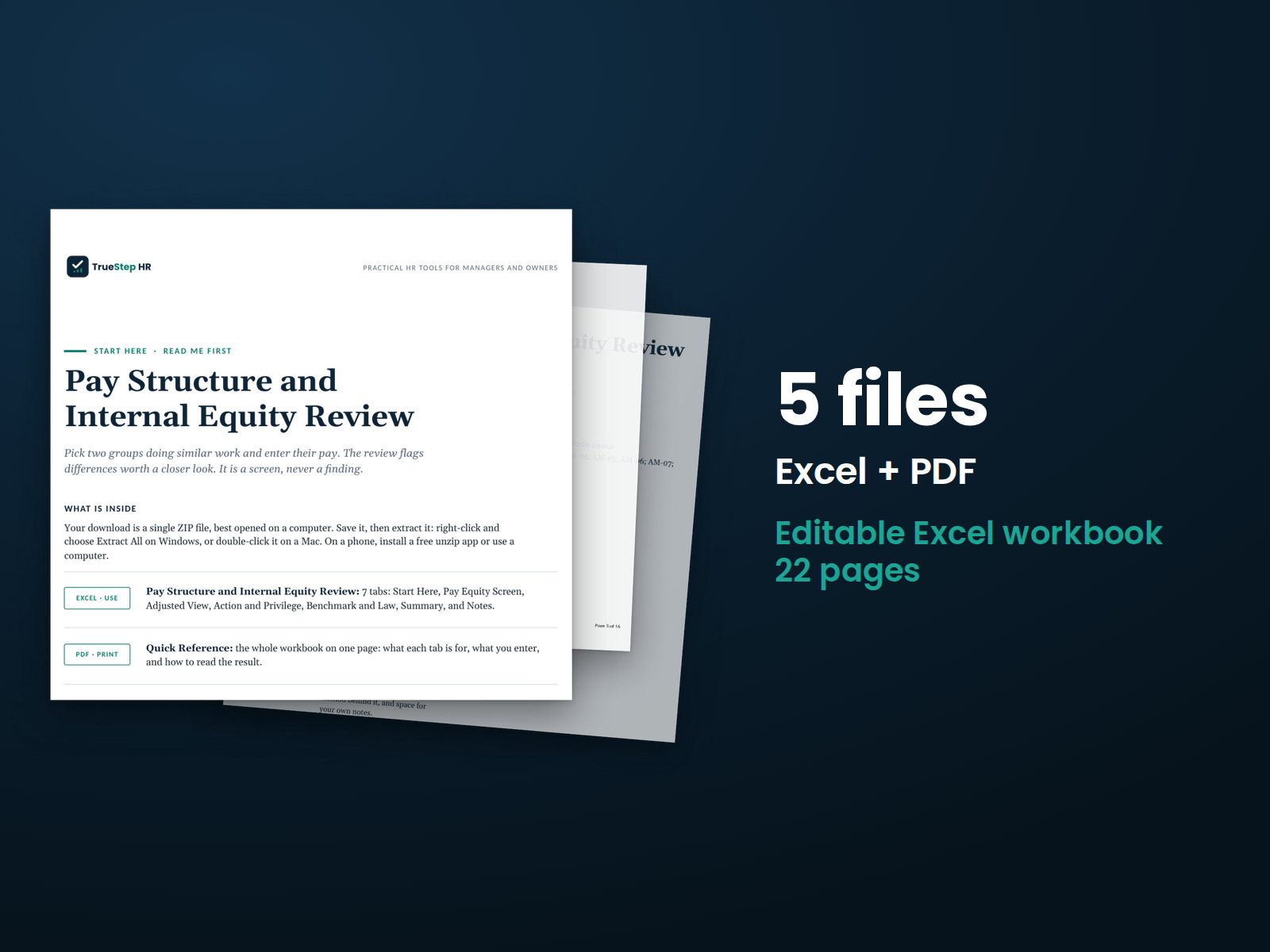
Pay Structure and Internal Equity Review: the Start Here guide from the download, listing every file and the order to use them.

Before you buy

Questions about your purchase

Find details about file formats, delivery, licensing, and refunds.

What exactly do I receive?

You receive 4 PDF guides and 1 Excel workbook, all named in the What is inside section above. This is a one time purchase, delivered as a download, not a subscription.

Are these the real screenshots?

Yes. The first image shows the file set, and the second and third show actual pages from the current download.

Can I use the files in my business?

Yes. You can fill in the Excel workbook for your own internal operations and read or print the PDF guides.

What if I need help applying it?

For help implementing this tool, book a one hour Setup Session for $149. For broader HR support, advisory begins with a short request and a written scope at truestephr.com/pages/advisory. For legal questions, consult qualified counsel.

How do I get the files?

Right after payment, your download link appears on the confirmation screen and again in your email receipt. All files arrive as one ZIP. No account is needed.

What do I need to open them?

You can use Excel, LibreOffice on a computer, or Google Sheets in a browser. LibreOffice and Google Sheets are free alternatives. Any PDF reader opens the guides. See download help.

What if it is not right for us?

Email support@truestephr.com within 30 days for a full refund. No form or explanation is required. The full terms are in the refund policy.

Is this legal advice?

No. It is general HR information and a working method. It is not written to any one state unless the page says so. Where a decision turns on the law, use qualified counsel. See what we cover, and what we do not.

Who may use the files?

One license covers the internal HR work of one legal entity. You may edit the files, brand them, and issue them to your employees. Consultants and groups with several entities need the extended license. See the license.

Extend the system

Related tools for your next step

Explore related tools for the same situation, operating method, or industry.

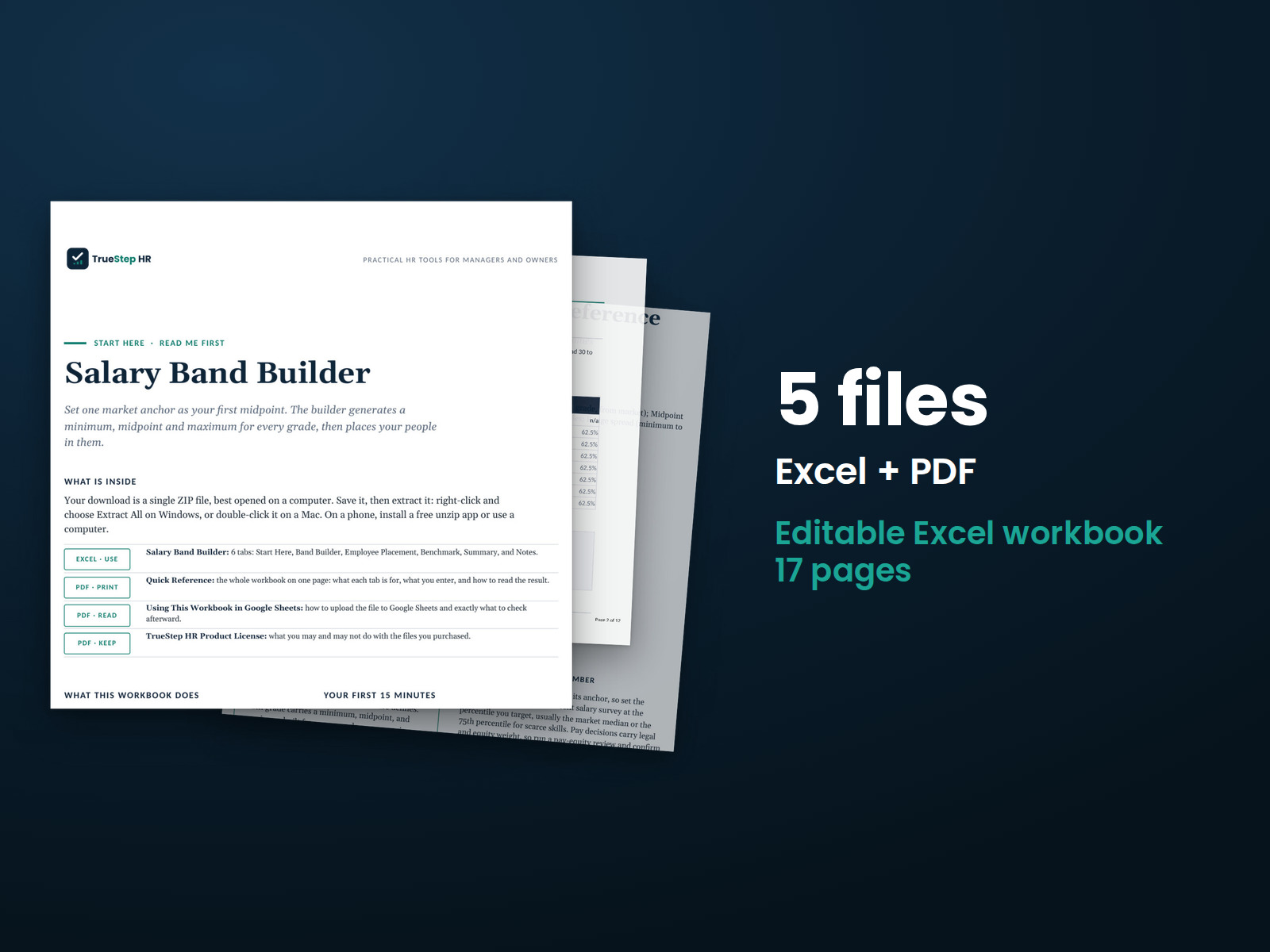
Salary Band Builder: stack showing the 5 included Excel and PDF files, 11 pages in all files.
CalculatorTSHR-018

Salary Band Builder

Build a working salary structure from your market pay data. Set a starting midpoint, grade progression, and range spread. The workbook calculates every grade's minimum, midpoint, and maximum, then shows where each employee's pay falls within their range.

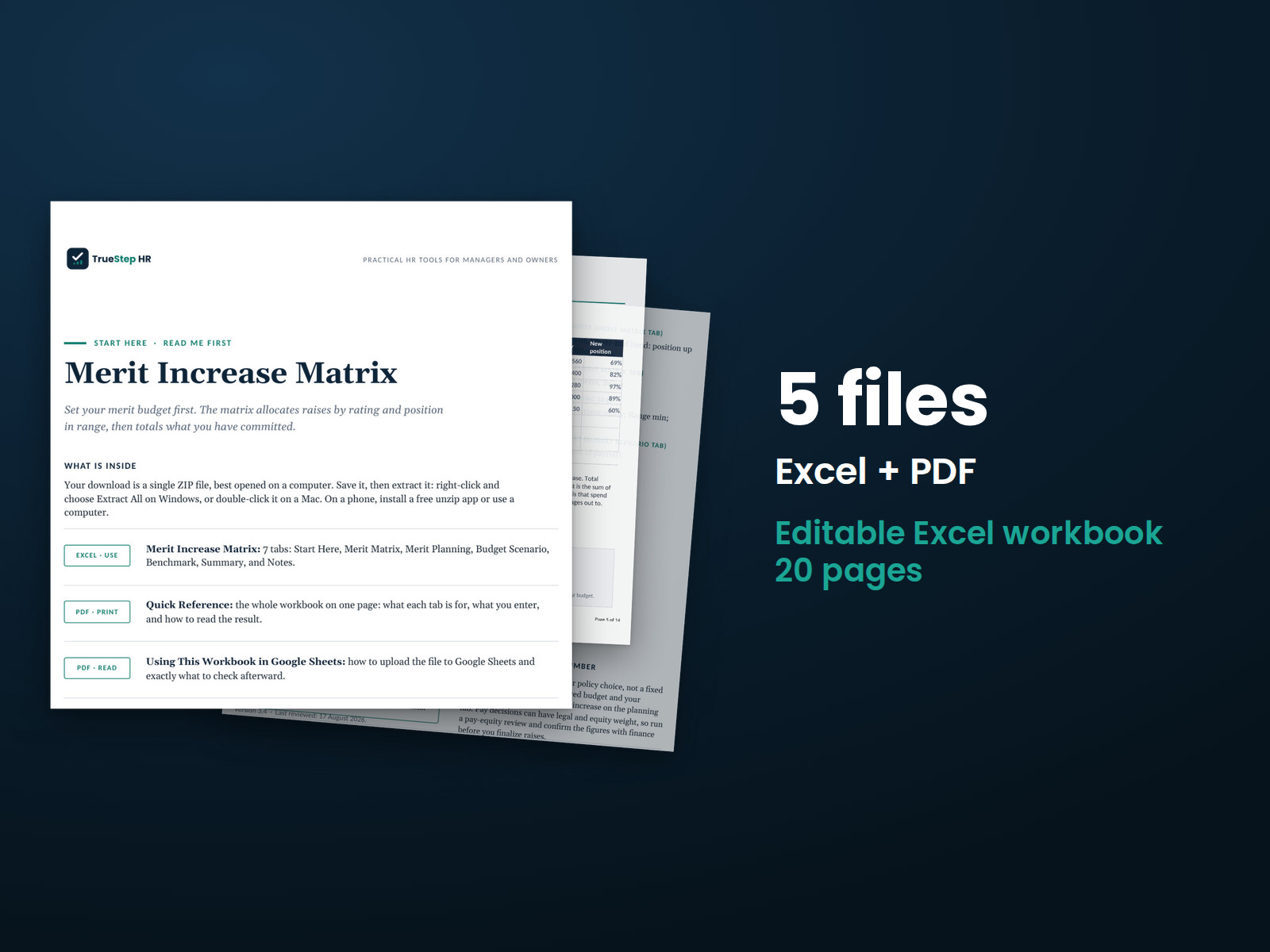
Merit Increase Matrix: stack showing the 5 included Excel and PDF files, 13 pages in all files.
CalculatorTSHR-019

Merit Increase Matrix

Plan merit increases around performance and salary range position. Set your matrix and enter employee details. The workbook calculates each proposed raise, the total cost, and how the plan compares with your budget.

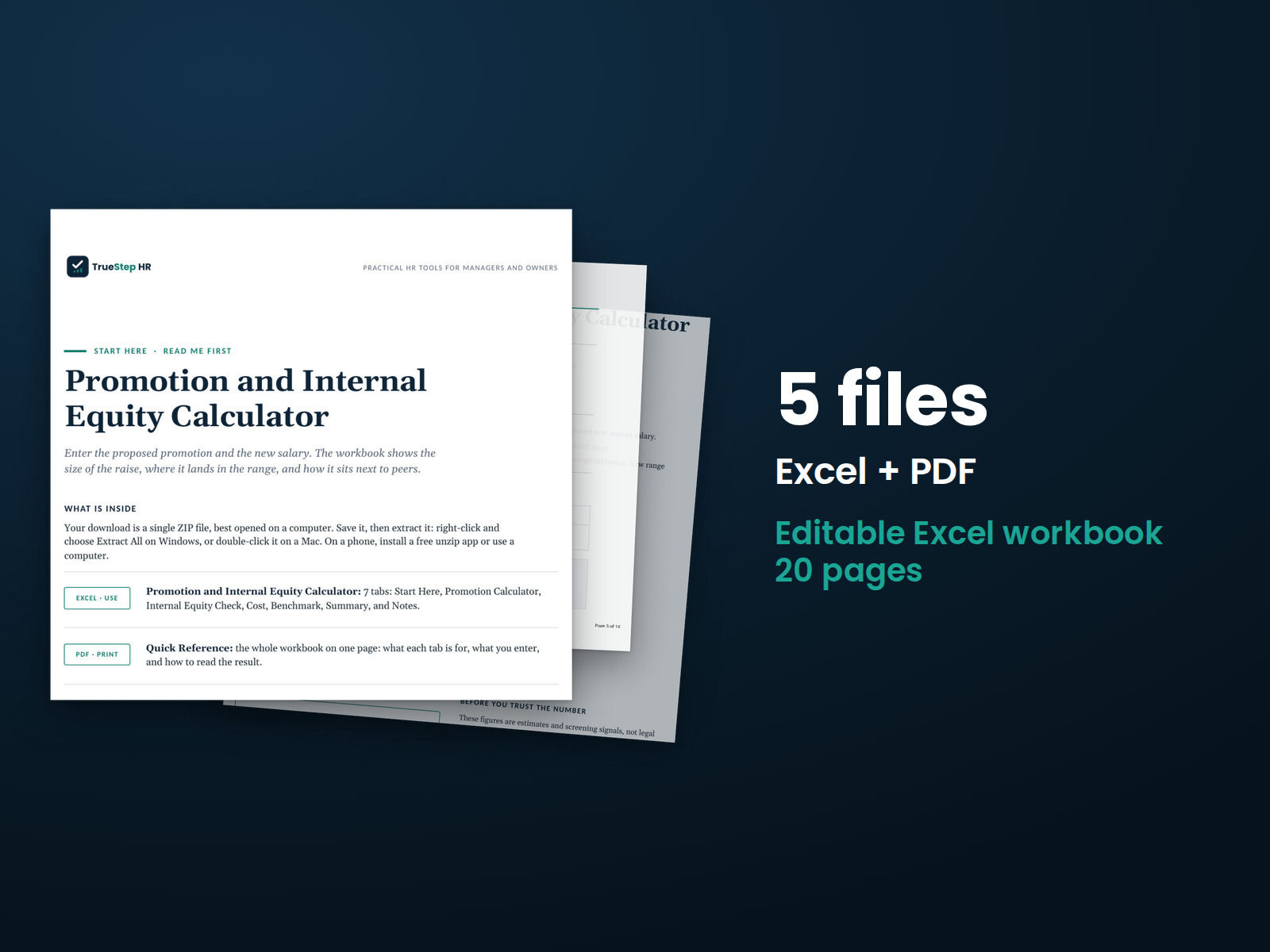
Promotion and Internal Equity Calculator: 5 files shown as a stack of pages. Excel + PDF, 14 pages in all files.
CalculatorTSHR-020

Promotion and Internal Equity Calculator

Review a proposed promotion with the pay details in one place. Enter the current salary, new grade and range, proposed pay, and peer salaries. See the raise amount, placement in the new range, comparison with peers, and first-year cost.