
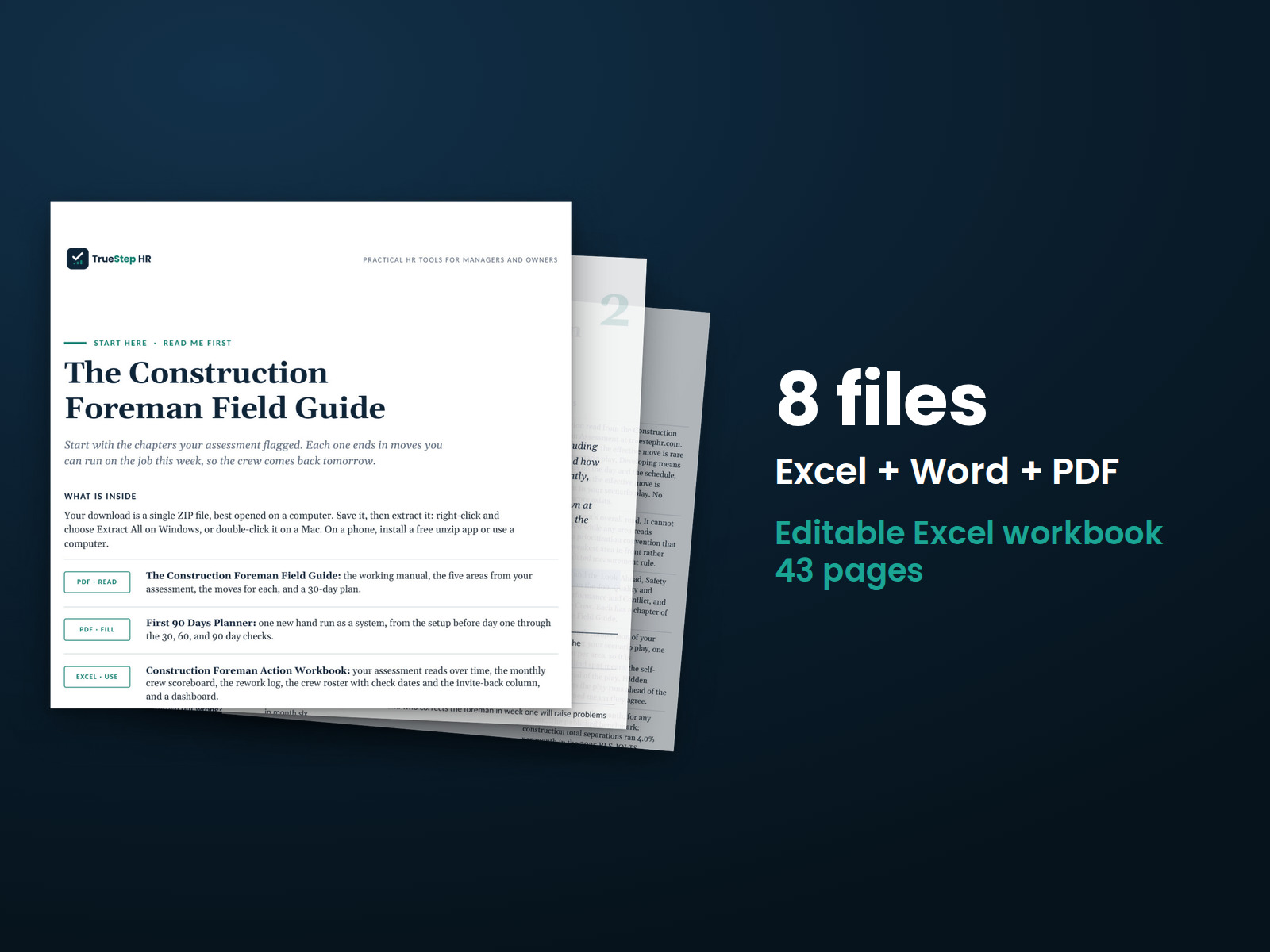
Construction Foreman Field Guide
Build crew coverage around a two-week look-ahead, prepare for no-shows, and manage changing jobsite demands with the Construction Foreman Field Guide.
HR advisory, assessments, and operating tools for U.S. businesses
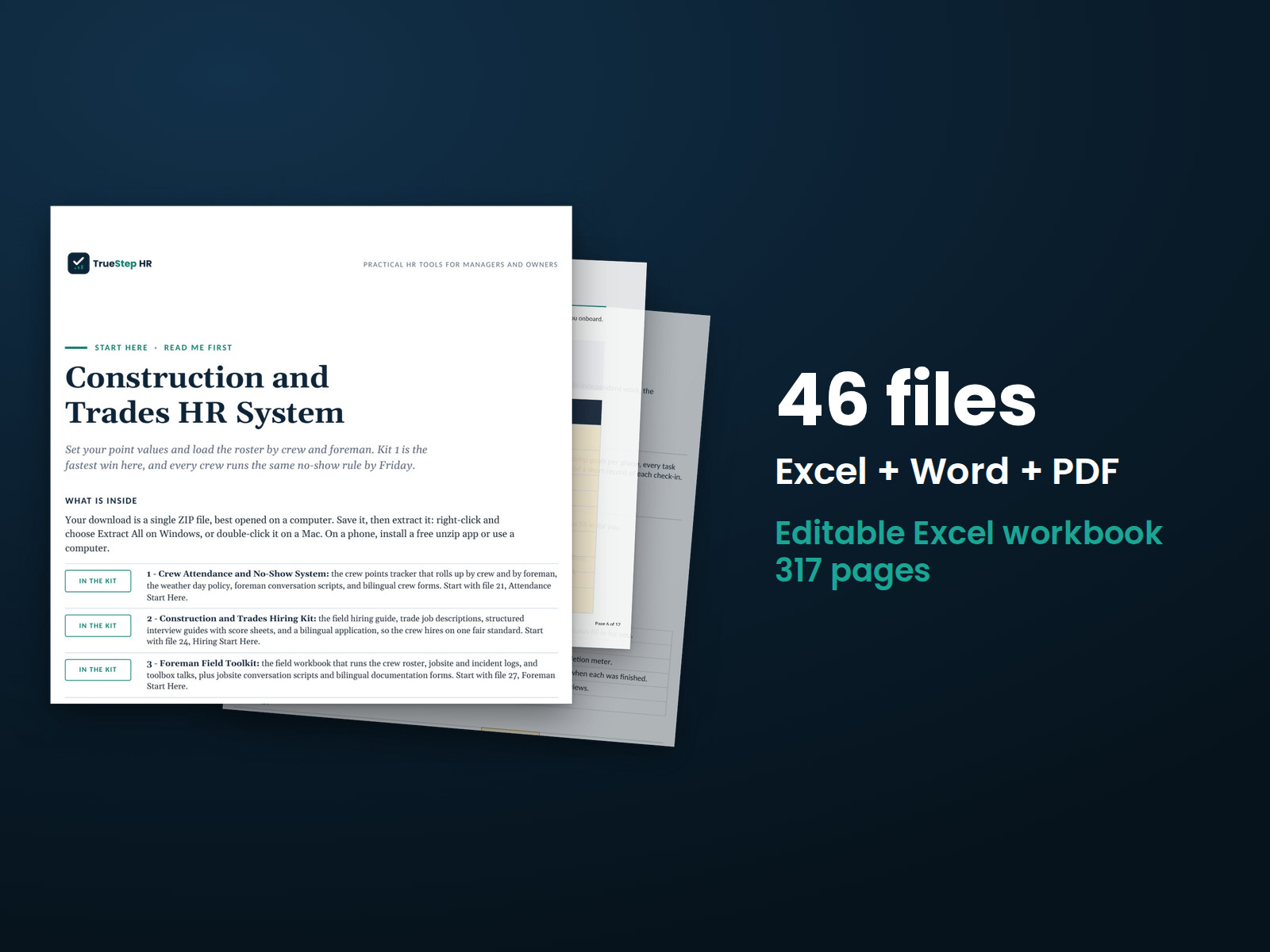
These previews show pages from the files you receive.
The complete construction and trades HR program
Six field toolkits work together as one HR program, supported by two planning tools. The Contractor HR Audit Checklist shows where to start. The Seasonal Staffing Planner helps size your crews for the work ahead.
Want to know your true hourly field labor cost? Run the free Construction Labor Burden Calculator. It combines a field wage with payroll taxes, workers comp, benefits, tools, and truck cost to calculate the full hourly rate using your own numbers.
$249
Bought separately: $394. The bundle: $249.
Priced from the six products inside: Crew Attendance and No-Show System $69, Construction and Trades Hiring Kit $59, Foreman Field Toolkit $79, License and Certification Tracker, Trades Edition $49, Field Onboarding System $69, Technician Pay and Retention Toolkit $69.
Checkout takes place on our store at shop.truestephr.com. Any applicable sales tax appears at checkout before you pay. These files provide general HR information, not legal advice.
Need approval first?
Ready to put your tool to work?
Bring your purchased tool and the situation you are working through. A TrueStep HR practitioner will help you set the inputs, make the first decisions, and identify a practical next step.
See the Setup Session →Where to start
The checklist scores your field HR practices and identifies which toolkit to open first. After that, Kit 1, crew attendance, offers the fastest win.
Fit
What is inside
Taken from the kit’s own Start Here guide, so what you see here is what you open after checkout.
How to use it
Begin with the Contractor HR Audit Checklist in step 1. Follow the steps in order, finishing with seasonal staffing planning in step 8.
Assess your starting point. Open the Contractor HR Audit Checklist to score your field HR practices, identify which toolkit to open first, and establish the baseline you will measure against.
Set up crew attendance. Kit 1 is the fastest win. Set your point values, load the roster by crew and foreman, and apply the same standard across every crew within a week.
Bring consistency to hiring. Kit 2 replaces handshake hiring with written job descriptions, structured interviews, and a bilingual application scored the same way for every candidate.
Equip your foremen. Kit 3 gives the people who run crews every day a workbook, scripts, and a consistent approach to documentation.
Check licenses and certifications. Kit 4 logs every license and certification, flags upcoming expirations, and identifies the lapses that stop work first.
Give every hire a consistent start. Kit 5 covers day one through the ninety day mark, with PPE and tool records and checklists designed to help retain new hires through the first weeks.
Set technician pay and retention priorities. Kit 6 builds wage ladders, places every technician within them, and provides stay conversation tools to help retain good technicians.
Plan seasonal staffing. Open the Seasonal Staffing Planner to size crews against upcoming work, then plan hiring or crew changes before staffing gaps affect the schedule.

Before you buy
Find details about file formats, delivery, licensing, and refunds.
26 PDF guides, 12 Word documents, 8 Excel workbooks, each one named in the What is inside section above. The purchase is a download, not a subscription.
Yes. The first image shows the file set, and the second and third show actual pages from the current download.
Yes. You can edit and brand the Word documents, fill in the Excel workbooks, and read or print the PDF guides for your own internal operations.
For help implementing this tool, book a one hour Setup Session for $149. For broader HR support, advisory begins with a short request and a written scope at truestephr.com/pages/advisory. For legal questions, consult qualified counsel.
Right after payment, your download link appears on the confirmation screen and again in your email receipt. The files arrive as a ZIP download. No account is needed.
You can use Word and Excel, LibreOffice on a computer, or Google Docs and Google Sheets in a browser. The alternatives are free. Any PDF reader opens the guides. See download help.
Email support@truestephr.com within 30 days for a full refund. No form or explanation is required. The full terms are in the refund policy.
No. It is general HR information and a working method. It is not written to any one state unless the page says so. Where a decision turns on the law, use qualified counsel. See what we cover, and what we do not.
One license covers the internal HR work of one legal entity. You may edit the files, brand them, and issue them to your employees. Consultants and groups with several entities need the extended license. See the license.
Extend the system
Explore related tools for the same situation, operating method, or industry.
Build crew coverage around a two-week look-ahead, prepare for no-shows, and manage changing jobsite demands with the Construction Foreman Field Guide.
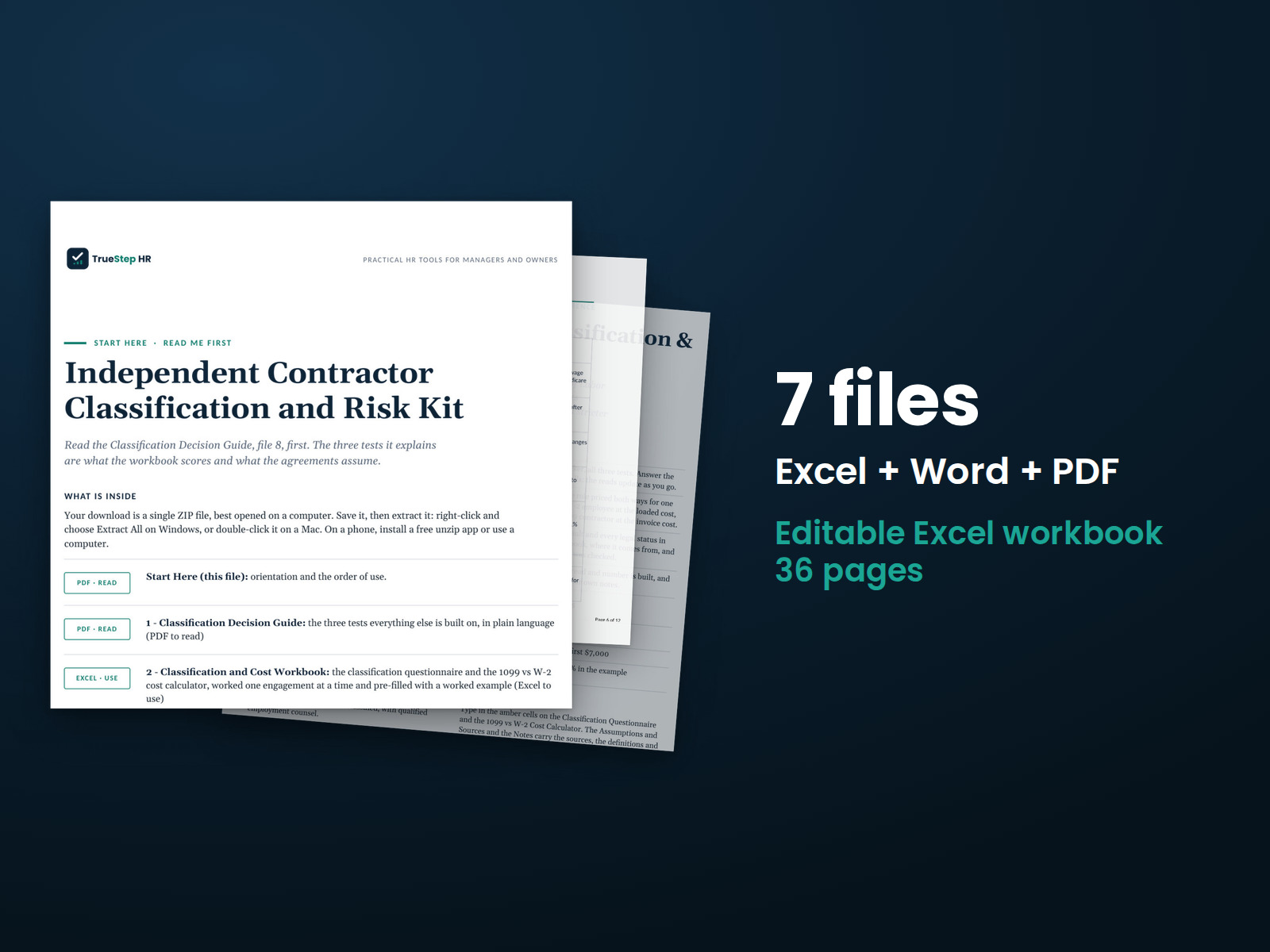
Before engaging a contractor, work through three classification tests for each worker and document the risks. The kit also includes the supporting agreements, with points for counsel review clearly marked.
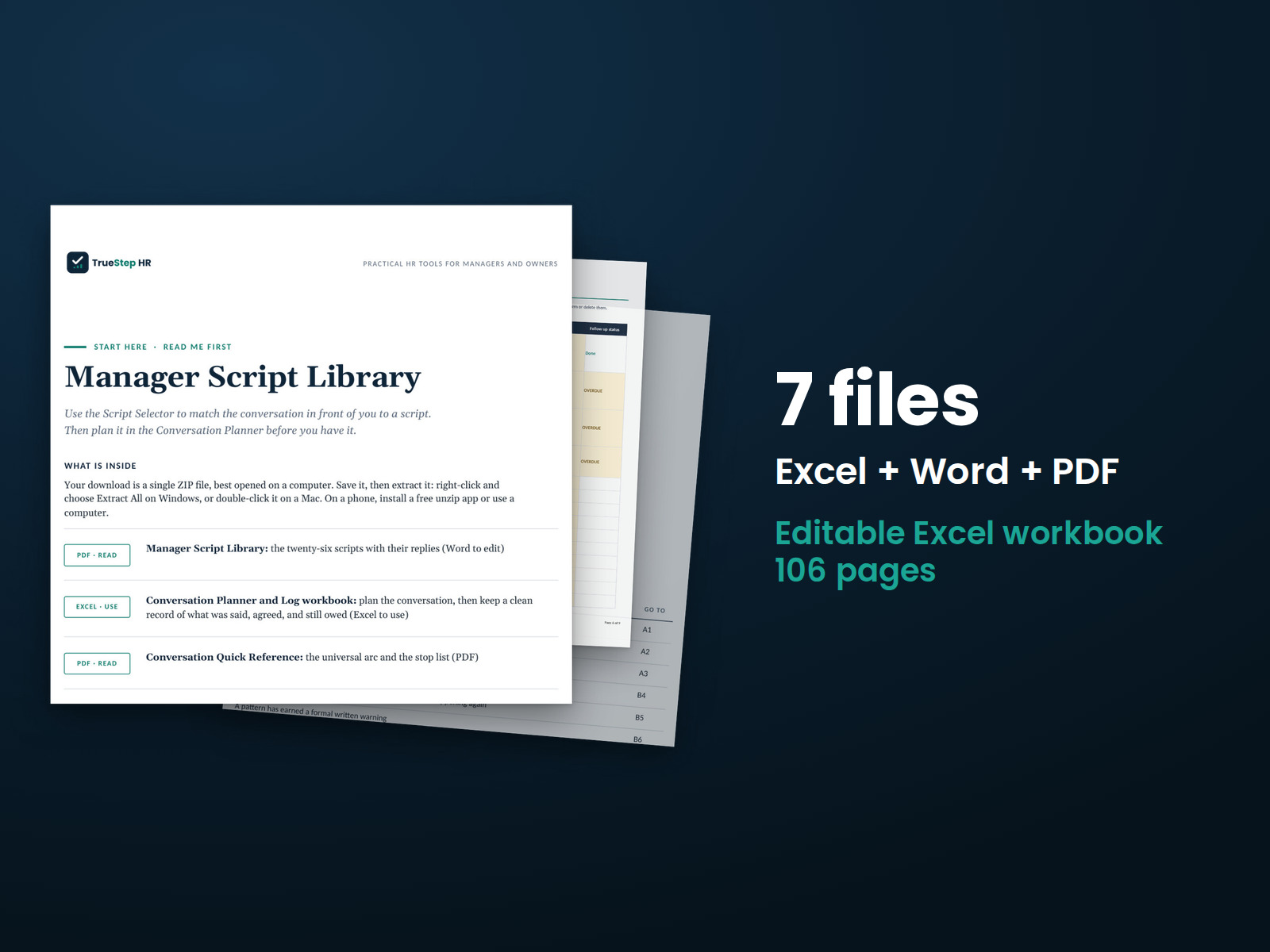
Find the words for twenty-six hard conversations, including replies to what employees may say back. Use the ten-minute planner to prepare for each conversation, then the log to record what happened and flag follow-up.