
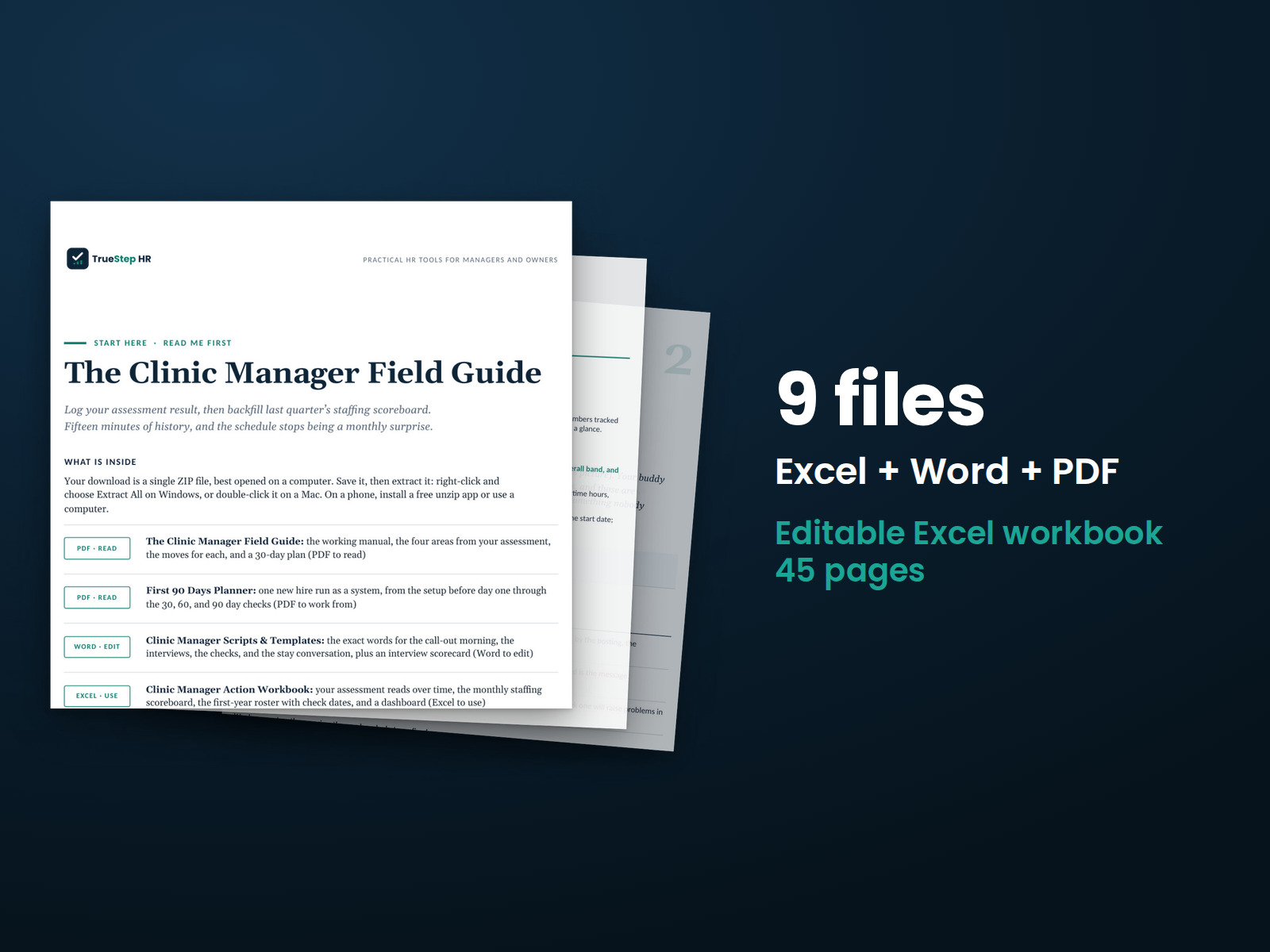
Clinic Manager Field Guide
Plan clinic coverage for call-outs, make thoughtful hiring decisions, and support employees through their first year with the Clinic Manager Field Guide.
HR advisory, assessments, and operating tools for U.S. businesses
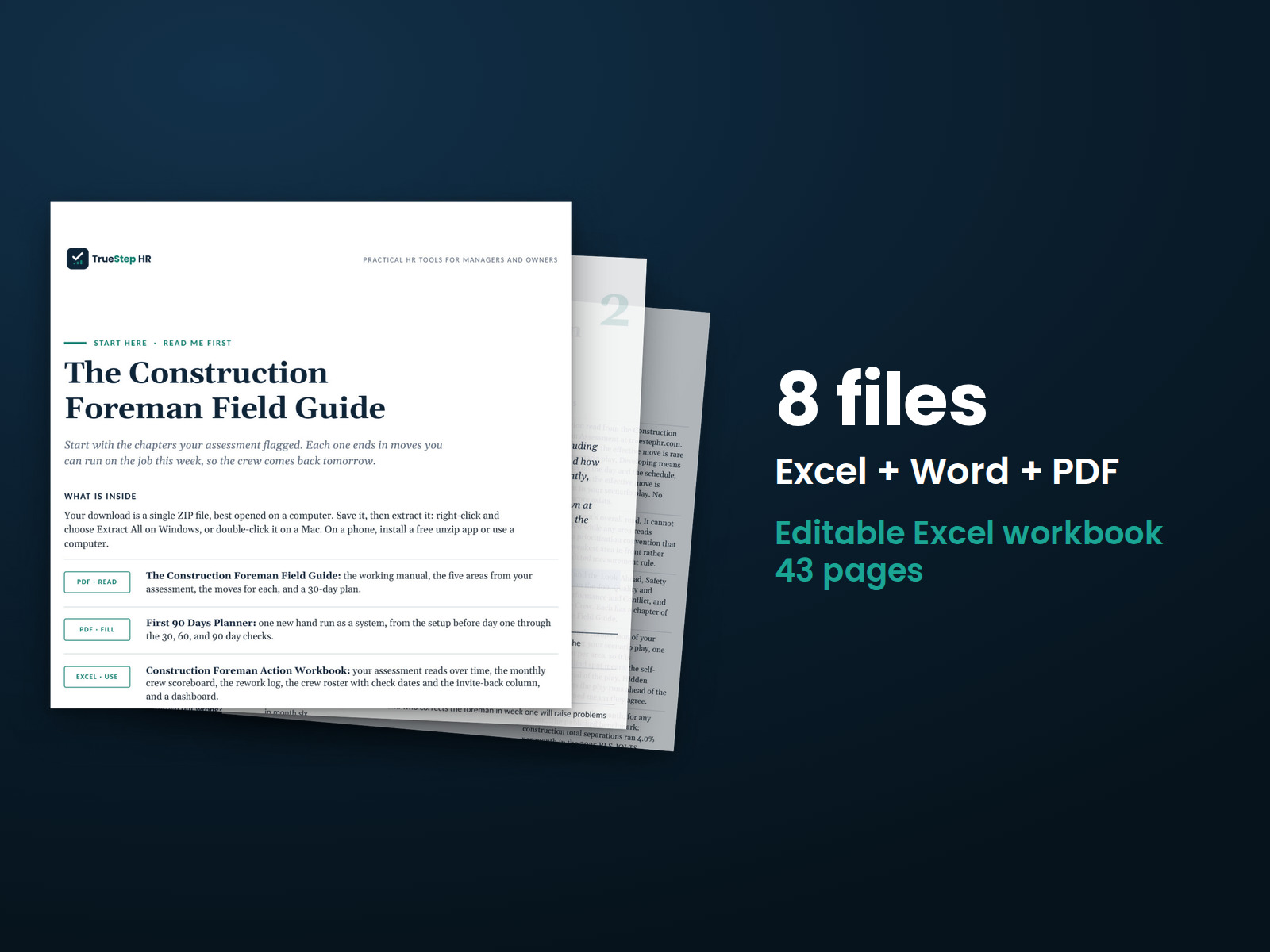
These previews show pages from the files you receive.
Personal development kit
Two people miss the morning start, and concrete is coming at 8:00. This guide helps you plan crew coverage two weeks ahead, prepare for no-shows, and handle the people decisions that keep a job moving.
Start with the free Construction Foreman Assessment. Twenty jobsite situations help you identify which parts of the job deserve your attention first.
$69
Checkout takes place on our store at shop.truestephr.com. Any applicable sales tax appears at checkout before you pay. These files provide general HR information, not legal advice.
Need approval first?
Ready to put your tool to work?
Bring your purchased tool and the situation you are working through. A TrueStep HR practitioner will help you set the inputs, make the first decisions, and identify a practical next step.
See the Setup Session →Where to start
Each chapter ends with practical steps you can use on the job this week to help keep your crew coming back.
What the guide is built on
The Construction Foreman Assessment scores each situation against published evidence and compares the results with your own self-view. The guide covers the five areas it assesses.
Fit
What is inside
Taken from the kit’s own Start Here guide, so what you see here is what you open after checkout.
How to use it
Begin with The Construction Foreman Field Guide, then follow the 4 numbered steps below.
Start with the Field Guide and focus on the areas highlighted by your assessment. Each short chapter ends with practical steps you can take this week.
Record your assessment result in the Workbook and fill in last quarter's crew scoreboard. Set aside fifteen minutes to review the numbers before your next crew planning discussion.
Use the Planner with your next hire or your most recent crew member. Work through it page by page and schedule the checks before day one.
Keep Scripts & Templates handy for the 6:10 no-show morning, stop-work calls, rework conversations, day-30 checks, and stay conversations. The prepared language gives you a starting point for each discussion.

Before you buy
Find details about file formats, delivery, licensing, and refunds.
You receive 6 PDF guides, 1 Word document, and 1 Excel workbook, all named in the What is inside section above. This is a one time purchase, delivered as a download, not a subscription.
Yes. The first image shows the file set, and the second and third show actual pages from the current download.
Yes. You can edit and brand the Word document, fill in the Excel workbook, and read or print the PDF guides for your own internal operations.
For help implementing this tool, book a one hour Setup Session for $149. For broader HR support, advisory begins with a short request and a written scope at truestephr.com/pages/advisory. For legal questions, consult qualified counsel.
Right after payment, your download link appears on the confirmation screen and again in your email receipt. All files arrive as one ZIP. No account is needed.
You can use Word and Excel, LibreOffice on a computer, or Google Docs and Google Sheets in a browser. The alternatives are free. Any PDF reader opens the guides. See download help.
Email support@truestephr.com within 30 days for a full refund. No form or explanation is required. The full terms are in the refund policy.
No. It is general HR information and a working method. It is not written to any one state unless the page says so. Where a decision turns on the law, use qualified counsel. See what we cover, and what we do not.
One license covers the internal HR work of one legal entity. You may edit the files, brand them, and issue them to your employees. Consultants and groups with several entities need the extended license. See the license.
Extend the system
Explore related tools for the same situation, operating method, or industry.
Plan clinic coverage for call-outs, make thoughtful hiring decisions, and support employees through their first year with the Clinic Manager Field Guide.
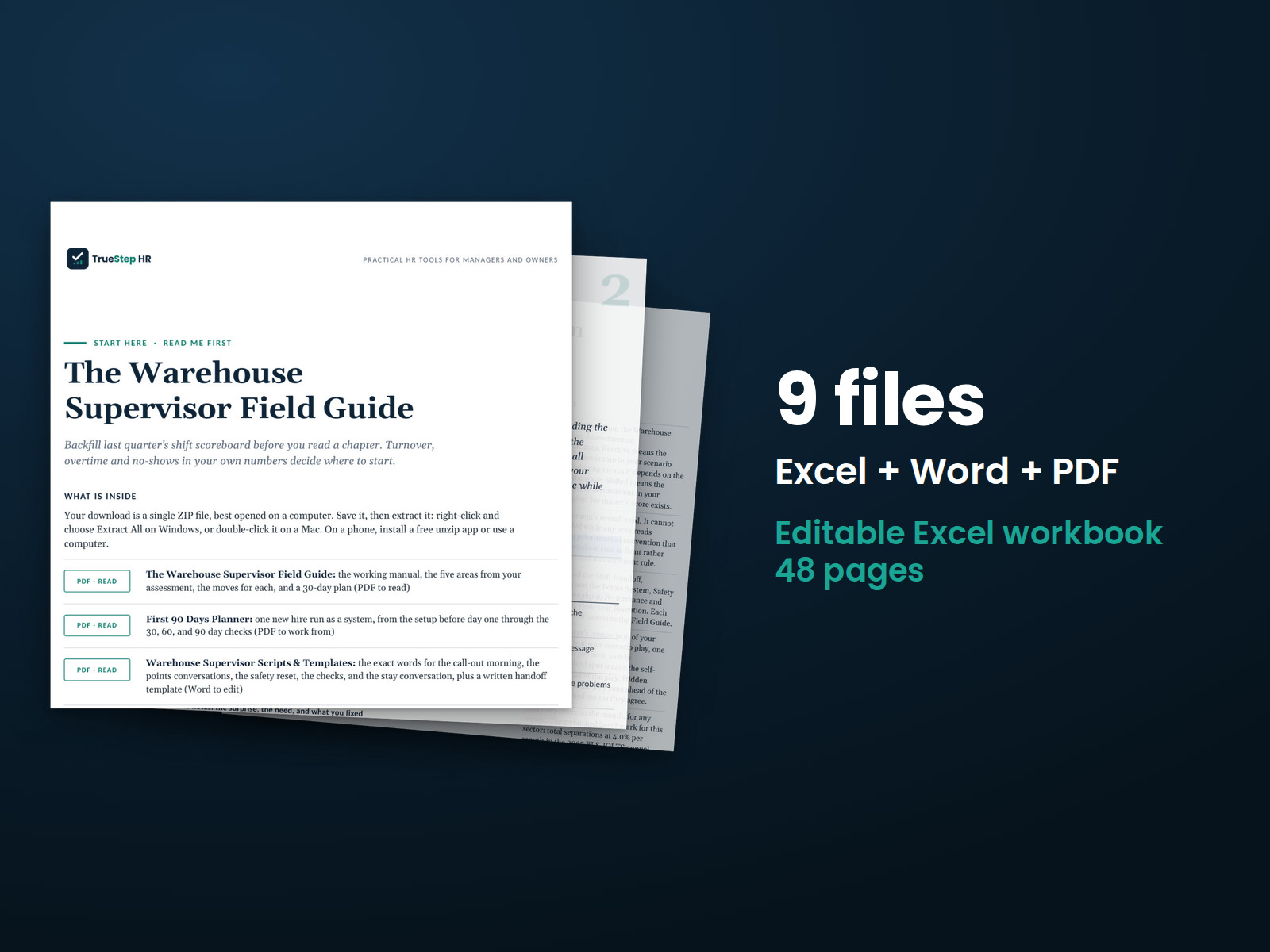
Plan warehouse shifts, prepare for call-outs, and apply attendance points consistently with the Warehouse Supervisor Field Guide.
Your free Dental Practice Manager assessment told you how you tend to manage across six core areas of running a practice.