
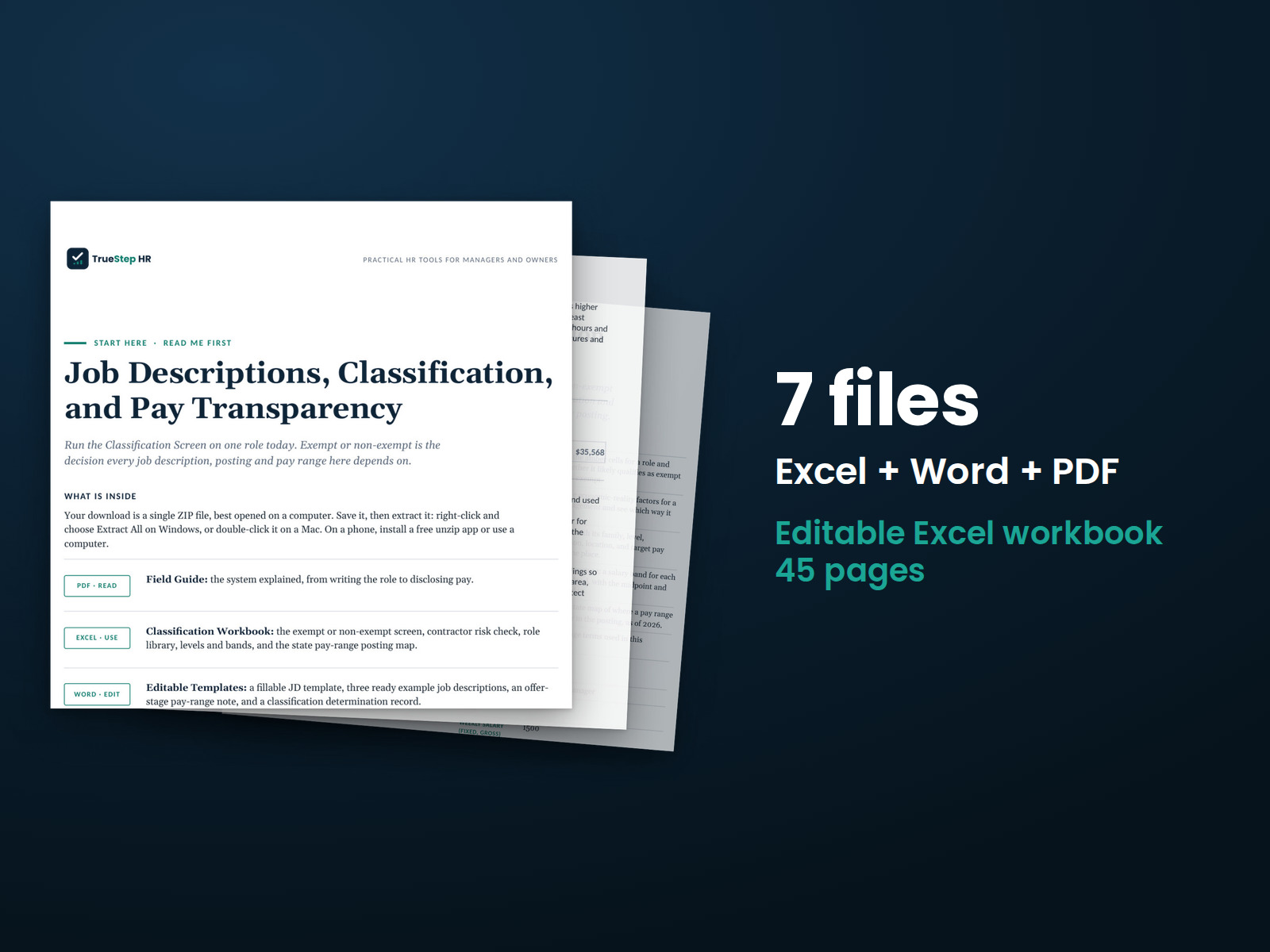
JD Classification and Pay Transparency Kit
Define the role once and use that information for hiring, pay, and postings. Build the job description around essential functions and review exempt or non-exempt classification against the three tests.
HR advisory, assessments, and operating tools for U.S. businesses
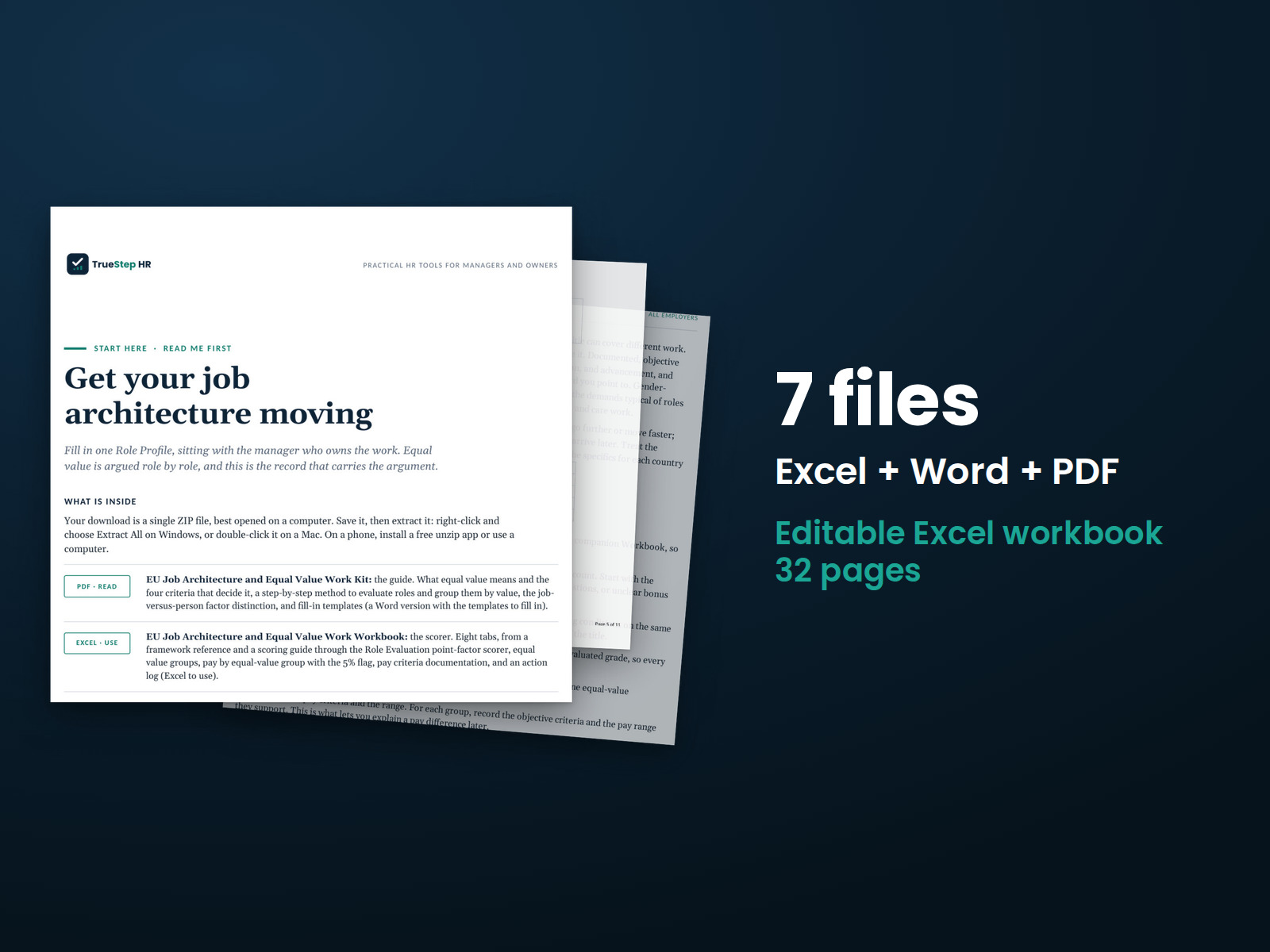
These previews show pages from the files you receive.
EU readiness kit
Build a clear foundation for pay decisions. Use the four objective factors to evaluate each role, identify equal work and work of equal value, and compare pay across the groups. The result is a documented structure you can explain.
Use the free Pay Transparency Readiness Scorecard to review your ranges, job architecture, postings, and internal equity against the jurisdictions you select. It includes seventeen questions.
$99
Checkout takes place on our store at shop.truestephr.com. Any applicable sales tax appears at checkout before you pay. These files provide general HR information, not legal advice.
Need approval first?
Ready to put your tool to work?
Bring your purchased tool and the situation you are working through. A TrueStep HR practitioner will help you set the inputs, make the first decisions, and identify a practical next step.
See the Setup Session →Where to start
The Role Profile gives you a written record of the work behind each role evaluation and the basis for its value.
Fit
What is inside
Taken from the kit’s own Start Here guide, so what you see here is what you open after checkout.
How to use it
Follow these 5 steps to evaluate roles, compare pay, and record your objective criteria on Pay Criteria Documentation.
Begin with the PDF guide. It explains equal value and shows how to build a job structure you can explain.
Fill in a Role Profile for each role, in the editable Word guide, sitting with the managers who own the work.
In the Workbook, set your factor weights on the Scoring Guide. Then score each role on the Role Evaluation tab to determine its grade.
Group roles of equal value on Equal Value Groups, review pay on Pay by Equal-Value Group, and move any 5% flag onto the Action Log.
Record your objective criteria on Pay Criteria Documentation, and use the comparison worksheet and the manager validation questions in the Word guide as you go.

Before you buy
Find details about file formats, delivery, licensing, and refunds.
You receive 5 PDF guides, 1 Word document, and 1 Excel workbook, all named in the What is inside section above. This is a one time purchase, delivered as a download, not a subscription.
Yes. The first image shows the file set, and the second and third show actual pages from the current download.
Yes. You can edit and brand the Word document, fill in the Excel workbook, and read or print the PDF guides for your own internal operations.
For help implementing this tool, book a one hour Setup Session for $149. For broader HR support, advisory begins with a short request and a written scope at truestephr.com/pages/advisory. For legal questions, consult qualified counsel.
Right after payment, your download link appears on the confirmation screen and again in your email receipt. All files arrive as one ZIP. No account is needed.
You can use Word and Excel, LibreOffice on a computer, or Google Docs and Google Sheets in a browser. The alternatives are free. Any PDF reader opens the guides. See download help.
Email support@truestephr.com within 30 days for a full refund. No form or explanation is required. The full terms are in the refund policy.
No. It is general HR information and a working method. Where a decision turns on the law in your country, use qualified local counsel. See what we cover, and what we do not.
One license covers the internal HR work of one legal entity. You may edit the files, brand them, and issue them to your employees. Consultants and groups with several entities need the extended license. See the license.
Extend the system
Explore related tools for the same situation, operating method, or industry.
Define the role once and use that information for hiring, pay, and postings. Build the job description around essential functions and review exempt or non-exempt classification against the three tests.
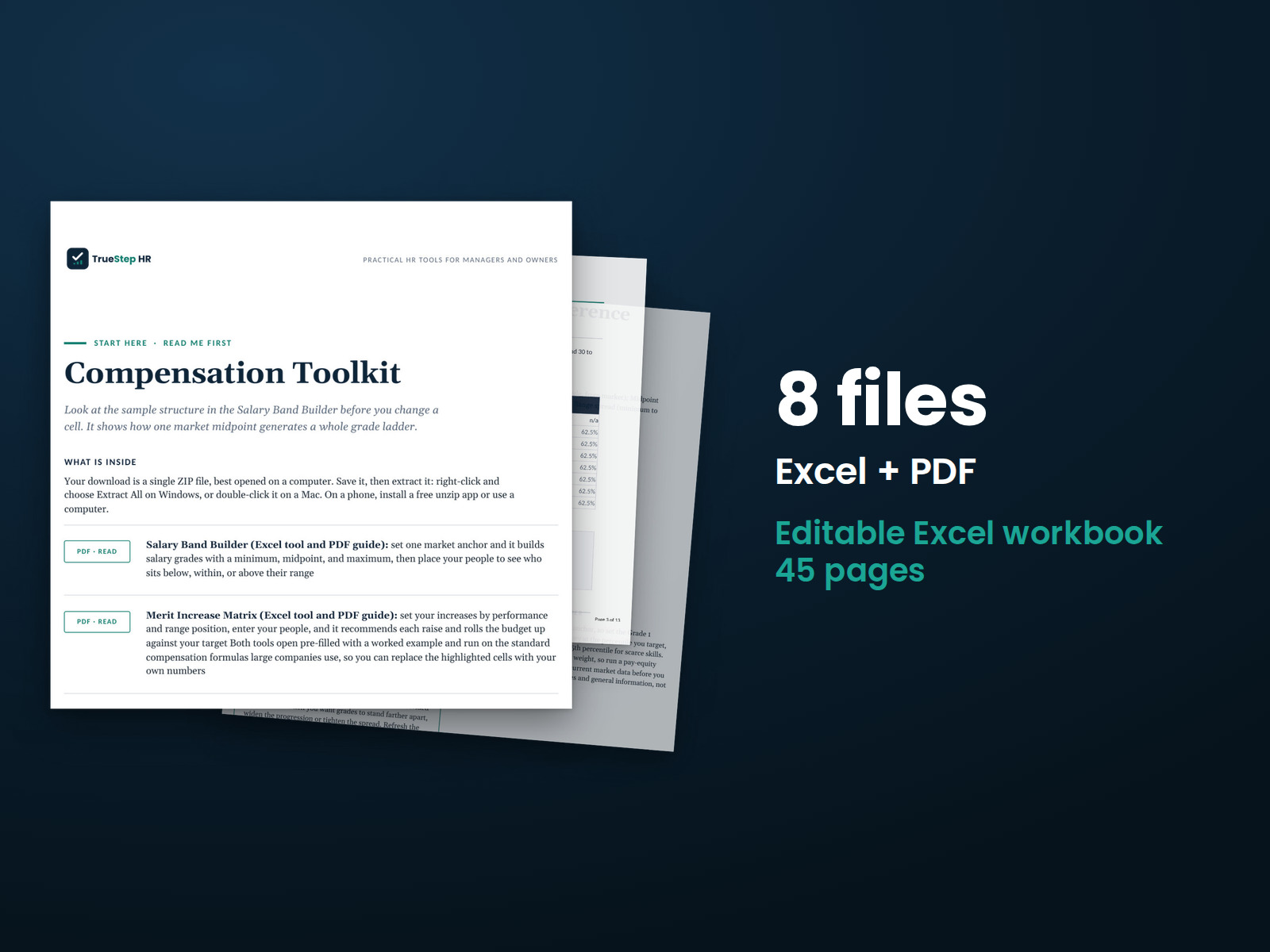
Build a documented pay structure and plan merit increases against your budget using the two tools large companies rely on. Set one market anchor in the Salary Band Builder to generate salary grades and see where employees fall within their ranges.
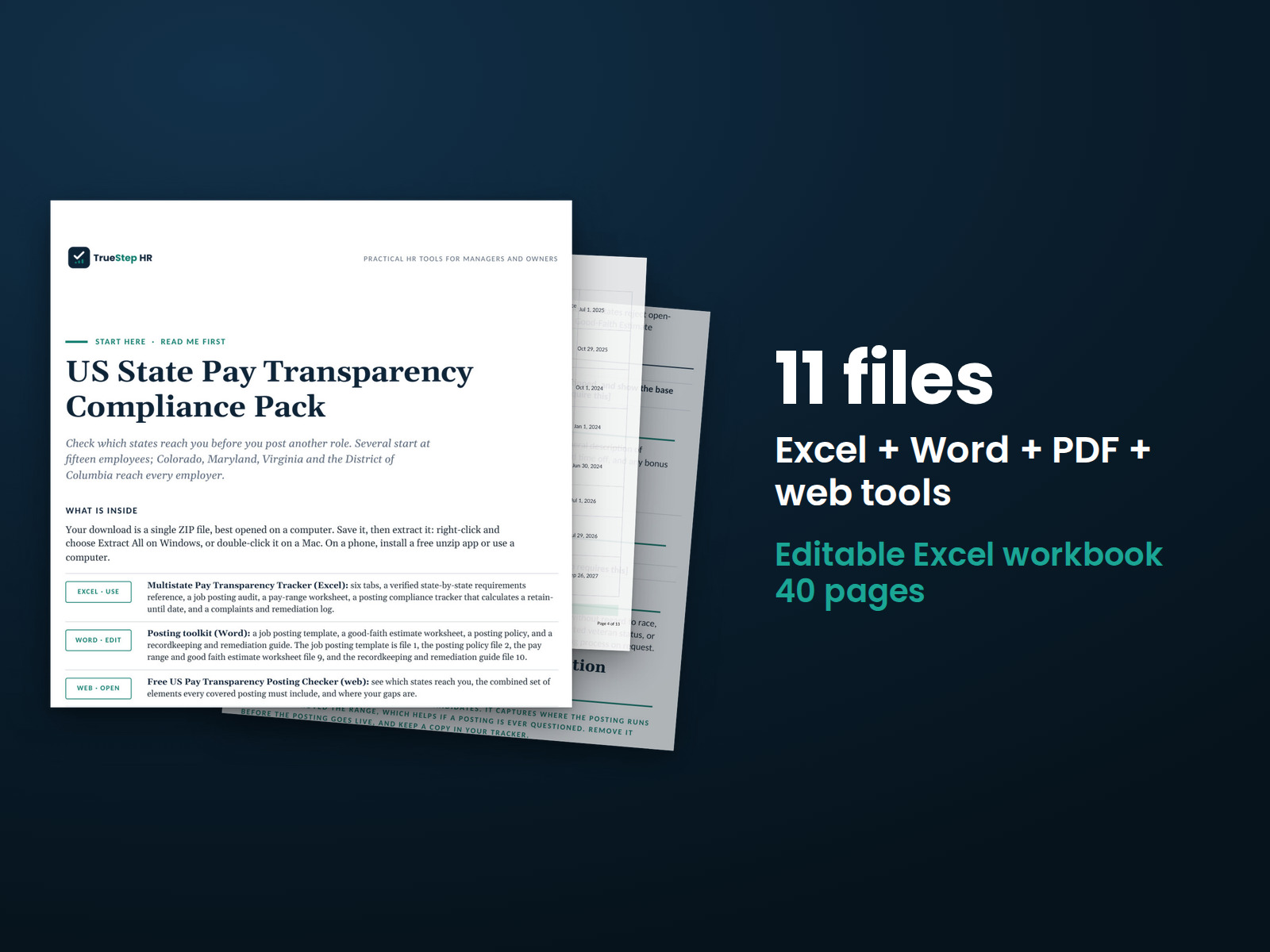
Check each job opening against the state pay-range rules in the pack's dated state list. Document a good-faith range, include the required elements in each state's postings, maintain records, and track complaints in one place.