HR calculator

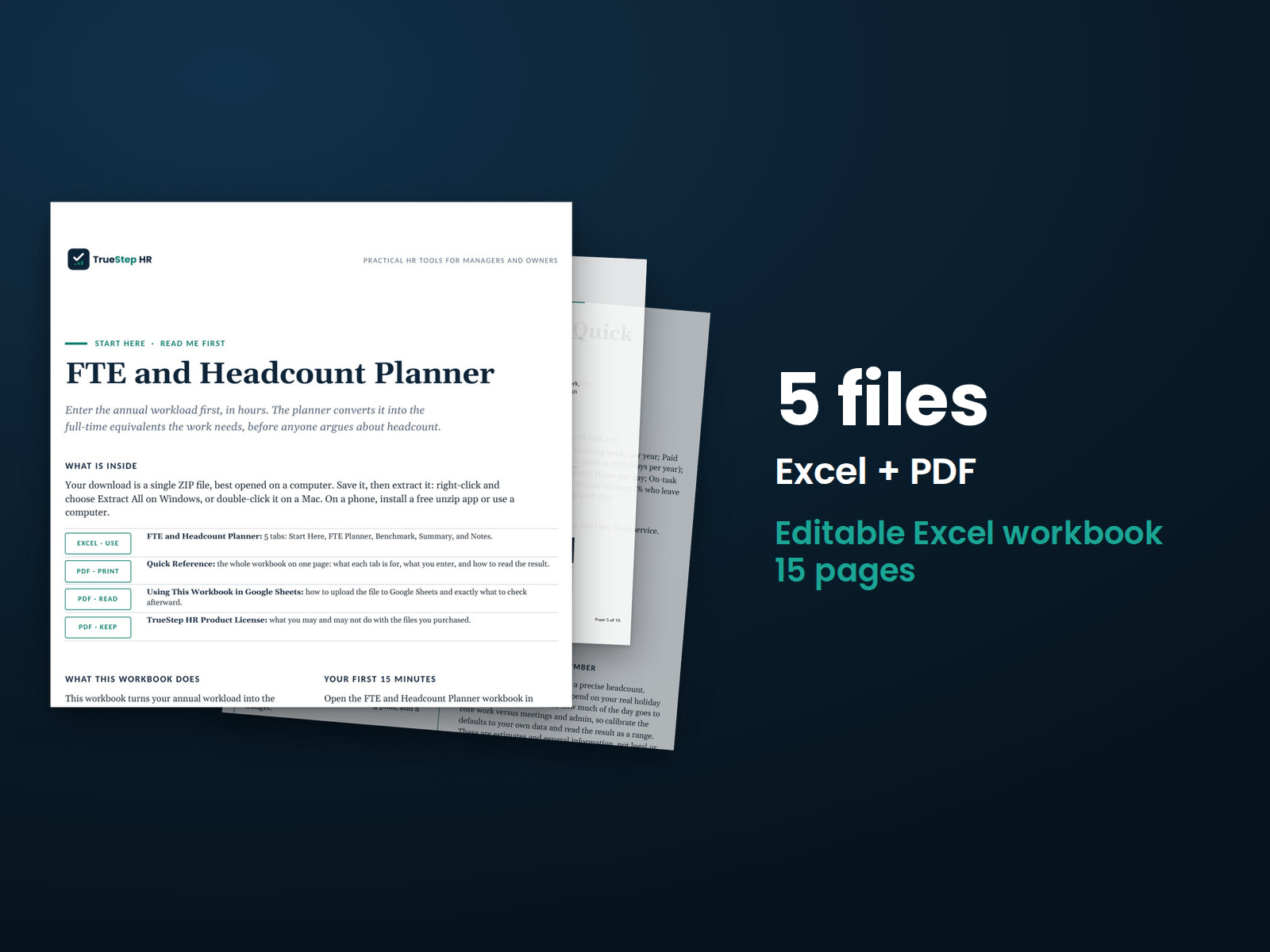
FTE Headcount Planner

Turn each team’s workload into the headcount you need. Enter annual volume and current staff, and the workbook returns required FTE on real productive hours, the staffing gap, and a hiring plan and budget that separate the gap from attrition.

$29USD

One-time purchase, no subscription. Instant download.

Built by expert HR practitioners and leaders

  • Workload turned into headcount, team by team: enter each team’s annual volume and the hours one unit takes, and the workbook returns the FTE that demand requires, so the number rests on the work, not on last year plus a few
  • Capacity on real productive hours: holidays, PTO, sick time, and on-task utilization come out of the 2,080-hour paid year, so a head counts for the hours it delivers, about 1,627 in the worked example, not the full 2,080
  • The staffing gap separated from attrition replacement: the plan shows the gap between the FTE you need and who you have, then adds the hires attrition will churn through, because a team that is short and also turning over has to fill both
  • The plan priced for a budget conversation: set a fully loaded cost per FTE and the Summary returns the cost at current staffing, the cost at full staffing, and the added budget to staff the workload fully
  • Open, editable formulas in Excel or Google Sheets, with a worked example pre-filled and a one-page summary built for a leadership conversation

The workbook computes from the numbers you enter. Your teams, working-time assumptions, current staff, and cost per FTE are yours to set.

One-time purchase Instant download Editable files 14-day guarantee

Planning estimates and general business information, not legal or tax advice. It sizes the headcount a workload requires; the ACA full-time and large-employer counts are a separate compliance test, and the result is a directional figure for planning, never a determination of any individual’s status.

Not the right fit? Take the 60-second match.

Last reviewed June 2026

One-time purchaseNo subscription
Instant downloadFiles you keep
Editable filesExcel, Word, PDF
14-day guaranteeMoney back
Secure checkoutSSL encrypted
What you get

One Excel workbook that turns workload into a headcount plan and a budget

A working model, not a blank grid. You set the working-time assumptions once and list your teams, the workbook returns the FTE each one needs and the hires to get there, and it opens on a worked example so the logic is clear before you change anything.

XLSXExcel + Sheets

FTE Headcount Planner

Set working-time once, hours per week, working weeks, holidays, PTO, sick days, hours per day, and on-task utilization, then list each team with its annual volume, the hours one unit takes, and current staff. The workbook builds productive hours per FTE, then returns required FTE, the staffing gap, and the hires needed, team by team with a running total.

XLSXBuilt in

A board-ready summary, sourced benchmarks, and the method in plain English

A one-page Summary rounds the requirement to whole people, splits the open staffing gap from attrition replacement, and prices the plan at current and full staffing. A Benchmark tab holds working-time and turnover figures from BLS and the IRS, and the Notes tab documents how each number is built.

How it works

Three steps from workload to a headcount plan you can defend

You set the working-time assumptions, list the teams, and the workbook returns the FTE the work requires, the gap against current staff, and the hires to close it.

STEP 01

Set the working-time assumptions

Fill the amber cells for hours per week, working weeks, holidays, PTO, sick days, hours per day, and on-task utilization. These build productive hours per FTE, the hours a head delivers after time off and the share of the day spent on core work, about 1,627 in the worked example. Set attrition and any demand growth here too.

STEP 02

List your teams

Enter each team with its annual volume, the hours one unit of that work takes, and current staff. Annual demand and required FTE calculate on the right, and a row with a blank team is ignored, so you can model three teams or a dozen.

STEP 03

Read the plan and the budget

The Summary rounds the requirement to whole people, separates the open staffing gap from the hiring that attrition drives, and prices the plan. Set a fully loaded cost per FTE to see the cost at current staffing, at full staffing, and the added budget to staff fully.

The standard

Paid hours are not capacity and the gap is not the whole hire

Two shortcuts get headcount wrong. The first plans on the 2,080-hour paid year, as if a head delivered every paid hour. The second sizes the gap between need and headcount and stops there. Real capacity is the productive hours left after time off and meetings, and the real hire adds the seats attrition keeps emptying.

A full-time year is the standard 2,080 paid hours, 40 a week across 52 weeks, but that is not capacity. After holidays, PTO, sick time, and the share of the day lost to meetings and admin, the worked example leaves about 1,627 productive hours per FTE. Turnover then keeps opening seats, with BLS putting the voluntary quit rate near 1.9 percent a month in early 2026, which is why this workbook sizes headcount on productive hours and counts attrition replacement on top of the staffing gap.
Productive hours are the divisor. Gross paid hours, 2,080 at 40 by 52, minus holidays, PTO, and sick time give available hours; on-task utilization then takes out the share of the day spent in meetings, training, and admin. What is left, well short of the paid total, is what one head delivers against the work.
The gap and the replacement are two different hires. The staffing gap is the FTE a workload needs against who you have today. Attrition replacement is the hiring turnover forces regardless of the gap. A team that is short and also losing people has to do both, so total hires run above the net gap.
Teams, not one blended ratio. A single company-wide ratio hides which teams are short and which are carrying slack. Sizing each team on its own demand and current staff shows where to add people first and where a gap closes on its own.
Is this for you

Who this planner fits and where to go if that is not you

It sizes the headcount a workload requires across teams and turns it into a hiring plan and budget. For coverage on a daily shift, or for the choice between overtime and one more hire on a known gap, the right tool is next to it.

Built for

  • An HR or talent leader building a headcount plan for the year who needs to show the work behind each number before taking it to finance.
  • A finance or operations partner pressure-testing a hiring request, who wants required FTE tied to workload and a budget at current versus full staffing.
  • An owner or department head who senses a team is stretched and wants a defensible headcount figure rather than a running argument about being short.

If you are looking for

  • Staffing a daily or shift schedule, where coverage needs a relief factor for breaks, time off, and absence. The Shift Staffing Planner sizes that.
  • Deciding whether to cover one known gap with overtime or a new hire. The Overtime vs New Hire Planner runs that trade-off.
Questions

Before you buy

What format is it and can I edit it?
It is one Excel workbook that also works in Google Sheets. Every input and formula is editable, and the file is yours to keep. Add teams by inserting rows inside the table, and duplicate the file to plan a division on its own or to rerun the numbers later in the year.
There is a free version of this. Why pay for this one?
The free tool sizes one team in the browser and resets when you close the tab. This workbook plans every team in one place, not one at a time, and it adds the budget the free tool stops short of: a fully loaded cost per FTE turned into the cost at current staffing, the cost at full staffing, and the added spend to staff the work fully. It is also a file you keep, with open formulas, so you can set the assumptions to your own operation, rerun it as demand moves, and hand the one-page Summary to leadership.
How accurate is the result?
It is a planning estimate, and the working-time assumptions drive it. Productive hours per FTE depend on the time off and on-task utilization you enter, and required FTE follows from the workload you list. Set the assumptions to your operation, keep the annual volumes honest, and treat the output as a directional figure for sizing headcount. The math is correct for the inputs.
How do I estimate annual volume and hours per unit?
Use whatever unit a team measures its work in: tickets, orders, cases, accounts, or hours of demand. Annual volume is how many units the team handles in a year, and hours per unit is the average time one takes, which a sample of recent work or a team lead can give you. If a team has no countable unit, enter its demand directly in hours and set hours per unit to one.
What is the refund policy?
Digital products are covered by a 14-day money-back guarantee. See the refund policy for the full terms.
What happens after I buy?
Checkout delivers an instant download link, and a receipt with the same link arrives by email. Open the workbook in Excel or Google Sheets, set the working-time assumptions, and list your teams. If a file gives you trouble, email support@truestephr.com.
Can I expense this purchase to my business?

Most customers buy TrueStep HR tools for business use, and a tool you use for work often qualifies as a deductible business expense. Whether it does for you depends on your situation, so confirm with your accountant or tax professional. Your receipt arrives by email at checkout and works as documentation.

Free guide

The 6 red flags to check before you discipline or fire someone

A five-minute screen that catches the most common and most expensive people-decision mistakes before they happen. Free PDF, sent to your inbox. Unsubscribe anytime.

Get the calculator

Turn workload into a headcount plan

Required FTE on real productive hours, the gap against current staff, and a budget you can take to finance, in a file you keep.

$29
One-time purchase, no subscription

Planning estimates and general business information, not legal or tax advice. Last reviewed June 2026.