HR calculator

Vacancy Cost Calculator

See what open roles cost you in a year, and what you save by filling them faster or keeping people longer. Enter your headcount, turnover, and time to fill, and the workbook returns the annual vacancy cost, the average seats empty, and the saving from each lever.

$24USD

One-time purchase, no subscription. Instant download.

Built by expert HR practitioners and leaders

  • The yearly cost of open roles in an open model: headcount, turnover, and time to fill turned into an annual vacancy cost, the average seats empty at any moment, and the share of payroll it represents, with every formula visible and editable in Excel or Google Sheets
  • Two savings levers, costed: what you save by filling roles faster and by lowering turnover, each on its own and the two together, so you can size a recruiting or retention investment against what it returns
  • An adjustable cost-of-vacancy factor: the one assumption that moves the result most, set to your situation, full daily loaded pay for a typical role and higher for revenue or hard-to-cover seats
  • A board-ready summary and sourced benchmarks: a one-page Summary for a leadership conversation, and a Benchmark tab with turnover, time-to-fill, and cost-of-vacancy figures cited to SHRM, BLS, Mercer, and Gallup
  • A working file you keep: a pre-filled worked example, your numbers saved, and the method documented in plain English, not a one-time screen

The workbook computes from the numbers you enter. Your headcount, turnover, time to fill, and the cost-of-vacancy factor are yours to set.

One-time purchase Instant download Editable files 14-day guarantee

Planning estimates and general business information, not legal or tax advice. The result rests most on the cost-of-vacancy factor, how much of an open seat’s value the team loses rather than absorbs, so set it to your situation and treat the figure as a way to size the cost of open roles, not a precise ledger entry.

Not the right fit? Take the 60-second match.

Last reviewed June 2026

One-time purchaseNo subscription
Instant downloadFiles you keep
Editable filesExcel, Word, PDF
14-day guaranteeMoney back
Secure checkoutSSL encrypted
What you get

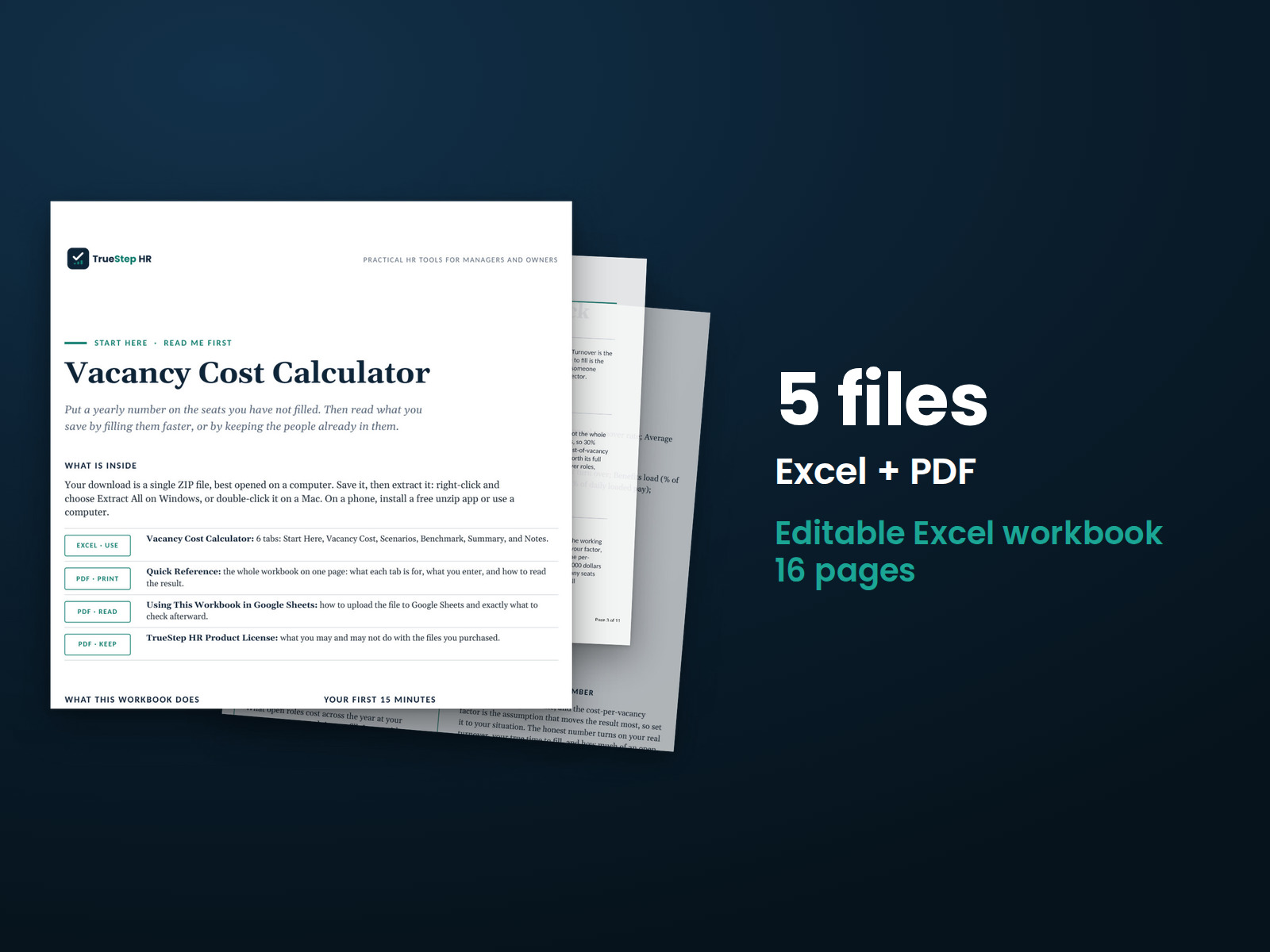
One Excel workbook that turns headcount, turnover, and time to fill into the yearly cost of open roles

A working model, not a blank sheet. You enter your workforce and cost assumptions, the workbook returns the annual vacancy cost and what each lever saves, and it opens on a worked example so the logic is clear before you change anything.

XLSXExcel + Sheets

Vacancy Cost Calculator

Enter your headcount, annual turnover rate, and average time to fill, then set the salary and benefits load for the roles that turn over and the cost-of-vacancy factor. The workbook returns the daily loaded pay, the cost of one open role across a full time to fill, the monthly run rate, the average seats empty at any moment, the annual vacancy cost, and the share of payroll it represents.

XLSXBuilt in

Two savings levers, a board-ready summary, sourced benchmarks, and the method in plain English

A Scenarios tab puts a number on filling faster and on lowering turnover, each alone and the two together. A one-page Summary carries the annual cost and the headline figures for a leadership conversation, a Benchmark tab holds turnover, time-to-fill, and cost-of-vacancy figures from SHRM, BLS, Mercer, and Gallup, and the Notes tab documents how each number is built.

How it works

Three steps from headcount and turnover to the cost of open roles

You enter your workforce, read the annual cost, and test the two levers. The workbook does the rest.

STEP 01

Enter your workforce and cost assumptions

Fill the amber cells: headcount, annual turnover rate, average time to fill, the average salary and benefits load for the roles that turn over, the cost-of-vacancy factor, and working days per year. The worked example runs 50 positions at 18 percent turnover and a 44-day time to fill, change it to your own numbers.

STEP 02

Read the annual cost

The workbook spreads loaded pay over the working year, scales it by your factor across a full time to fill for the cost of one open role, and multiplies by the roles that open across the year for the annual vacancy cost, with the average seats empty and the share of payroll alongside.

STEP 03

Test the two levers

The Scenarios tab shows what you save by filling faster and by lowering turnover, each on its own and together. Use the saving to size a recruiting or retention investment: if a change costs less than it saves here, the numbers support it. The Summary rolls it up for a leadership conversation.

The standard

Open roles get counted as a gap to fill, not as a cost that runs every day

Two habits get vacancy cost wrong. The first treats an open role as a temporary gap and a saved salary, missing the output and overtime it drains while it sits empty. The second prices a single open seat once and forgets that vacancies are recurring, so a share of the workforce is empty at any given moment all year. A model that runs the cost across the year, and lets you set how much of a seat the team loses, gives a figure a finance partner will accept.

An open role drains output and payroll every day it sits empty, and by SHRM’s figures a typical vacancy runs $4,000 to $9,000 a month in lost output, overtime, and delays. The cost adds up quietly because open roles are recurring, not a one-time event: at an average time to fill near 44 days, a share of the workforce is empty at any given moment. The number that moves the result most is how much of an open seat’s value the team loses rather than absorbs, so the honest figure rests on setting that factor to the role, not on the headline alone.
Open roles are a recurring cost, not a one-time event. At a given headcount, turnover, and time to fill, a share of the workforce is empty at any moment, about 1.5 seats in the worked example, and the yearly drag is the cost of one open seat across its time to fill multiplied by how many open across the year, $118,800 in the example, near 4 percent of payroll.
The cost-of-vacancy factor is the judgment call, and it moves the result most. At 100 percent a seat costs its full daily loaded pay, about $300 a day in the worked example, which suits a typical salaried role. Raise it for revenue-generating or hard-to-cover roles where an empty seat costs more than the salary saved, and lower it for roles the team can absorb. Set it to the role, not the average.
The combined saving is larger than either lever alone, but not the sum of the two. Filling faster cuts the cost per open seat; lowering turnover cuts how many open. Because the two overlap, hitting both targets at once saves more than either by itself, $60,300 in the worked example, but less than adding the two together, since the same empty-seat dollar cannot be saved twice.
Is this for you

Who this calculator fits and where to go if that is not you

It puts a yearly number on open roles, what they drain and what each lever saves, with a board-ready summary. For the full cost of a departure, the value lost on one specific open role, or the recruiting spend to fill it, the right tool is next to it.

Built for

  • An HR or talent leader building the case for a recruiting or retention investment who wants the yearly cost of open roles, not a saved-salary line.
  • A finance or operations partner who wants vacancies costed across the year, with the cost-of-vacancy factor set to the role and the saving from each lever sized.
  • An owner or manager carrying open seats who wants to see what they drain and what filling faster or keeping people longer would save.

If you are looking for

  • The full all-in cost of one person leaving and being replaced, recruiting, ramp, and lost productivity, not the value lost while the seat is empty. The Cost of Turnover Calculator covers that.
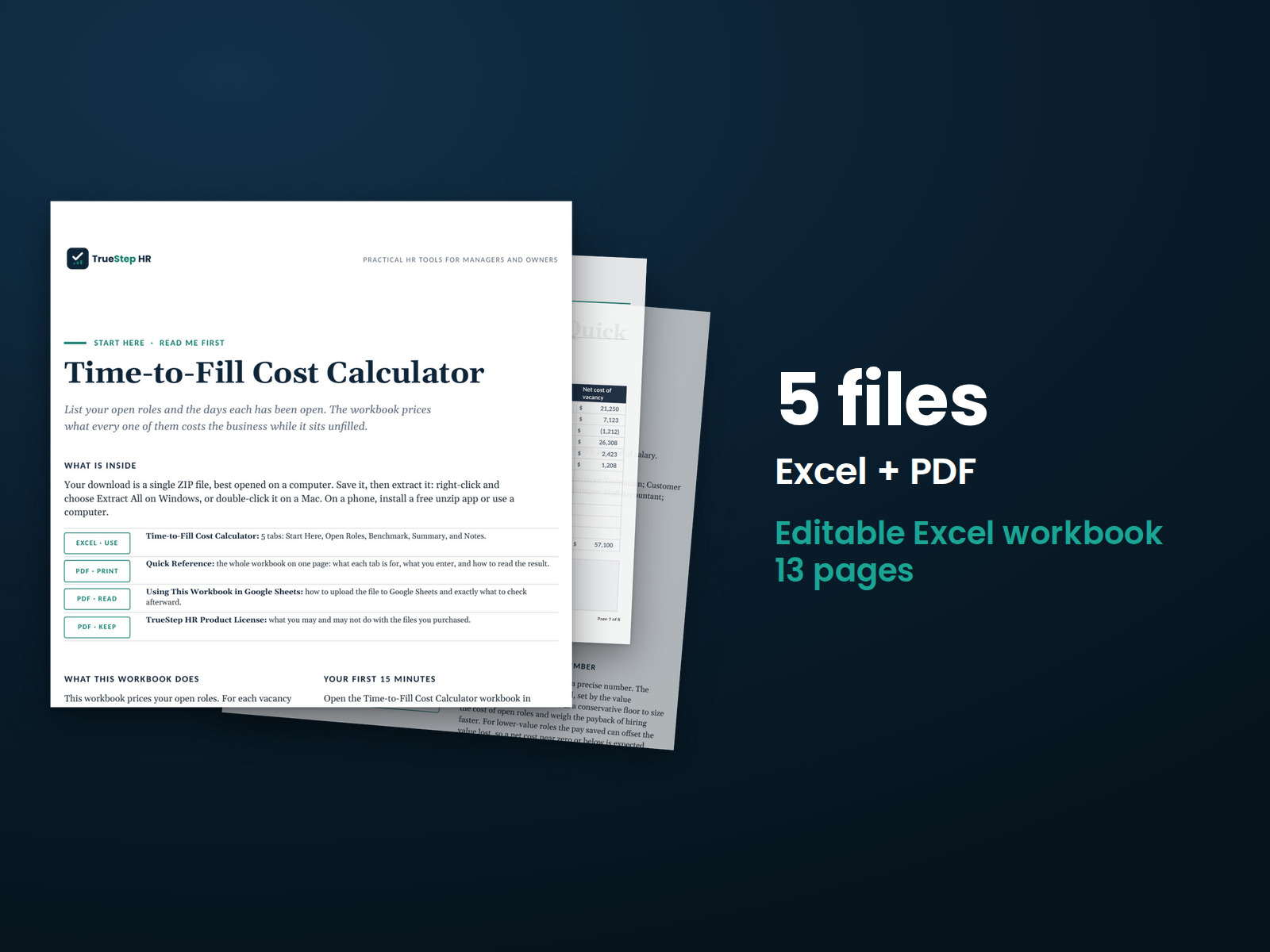
  • Pricing each specific open role by its own days open and value, role by role, rather than a workforce-level annual figure. The Time-to-Fill Cost Calculator does that.
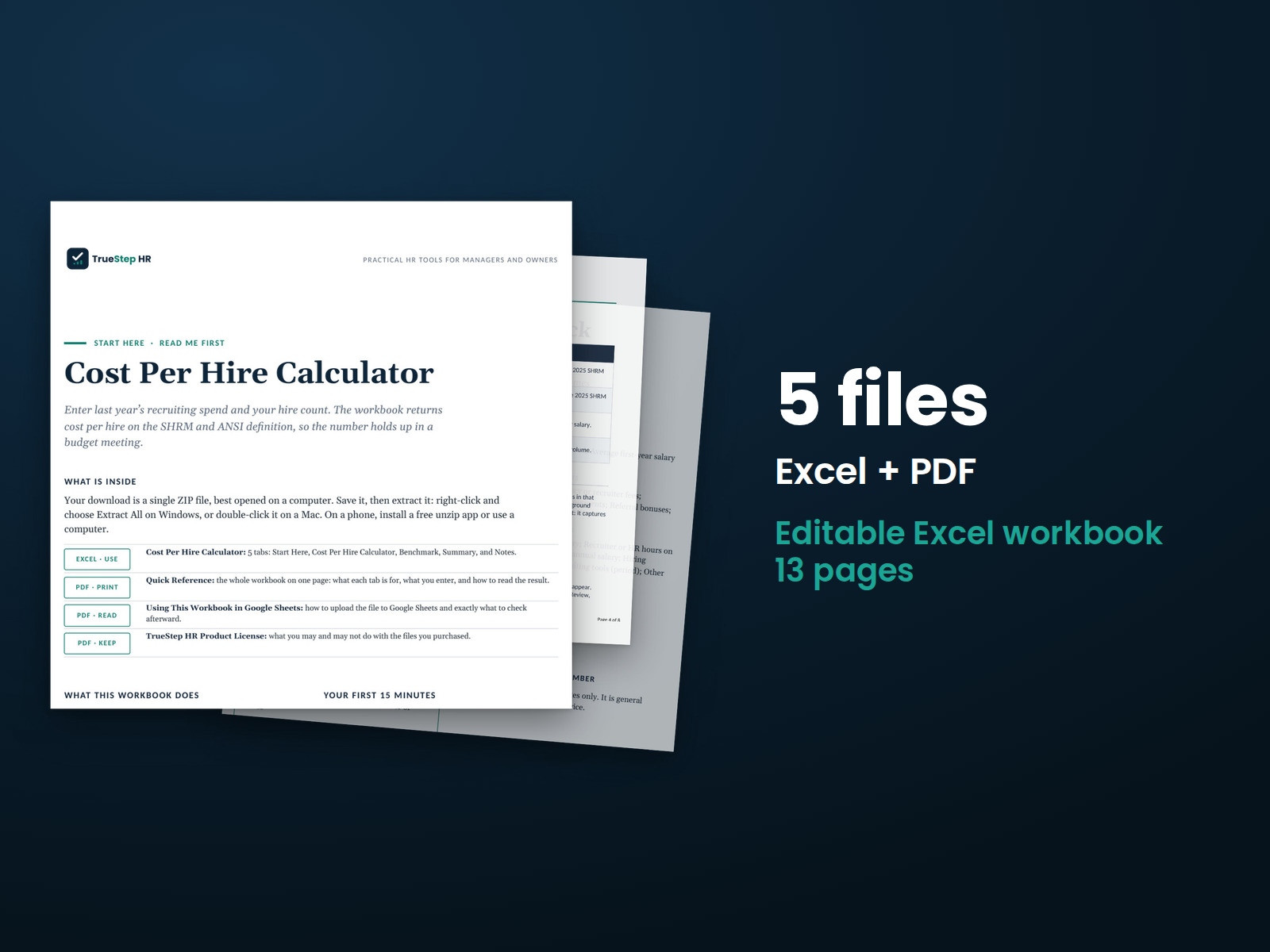
  • The recruiting spend to fill a role, the ads, agency fees, and staff time. The Cost Per Hire Calculator sizes it.
Questions

Before you buy

What format is it and can I edit it?
It is one Excel workbook that also works in Google Sheets. Every input and formula is editable, and the file is yours to keep. Change any assumption, adjust the cost-of-vacancy factor, add notes, and duplicate the file to rerun the numbers as your workforce changes.
How accurate is the result?
The structure is solid arithmetic: loaded pay spread over the working year, scaled across the time to fill, and multiplied by the roles that open. The figure rests most on the cost-of-vacancy factor, how much of an open seat’s value the team loses rather than absorbs, so set it to the role. Every figure foots to your inputs, and the Benchmark tab gives turnover, time-to-fill, and cost-of-vacancy ranges to sense-check the assumptions. The math is correct for the numbers you give it.
How is this different from the free calculator?
The free calculator gives you a quick annual vacancy cost on screen. The workbook is for when you need to keep and work that number. You own the file in Excel and Google Sheets, so your numbers stay saved and every formula is open to edit and audit. It adds a Scenarios tab that puts a number on filling faster and on lowering turnover, each alone and together, a one-page summary built for a board or finance review, and a Benchmark tab with turnover, time-to-fill, and cost-of-vacancy figures cited to SHRM, BLS, Mercer, and Gallup. The free tool answers what open roles cost; the workbook is the model you use to size what fixing them is worth.
How do I set the cost-of-vacancy factor?
It is the share of a seat’s daily loaded pay that the open role costs you. Start at 100 percent, which treats a seat as worth its full daily loaded pay and suits a typical salaried role. Raise it above 100 percent for revenue-generating or hard-to-cover roles, where an empty seat costs more than the salary saved, and lower it for roles the rest of the team can absorb for a while. The SHRM range of $4,000 to $9,000 a month for a typical open role is a useful check: the midpoint is roughly a typical role’s daily loaded pay across a month.
What is the refund policy?
Digital products are covered by a 14-day money-back guarantee. See the refund policy for the full terms.
What happens after I buy?
Checkout delivers an instant download link, and a receipt with the same link arrives by email. Open the workbook in Excel or Google Sheets, enter your workforce, and read the cost. If a file gives you trouble, email support@truestephr.com.
Can I expense this purchase to my business?

Most customers buy TrueStep HR tools for business use, and a tool you use for work often qualifies as a deductible business expense. Whether it does for you depends on your situation, so confirm with your accountant or tax professional. Your receipt arrives by email at checkout and works as documentation.

Free guide

The 6 red flags to check before you discipline or fire someone

A five-minute screen that catches the most common and most expensive people-decision mistakes before they happen. Free PDF, sent to your inbox. Unsubscribe anytime.

Get the calculator

Put a number on the open roles, not a saved salary

Enter your headcount, turnover, and time to fill, and the workbook returns the annual vacancy cost and what filling faster or lowering turnover would save, in a file you keep.

$24
One-time purchase, no subscription

Planning estimates and general business information, not legal or tax advice. Last reviewed June 2026.