
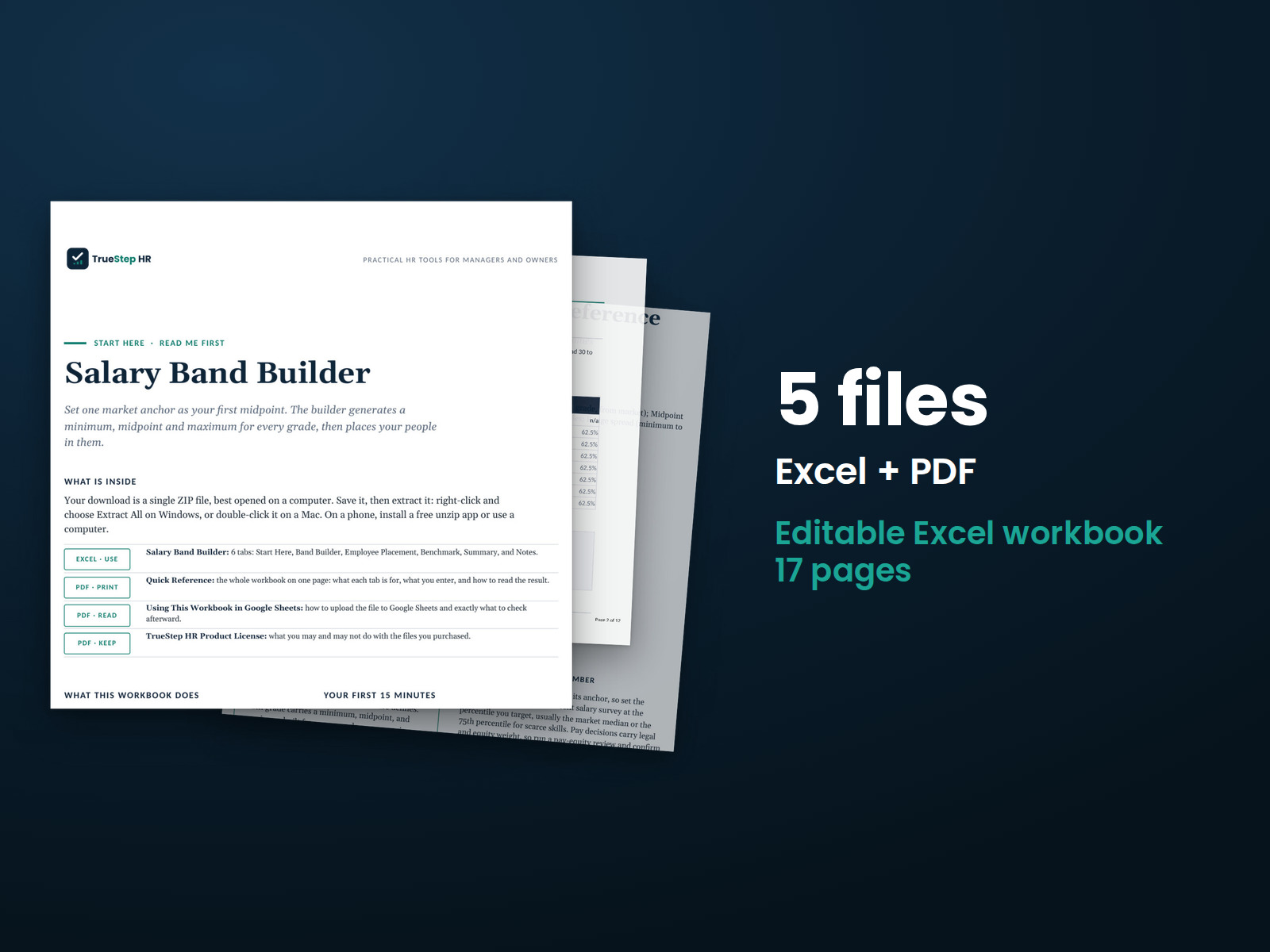
Salary Band Builder
Turn market pay data into a working salary structure. Set one anchor, a progression, and a spread. The workbook builds every grade’s minimum, midpoint, and maximum, then shows where each of your people sits against their range.
HR tools built by a senior HR executive · United States
Previews are taken from the deliverable itself.
HR calculator
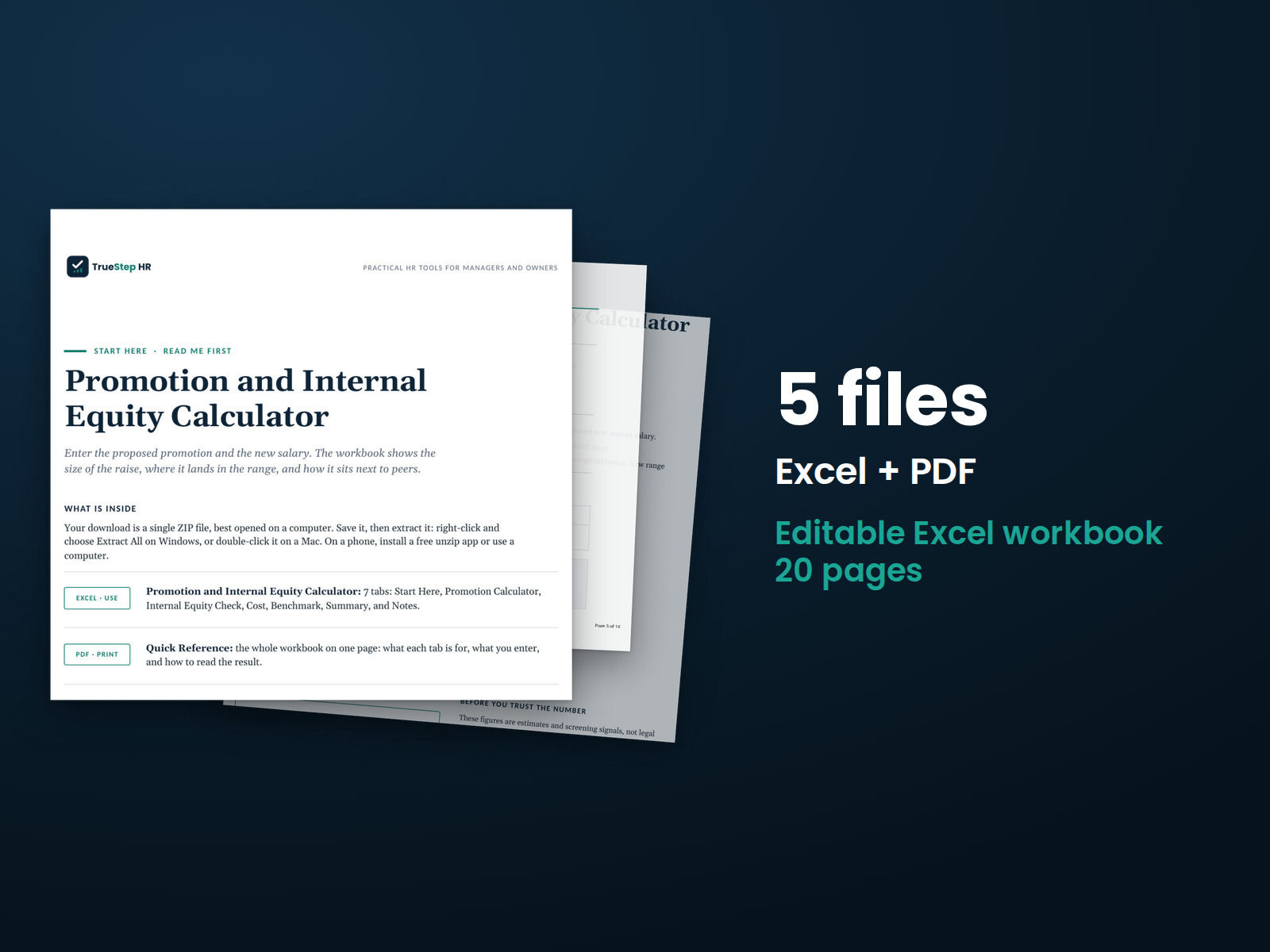
Pressure-test one promotion before you commit to it. Enter the current salary, the new grade and its range, the proposed pay, and what peers already earn, and the workbook shows the size of the raise, where it lands in the new range, how it compares to peers, and what it costs in the first year.
$29
Digital products carry a 30-day money-back guarantee. General HR information, not legal advice.
Need it working, not sitting in Downloads?
Bring the purchased tool and your live situation. A TrueStep HR practitioner helps you set the inputs, make the first decisions, and leave with a usable next step.
See the Setup Session →What this closes
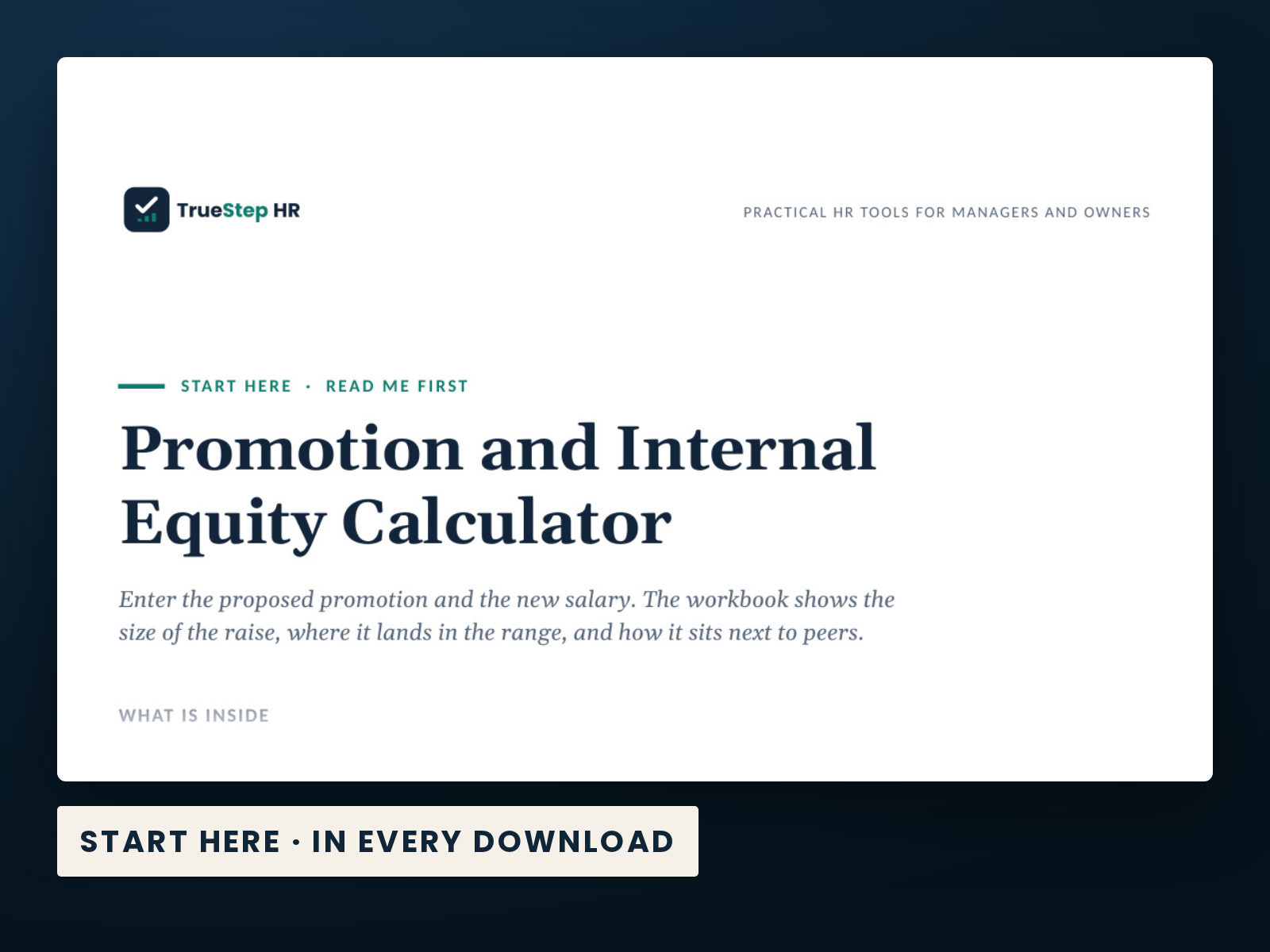
Enter the proposed promotion and the new salary. The workbook shows the size of the raise, where it lands in the range, and how it sits next to peers.
What is inside
Taken from the kit’s own Start Here guide, so what you see here is what you open after checkout.
Also in the download: Promotion Internal Equity Calculator (Excel, file 5). Every file is in the same folder, named with the number shown here so the steps below point straight at it.
How to use it
This workbook checks a single proposed promotion before you commit to it. You enter the current and proposed salary and the pay range for the new role, and it shows the size of the increase, the new compa-ratio, and where the salary lands in the range. The Internal Equity Check compares the new salary to peers already in that role and tests for compression with the next level up. The Cost tab adds the loaded first-year cost, and the Benchmark tab shows what promotion increases and pay placement typically look like.
Before you buy
The point of a product page is to let you judge the work before checkout.
4 PDF guides, 1 Excel workbook, each one named in the What is inside section above. The purchase is a download, not a subscription, and the files are yours to keep.
Yes. The preview images on this page are taken from the current deliverable, so you can judge the structure and writing before buying.
The files are designed to be edited for your own internal operations. Review the included license and have legal counsel check decisions that require jurisdiction-specific advice.
Use the $149 Setup Session for one hour of implementation help on this tool. TrueStep HR does not offer broader consulting engagements. For a legal question, use qualified counsel.
Extend the system
These products address the next connected step in the same situation, operating method, or industry.
Turn market pay data into a working salary structure. Set one anchor, a progression, and a spread. The workbook builds every grade’s minimum, midpoint, and maximum, then shows where each of your people sits against their range.
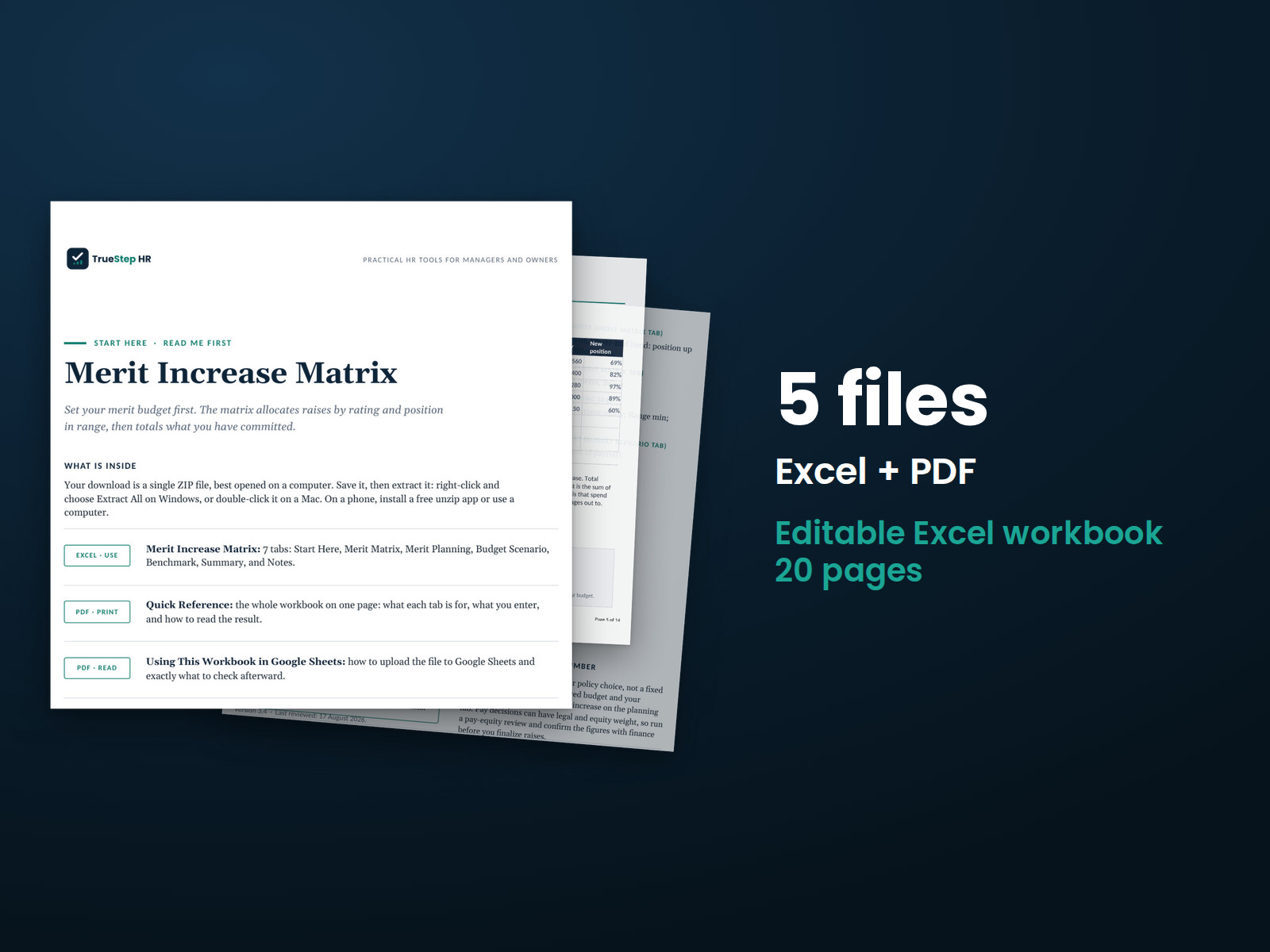
Run a merit cycle on performance and where each person sits in their range, not a flat percent. Set your matrix, enter your people, and the workbook returns each raise, the cost, and a check against your budget.
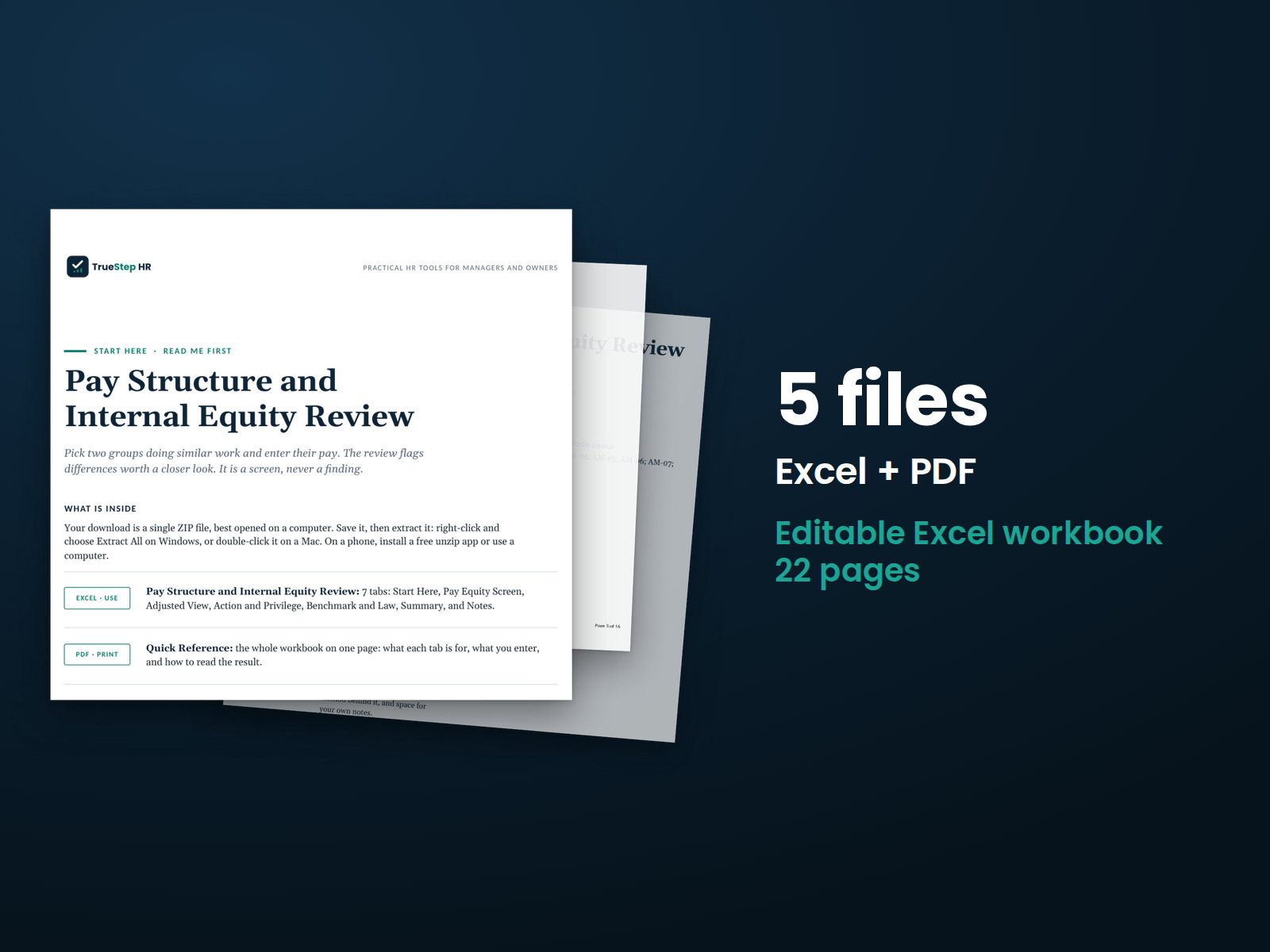
Screen two groups for a pay gap in three steps. One Excel workbook takes your pay data and returns a clear read. A PDF guide walks the method, so you can defend the answer.