
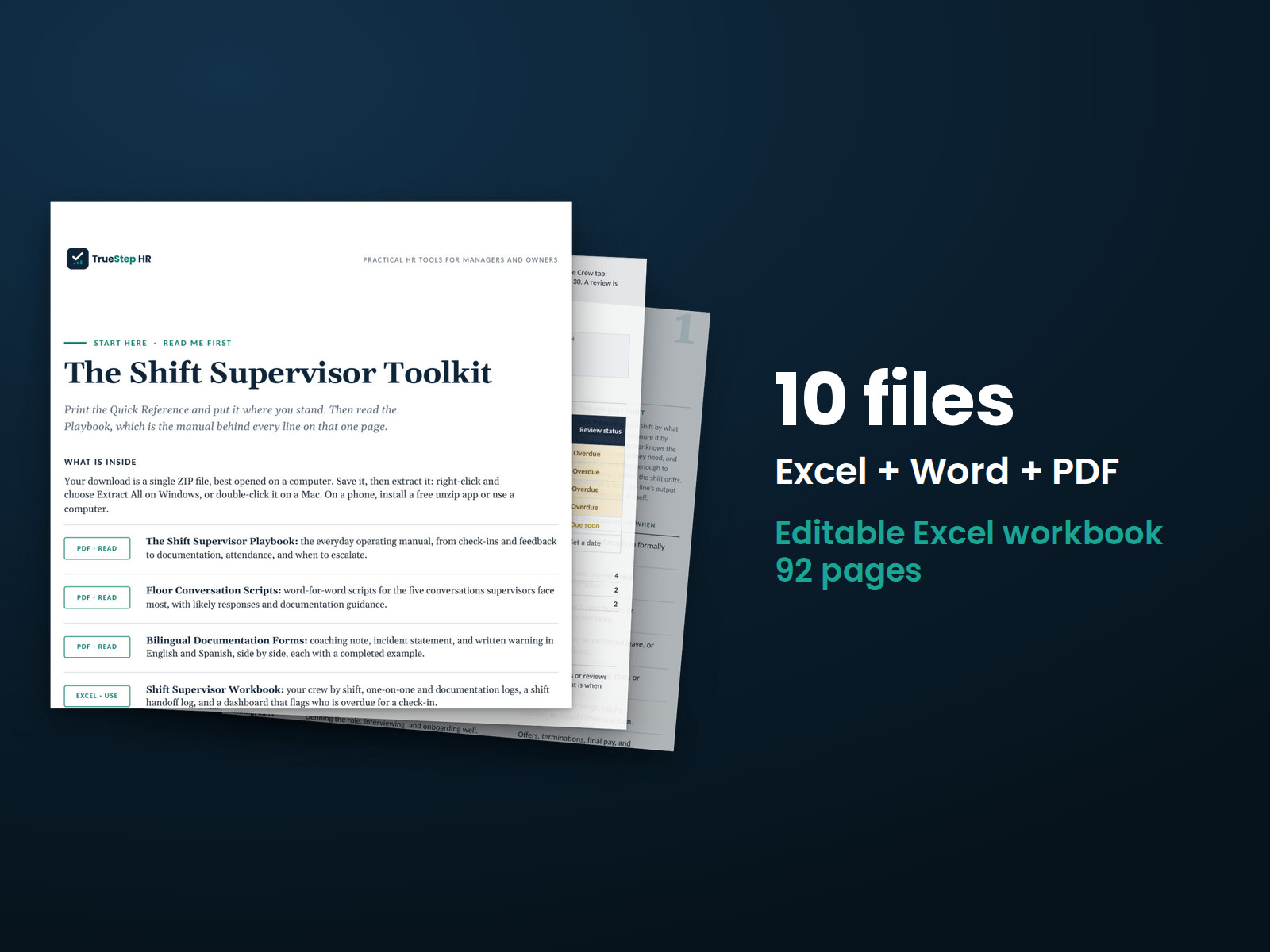
Shift Supervisor Toolkit
A practical kit for manufacturing shift supervisors: a daily management playbook, scripts for difficult floor conversations, and bilingual documentation forms.
HR advisory, assessments, and operating tools for U.S. businesses
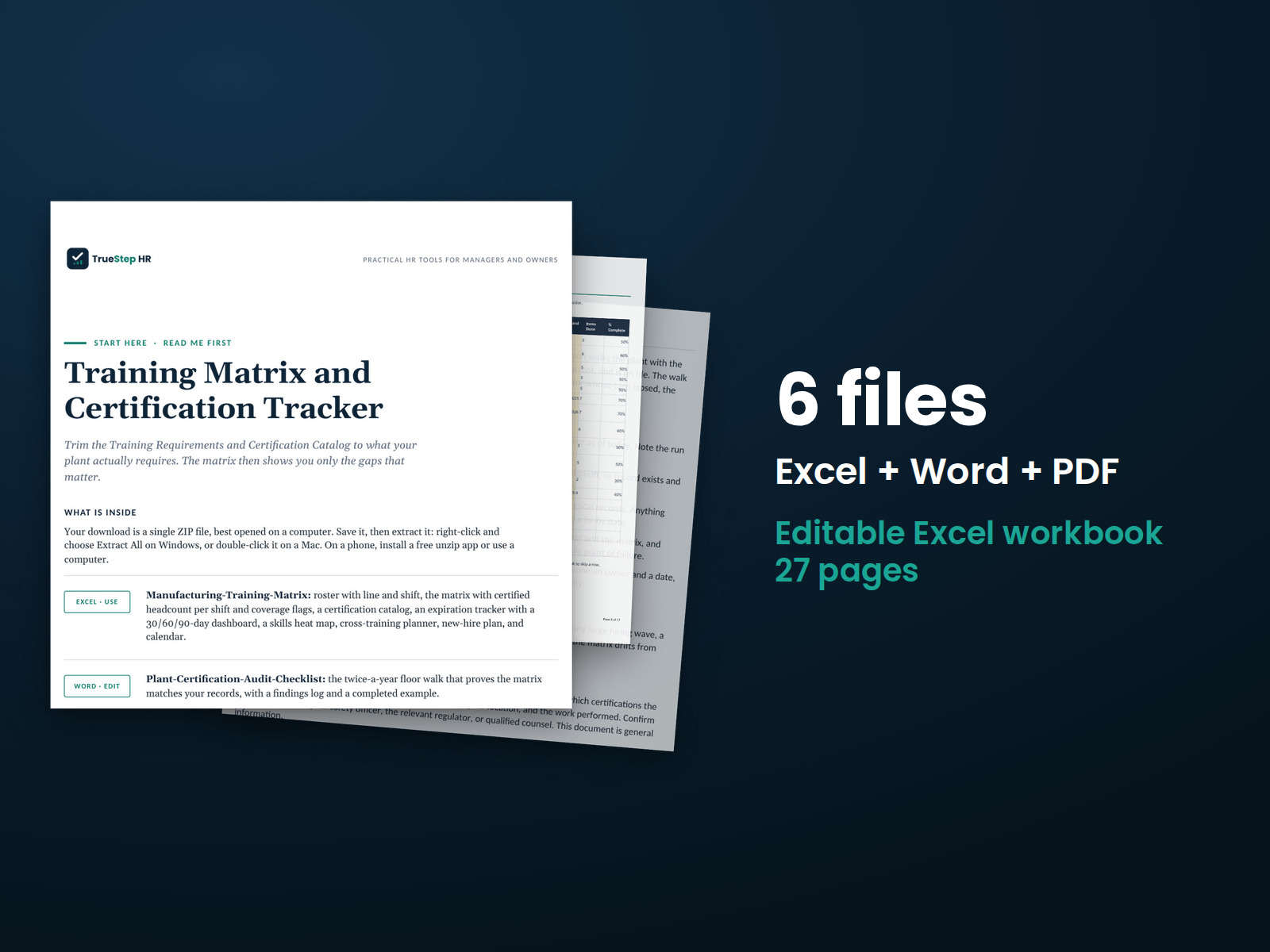
These previews show pages from the files you receive.
Manufacturing training and certification tracking
Track plant skills and certifications in one Excel workbook with automatic calculations. See qualified coverage by shift and where it falls below the required minimum.
Use the free Training ROI Calculator to estimate the net benefit and ROI percentage of a training program. Enter participants, cost, hours, and expected productivity gain to see the results.
$49
Checkout takes place on our store at shop.truestephr.com. Any applicable sales tax appears at checkout before you pay. These files provide general HR information, not legal advice.
Need approval first?
Ready to put your tool to work?
Bring your purchased tool and the situation you are working through. A TrueStep HR practitioner will help you set the inputs, make the first decisions, and identify a practical next step.
See the Setup Session →Where to start
The matrix highlights the gaps based on those requirements.
Fit
What is inside
Taken from the kit’s own Start Here guide, so what you see here is what you open after checkout.
How to use it
Set up the workbook in 4 steps, finishing with the monthly five-minute review of training and certification records.
Start with the Employee Roster tab. Enter each person's role, line, and shift. These details determine the coverage totals, so complete them for everyone.
Pick the certifications that apply. Trim the Training Requirements and Certification Catalog tabs to what your plant requires, and enter your own renewal intervals. The sample intervals are examples, not requirements.
Mark current status and dates. Fill in completion dates on the Training Matrix and expiration dates on the Certification Tracker for everything already done. Leave a cell blank if it is not done, or type N/A where a training does not apply to that person.
Run the monthly five-minute review using the Dashboard. Check expired and expiring items, review the coverage flags, and schedule the training or renewals needed. Twice a year, complete the audit checklist walk.

Before you buy
Find details about file formats, delivery, licensing, and refunds.
You receive 4 PDF guides, 1 Word document, and 1 Excel workbook, all named in the What is inside section above. This is a one time purchase, delivered as a download, not a subscription.
Yes. The first image shows the file set, and the second and third show actual pages from the current download.
Yes. You can edit and brand the Word document, fill in the Excel workbook, and read or print the PDF guides for your own internal operations.
For help implementing this tool, book a one hour Setup Session for $149. For broader HR support, advisory begins with a short request and a written scope at truestephr.com/pages/advisory. For legal questions, consult qualified counsel.
Right after payment, your download link appears on the confirmation screen and again in your email receipt. All files arrive as one ZIP. No account is needed.
You can use Word and Excel, LibreOffice on a computer, or Google Docs and Google Sheets in a browser. The alternatives are free. Any PDF reader opens the guides. See download help.
Email support@truestephr.com within 30 days for a full refund. No form or explanation is required. The full terms are in the refund policy.
No. It is general HR information and a working method. It is not written to any one state unless the page says so. Where a decision turns on the law, use qualified counsel. See what we cover, and what we do not.
One license covers the internal HR work of one legal entity. You may edit the files, brand them, and issue them to your employees. Consultants and groups with several entities need the extended license. See the license.
Extend the system
Explore related tools for the same situation, operating method, or industry.
A practical kit for manufacturing shift supervisors: a daily management playbook, scripts for difficult floor conversations, and bilingual documentation forms.
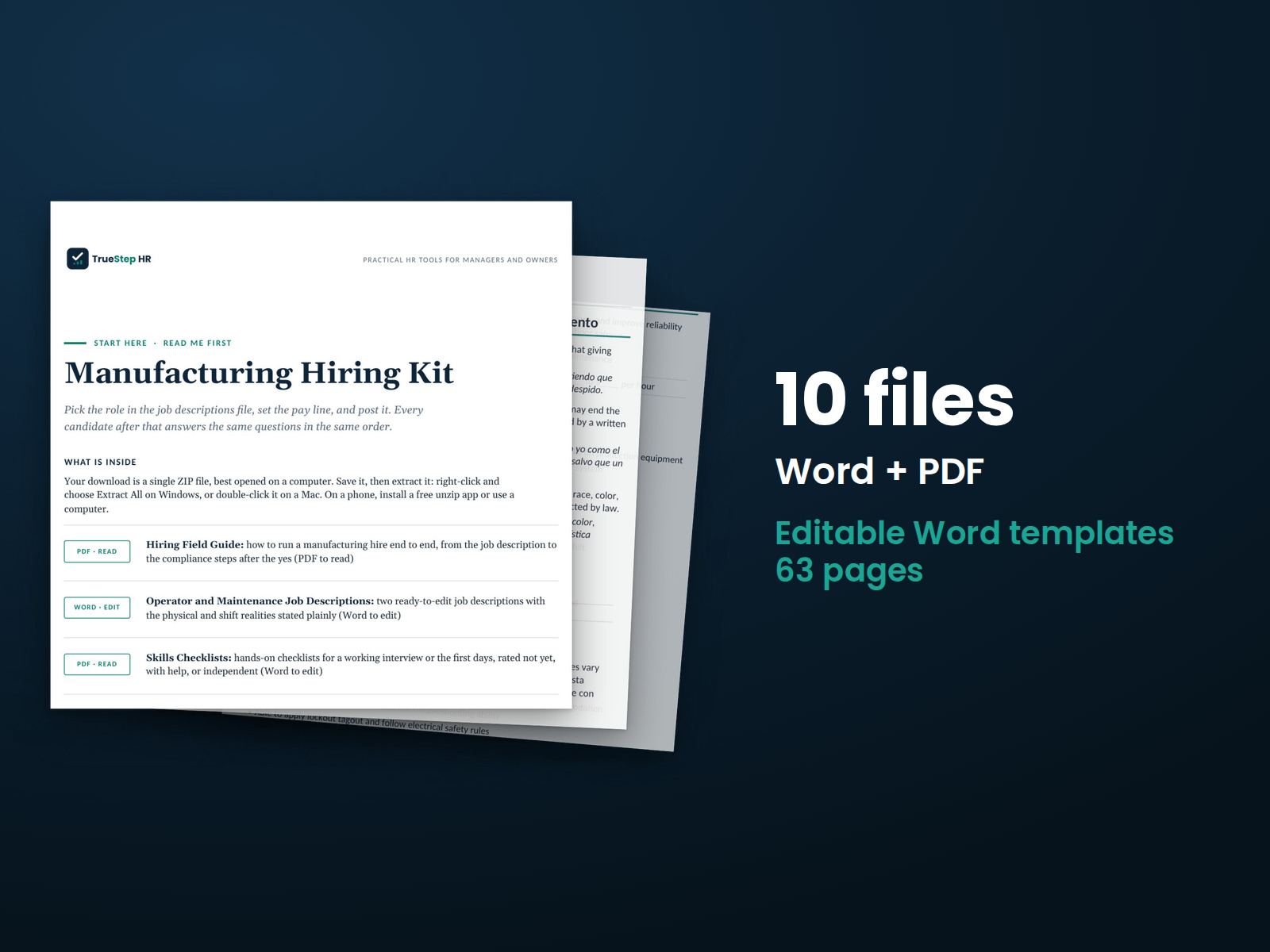
Make hiring decisions using job-related evidence. The kit includes a job description, a hands-on skills checklist to assess what a candidate can do, a scored structured interview, and a bilingual application.
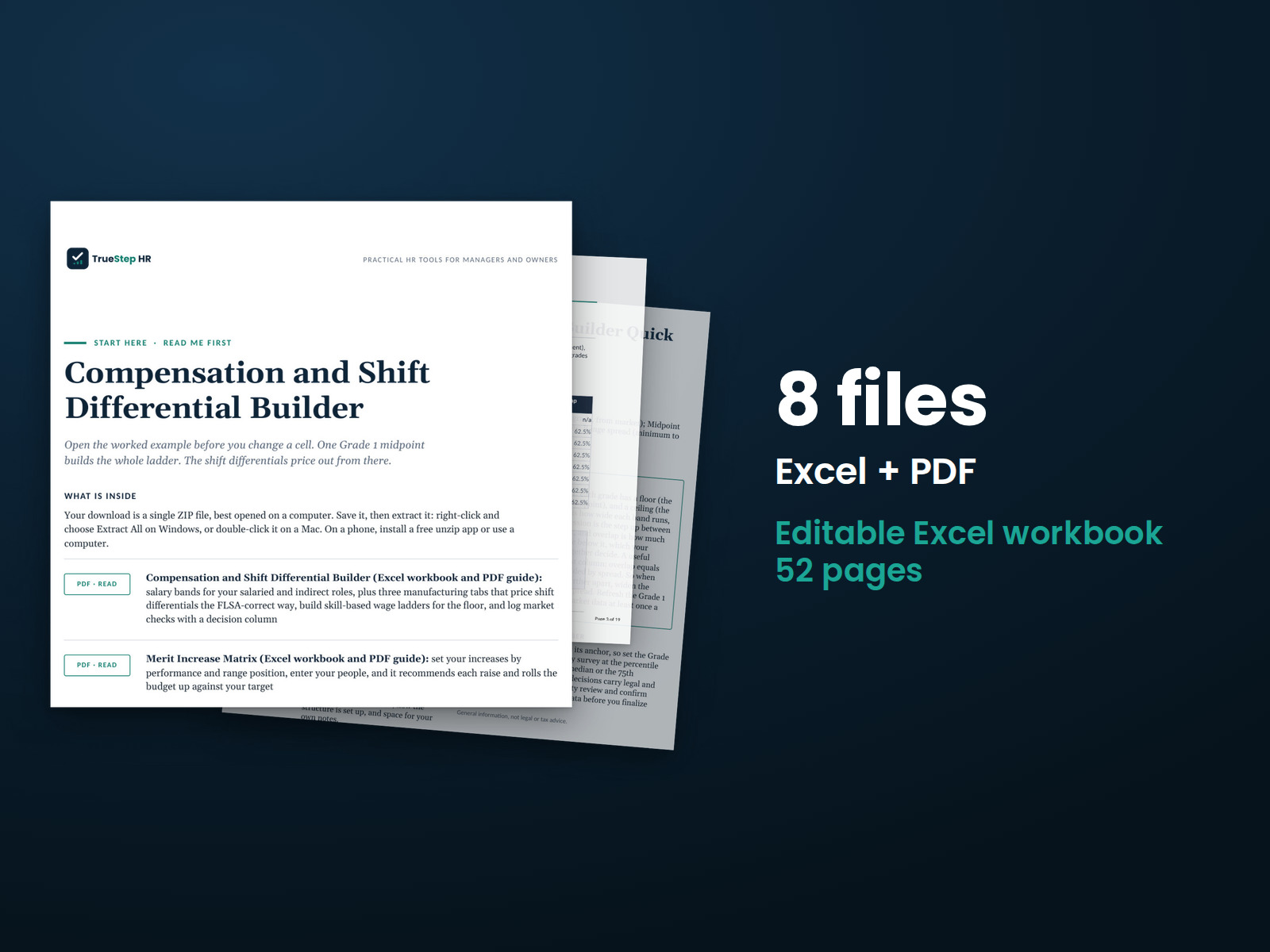
Build a clear pay structure for your plant. Set salary bands for salaried and indirect roles, and calculate shift differentials as part of the regular rate, as federal overtime law requires.