HR advisory, assessments, and operating tools for U.S. businesses

Our standard  ·  Assessments  ·  Contact

Manufacturing attendance and discipline

Manufacturing Attendance and Points System

$59 Go to price and purchase

Give every shift the same documented attendance standard, with protected absences excluded from points. You get a points policy to adopt, a tracker that calculates the points, and word-for-word scripts for employee conversations.

FormatSystem
Contents6 PDF guides, 3 Word documents, 1 Excel workbook
UseInstant download

Start with the free Attendance Point System Builder. Set your own point values and discipline thresholds, then print a one page policy. You can draft the policy free before deciding whether to buy the full system that runs it.

$59

  • One-time purchase. Editable files.
  • Your download link appears on the confirmation screen and in your receipt. No account needed.
  • Request a full refund within 30 days with one email.
  • Licensed for one company's internal HR use. Resale and redistribution are not permitted. Read the license.

Checkout takes place on our store at shop.truestephr.com. Any applicable sales tax appears at checkout before you pay. These files provide general HR information, not legal advice.

Need approval first?

Email this page

Ready to put your tool to work?

Add a one hour Setup Session, $149

Bring your purchased tool and the situation you are working through. A TrueStep HR practitioner will help you set the inputs, make the first decisions, and identify a practical next step.

See the Setup Session →

Where to start

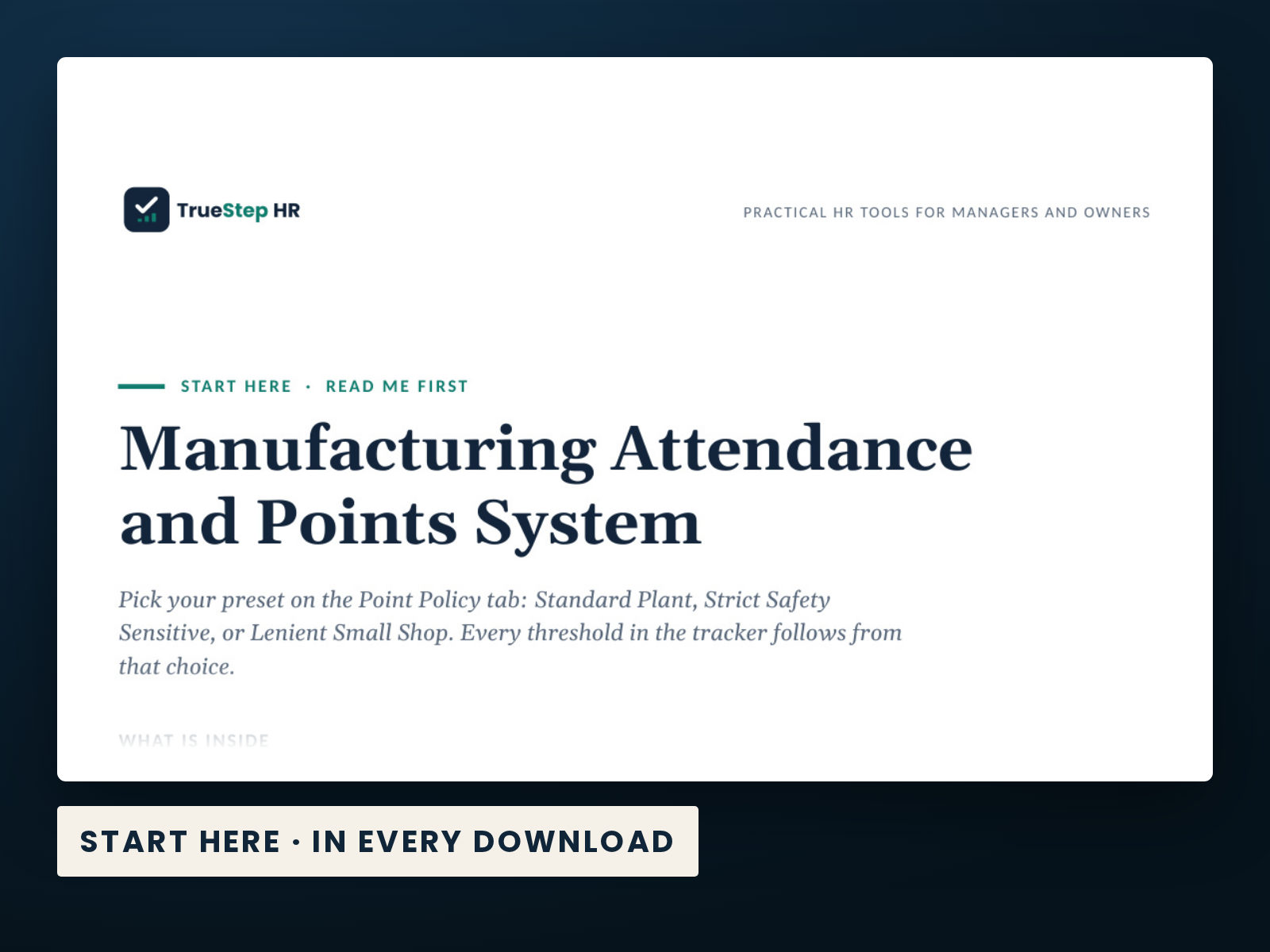
Three presets on the Point Policy tab: Standard Plant, Strict Safety Sensitive, or Lenient Small Shop.

Choose a preset, and the tracker updates every threshold to match.

DecisionControl labor cost
IndustryManufacturing
Files6 PDF guides, 3 Word documents, 1 Excel workbook
ReviewRead our published standard for how we develop our tools, and what we cover for their scope and limits.

Fit

Is this the right fit for your work?

A good fit

  • You manage manufacturing labor costs and want consistent attendance standards across shifts.
  • You want editable Word and Excel files that stay with your organization.
  • You or a manager will run the process and want a clear sequence to follow.

When to consider another option

  • For advice about one person's specific circumstances, consult qualified counsel.
  • For rules specific to one state or city, consult the applicable local requirements. This tool is not written for any one state.
  • For help running the process, explore our advisory services.

What is inside

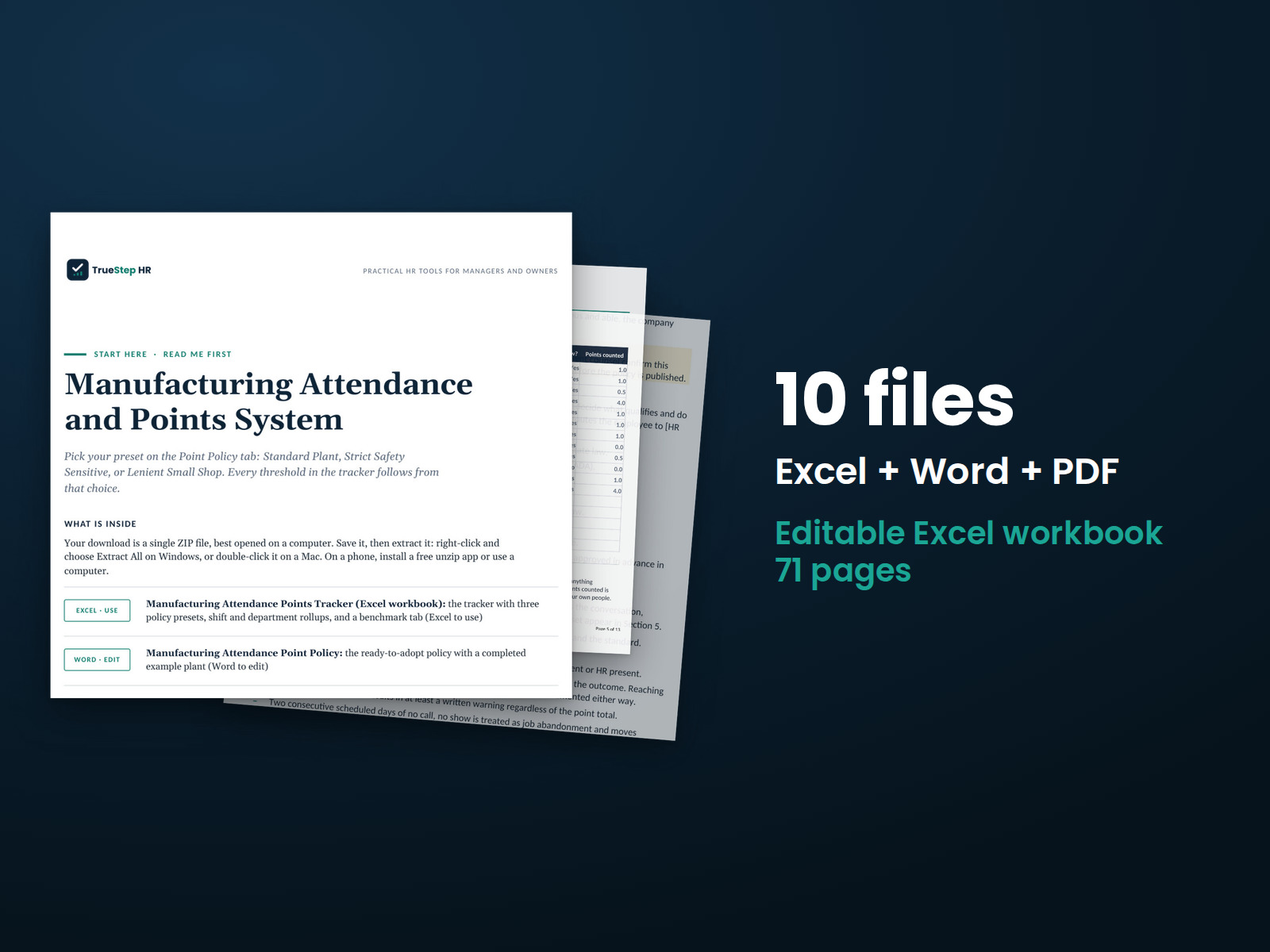
Every file in the download, by name.

Taken from the kit’s own Start Here guide, so what you see here is what you open after checkout.

PDF · readStart Here: a guide to every file and the order to use them.
Word · editManufacturing Attendance Point Policy: the ready-to-adopt policy with a completed example plant.
PDF · readSupervisor Attendance Conversation Scripts
PDF · readBilingual Attendance Forms
PDF · readQuick Reference: the whole workbook on one page, including what each tab does, what to enter, and how to read the result.
PDF · readTrueStep HR Product License: what you may and may not do with your purchased files.
PDF · readUsing This Workbook in Google Sheets: how to upload the file and what to check afterward.
Excel · useManufacturing Attendance Points Tracker (Excel workbook): the tracker with three policy presets, shift and department rollups, and a benchmark tab.
Word · editSupervisor Attendance Conversation Scripts: five word-for-word scripts for difficult attendance conversations.
Word · editBilingual Attendance Forms: four English and Spanish forms, each with a completed example.

How to use it

Your first 15 minutes

Four steps take you from choosing your policy to running the weekly five-minute attendance review.

  1. Choose your preset. On the Point Policy tab, select Standard Plant, Strict Safety Sensitive, or Lenient Small Shop from the dropdown. Every point value and threshold updates throughout the workbook. Adopt the matching column in the policy document and have it reviewed before publishing.

  2. Add your roster. Clear the example rows on the Attendance Log tab, then enter each employee with their shift and department. Names appear automatically on the Employee Summary tab as they are added to the log.

  3. Record each attendance event as it happens. Use one row per occurrence, with the employee, shift, department, date, type, and whether the absence is protected. The workbook automatically calculates points, the rolling window, and discipline stages.

  4. Review the Employee Summary tab for five minutes each week. For anyone marked Action needed, use the matching conversation script and bilingual form. Follow the same process on every shift.

Manufacturing Attendance and Points System: the Start Here guide from the download, listing every file and the order to use them.

Before you buy

Questions about your purchase

Find details about file formats, delivery, licensing, and refunds.

What exactly do I receive?

You receive 6 PDF guides, 3 Word documents, and 1 Excel workbook, each one named in the What is inside section above. This is a one time purchase delivered as a download, not a subscription.

Are these the real screenshots?

Yes. The first image shows the file set, and the second and third show actual pages from the current download.

Can I use the files in my business?

Yes. You can edit and brand the Word documents, fill in the Excel workbook, and read or print the PDF guides for your own internal operations.

What if I need help applying it?

For help implementing this tool, book a one hour Setup Session for $149. For broader HR support, advisory begins with a short request and a written scope at truestephr.com/pages/advisory. For legal questions, consult qualified counsel.

How do I get the files?

Right after payment, your download link appears on the confirmation screen and again in your email receipt. The files arrive as a ZIP download. No account is needed.

What do I need to open them?

You can use Word and Excel, LibreOffice on a computer, or Google Docs and Google Sheets in a browser. The alternatives are free. Any PDF reader opens the guides. See download help.

What if it is not right for us?

Email support@truestephr.com within 30 days for a full refund. No form or explanation is required. The full terms are in the refund policy.

Is this legal advice?

No. It is general HR information and a working method. It is not written to any one state unless the page says so. Where a decision turns on the law, use qualified counsel. See what we cover, and what we do not.

Who may use the files?

One license covers the internal HR work of one legal entity. You may edit the files, brand them, and issue them to your employees. Consultants and groups with several entities need the extended license. See the license.

Extend the system

Related tools for your next step

Explore related tools for the same situation, operating method, or industry.

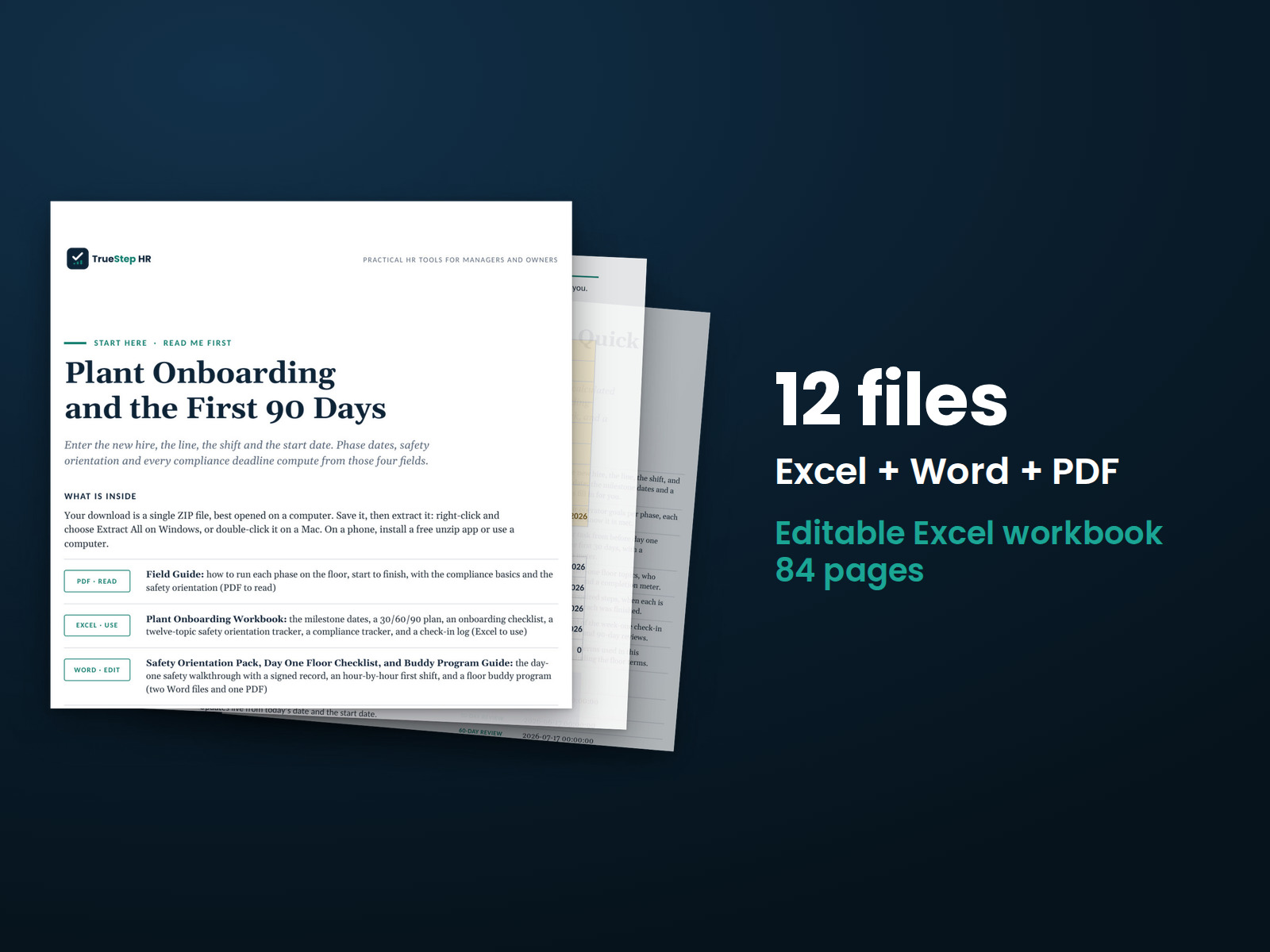
Plant Onboarding System: stack of pages showing the 12 files in the download. Excel + Word + PDF, 74 pages in all files.
SystemTSHR-102

Plant Onboarding System

Give new operators a clear start, from preparation before their first shift through the first 90 days. This kit brings together the pre-boarding steps, a practical first day on the floor, and a safety orientation with a signed record.

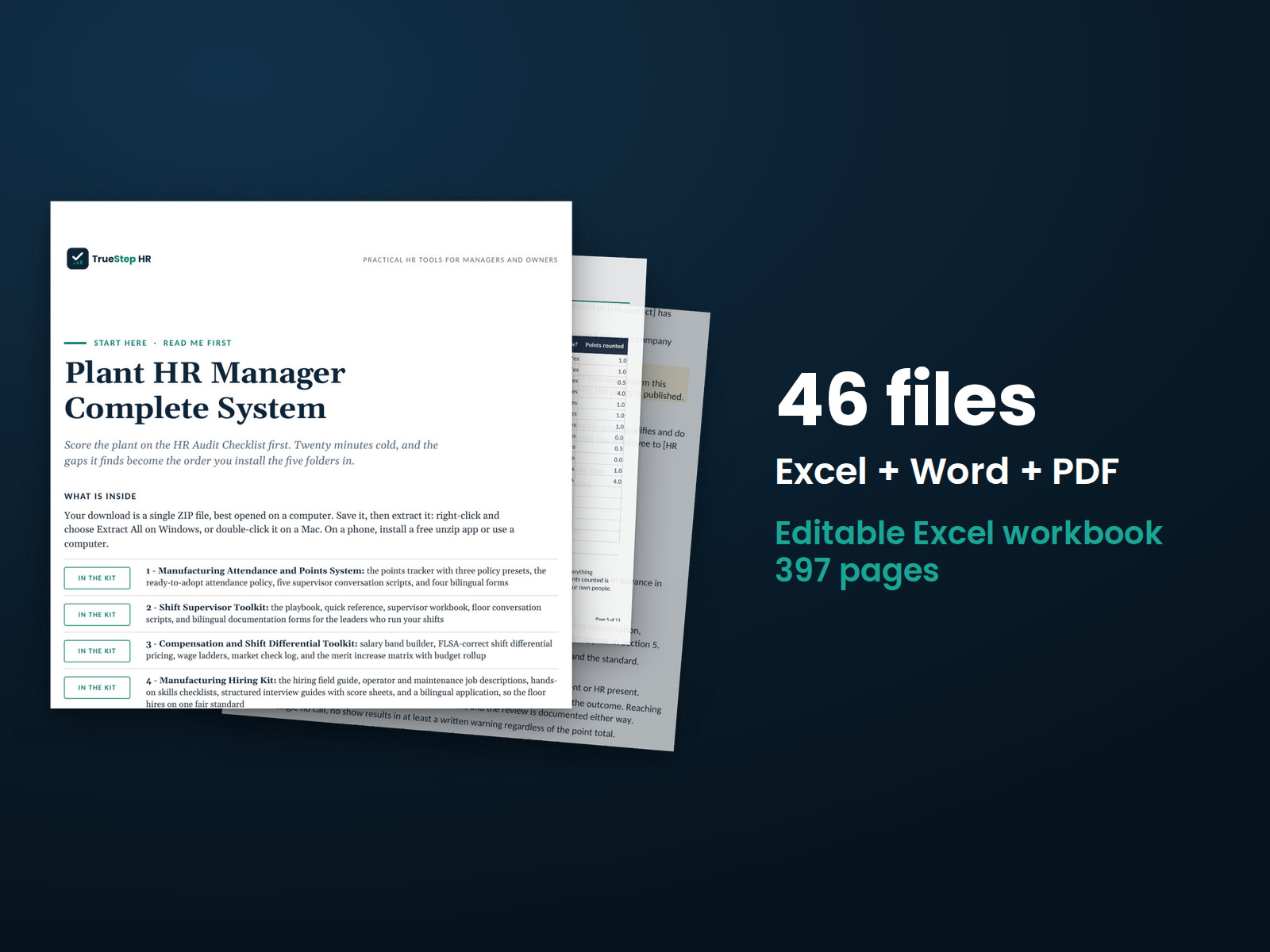
Plant HR Manager Complete System: stack of pages showing the 46 Excel, Word, and PDF files in the download, 338 pages in all files.
BundleTSHR-110

Plant HR Manager Complete System

Bring five plant HR systems together in one program, with two tools to manage the work. Use the 54-point plant HR audit to set priorities, then follow the 12-month calendar to organize the work throughout the year.