HR tools built by a senior HR executive · United States

Published standard  ·  Assessments  ·  Contact

Dental practice HR foundations

Dental Practice HR Starter System

Stand up real HR for a small practice in a weekend. The field guide explains what a practice manual needs, and the manual template is yours to adapt. The workbook tracks adoption, and the file setup guide gets the personnel files right.

FormatBundle
Contents6 PDF guides, 1 Word document, 1 Excel workbook
UseDownload and keep

$89

  • Editable operating files, not a subscription
  • Immediate access through the secure TrueStep HR store
  • Built and reviewed under the published TrueStep HR standard

Digital products carry a 30-day money-back guarantee. General HR information, not legal advice.

Need it working, not sitting in Downloads?

Add a one-hour setup session · $149

Bring the purchased tool and your live situation. A TrueStep HR practitioner helps you set the inputs, make the first decisions, and leave with a usable next step.

See the Setup Session →

What this closes

A practical system that moves the decision into real work.

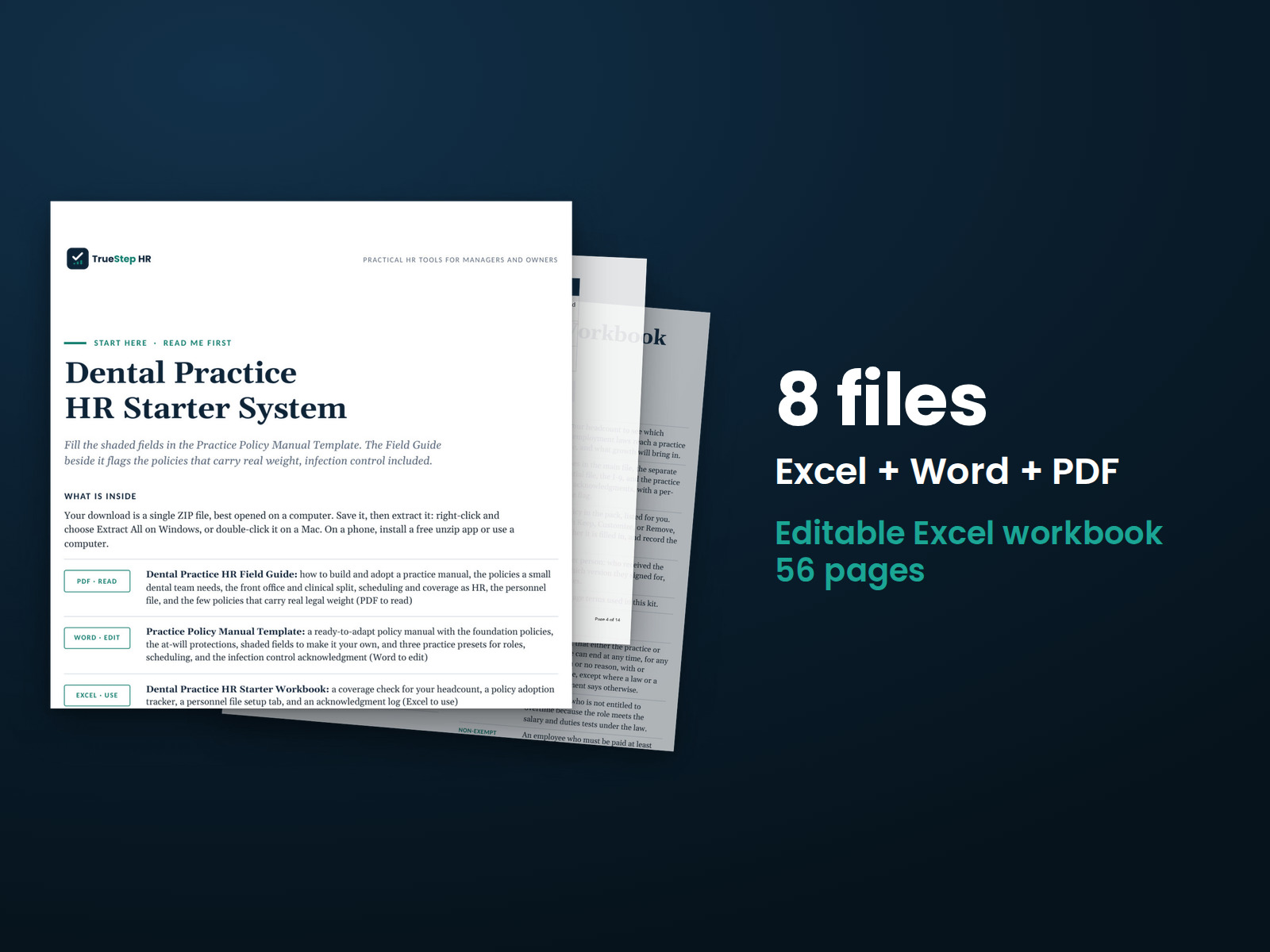
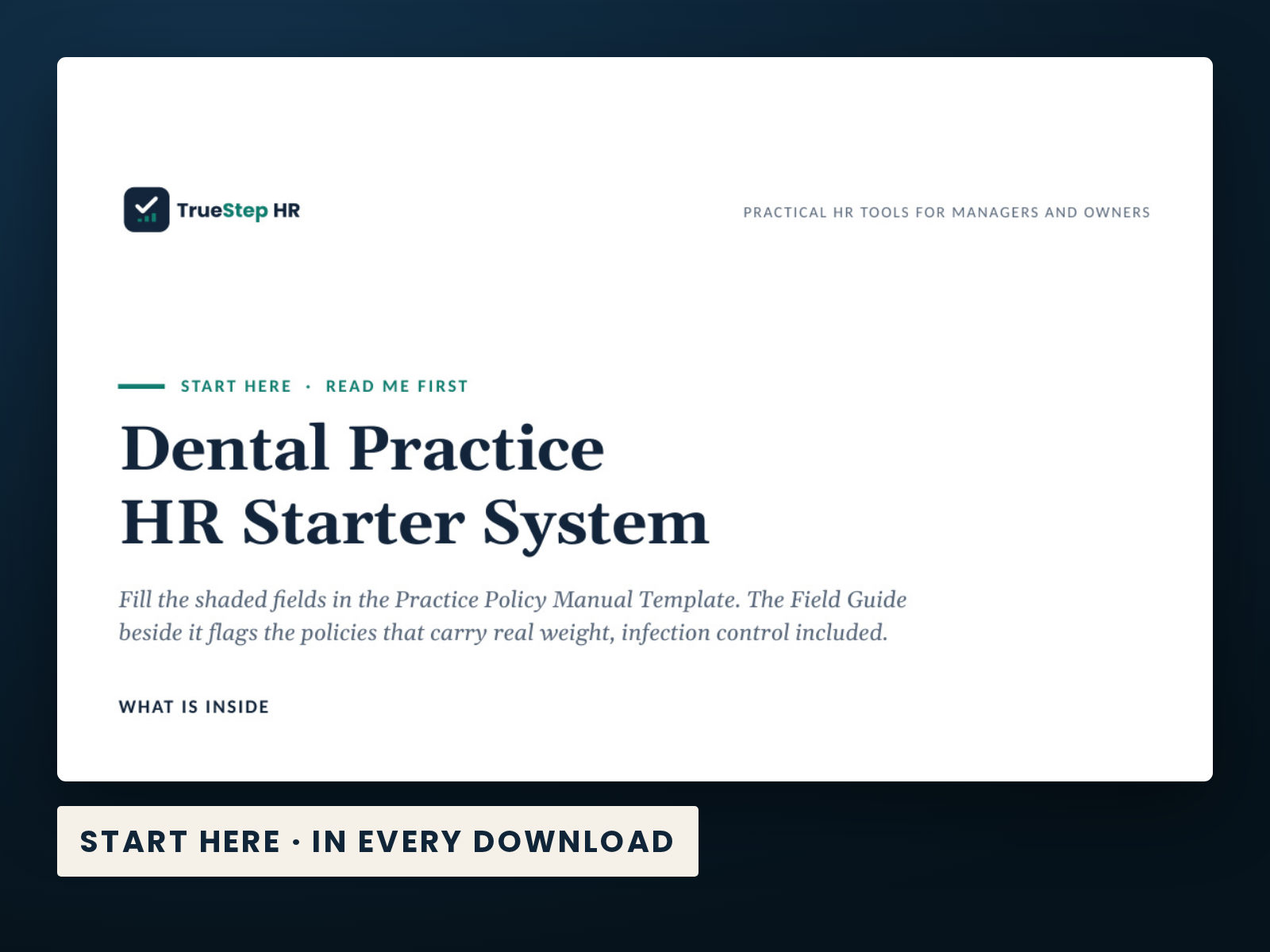
Fill the shaded fields in the Practice Policy Manual Template. The Field Guide beside it flags the policies that carry real weight, infection control included.

DecisionComplete system
IndustryDental
Files6 PDF guides, 1 Word document, 1 Excel workbook
ReviewBuilt to the published release checks; sources and change notes sit beside the catalog.

What is inside

Every file in the download, by name.

Taken from the kit’s own Start Here guide, so what you see here is what you open after checkout.

PDF · readDental Practice HR Field Guide: how to build and adopt a practice manual, the policies a small dental team needs, the front office and clinical split, scheduling and coverage as HR, the personnel file, and the few policies that carry real legal weight (PDF to read)
Word · editPractice Policy Manual Template: a ready-to-adapt policy manual with the foundation policies, the at-will protections, shaded fields to make it your own, and three practice presets for roles, scheduling, and the infection control acknowledgment (Word to edit)
Excel · useDental Practice HR Starter Workbook: a coverage check for your headcount, a policy adoption tracker, a personnel file setup tab, and an acknowledgment log (Excel to use)
PDF · readSmall Practice File Setup Guide: the four files every practice keeps separate, a what-goes-where table, a new-hire file checklist, and the one hard rule on medical and protected records (PDF to read)
PDF · readQuick Reference: the whole workbook on one page: what each tab is for, what you enter, and how to read the result (file 1).
PDF · keepTrueStep HR Product License: what you may and may not do with the files you purchased (file 5).
PDF · readUsing This Workbook in Google Sheets: how to upload the file to Google Sheets and exactly what to check afterward (file 6).

How to use it

Your first 15 minutes

Step 1 is the Dental Practice HR Field Guide, file 7. Work down from there, and by step 6 you keep it current.

  1. Read the Field Guide first. It covers what a practice manual needs, at-will, equal opportunity, pay and hours, leave and coverage, the front office and clinical split, the infection control acknowledgment, and how to keep it current.

  2. Open the Manual Template and make it yours. Fill in the shaded fields, keep, customize, or remove each policy, set the three practice presets, match your state, and rebrand the footer before you hand it out.

  3. Set up employee files with the File Setup Guide and the workbook Personnel File Setup tab. Separate the main file, the confidential file, the I-9, and the protocol acknowledgments, and keep medical records out of the main file.

  4. Track your work in the Workbook. Run the Coverage Check for your headcount, mark each policy on the Policy Adoption Tracker, and keep Definitions handy.

  5. Distribute it and collect acknowledgment. Give the manual to every team member, have each one sign the acknowledgment, and record them on the Acknowledgment Log. Keep the signed copies on file.

  6. Keep it current. Review it once a year, and whenever a law, your headcount, or your practice changes, and keep your required workplace postings up to date alongside it.

Dental Practice HR Starter System — the Start Here guide from the download, listing every file and the order to use them.

Before you buy

Clear answers to the practical questions.

The point of a product page is to let you judge the work before checkout.

What exactly do I receive?

6 PDF guides, 1 Word document, 1 Excel workbook, each one named in the What is inside section above. The purchase is a download, not a subscription, and the files are yours to keep.

Are these the real screenshots?

Yes. The preview images on this page are taken from the current deliverable, so you can judge the structure and writing before buying.

Can I use the files in my business?

The files are designed to be edited for your own internal operations. Review the included license and have legal counsel check decisions that require jurisdiction-specific advice.

What if I need help applying it?

Use the $149 Setup Session for one hour of implementation help on this tool. TrueStep HR does not offer broader consulting engagements. For a legal question, use qualified counsel.

Extend the system

Build on this decision.

These products address the next connected step in the same situation, operating method, or industry.

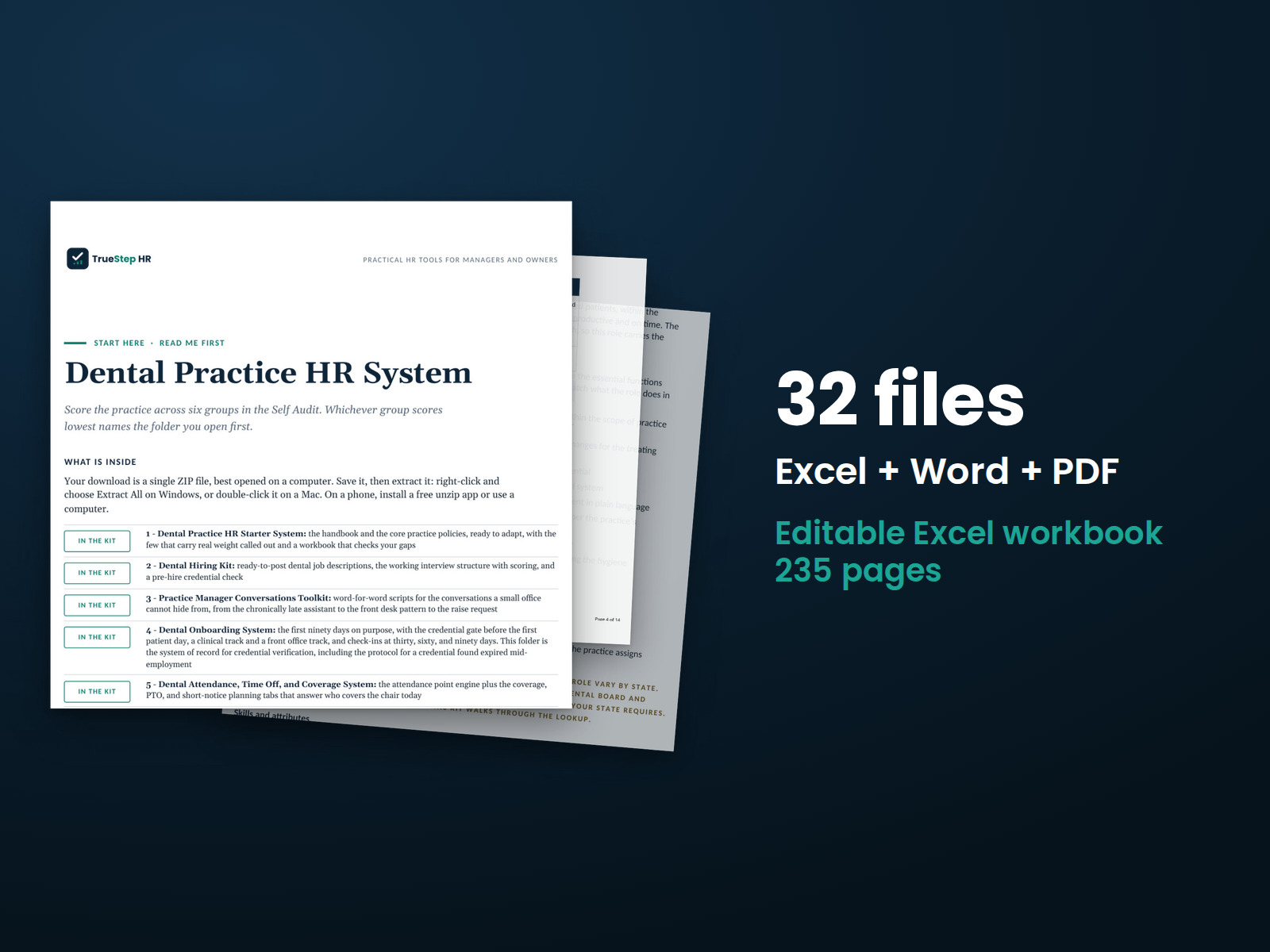
Dental Practice HR System — the 32 files in this download shown as a stack of real pages: Excel + Word + PDF, 235 pages in all.
BundleTSHR-150

Dental Practice HR System

The five practice toolkits are built to work together, and two tools run them as one program. A Practice HR Self Audit tells you where to start. An Annual HR Calendar for Practices keeps the year on track. One license covers everything.