
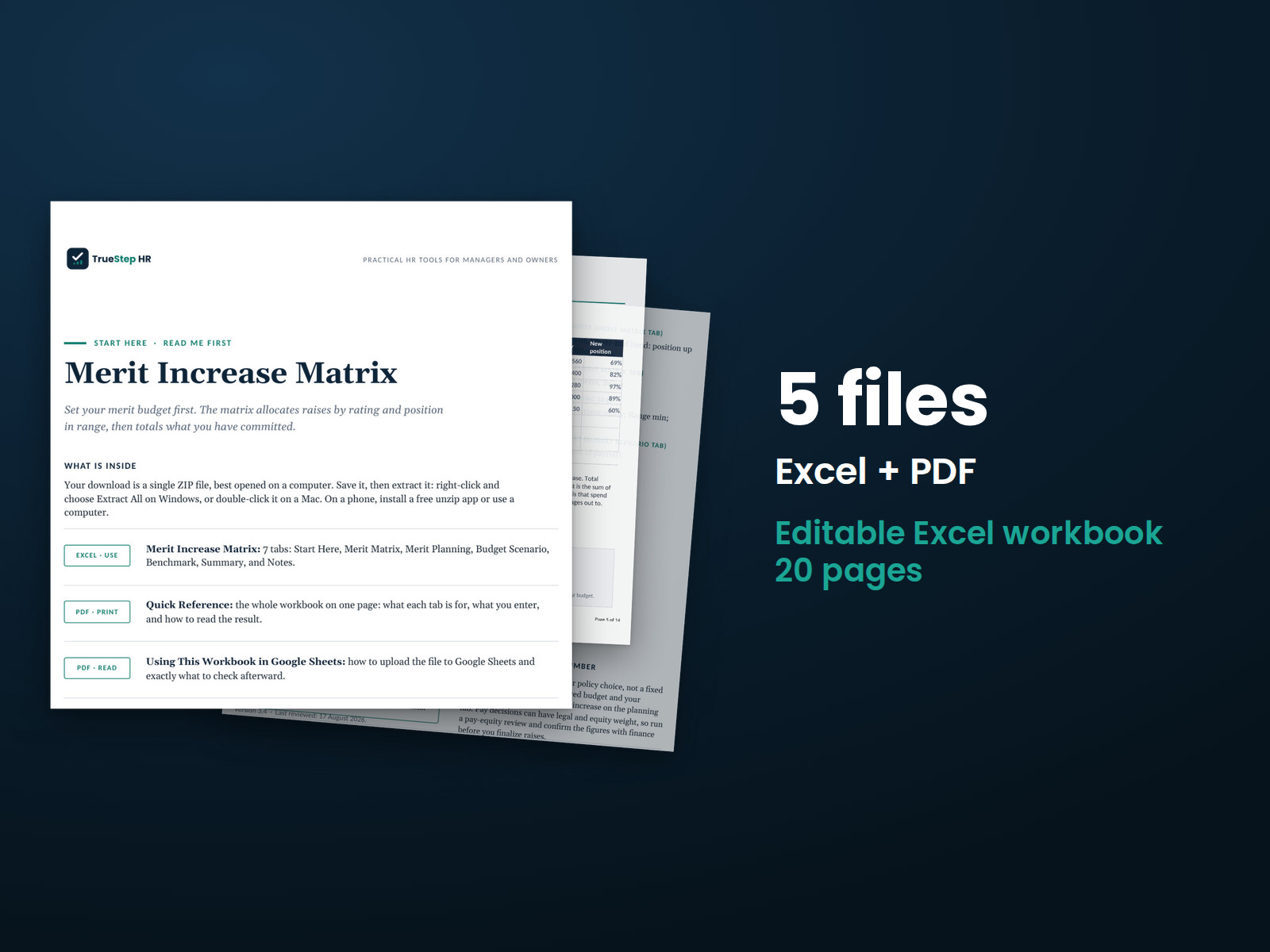
Merit Increase Matrix
Plan merit increases around performance and salary range position. Set your matrix and enter employee details. The workbook calculates each proposed raise, the total cost, and how the plan compares with your budget.
HR advisory, assessments, and operating tools for U.S. businesses
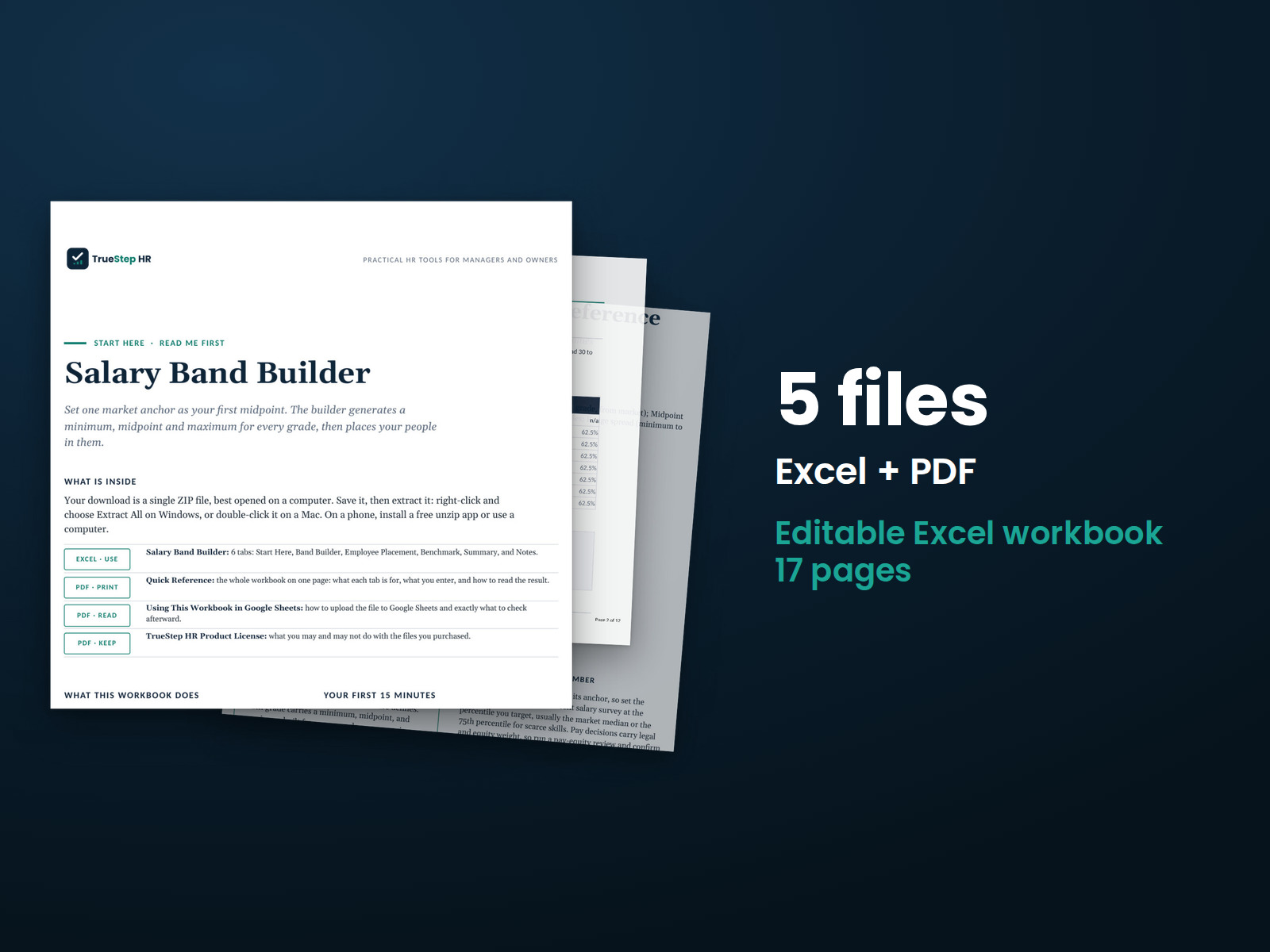
These previews show pages from the files you receive.
HR calculator
Build a working salary structure from your market pay data. Set a starting midpoint, grade progression, and range spread. The workbook calculates every grade's minimum, midpoint, and maximum, then shows where each employee's pay falls within their range.
Use the free Pay Transparency Readiness Scorecard to review your ranges, job architecture, postings, and internal equity against the jurisdictions you select. It includes seventeen questions.
$39
Checkout takes place on our store at shop.truestephr.com. Any applicable sales tax appears at checkout before you pay. These files provide general HR information, not legal advice.
Need approval first?
Ready to put your tool to work?
Bring your purchased tool and the situation you are working through. A TrueStep HR practitioner will help you set the inputs, make the first decisions, and identify a practical next step.
See the Setup Session →Where to start
The workbook calculates each grade's minimum, midpoint, and maximum, then shows where employees fall within those ranges.
Fit
What is inside
Taken from the kit’s own Start Here guide, so what you see here is what you open after checkout.
How to use it
Build a full salary structure from your market pay data. Start with the Grade 1 midpoint, then set the midpoint progression and range spread. Using standard compensation formulas, the workbook calculates the minimum, midpoint, and maximum for every grade. You can then compare employee pay with those ranges and see at a glance who falls below, within, or above their assigned range.

Before you buy
Find details about file formats, delivery, licensing, and refunds.
You receive 4 PDF guides and 1 Excel workbook, all named in the What is inside section above. This is a one time purchase, delivered as a download, not a subscription.
Yes. The first image shows the file set, and the second and third show actual pages from the current download.
Yes. You can fill in the Excel workbook for your own internal operations and read or print the PDF guides.
For help implementing this tool, book a one hour Setup Session for $149. For broader HR support, advisory begins with a short request and a written scope at truestephr.com/pages/advisory. For legal questions, consult qualified counsel.
Right after payment, your download link appears on the confirmation screen and again in your email receipt. All files arrive as one ZIP. No account is needed.
You can use Excel, LibreOffice on a computer, or Google Sheets in a browser. LibreOffice and Google Sheets are free alternatives. Any PDF reader opens the guides. See download help.
Email support@truestephr.com within 30 days for a full refund. No form or explanation is required. The full terms are in the refund policy.
No. It is general HR information and a working method. It is not written to any one state unless the page says so. Where a decision turns on the law, use qualified counsel. See what we cover, and what we do not.
One license covers the internal HR work of one legal entity. You may edit the files, brand them, and issue them to your employees. Consultants and groups with several entities need the extended license. See the license.
Extend the system
Explore related tools for the same situation, operating method, or industry.
Plan merit increases around performance and salary range position. Set your matrix and enter employee details. The workbook calculates each proposed raise, the total cost, and how the plan compares with your budget.
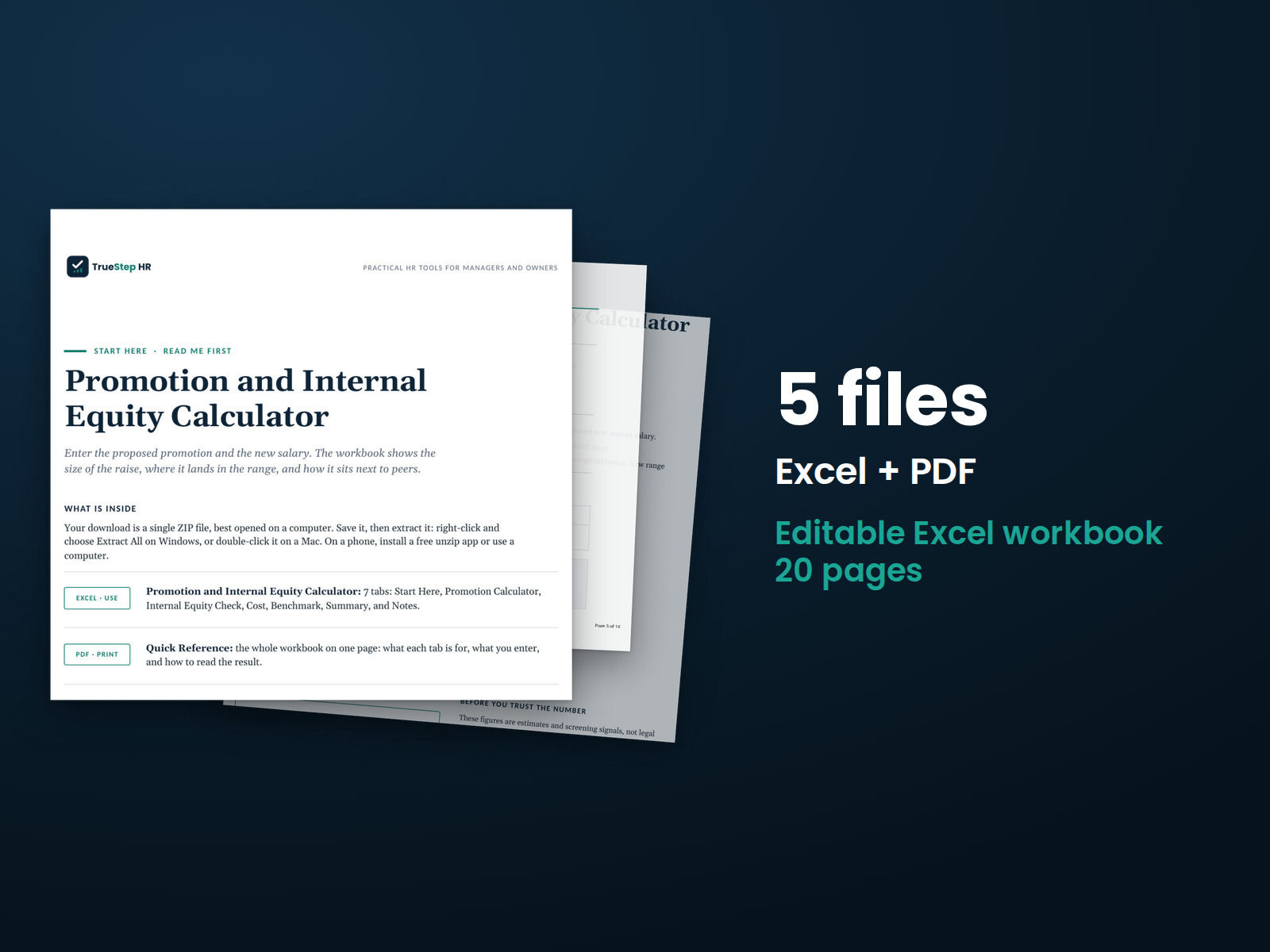
Review a proposed promotion with the pay details in one place. Enter the current salary, new grade and range, proposed pay, and peer salaries. See the raise amount, placement in the new range, comparison with peers, and first-year cost.
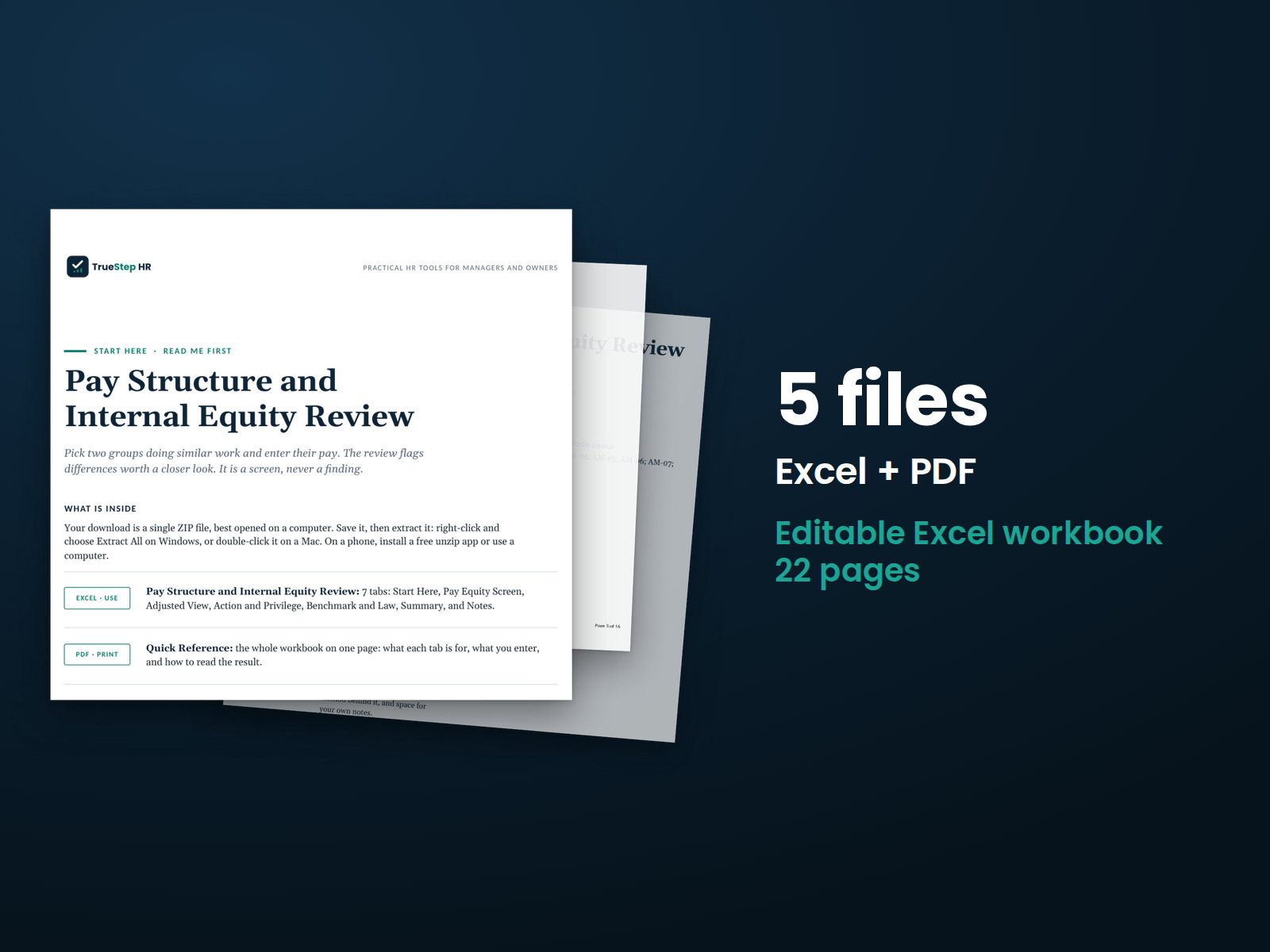
Compare pay between two groups in three steps. Enter the pay data in Excel to see the differences. The accompanying PDF guide explains the method so you can document how the comparison was made.