JD and classification kit

JD Classification and Pay Transparency Kit

Define the role once and get everything downstream right: a job description built on essential functions, an exempt or non-exempt call made on the three real tests, a contractor decision screened before you issue a 1099, and a posted pay range that complies in the states that now require one, with every determination written down.

$59USD

One-time purchase, no subscription. Instant download.

Built by expert HR practitioners and leaders

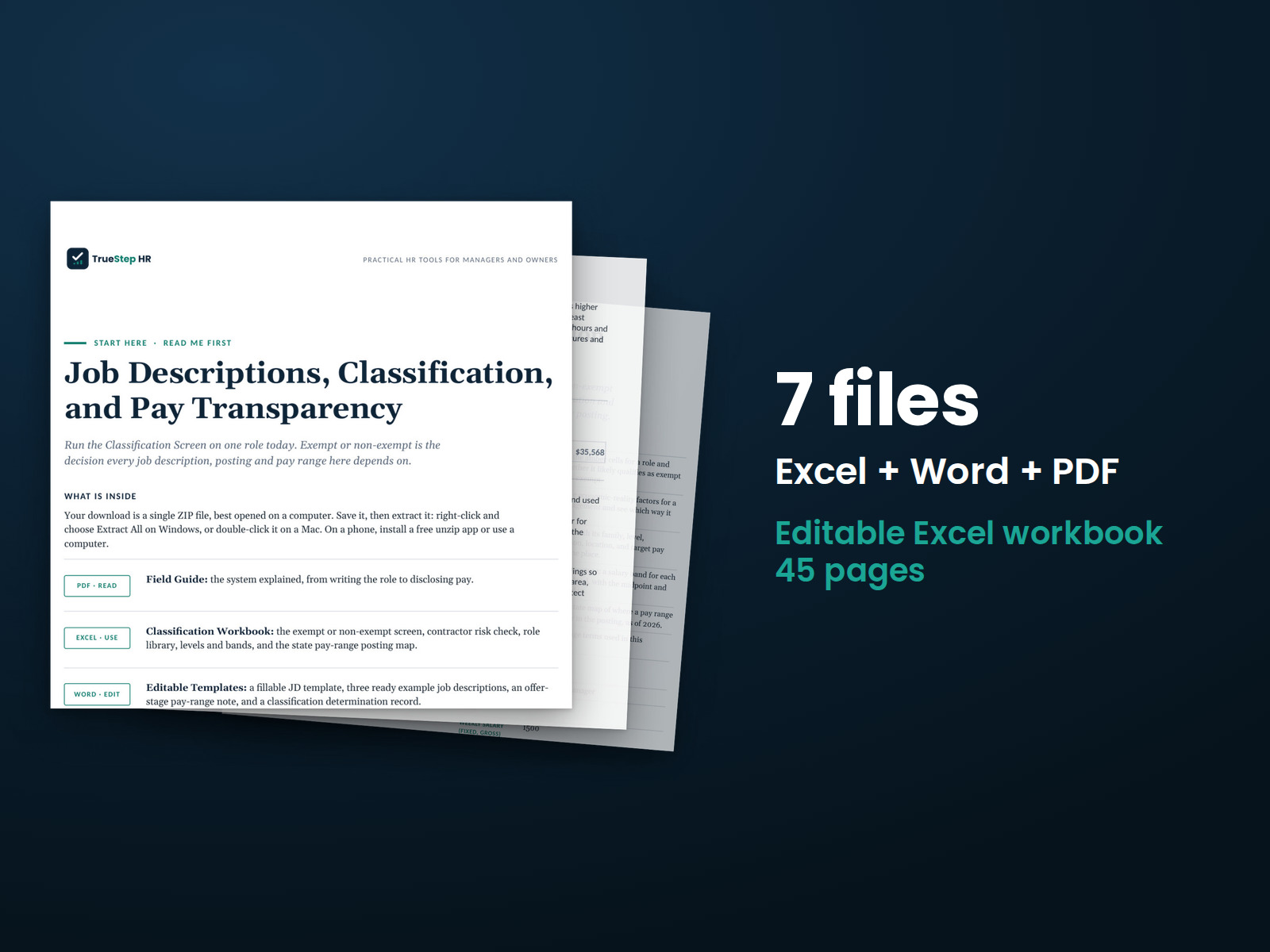
  • A Field Guide to the whole system: the anatomy of a defensible job description, essential functions that hold up, the three-part exempt test with the current federal and state floors, the employee-or-contractor call, and what the pay transparency laws require, in 14 pages
  • The exempt or non-exempt screen: answer the amber cells for one role, the salary, the basis, and the duties, and the workbook checks the federal floor and the built-in state floors and returns the determination
  • A contractor risk check: weigh an engagement against the economic reality factors and the ABC-state flag, get an employee-leaning score and a plain leaning, and know when to get the call reviewed
  • A role library with levels and bands: every role in one place with its classification and target range, and a pay structure where the midpoint and spread fill in, so the range you post comes from the band you set
  • Editable templates that finish the job: a reusable JD format, three ready examples, an offer-stage pay-range note, and a classification determination record that keeps your reasoning on file

The kit structures the screen, the map, and the record. It does not make the legal call for you, and it routes the close ones to qualified counsel.

One-time purchase Instant download Editable files 14-day guarantee

A field guide, a classification workbook, and editable templates, and general business information, not legal or tax advice. Exempt floors, contractor tests, and pay transparency rules vary by state and change every year, so confirm the current requirement for each state where you hire, and bring in qualified counsel before a reclassification, a contractor decision, or a multi-state posting.

Last reviewed June 2026

One-time purchaseNo subscription
Instant downloadFiles you keep
Editable filesExcel, Word, PDF
14-day guaranteeMoney back
Secure checkoutSSL encrypted
What you get

Four files that take a role from written to classified to posted

Read the Field Guide first for how to think. Run the role through the workbook for the classification and the state check, set the band, then finish in Word: adapt the description, set the range, and record the call. Built to be used together.

PDFStart here

Start Here

A one-page map that sets the order: read the guide, run the Classification Screen, weigh any contractor against the risk check, set your levels and bands, check the posting map for your state, then adapt the templates and record the call before you post or make an offer.

PDFRead first

The Field Guide (14 pages)

Twelve sections in plain language: what a description is for, the anatomy and essential functions, exempt or non-exempt and the common traps, employee or contractor with the federal and state tests, job levels and structure, what the pay laws require, a posting that complies, pay ranges and internal equity, and the high-risk moves that call for counsel.

XLSXExcel

The Classification Workbook

The working system: a Classification Screen with the federal floor and six state floors built in, a Contractor Risk Check scored on the economic reality factors, a Role Library, Levels and Bands with the midpoint and spread computed, a Pay-Range Posting Map covering eighteen jurisdictions, and a plain-language Definitions tab. Works in Excel or Google Sheets, with a worked example through the tools.

DOCXWord

The Editable Templates

A reusable job description template built on essential functions, three ready examples to adapt, operations, sales, and administration, an offer-stage pay-range note with sample wording, and a classification determination record for exempt, non-exempt, and contractor calls.

How it works

The method in the order the system runs

Write the role, screen the classification, set the band, check the state, and record the call. The kit structures each step; you make the calls, and counsel covers the close ones.

STEP 01

Write the role to its real duties

Start from the JD template or one of the three examples and describe the work in observable actions. The essential functions carry the most weight: they drive the classification, anchor the range, and serve as the reference point for accommodation, so write them to the job, not to the person in it.

STEP 02

Run the exempt or non-exempt screen

Answer the amber cells for the role: the weekly salary, whether it is paid on a true salary basis, and which duties test fits. The workbook checks the salary against the federal floor and the built-in state floors, including the six states above the federal level, and returns the determination, with the close calls flagged for review.

STEP 03

Weigh any contractor against the risk check

If you are engaging a 1099 contractor, score the engagement on the economic reality factors: control, profit or loss, investment, permanence, how central the work is, and skill. The check flags strict ABC-test states, returns an employee-leaning score, and tells you plainly when the call needs qualified review before you rely on it.

STEP 04

Set the band, then check the posting map

Place the role in a level, set the band minimum and maximum, and post the part of the band you would pay. Then check the Pay-Range Posting Map for each state in play: whether the range goes in the posting, who the law covers, and the effective dates arriving through 2026 and 2027.

STEP 05

Record the call before you post

Finish in Word: adapt the description, add the offer-stage pay-range note where disclosure is required, and complete the classification determination record, the salary basis, the floor, the duties test, and the reasoning. A determination on file is what holds up when the call is questioned.

The standard

Every role written, classified, and on the record

Classification and pay disputes trace back to the same patterns: a title that outgrew the duties, a salary assumed to settle the question, a contractor label the work never matched, and a posted range nobody compared to the team. The fix is one system, a real description, the three-part test, a screened contractor call, a band, and a record, and this kit gives you all of it, with the moments to stop and get qualified help marked.

The duties, not the title, decide it. The federal exempt floor of $684 a week ($35,568 a year) was formally restored in May 2026, and six states already require more, with California at about $1,352 a week and Washington near $1,542. The posting map moved just as fast: around seventeen states plus Washington, D.C. now have pay transparency laws, Colorado's reaches an employer with a single employee there, and Maine and Virginia take effect in July 2026. The durable pattern is the one the kit builds: classify on the duties, set the range from a band, and write the reasoning down.
The duties decide it, never the title. A manager in name only, with no real direction of staff or say over hiring, is likely non-exempt regardless of what the card says. Decide on the salary basis, the level against the applicable floor, and the duties test, and write the reasoning down.
Salary alone never settles it. Paying above the threshold does not make a role exempt, the duties test still has to fit, and a highly compensated employee faces a lighter test but never no test. Improper deductions can break the salary basis and take the exemption with it.
For a remote role, the strictest state usually governs. A posting that can be filled from Colorado meets Colorado's rules, and a worker in an ABC-test state can be an employee even where the federal test would not say so. Build to the strictest applicable rule, and confirm before you post.

The kit tells you when to call a lawyer

Most roles can be written, classified, and posted in-house with the screen, the map, and the record. Some moves carry real exposure, and the kit marks them, so you get qualified input before you act rather than after. Advice before a reclassification is far cheaper than back pay at scale.

Reclassifying a role from exempt to non-exempt, or the reverse, especially with back pay in question Converting a contractor to an employee, or the reverse, or relying on long-term 1099 labor A contractor call that lands mixed on the risk check, or any contractor in an ABC-test state like California, Massachusetts, or New Jersey Posting one role across several states with different range, benefit, and notice rules Roles covered by a union agreement, a government contract, or prevailing-wage rules Setting or correcting a range where existing pay would land out of line with it, or a pay pattern that breaks down by a protected characteristic

Who does what

Classification and pay transparency split the work between you, the kit, and your counsel. Here is the split, stated plainly.

  • The kit structures the system; you run it. The description format, the screen, the library, the bands, and the map organize the work and keep it consistent. Writing the role, answering the screen with the role's real facts, and keeping the library current are yours to do.
  • The workbook screens the role; you make the call. The Classification Screen returns a determination and the risk check returns a leaning. A close result is a prompt to slow down and get review, never a legal conclusion to file and forget.
  • The kit flags the legal lines; counsel rules on them. A reclassification, a contractor conversion, a multi-state posting, or a range that exposes a pay gap is a signal to get qualified input. The kit tells you when a matter needs a lawyer; counsel tells you what to do about it.
  • The kit gives you the jurisdiction starting point; counsel confirms your locations. The federal floor, six state floors, and an eighteen-jurisdiction posting map are built in as of the June 2026 review date, and they move every year. Current figures for every state where you hire are confirmed before you rely on them.
  • The kit keeps the record, and the record is the point. A description built on essential functions, a screened determination, a set band, and a completed determination record are what a defensible classification looks like on paper.
Is this for you

Who it is built for

Who this kit fits, and where to go if that is not you.

Built for

  • An HR generalist, manager, or business owner about to post a role in a transparency state, who needs the description, the classification, and the range right the first time.
  • An HR team of one, or a small HR function, that keeps inheriting title-only managers, salaried assistants, and long-running 1099s, and wants one consistent screen instead of deciding each case from scratch.
  • An operations or people leader who has to answer for pay ranges once they are public, and wants the bands, the determinations, and the reasoning on a record someone can defend.

If you are looking for

  • A company-wide audit of existing classifications, timekeeping, and I-9 files, with corrective steps. The I-9 and Wage-Hour Audit Kit is built for that sweep; this kit decides one role at a time as you hire.
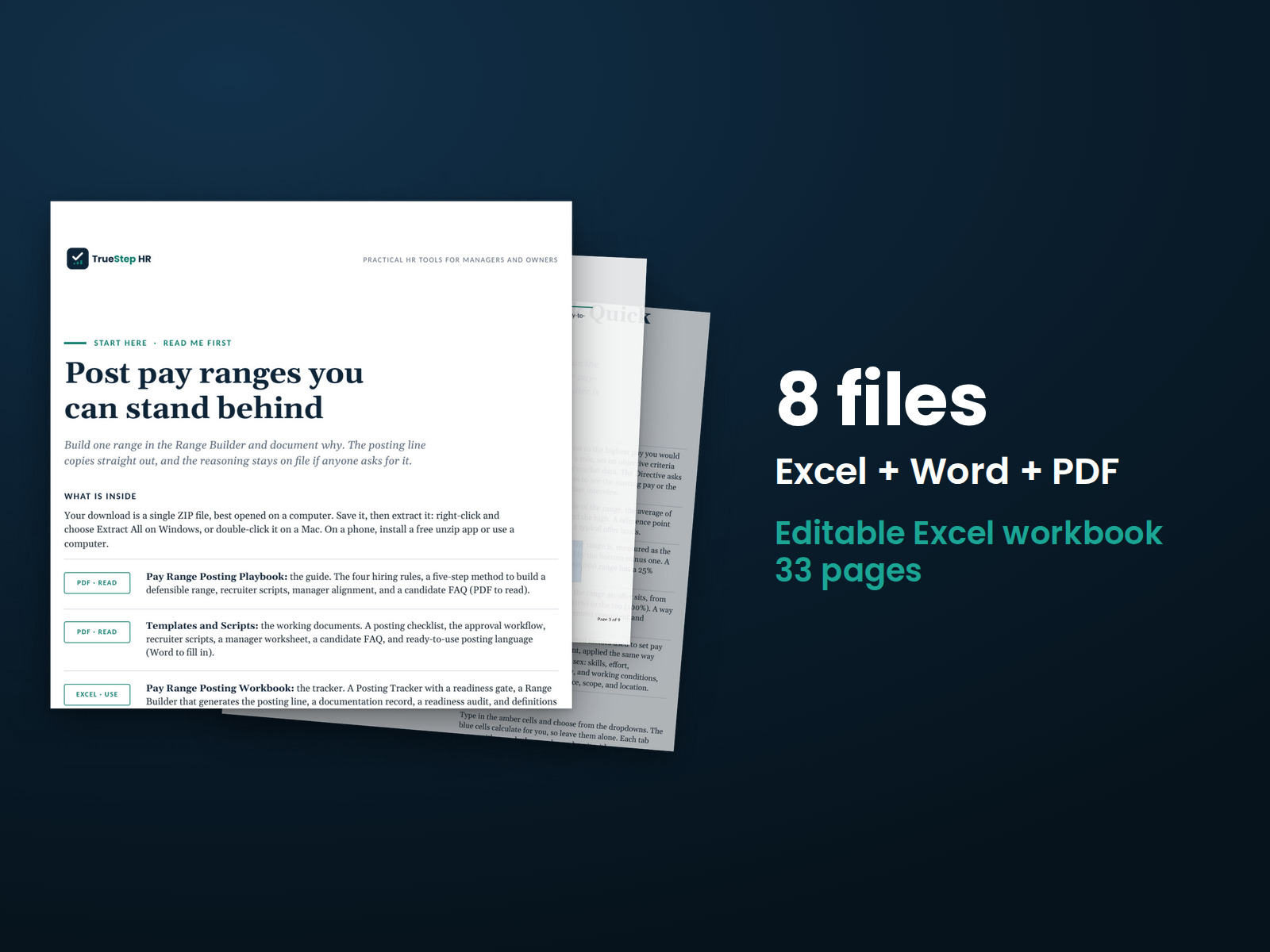
  • Deep state-by-state pay transparency compliance, with per-state requirements, templates, and notices. The US State Pay Transparency Pack drills into that; this kit's map is the starting point.
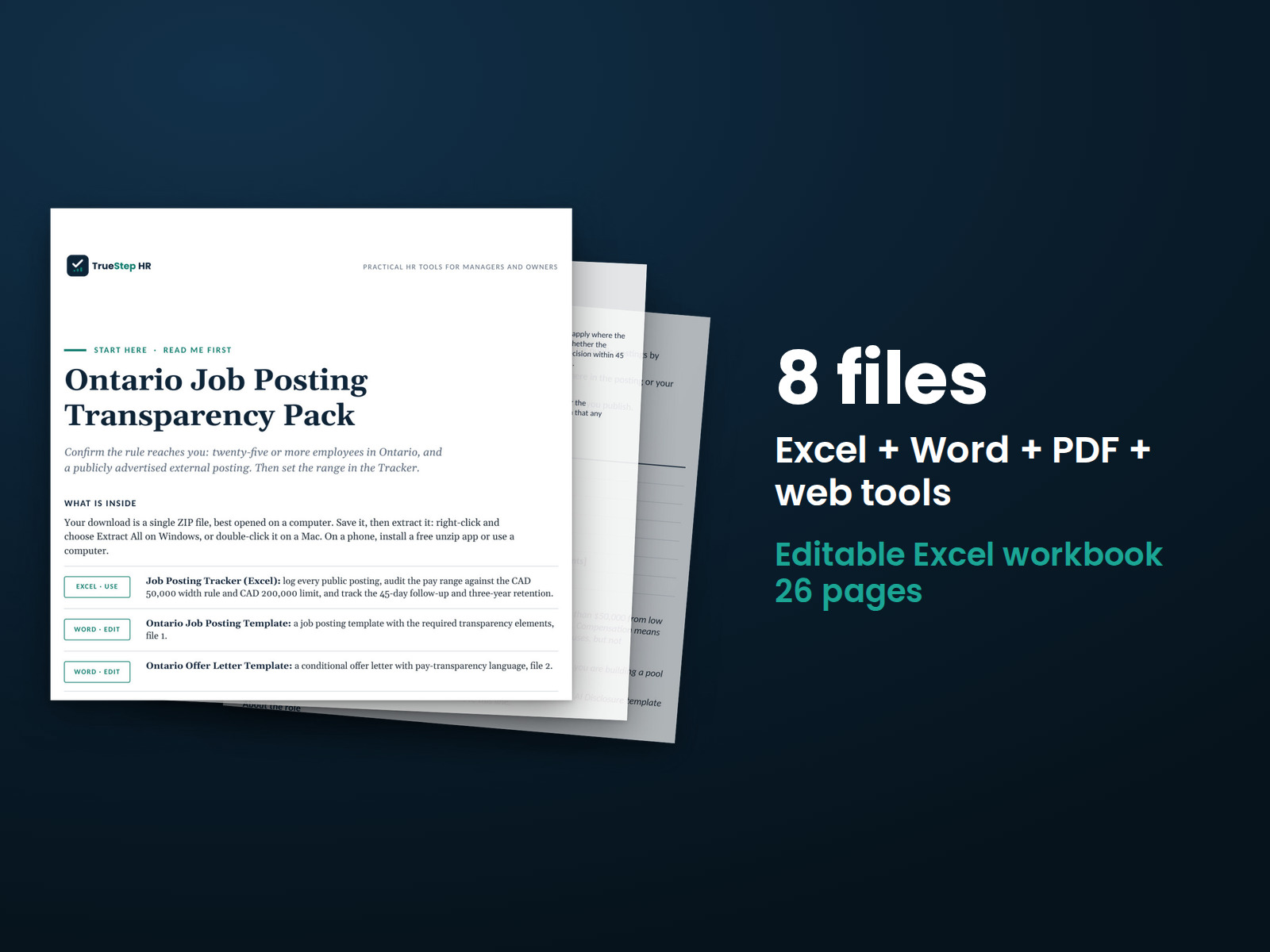
  • Posting and pay-range rules for Ontario hiring. The Ontario Job Posting Transparency Pack covers the Canadian side.
Questions

Before you buy

What format are the files and can I edit them?
The Field Guide and the Start Here are print-ready PDFs, the templates are an editable Word file, and the Classification Workbook is an Excel file that also works in Google Sheets. Everything is yours to keep and adapt. Replace the sample roles with your own, set your bands, and reuse the determination record for every call.
Is this legal advice?
No. It is general information and a working system for one of the most rule-bound corners of HR. The screen and the risk check return a determination and a leaning to work from, not a legal conclusion, and the kit marks where to bring in employment counsel. Take a reclassification, a contractor conversion, or a multi-state posting to a qualified attorney before you act.
We are under 15 employees. Do the pay transparency laws even reach us?
Often yes. The employee counts vary widely: Colorado's law reaches an employer with a single employee there, New York's starts at four, New Jersey's and Maine's at ten, and Virginia's covers all employers from July 2026. Remote postings can put you in scope for a state where you have no office, so check the map for every state the role could be worked from.
State floors and posting rules change every year. How current is this?
Every figure and effective date was verified against primary sources in June 2026, and the review date is printed on the files. The state exempt floors sit in an editable assumptions block, so when a figure moves you update one cell and the screen keeps working, and the map's caution tells you exactly what to confirm before you rely on a row.
How is this different from a free job description template?
A free template gives you a format. This is the system around it: essential functions written so they hold up, a classification screen with the federal and state floors built in, a contractor risk check, a role library, bands with the math done, an eighteen-jurisdiction posting map, an offer-stage disclosure note, and a determination record, with the counsel moments marked.
What is the refund policy?
Digital products are covered by a 14-day money-back guarantee. See the refund policy for the full terms.
What happens after I buy?
Checkout delivers an instant download link, and a receipt with the same link arrives by email. Open the Start Here page first, then read the Field Guide before you classify or post. If a file gives you trouble, email support@truestephr.com.
Can I expense this purchase to my business?

Most customers buy TrueStep HR tools for business use, and a tool you use for work often qualifies as a deductible business expense. Whether it does for you depends on your situation, so confirm with your accountant or tax professional. Your receipt arrives by email at checkout and works as documentation.

Free guide

The 6 red flags to check before you discipline or fire someone

A five-minute screen that catches the most common and most expensive people-decision mistakes before they happen. Free PDF, sent to your inbox. Unsubscribe anytime.

Get the kit

Define the role once and get everything after it right

Write a description that holds up, classify it on the real tests, screen the contractor call, set a band, post a compliant range, and keep the reasoning on file, in files you keep, with the kit telling you when to bring in counsel.

$59
One-time purchase, no subscription

A field guide, a classification workbook, and editable templates, not legal or tax advice. Last reviewed June 2026.